











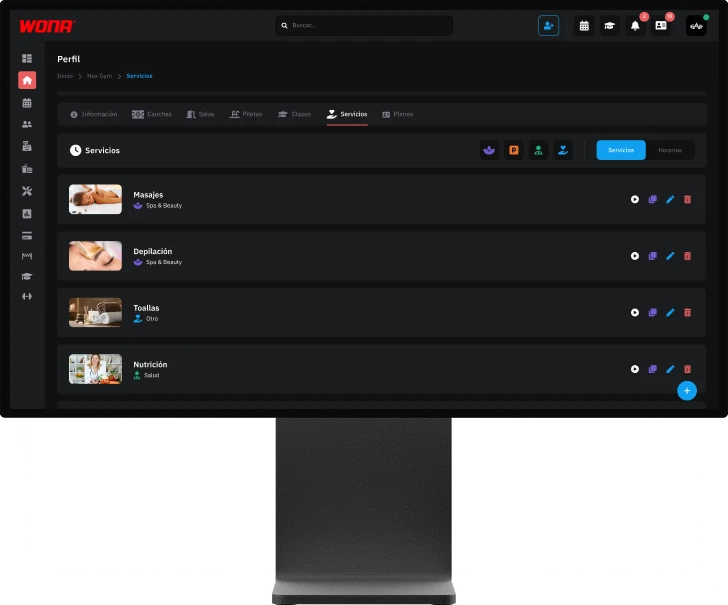
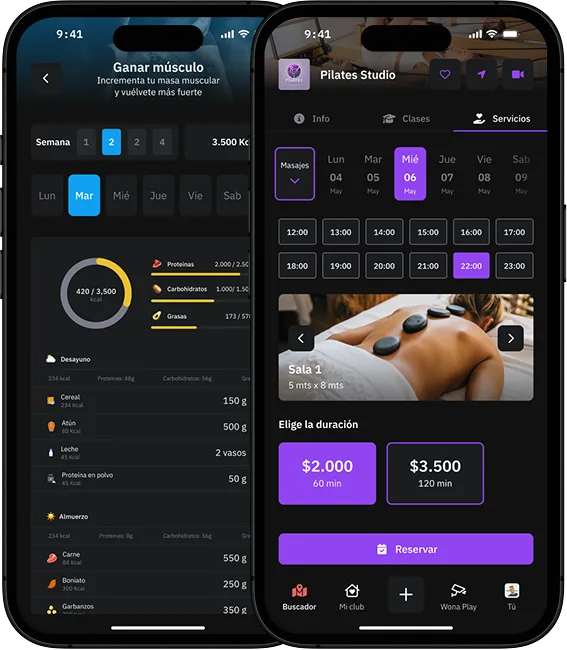
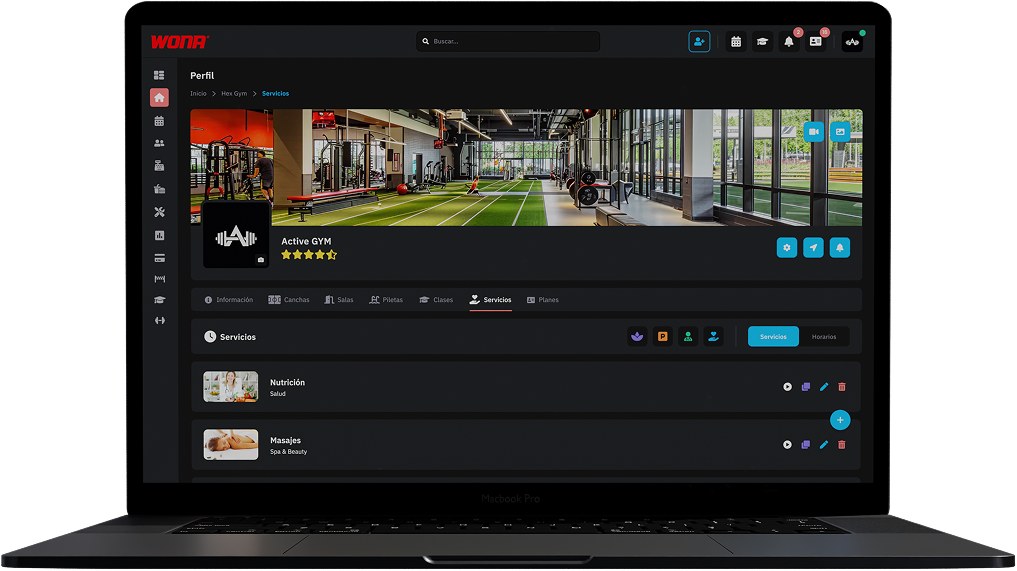
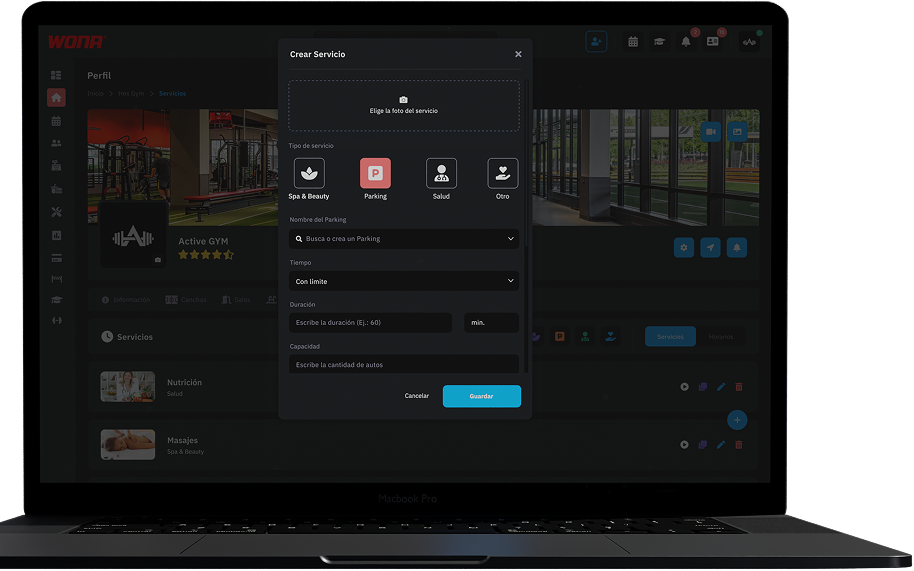
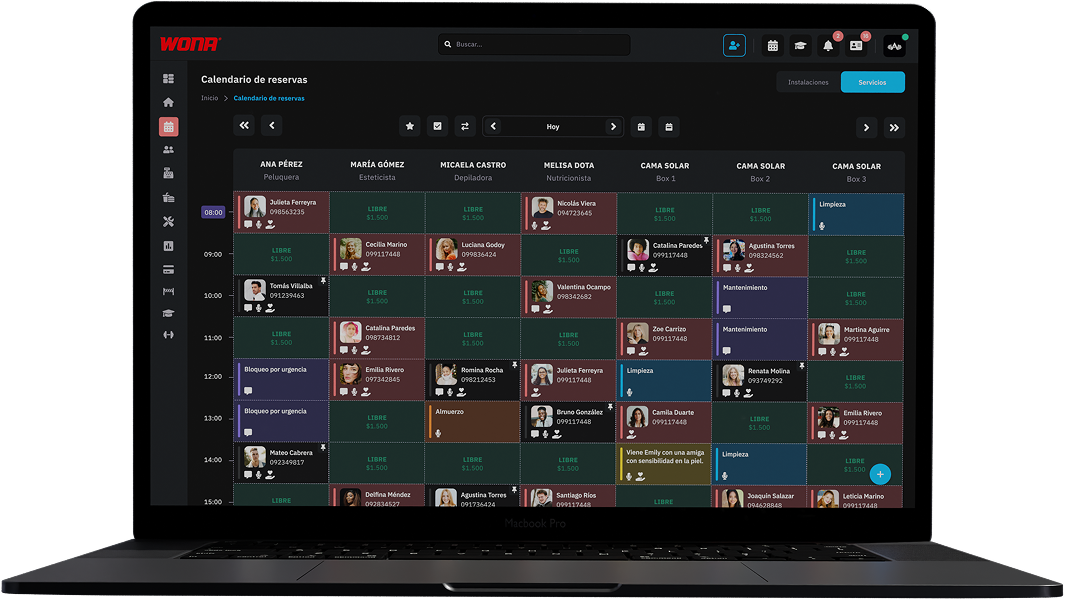
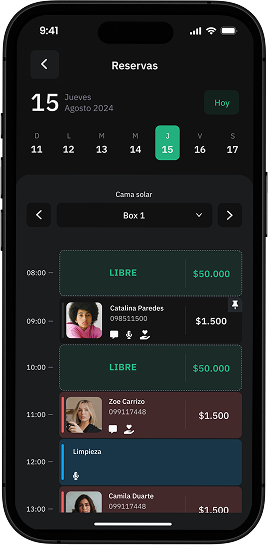
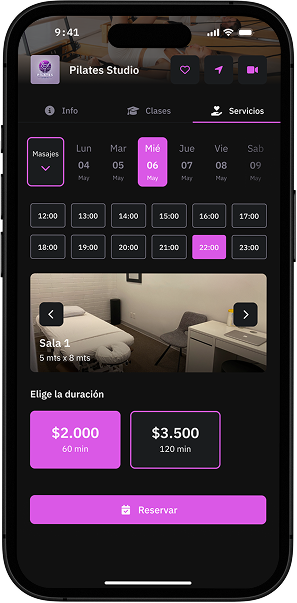
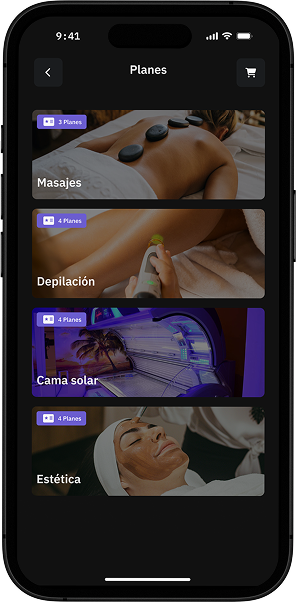
Create and manage all services offered by your club, from nutrition, massage and physiotherapy, to locker rentals, towels or parking. Easily manage the booking calendar and also sell them directly in our marketplace, expanding visibility and revenue opportunities for your club.
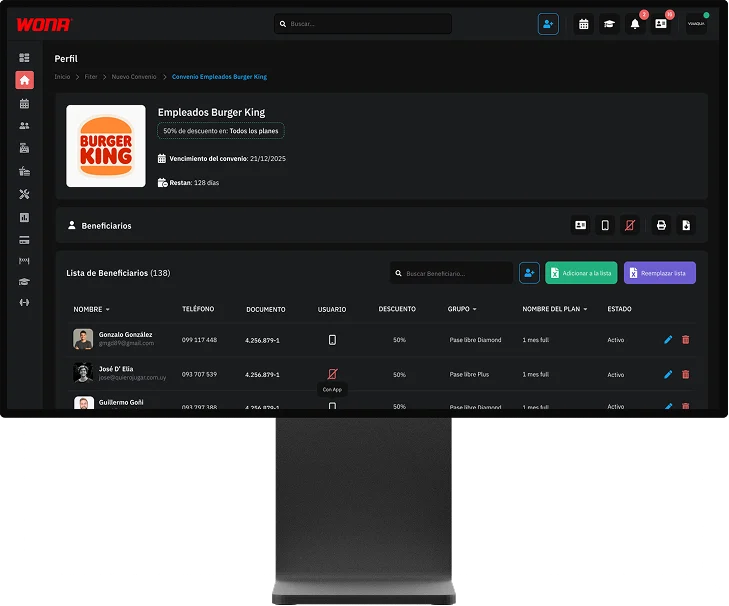
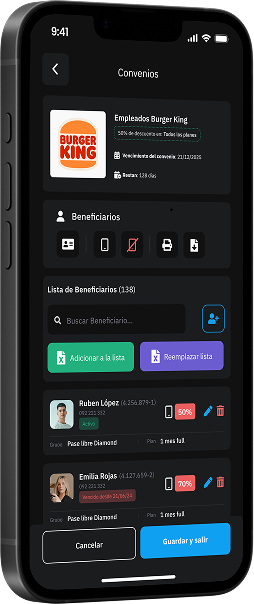
With Wona you can generate corporate agreements and special price agreements for companies. Just load the employee database and, upon entering your club from the app, they will see differential rates and exclusive benefits, strengthening alliances and attracting more members.
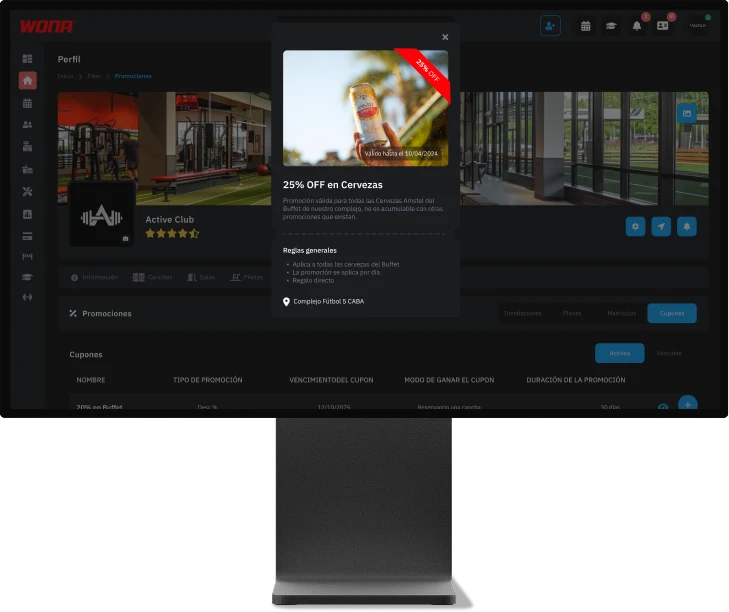
Create and manage all kinds of promotions: coupons, 2x1, discount codes, benefits with influencers or cross-promotions between services. All are shown in the marketplace and on your club's profile, giving maximum visibility and attracting more customers with irresistible offers.
The Administration module brings together all the key tools for your club: product management with prices and variants, inventory and stock, employees, expenses and purchases. In addition, it allows you to create and control different access levels for software administrators and organize the different cash registers, all from one place.
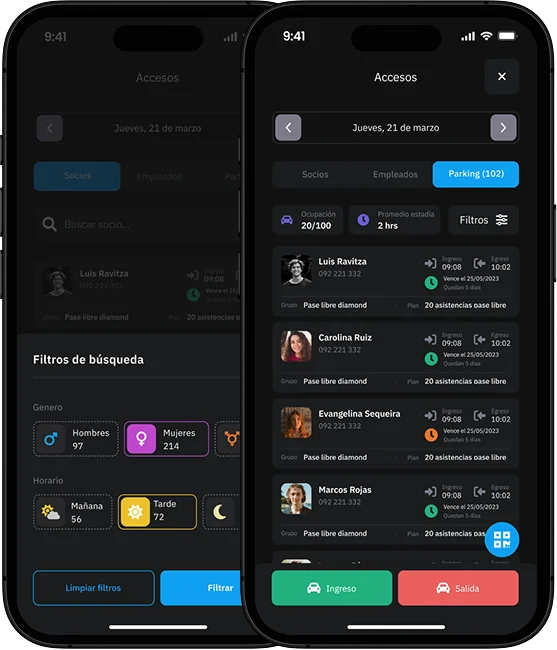
The Access module allows real-time control of the entry and exit of members, employees and vehicles. It offers a detailed record with photo, name, schedules and stay time, as well as attendance statistics by shifts and gender. Access can be managed through facial recognition, QR, tag, fingerprint or numeric keypad, and even control parking occupancy for safer and more efficient club management.
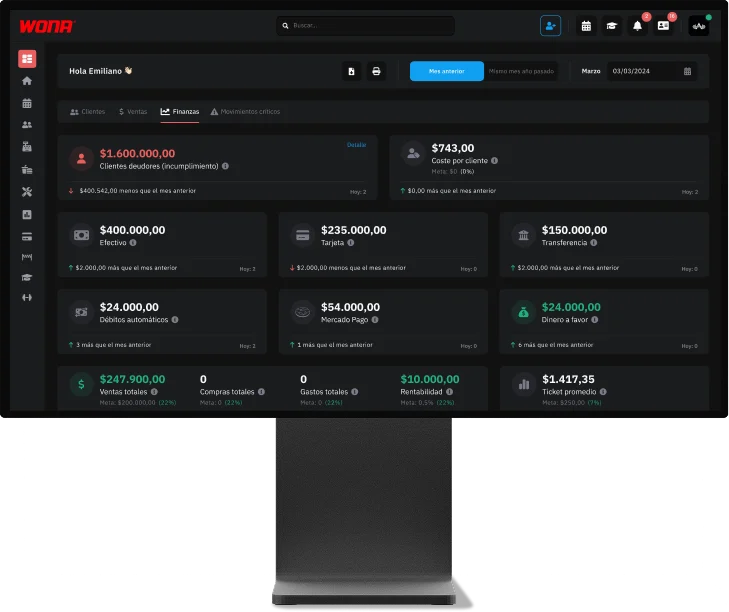
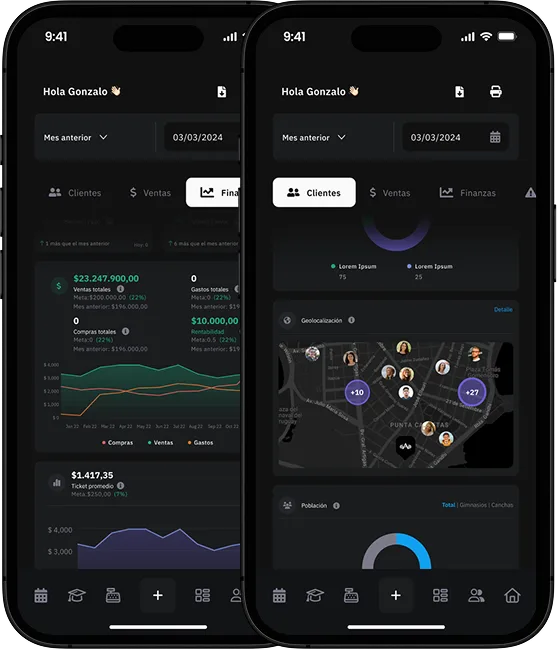
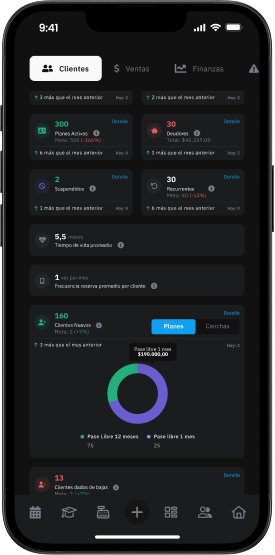
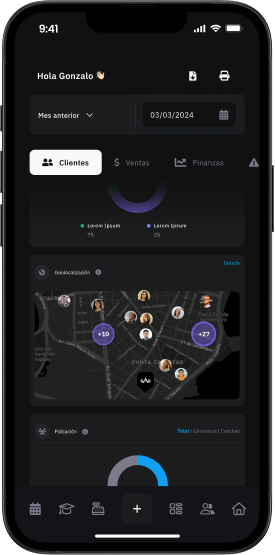
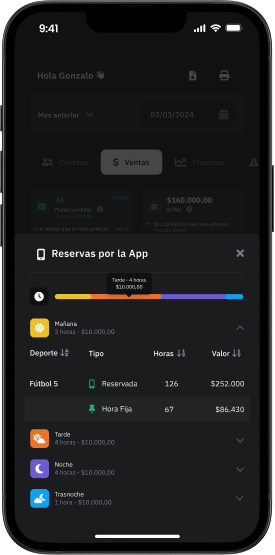
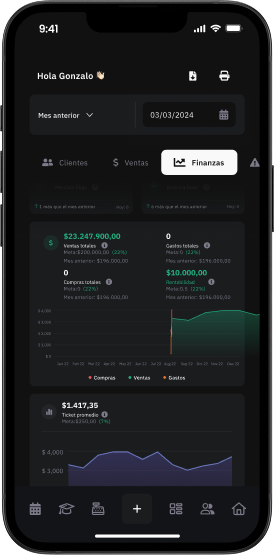
The Dashboard centralizes key customer, sales and finance information, allowing real-time comparison of club performance with established goals and facilitating faster and more effective strategic decisions. In addition, it incorporates a critical movements section, where sensitive actions such as price changes in reservations, applied discounts, cancellations, incomplete collections, plan modifications or cash movements are recorded and concentrated. All in one place, for comprehensive and secure management control.
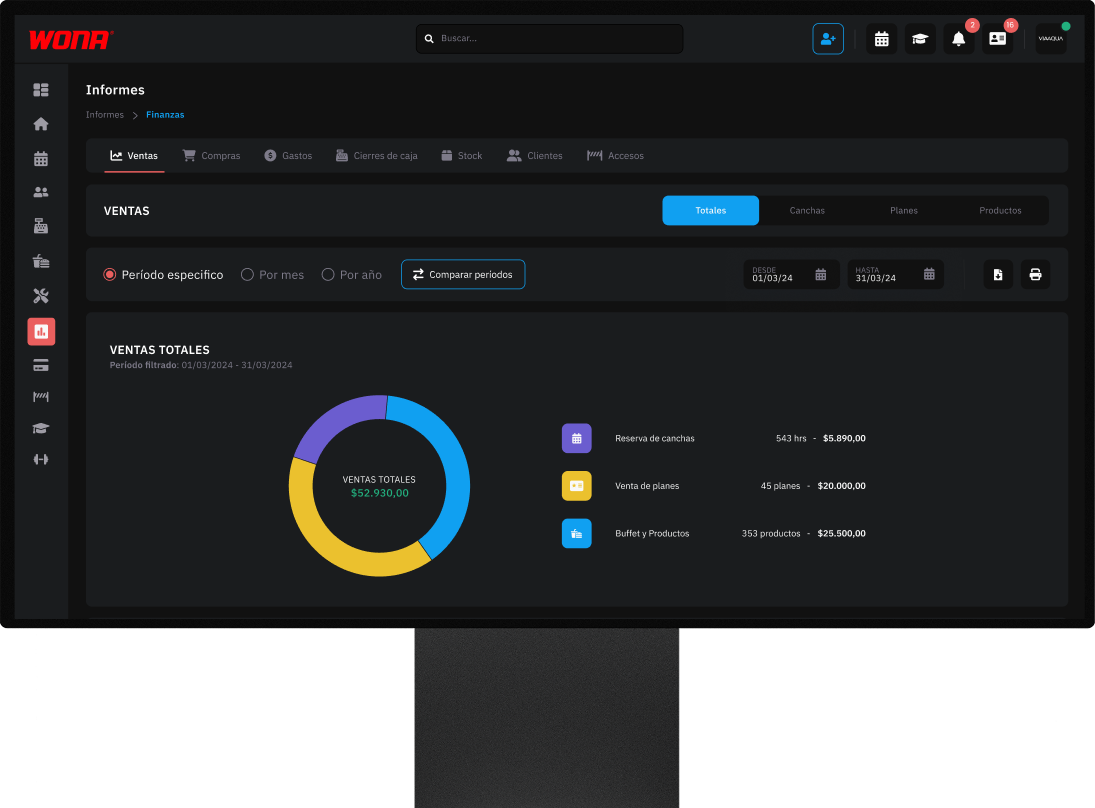
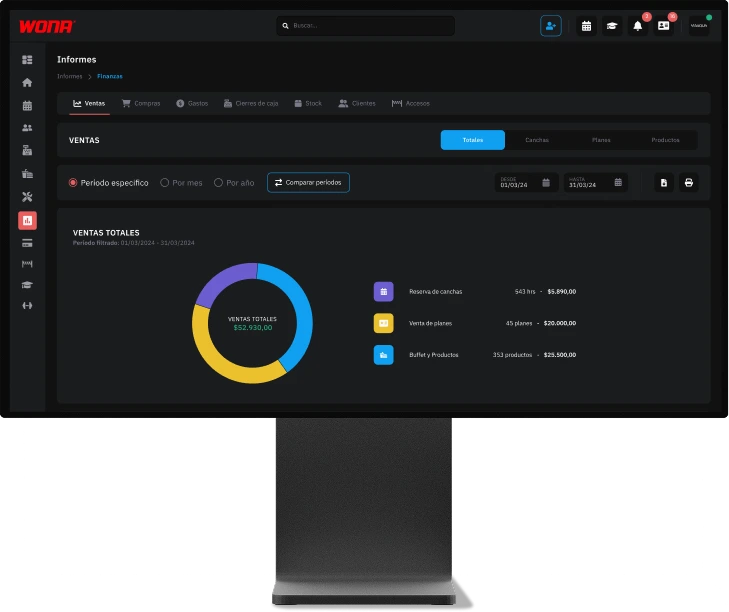
The Reports module offers a complete view of the club's performance with detailed reports on sales (total, courts, memberships and products), purchases, expenses, cash closings, stock, classes, customers and access. All information centralized in one place, presented clearly and practically, so you can analyze results, detect opportunities and take decisions backed by real data.
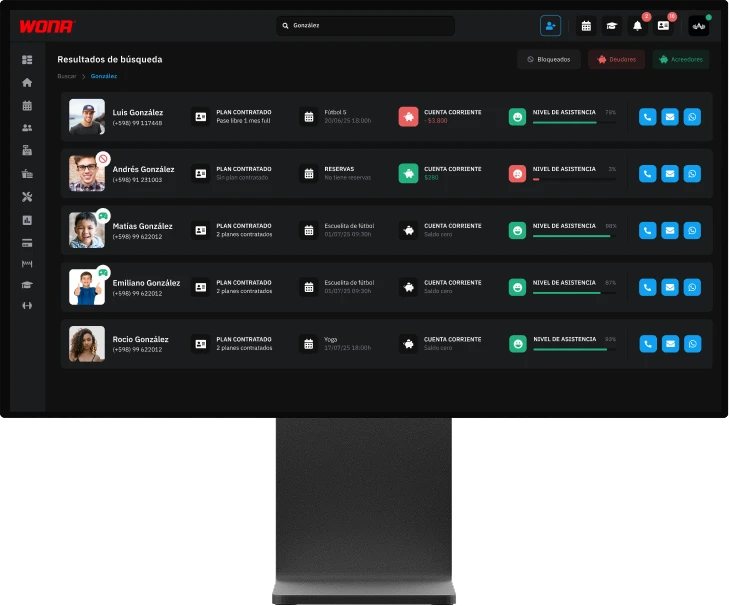
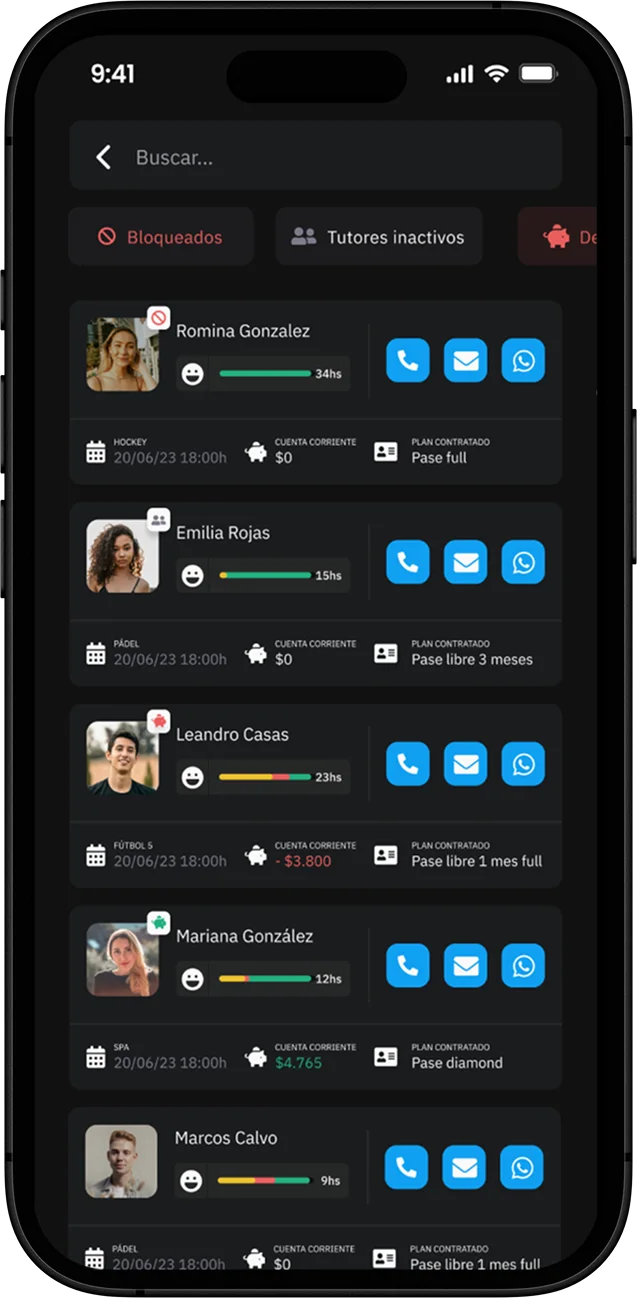
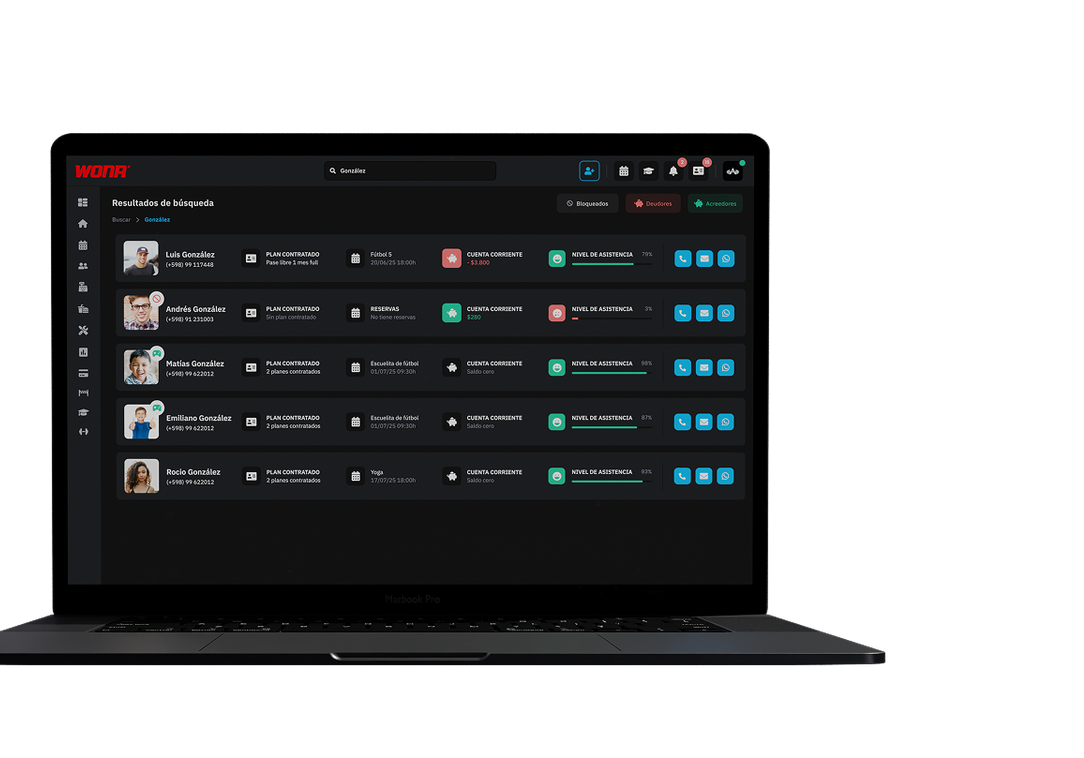
The search engine provides quick access to all customer information. From here you can check their current account with debts and credits, review the history of court and class reservations, as well as their purchases made. A practical tool that centralizes data in one place.
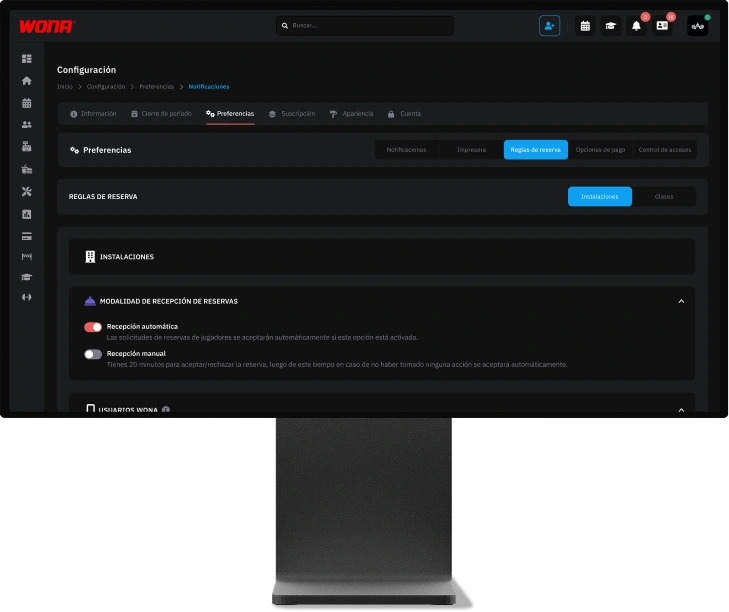
The configuration section brings together all the key options to personalize the club's operation. From here you can define the system's appearance with light or dark mode, update contact and social media information shown on the club profile, schedule temporary facility or full club closures with their respective reasons, and establish preferences such as notifications, booking rules, payment options and access controls. All centralized in one place so the club works according to its own needs.
Companies and corporations
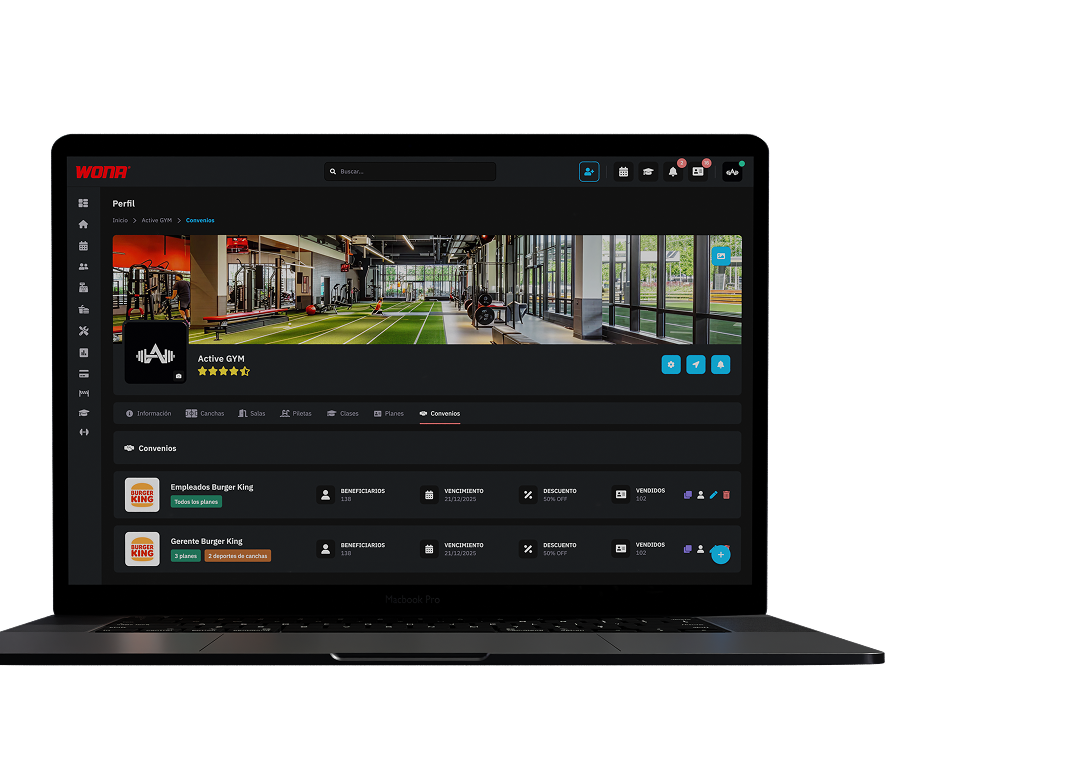
With Wona you can create corporate agreements and special pricing deals for companies. Just upload the employee database and, when they enter your club from the app, they will see differential rates and exclusive benefits.
Promote corporate wellness, strengthen alliances and grow your pool of potential customers.
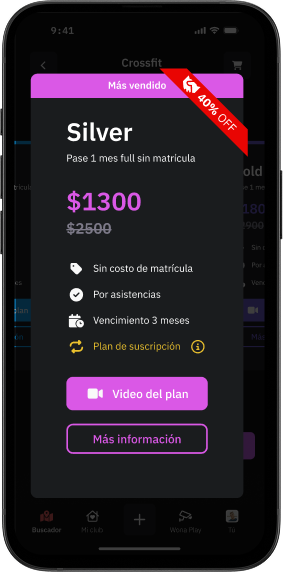
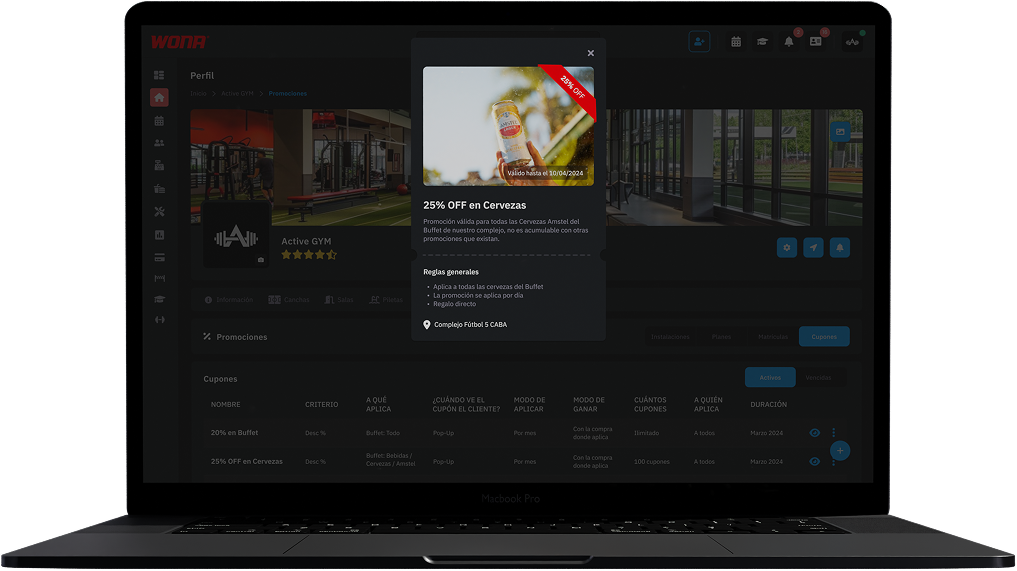
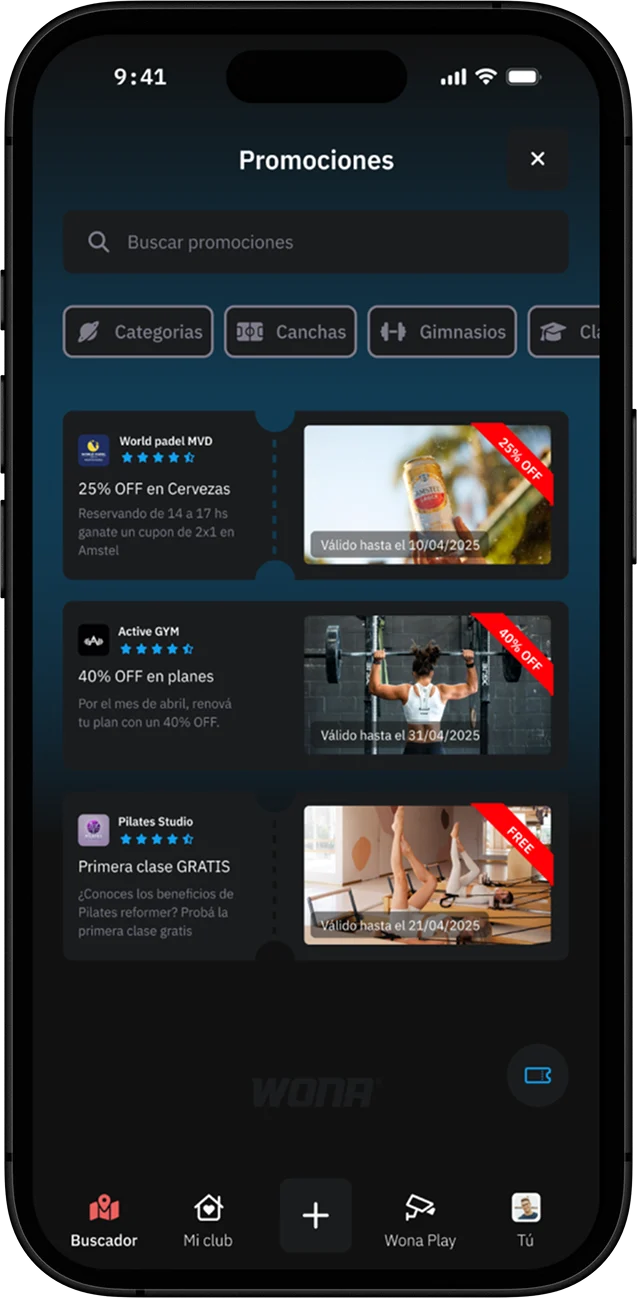
Create and manage promotions from the Wona software, reaching potential customers directly and increasing your sales efficiently at no extra cost.
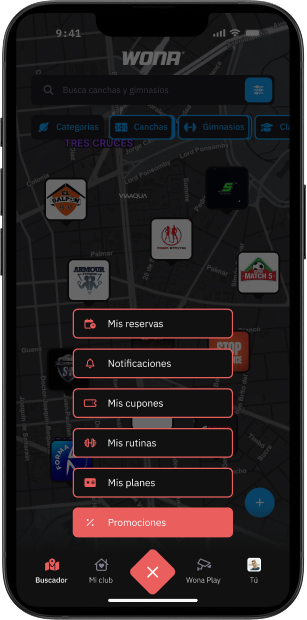
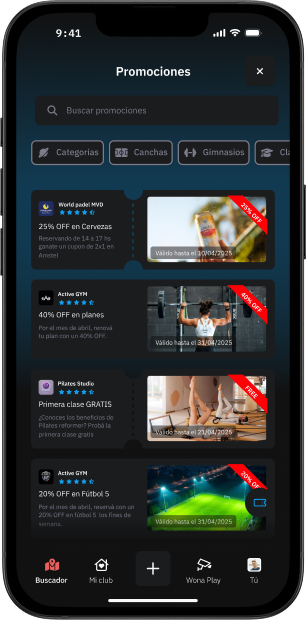
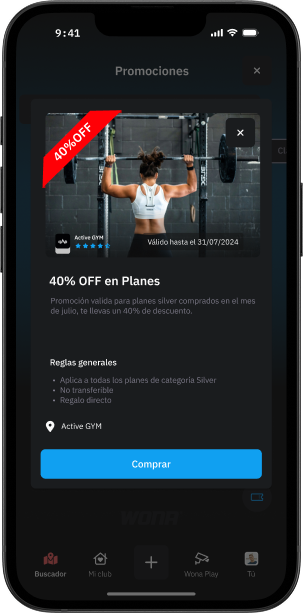
In a practical and centralised way, users can reach the promotions section from the main menu and browse every offer available in the marketplace.
They also get filters and a search bar to find specific gym or court promotions according to their interests.
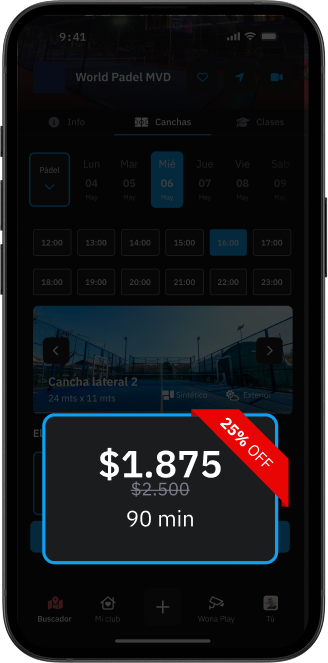
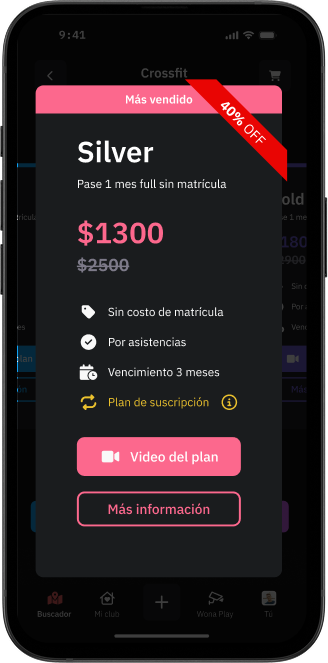
Users will also see the promotions when entering each club, whether they are booking a court or buying a gym membership.
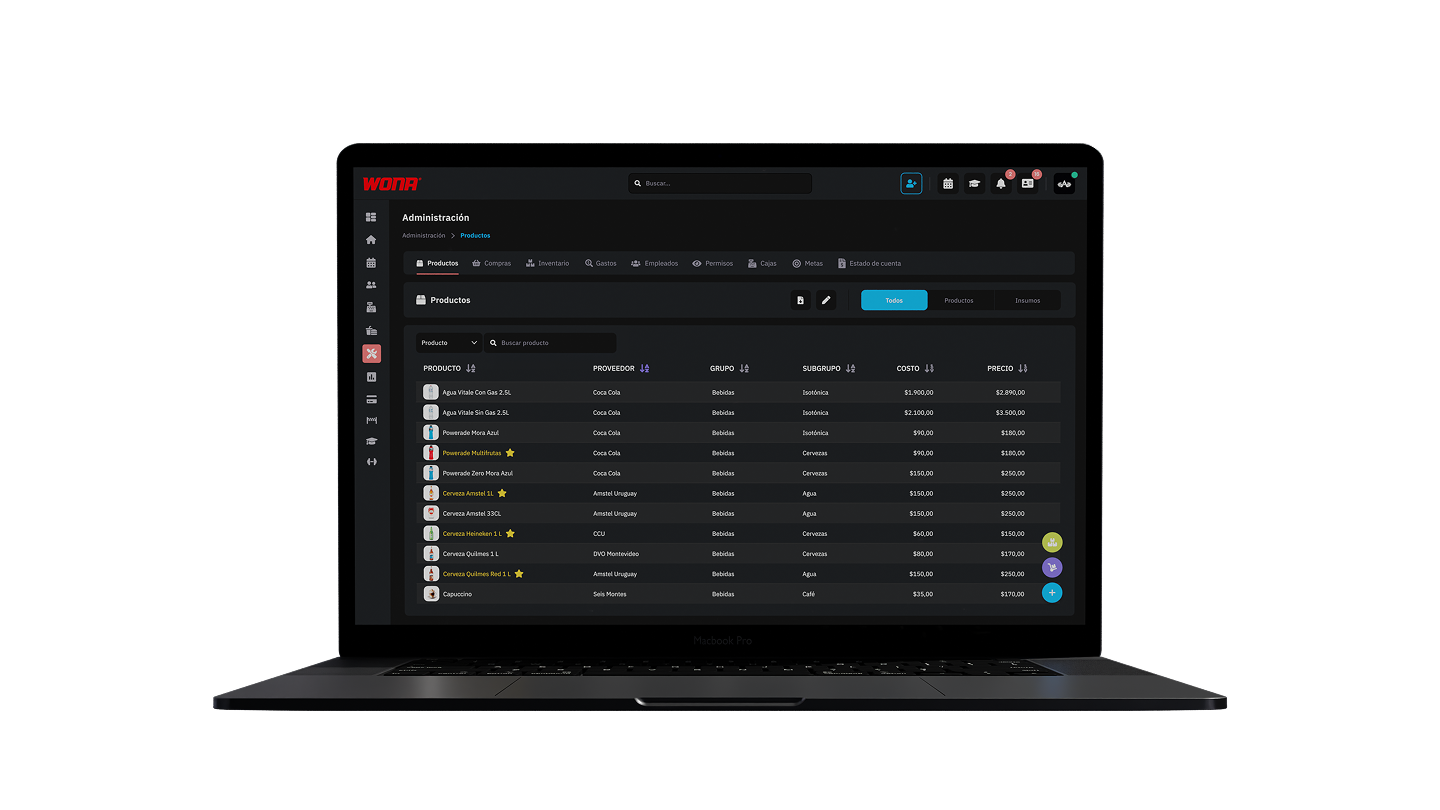
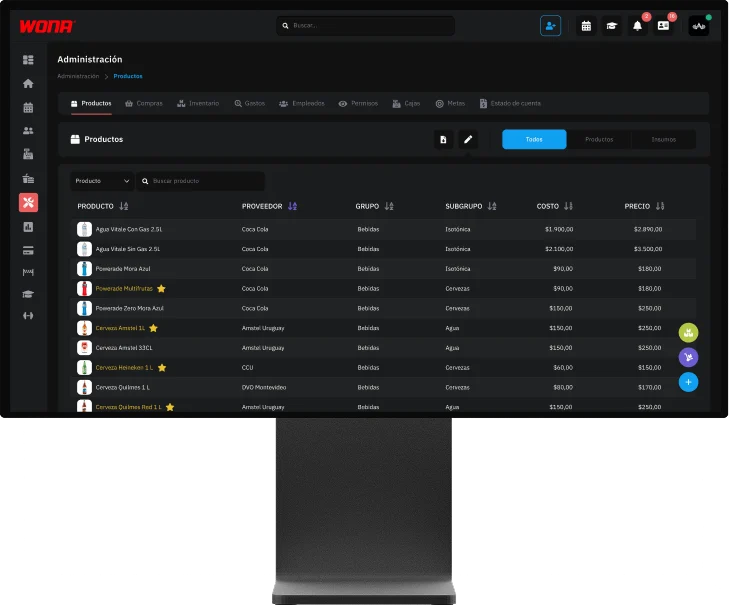
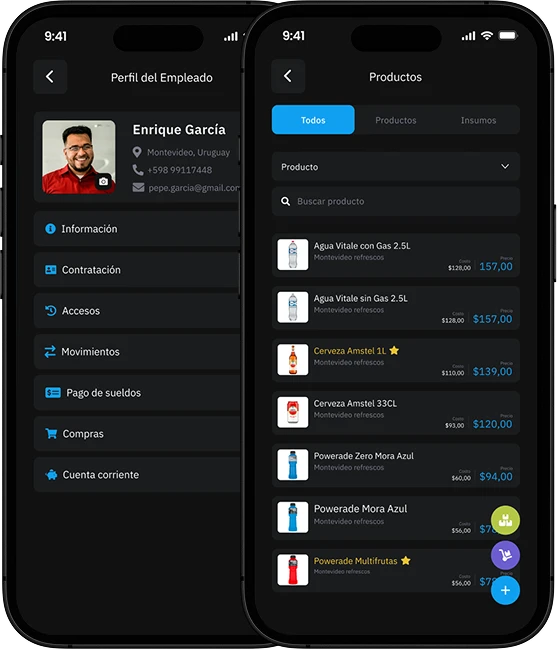
From this section you can create and manage every product and supply in an organised way, linking them to their supplier, category, group and subgroup.
Each product lets you add presentations, variants and photos, as well as record its cost and sale price.
The system keeps a history of costs and prices, making it easy to track changes over time and know which user made each modification.
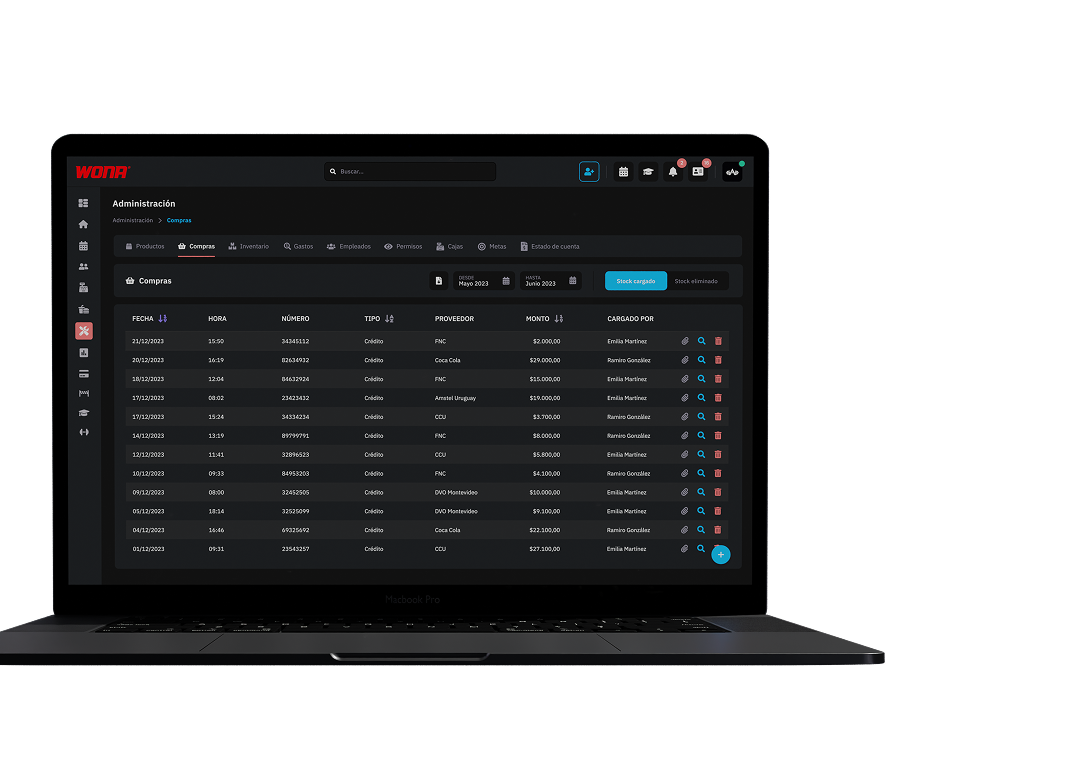
In this section the administrator records each supplier's invoices. When the invoice products are entered, the system automatically updates the available stock, allowing an orderly control of both purchases and the goods in inventory.
Every stock entry is linked to the user who made it, with date and time, generating a complete history of movements.
You can also attach an image of the original invoice to reinforce traceability and control.
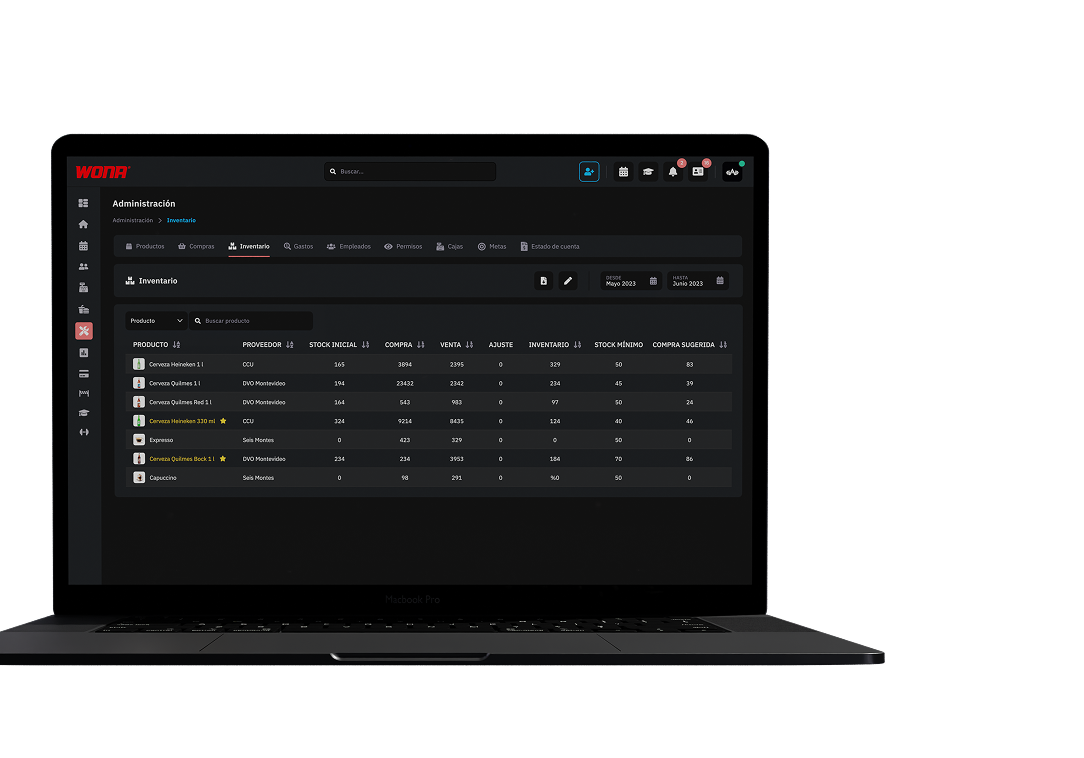
The system shows the stock available per product, letting you filter easily by supplier, group or subgroup for a faster, better organised management.
Inventory is calculated automatically from the stock entered through the registered invoices and is deducted in real time with every sale, always guaranteeing an exact control of your stock.
From this section you can also make inventory adjustments, which is especially useful for balances or specific corrections.
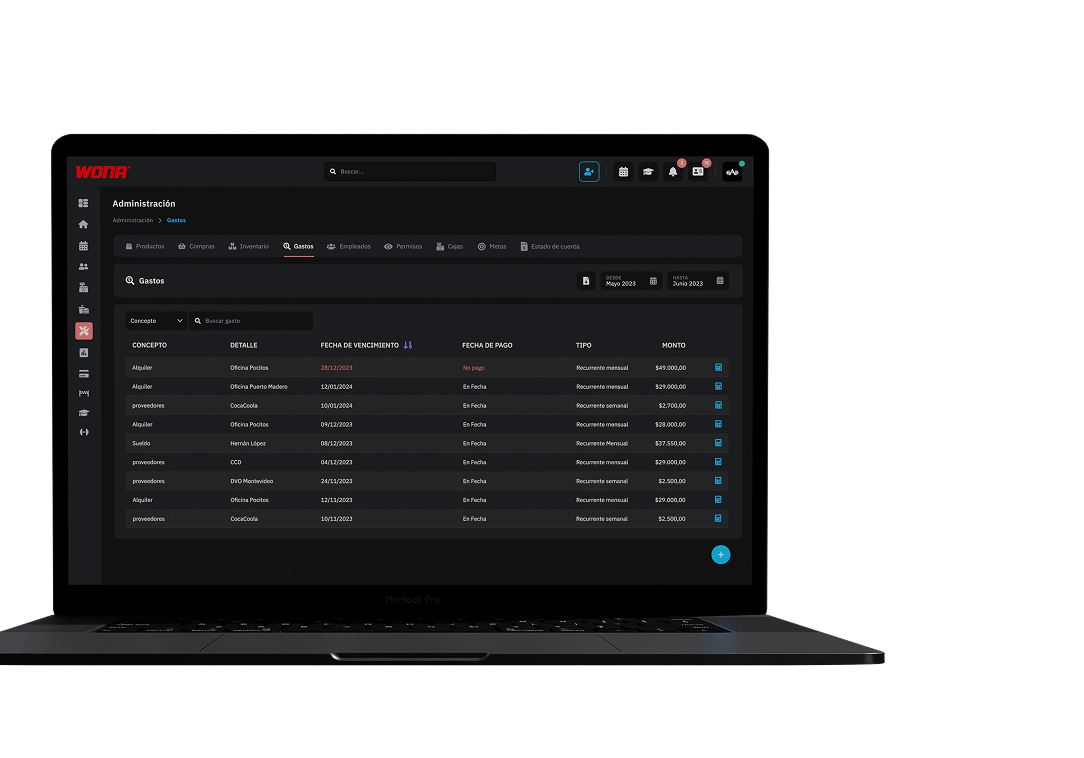
Organise and control every expense of your club in one place. Add rent, salaries, utilities and more, and schedule recurring expenses (monthly, weekly or yearly) to automate the process.
Set due dates, record payments and classify expenses as fixed or variable. That way you always keep everything under control and know what is due and what has already been paid.
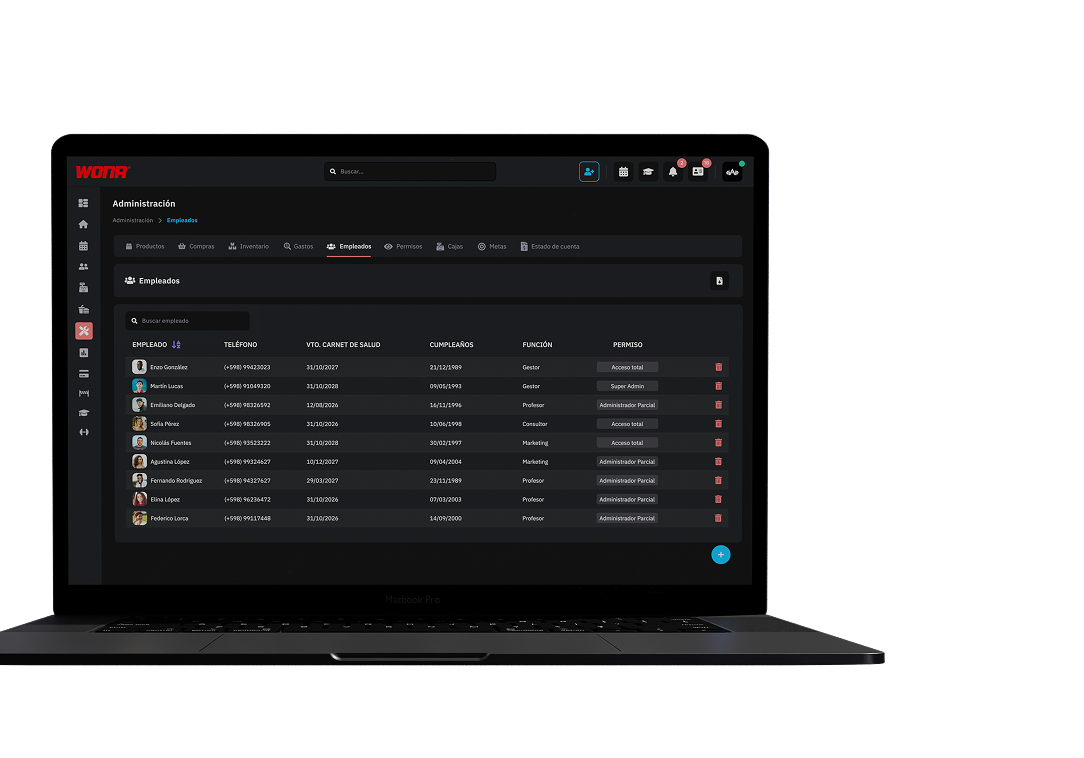
In this section you can register and manage all the information about the club's staff: personal details, start date, salary and raises.
It also lets you keep track of access and attendance, and manage the employee's account for purchases inside the club.
Having all the information centralised makes staff administration and follow-up much easier.
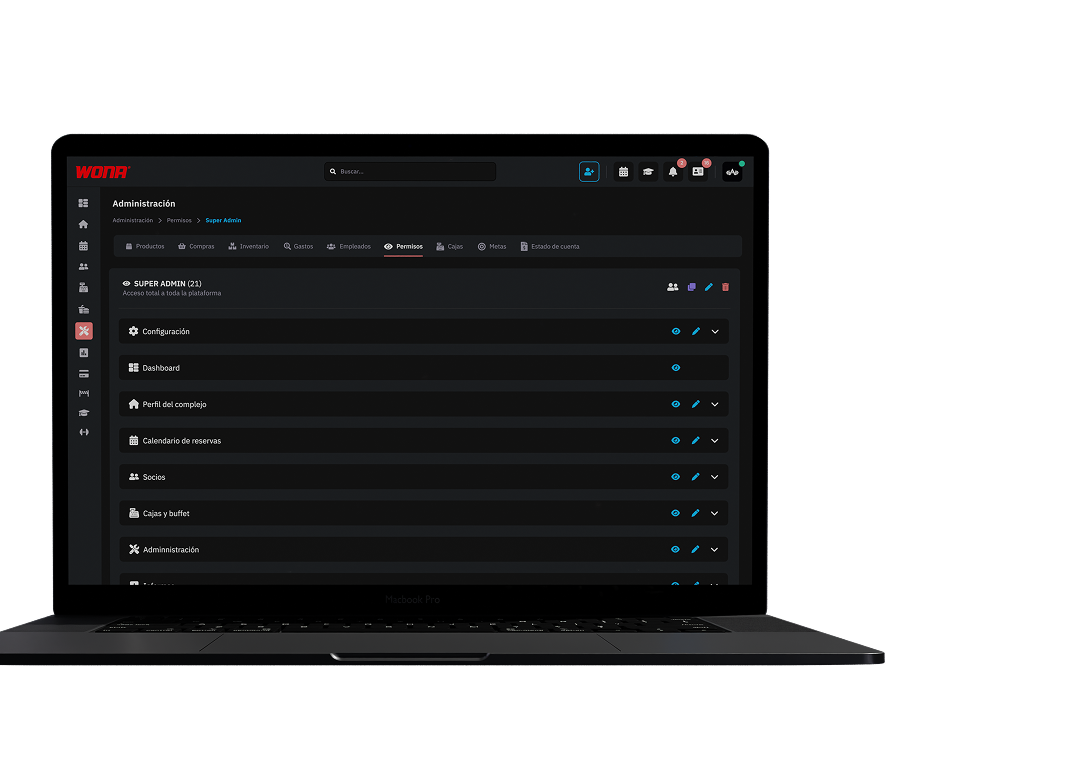
From this section you can create and manage the software access permissions for the different users.
Permissions can be assigned individually or by group, letting you customise which sections and features each employee can use according to their role in the club.
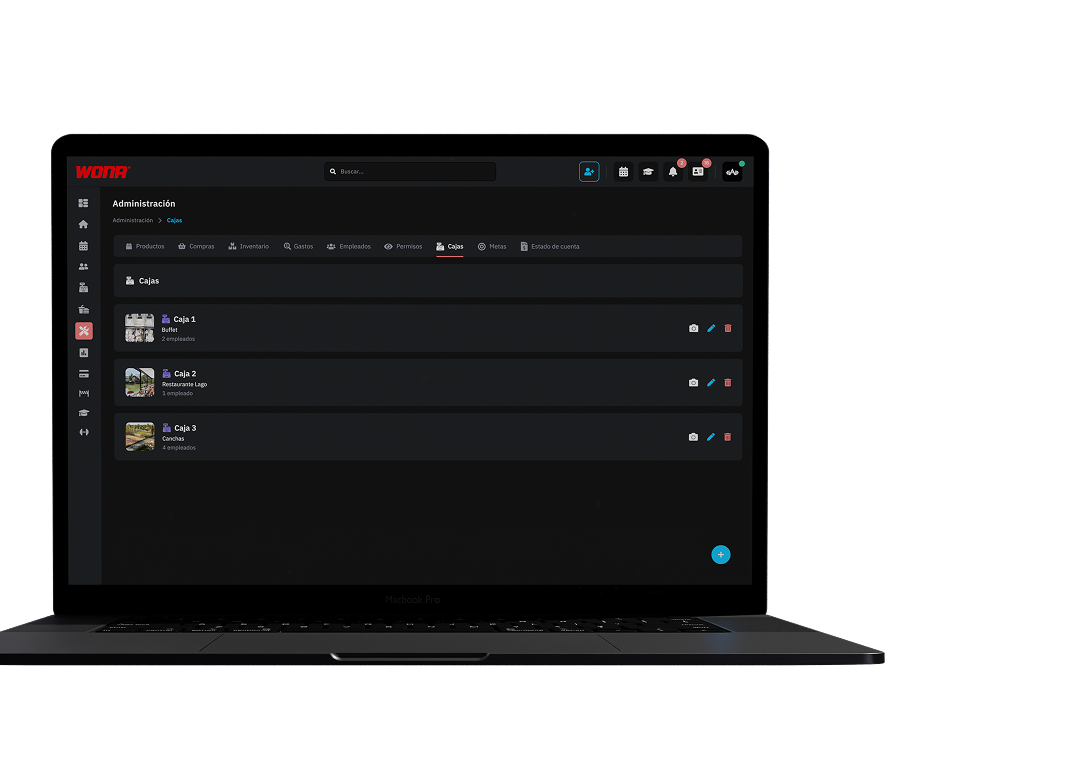
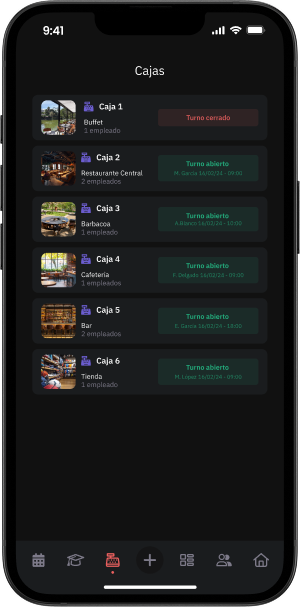
From this section you can create custom cash registers based on the type of charge: courts, specific sports, plans and memberships, products or combinations of these.
You can assign which staff members have access to each register, and every employee opens their shift exclusively, guaranteeing that only one person operates the register at a time.
This makes it possible to organise payments and control who handles each register in a clear and secure way.
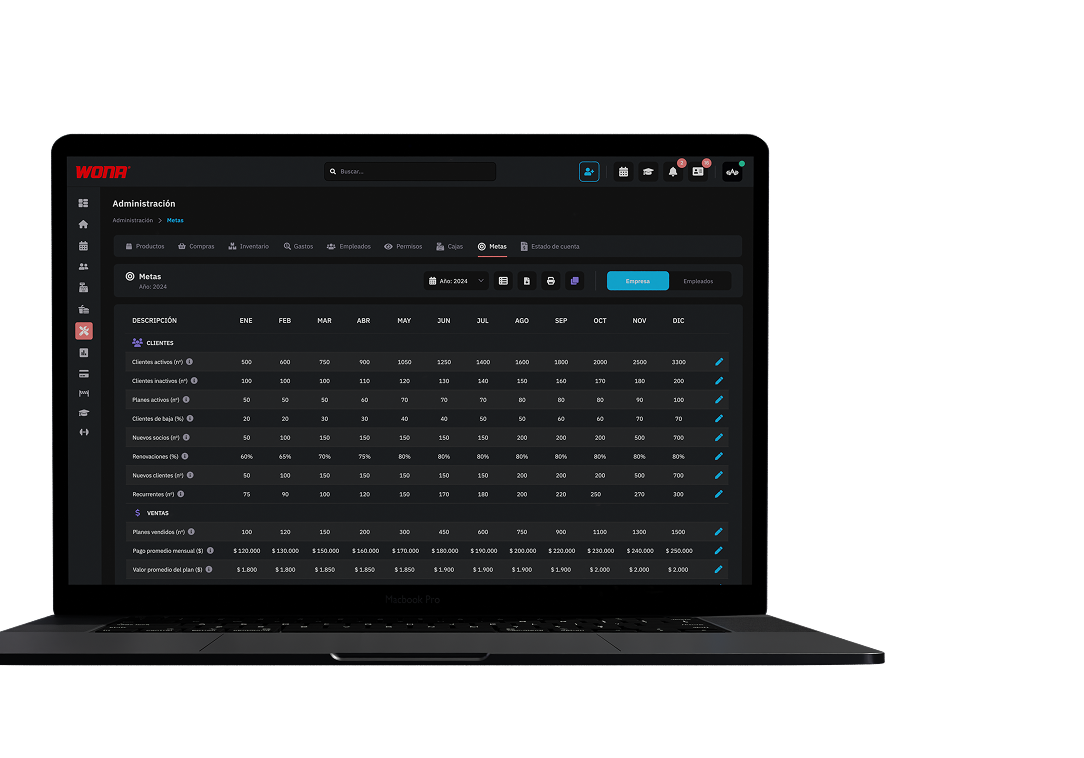
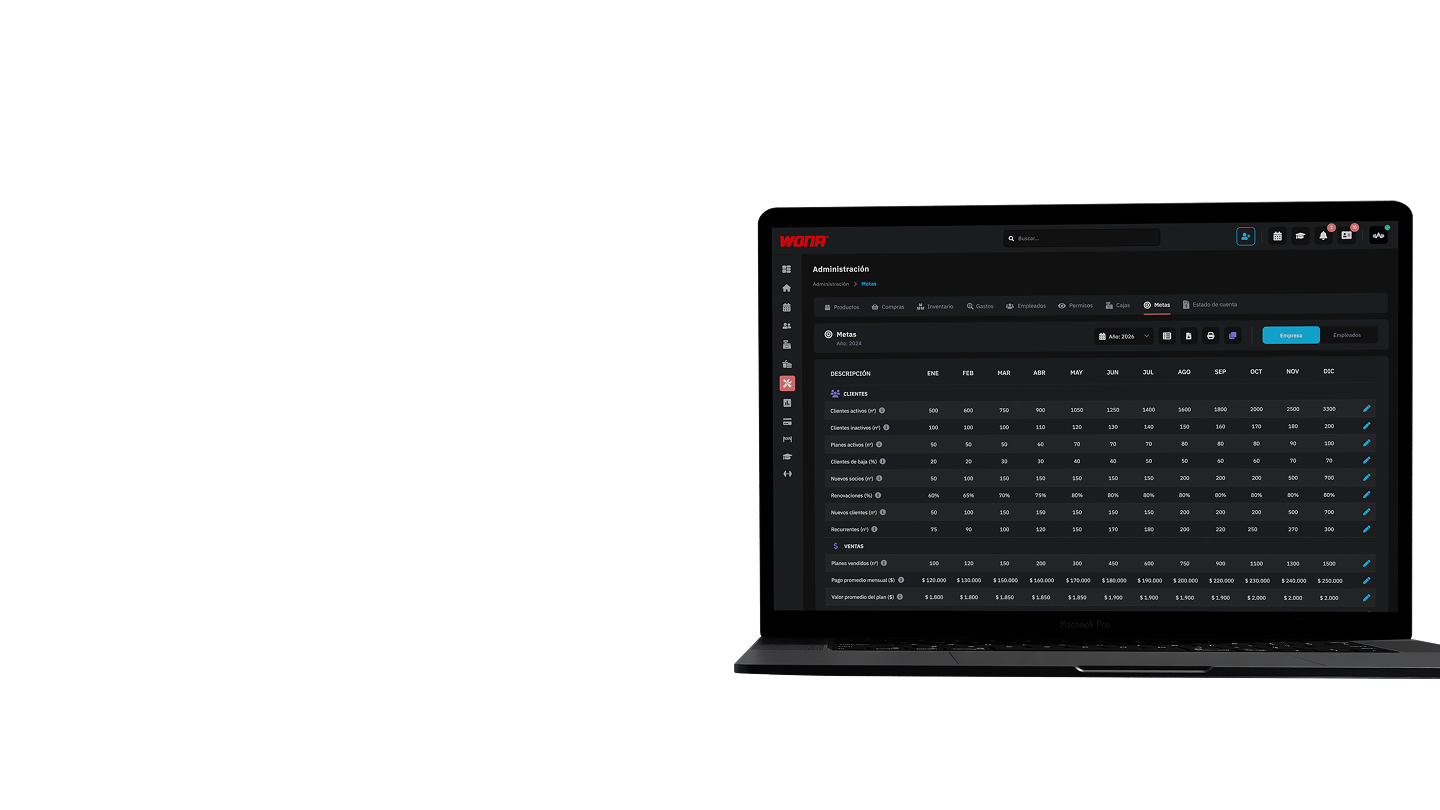
From this section administrators can set monthly goals for customers, sales and finances, defining different types of objectives for each category.
These goals are then compared in real time from the dashboard, allowing you to track the club's performance and make decisions based on up-to-date data.
Members, Employees and Parking
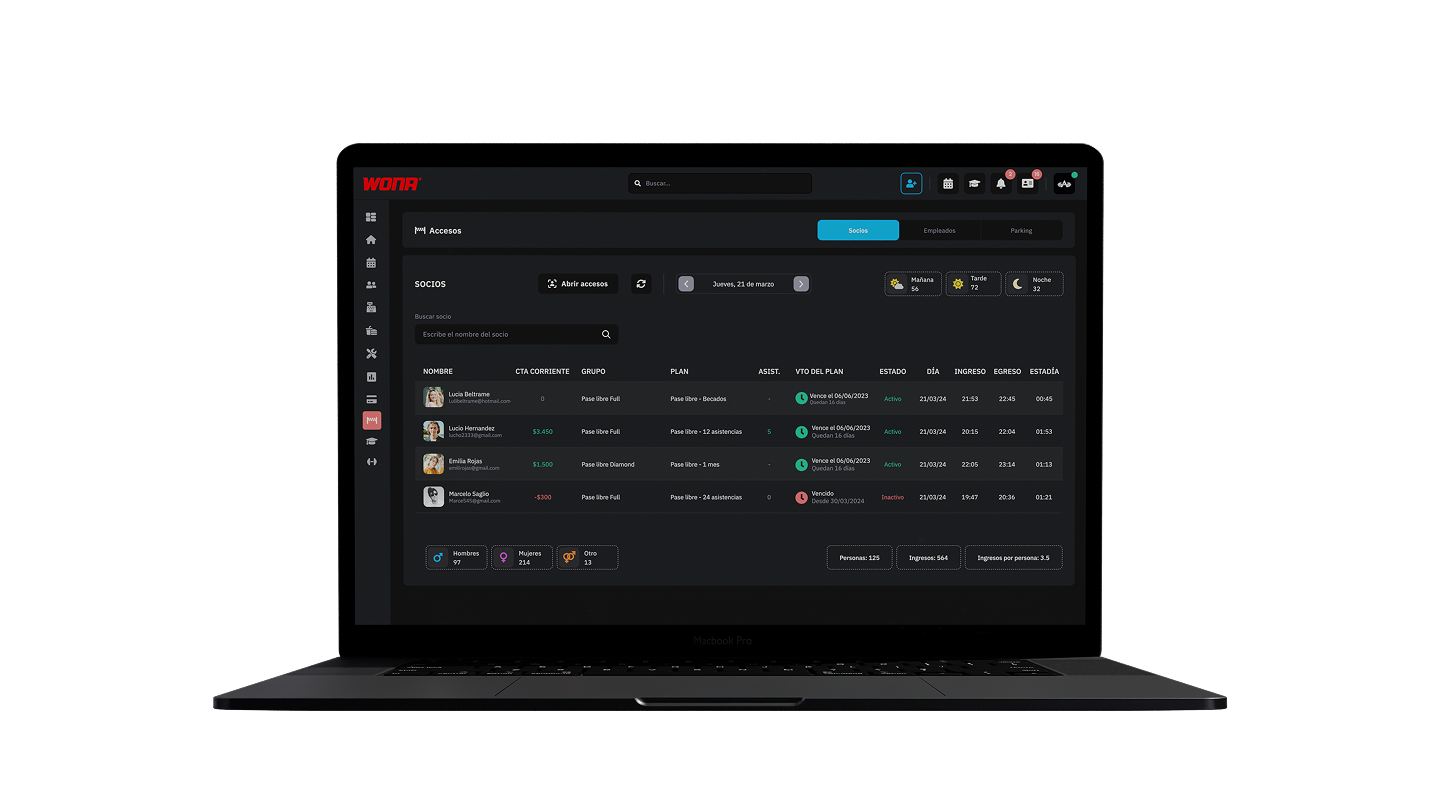
View member check-ins and check-outs in real time, with detailed information such as photo, name, entry time, exit time and length of stay.
It also shows the number of people per shift (morning, afternoon and evening), by gender and the daily total, allowing full control of attendance.
Access can be recorded through facial recognition, QR, tag, fingerprint or numeric keypad.
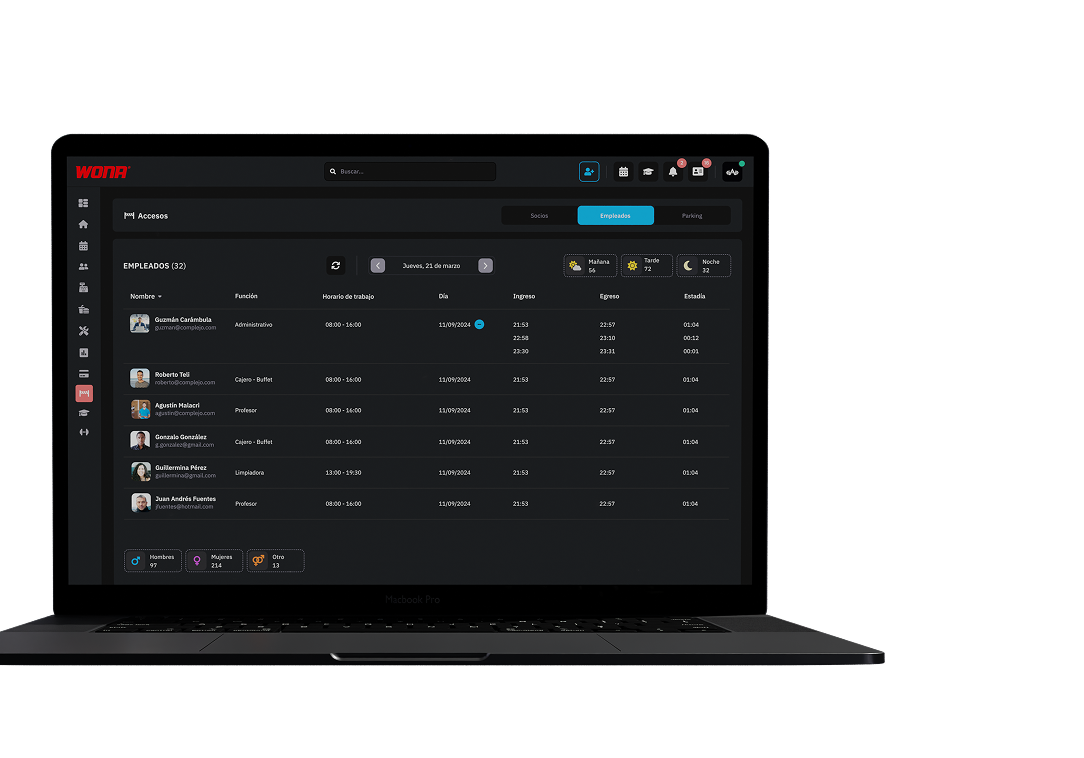
Monitor the club staff's check-ins and check-outs accurately.
Every employee is registered with their entry and exit time, ensuring reliable control of attendance and working hours.
Access can be done through facial recognition, QR, tag, fingerprint or numeric keypad.
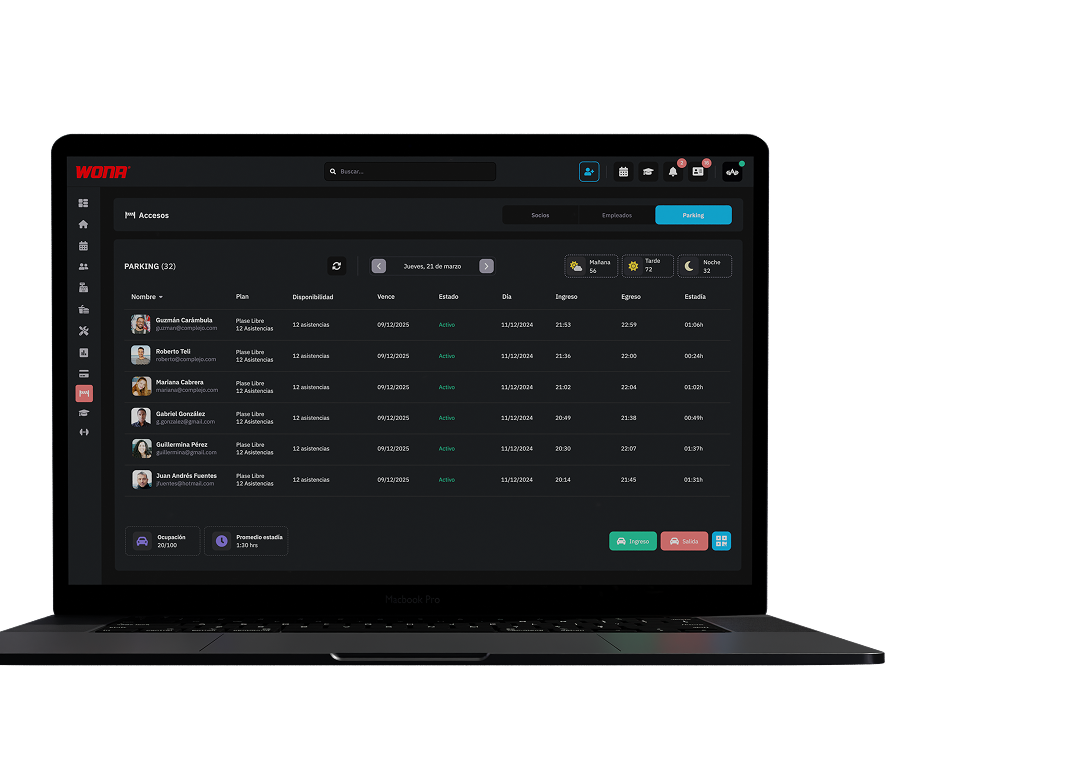
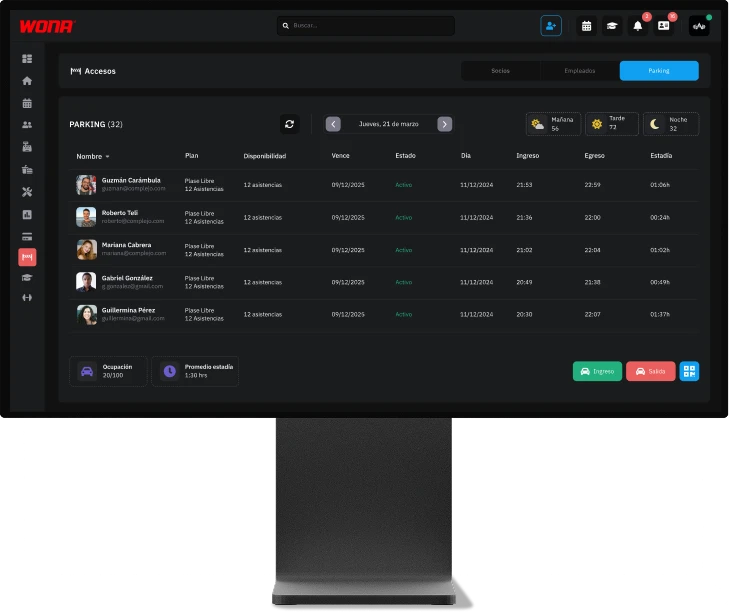
Manage parking occupancy in real time, showing the maximum number of cars, the available spaces and the vehicles that have entered, ensuring efficient control of the club's parking.
Web version
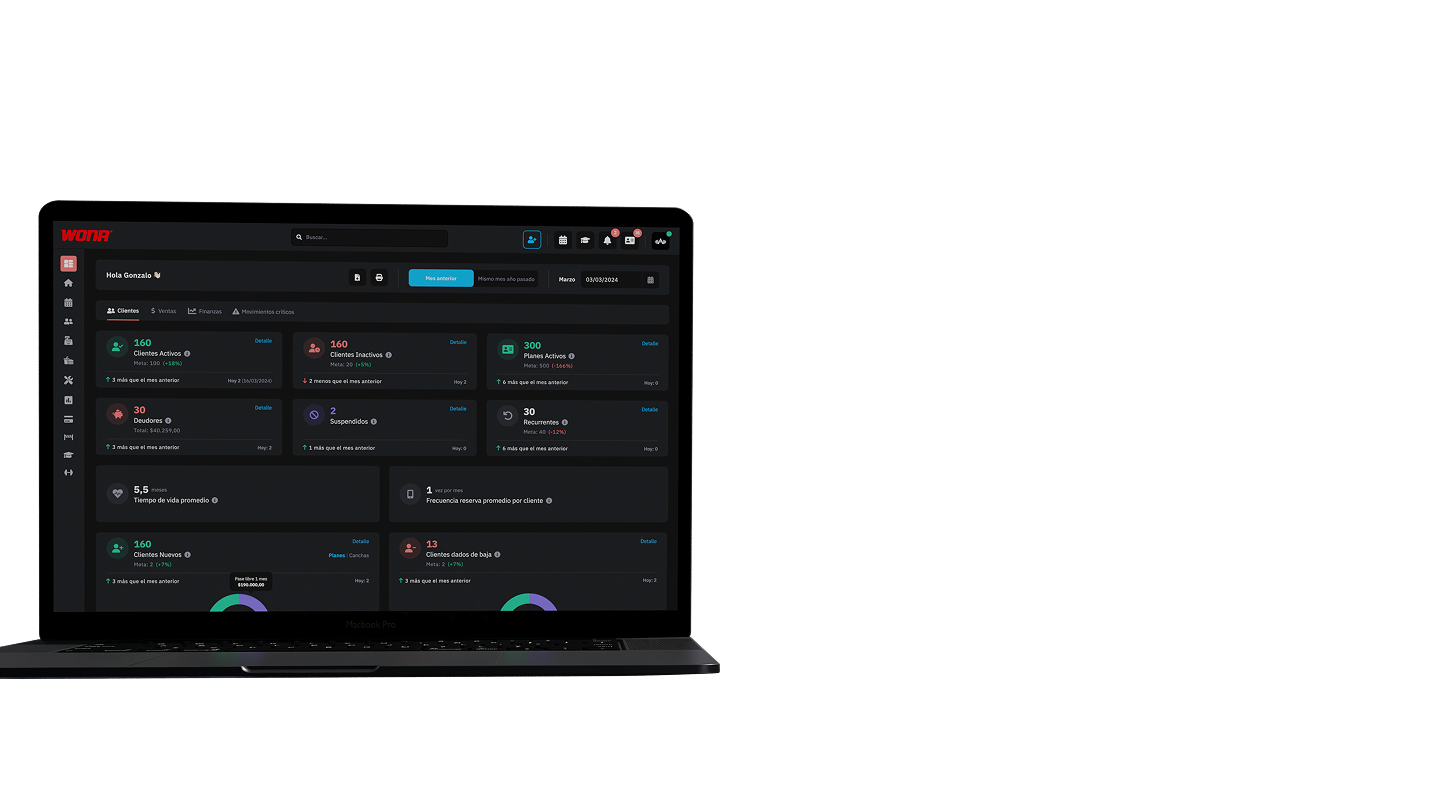
The dashboard centralizes key customer, sales and finance information, allowing real-time comparison of club performance with established goals and facilitating faster and more effective strategic decisions.
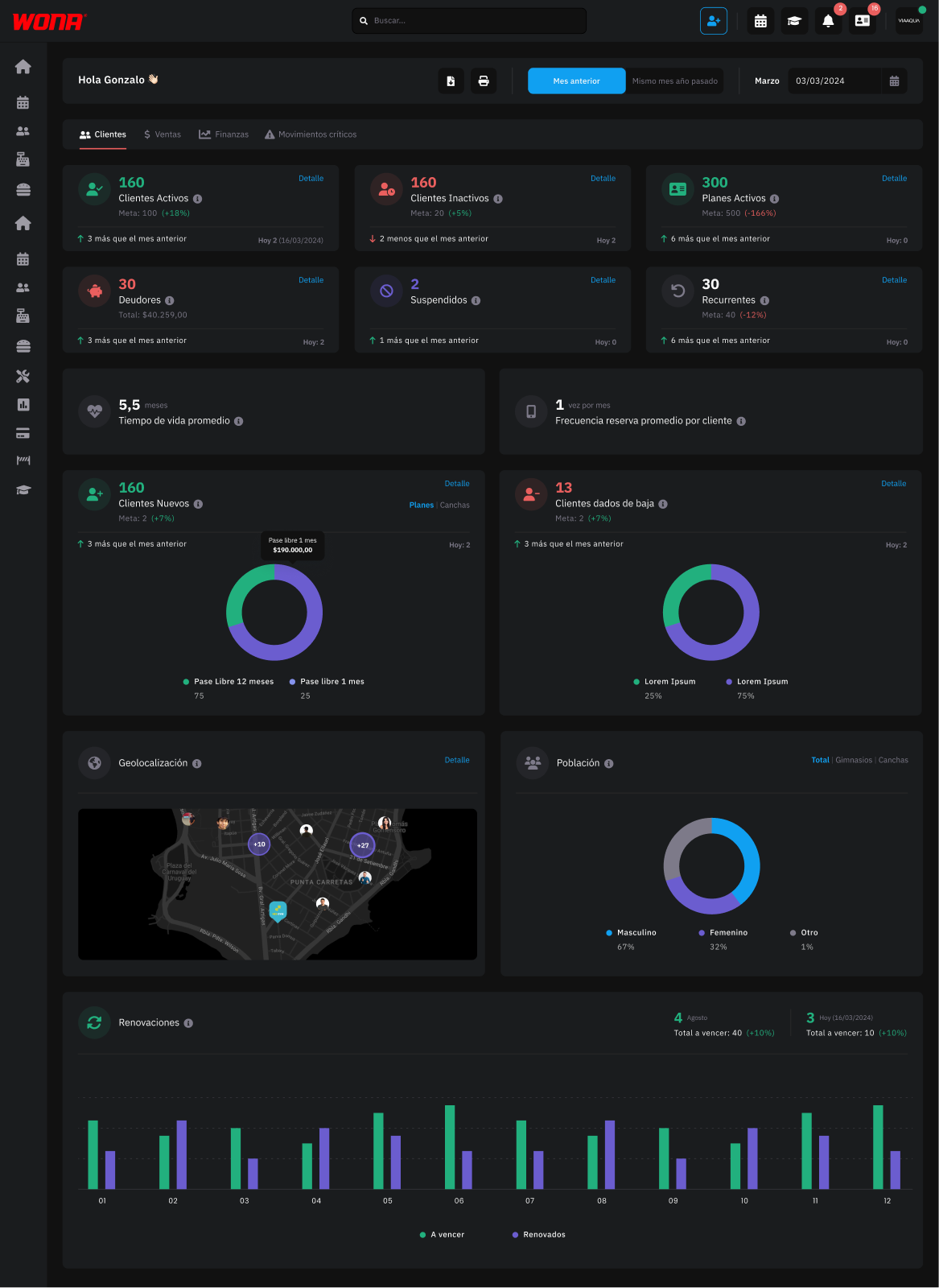
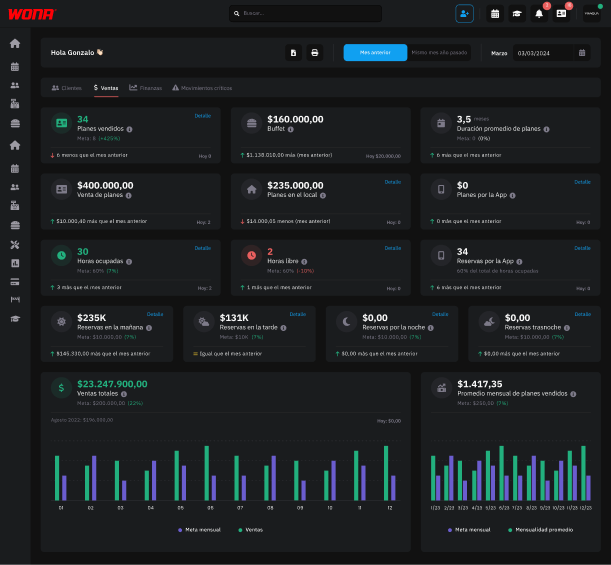
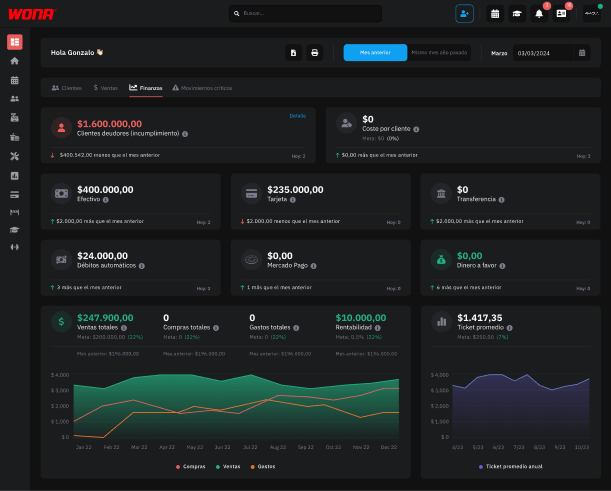
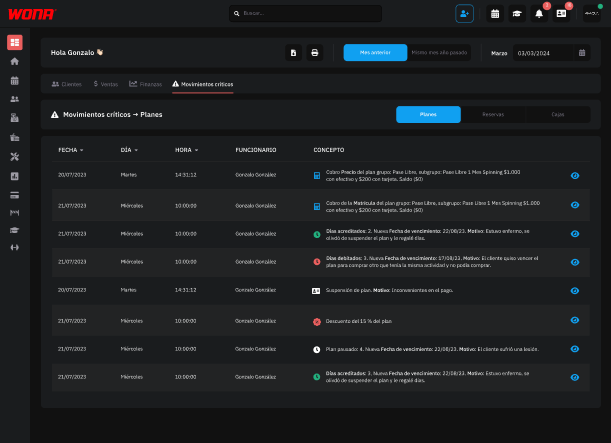
This section brings together every movement considered sensitive within the system. Here the administrator can centrally view actions such as price changes in bookings, applied discounts, cancelled or rejected bookings, incomplete collections, plan modifications (extra days, added attendances, expiration date edits) and cash register movements (opening or closing with differences, account deletions, product discounts, etc.).
Each critical record can be opened to go directly to where the action was performed, which allows a more detailed review.
Charts and Excel
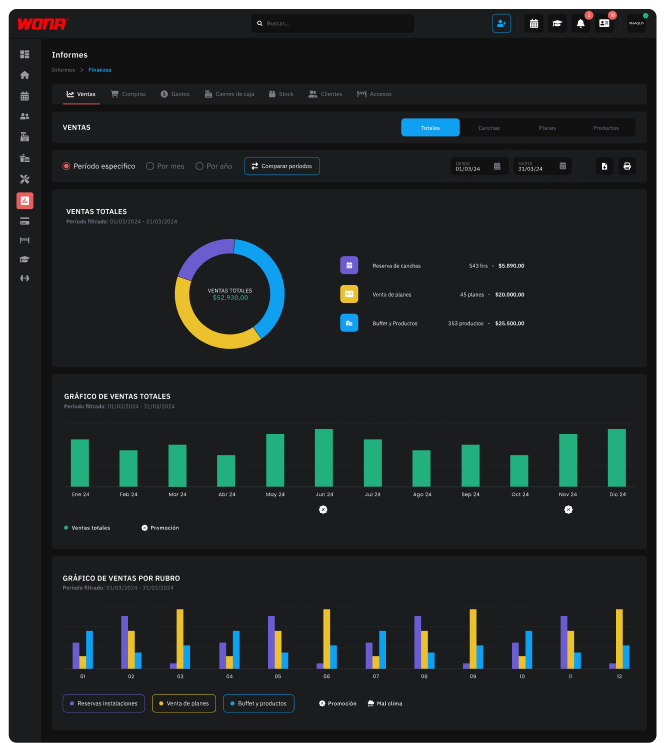
Graphic reports: finances, bookings, plans, promotions, products, clients and accesses. Reports in Excel files.
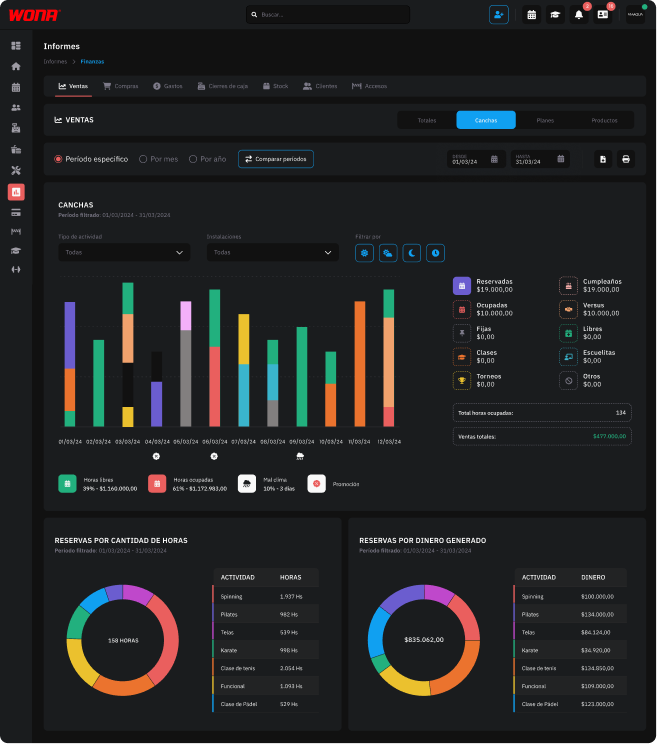
Access a detailed chart of court bookings, showing both the revenue and the number of hours sold by booking type: fixed hours, manual, via app, tournaments, academies, classes, matches and birthdays.
The report lets you compare periods (month to month, season to season) to analyze how sales evolve, also taking into account external factors such as active promotions or weather conditions.
All the information can be exported to Excel for a deeper and more personalized analysis.
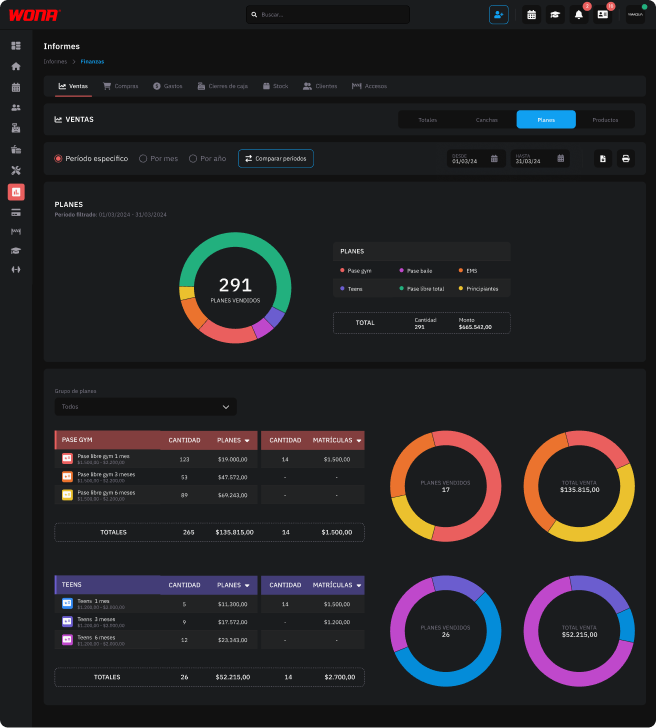
Clearly visualize the distribution of plan sales through a pie chart by activity group.
Below the chart, access the detail of each group with the number of plans sold and their value in money, broken down by plan type (monthly free pass, annual, by attendance, etc.).
In addition, the report lets you compare sales periods to analyze the evolution and performance of each specific group and plan.
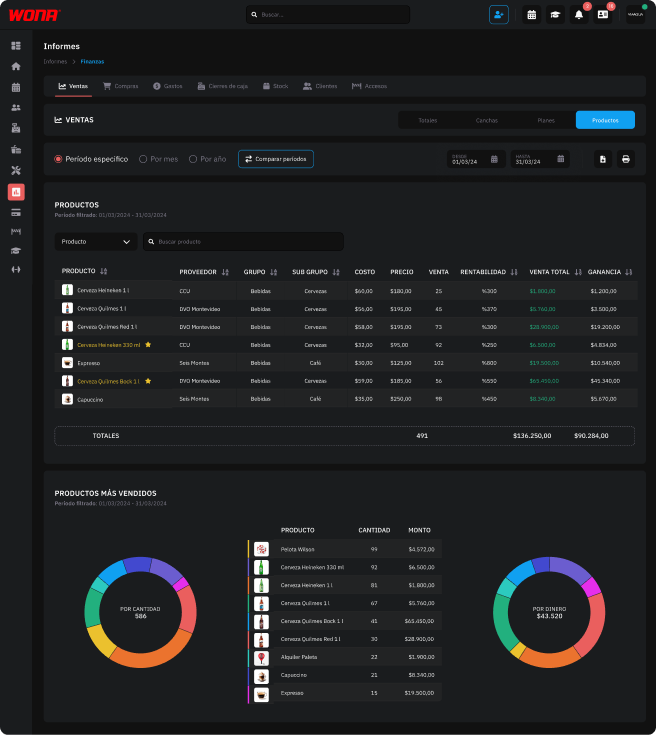
Detailed product sales report, with information on cost, sale price, quantity sold, profitability and profit for each item.
It includes comparative tables and charts showing the ranking of the best-selling products by quantity and the ones that generate the most money, making it possible to identify which bring the highest volume and which the highest profitability to the business.
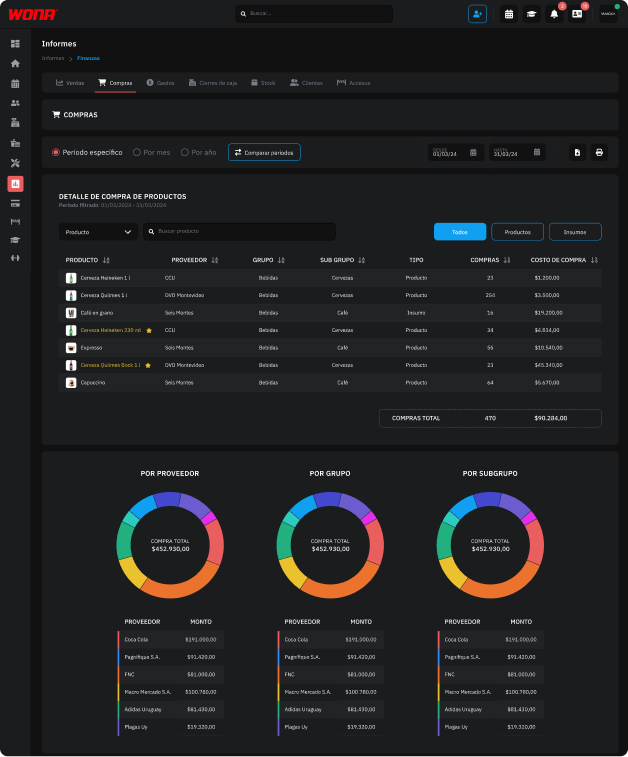
Detailed purchase report that organizes products and supplies by supplier, group and subgroup.
It includes the quantity purchased, the total cost and filters that make it possible to differentiate between production supplies and products ready for sale.
It is complemented by comparative charts showing the concentration of purchases by supplier, group and subgroup.
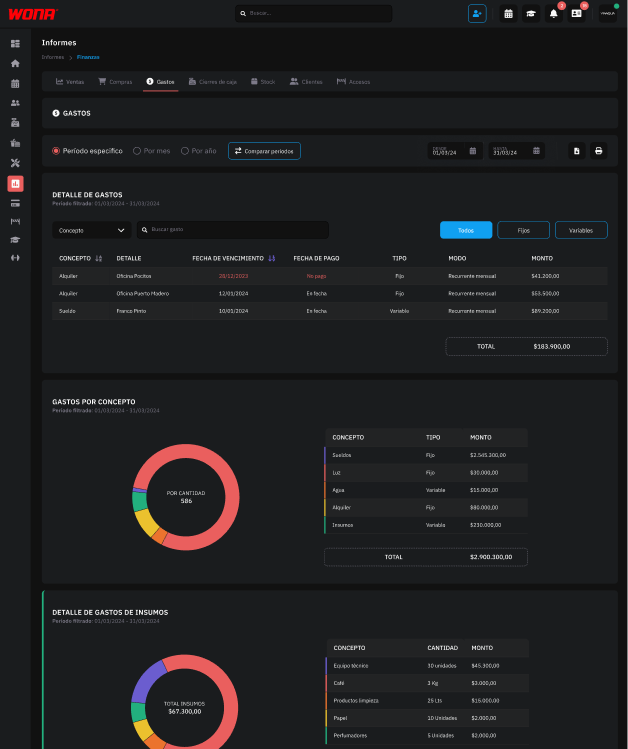
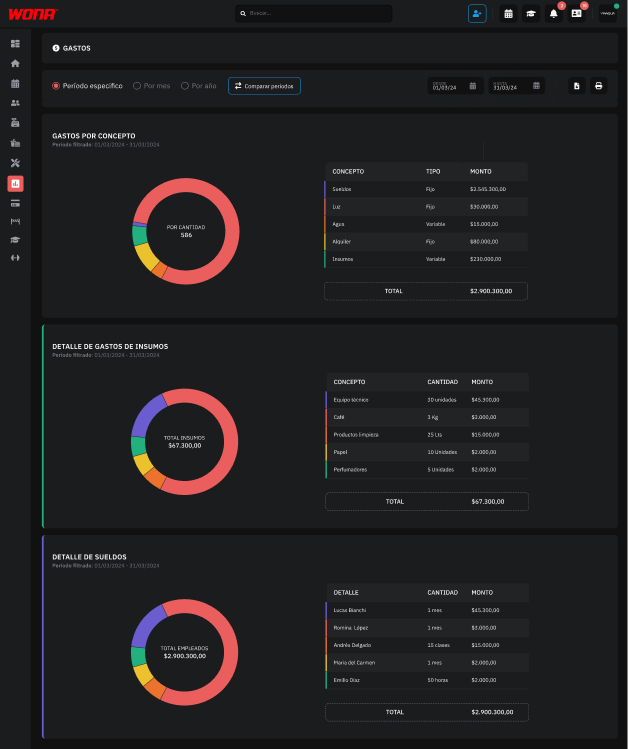
Expense report with a detailed table by concept, due date, payment date, classification as fixed or variable and total for the selected period.
It includes comparative charts showing the distribution of general expenses, supplies and salaries, with supporting tables sorted to identify the largest amounts.
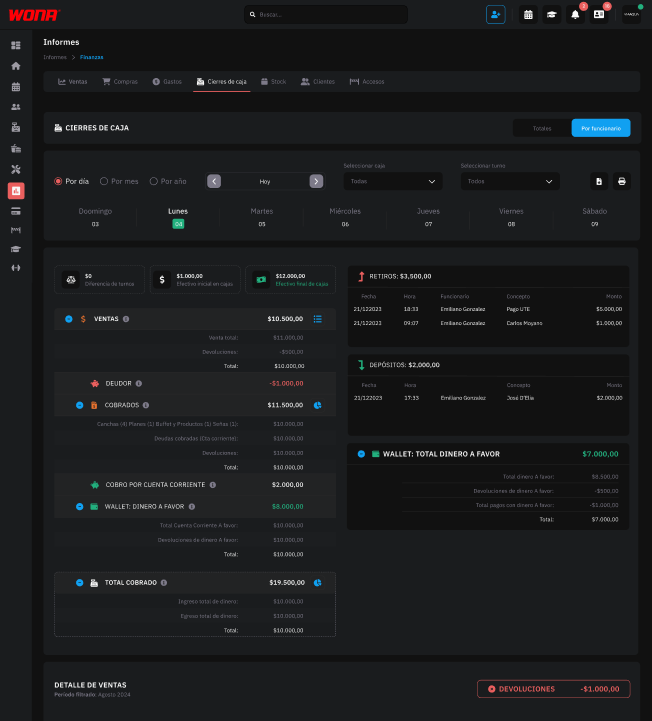
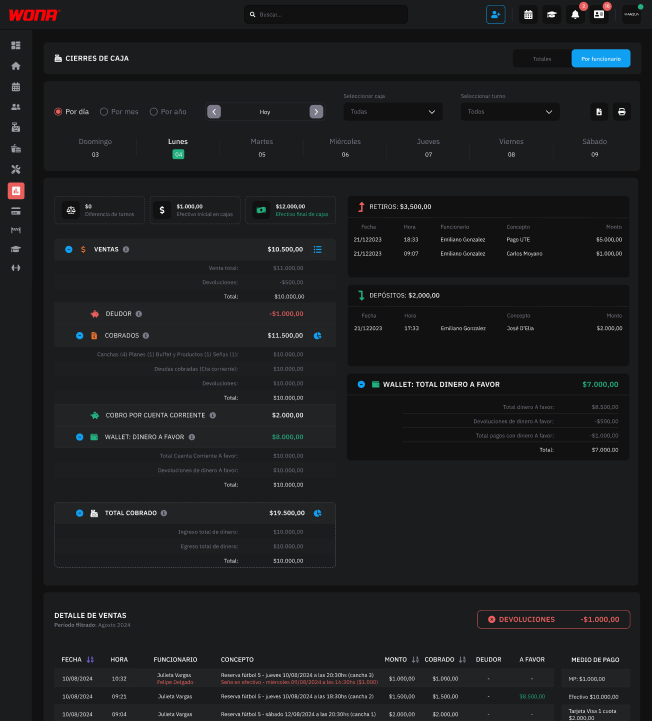
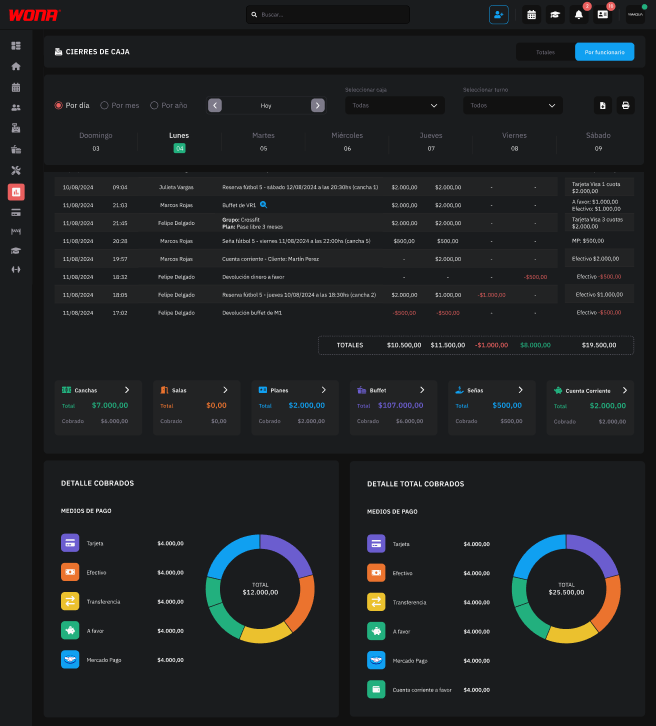
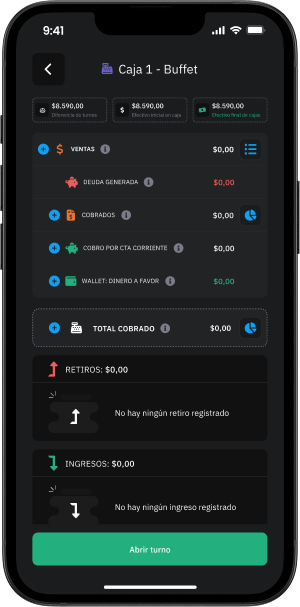
It lets you view the detail of cash closings by shift and by employee, including all the information needed for control and cash count: sales, collections, withdrawals, deposits and operation details.
In addition to the individual closings of each employee, you can also consult the consolidated total closings, which show the sum of all shifts in a single report, whether by day, month or year.
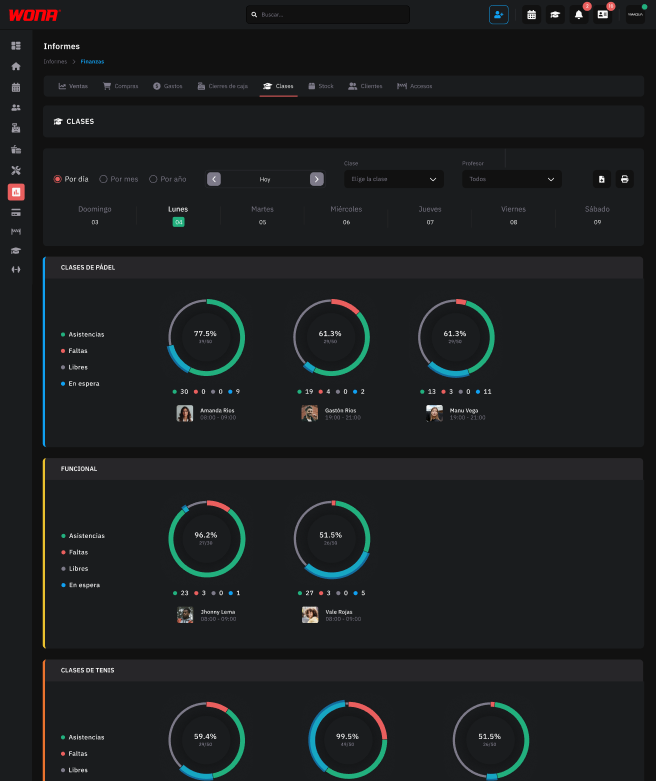
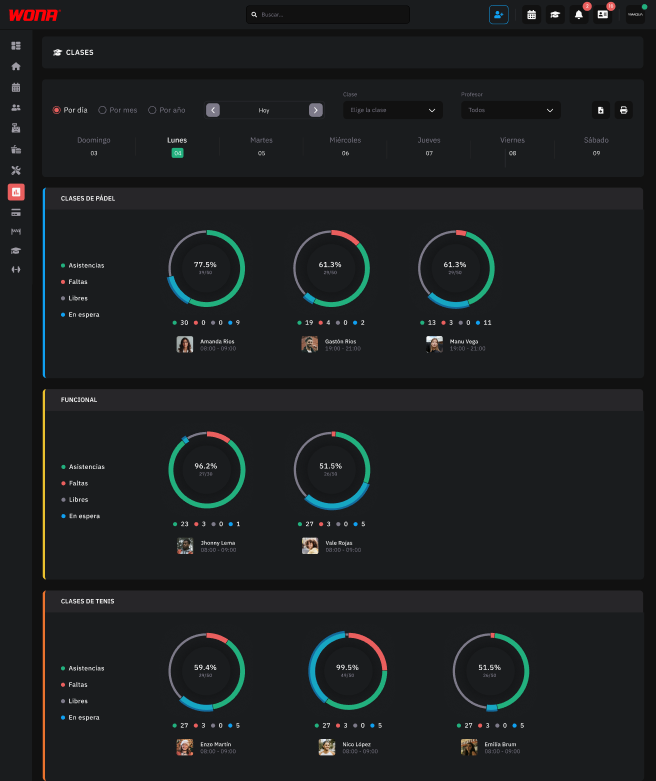
Access a detailed report by shift and instructor showing attendances, absences, available spots and waiting list.
Analyze this information in clear charts to make strategic decisions about continuing, adjusting or expanding activities according to your members' demand.
Available by day, month or year.
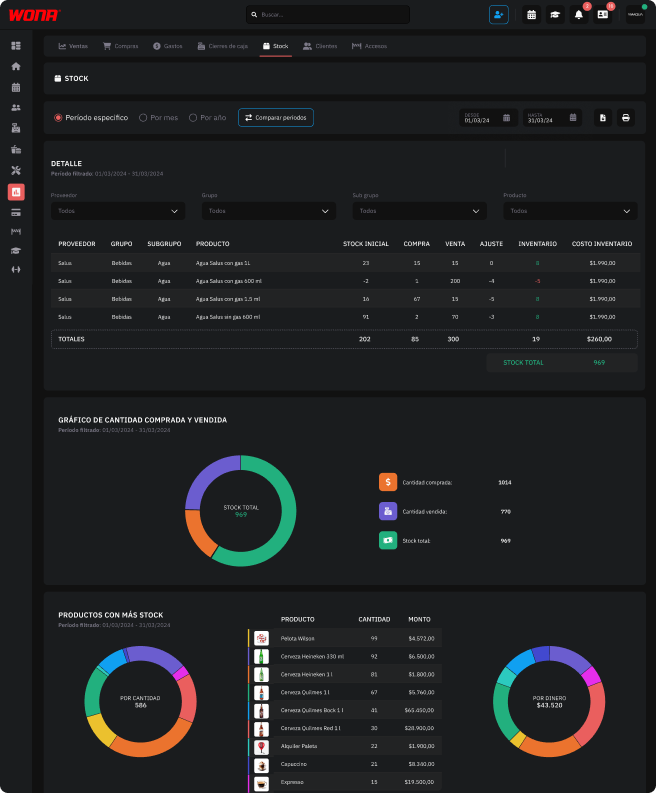
This report lets you keep complete control of your inventory. It includes:
A report designed to optimize inventory control, identify surpluses or shortages and improve purchase and sales management.
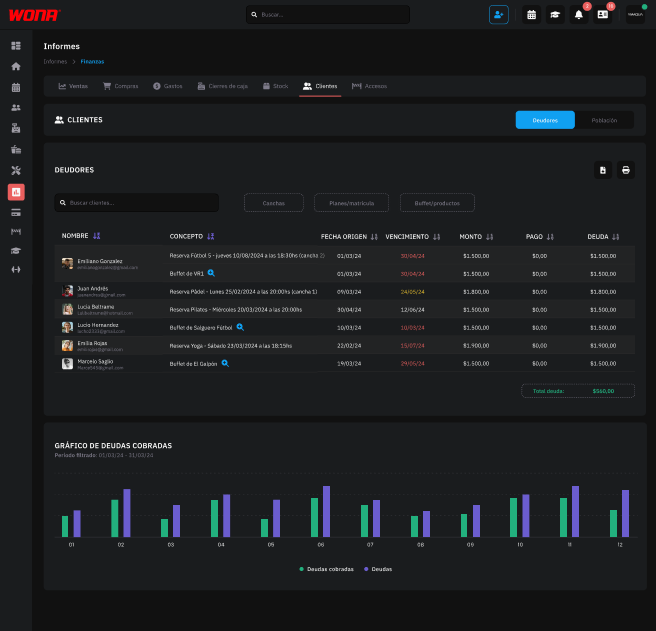
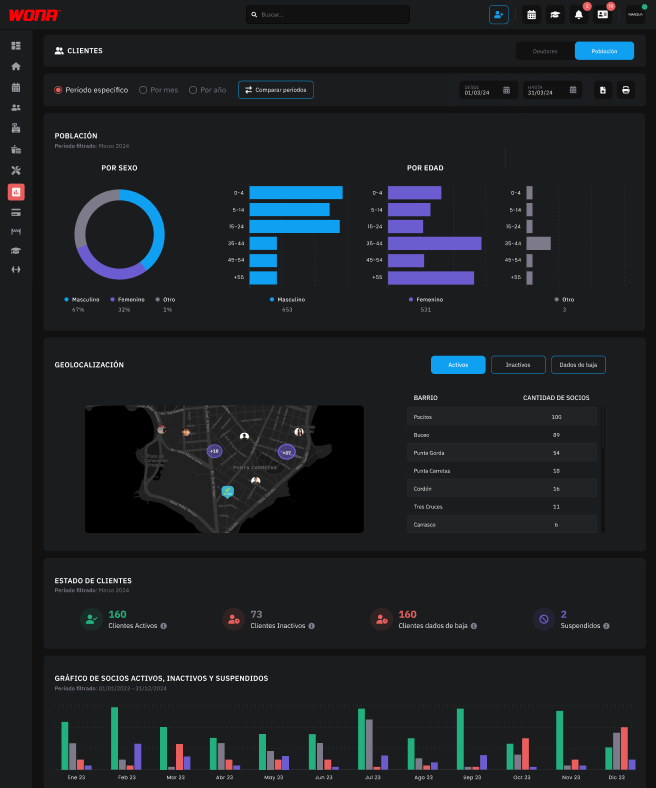
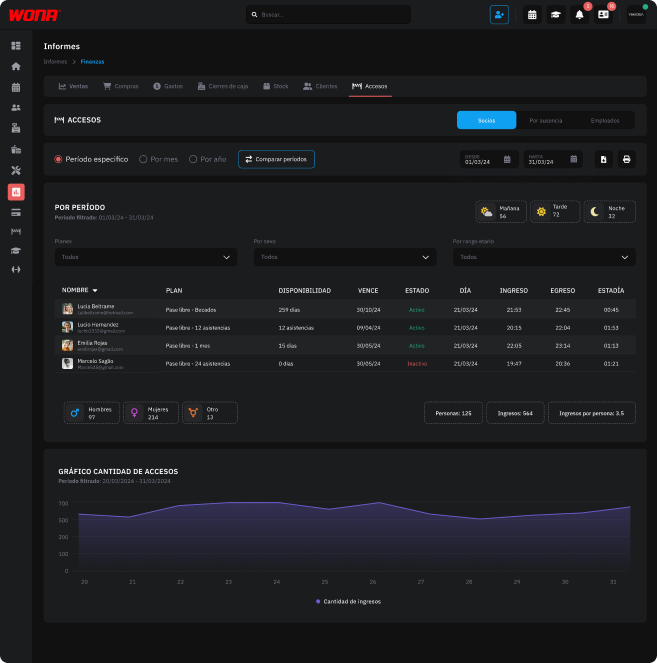
Access reports with every detail about your members.
You can see each entry and exit, filter by period or plan type, and get key statistics: how many people attended, total entries, average visits per member and the busiest time slots (morning, afternoon or night).
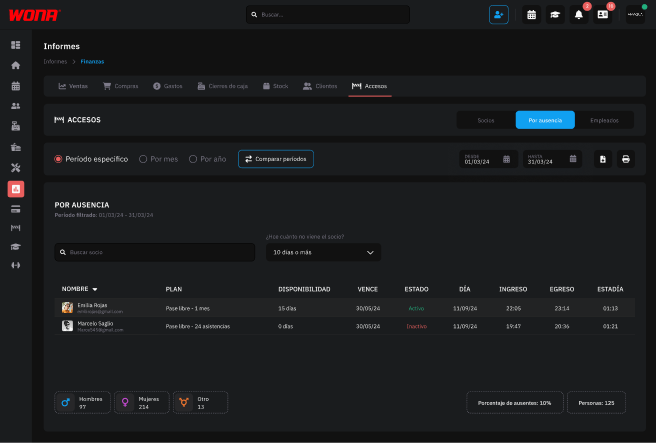
Easily detect the members who stopped attending for more than a week, a month or the period you choose.
This report lets you filter by number of days without visits and generate a list of inactive members, so you can contact them, motivate them to come back and reduce cancellations at your gym.
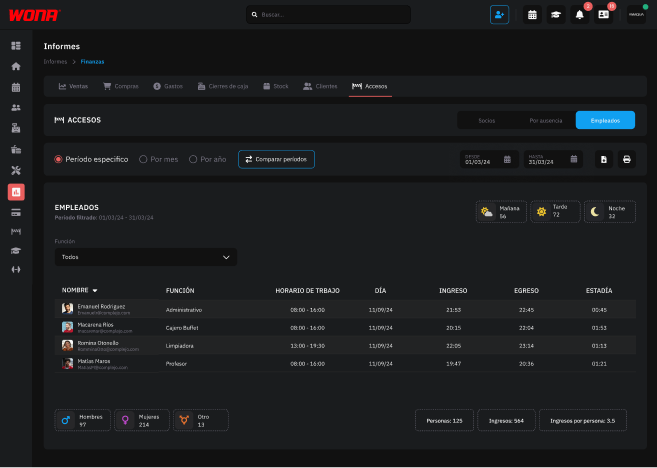
This section allows the administrator to keep a detailed record of staff accesses to the gym.
Through this report you can view attendance, entry and exit times, and detect absences or irregularities.
With this tool, team management becomes more efficient, ensuring internal control, schedule compliance and greater operational organization.
User profile
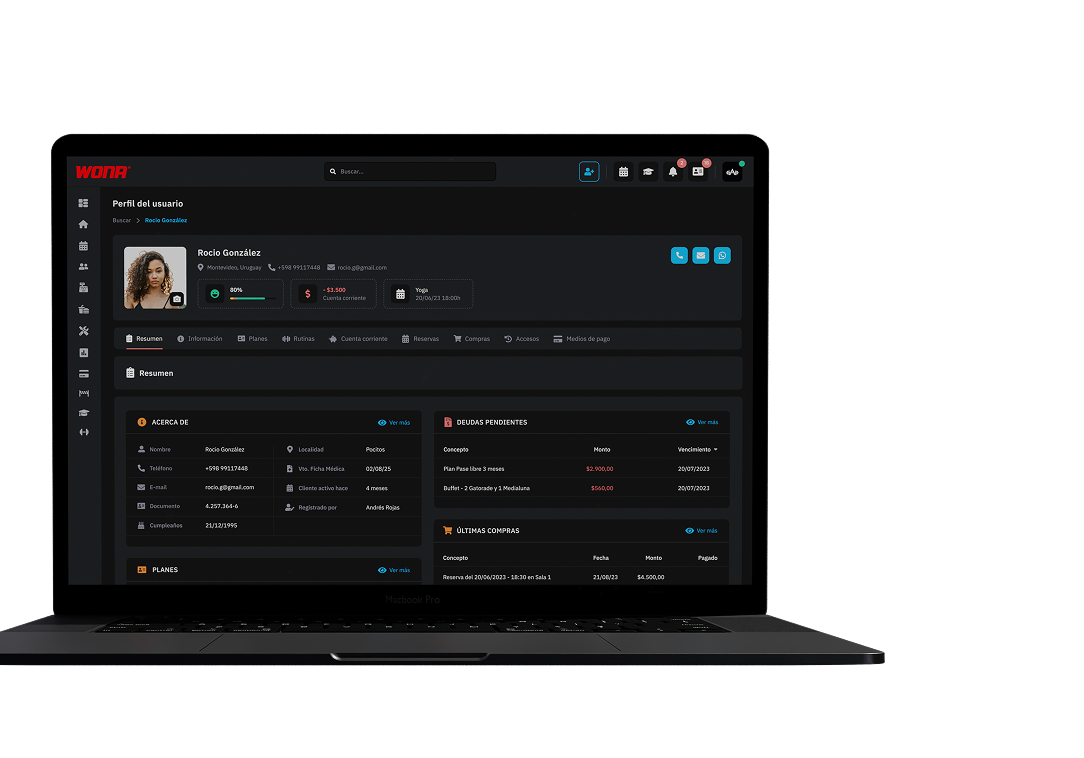
View all the client's information quickly and conveniently on a single screen.
Access their personal details, active plan, debts, latest bookings, purchases and more.
You can also expand each block of the summary and reach the full detail in the corresponding tab.
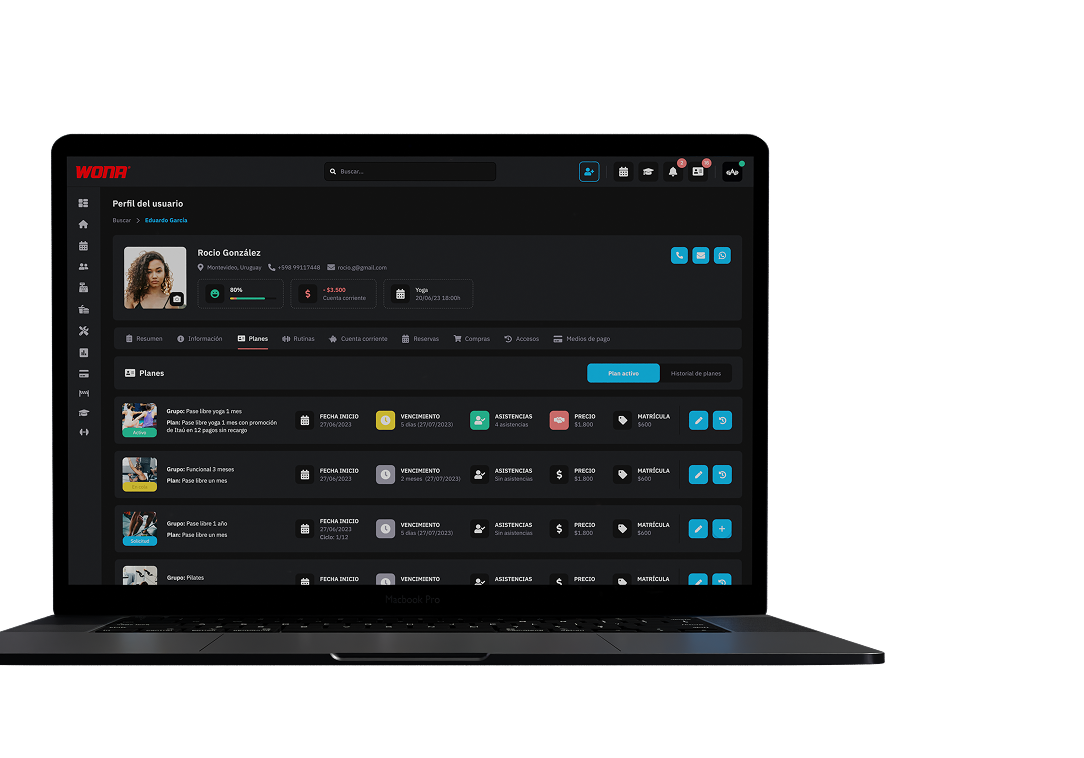
In this section you can see the member's active plan and their history of purchased plans.
All membership information in one place, for quick and organized control of every client.
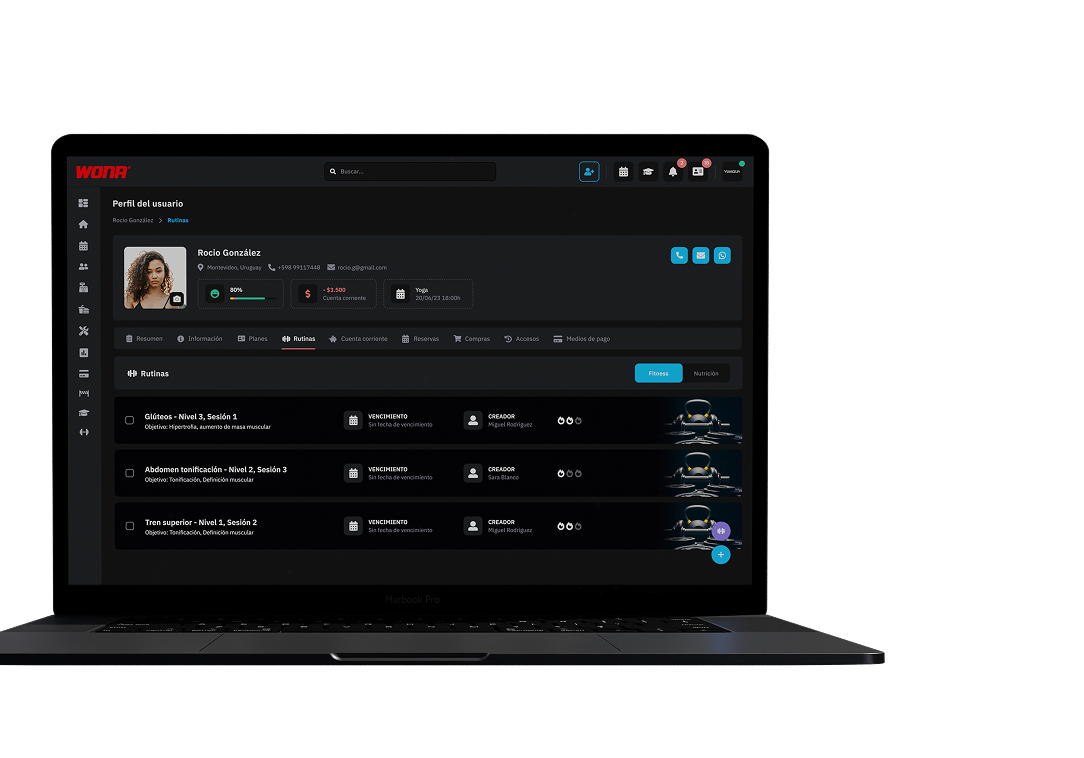
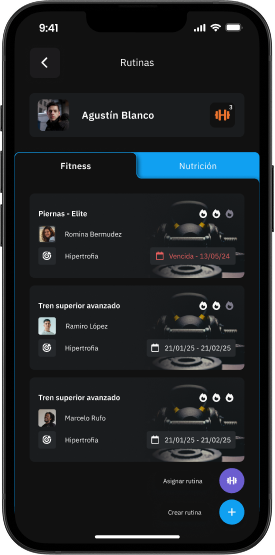
In this section you can see the routines assigned to the member, create and assign new ones and track their progress.
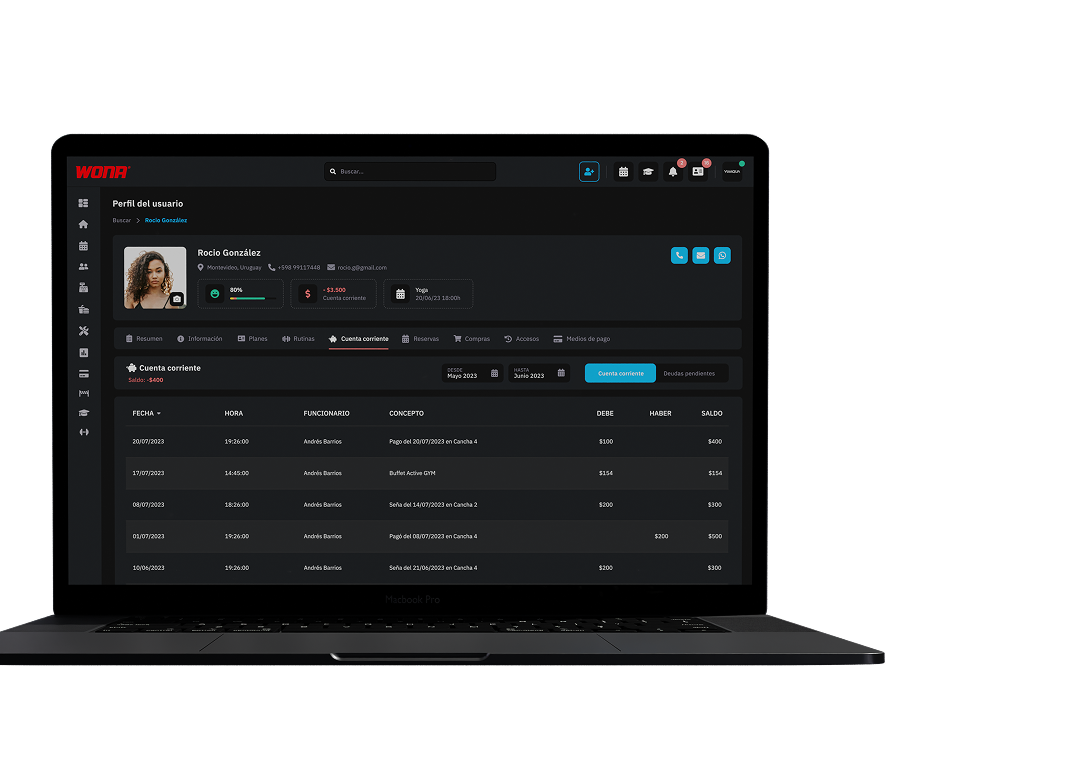
View the client's financial movements, including payments, debts and credits.
Quick and personalized control of each client's financial situation.
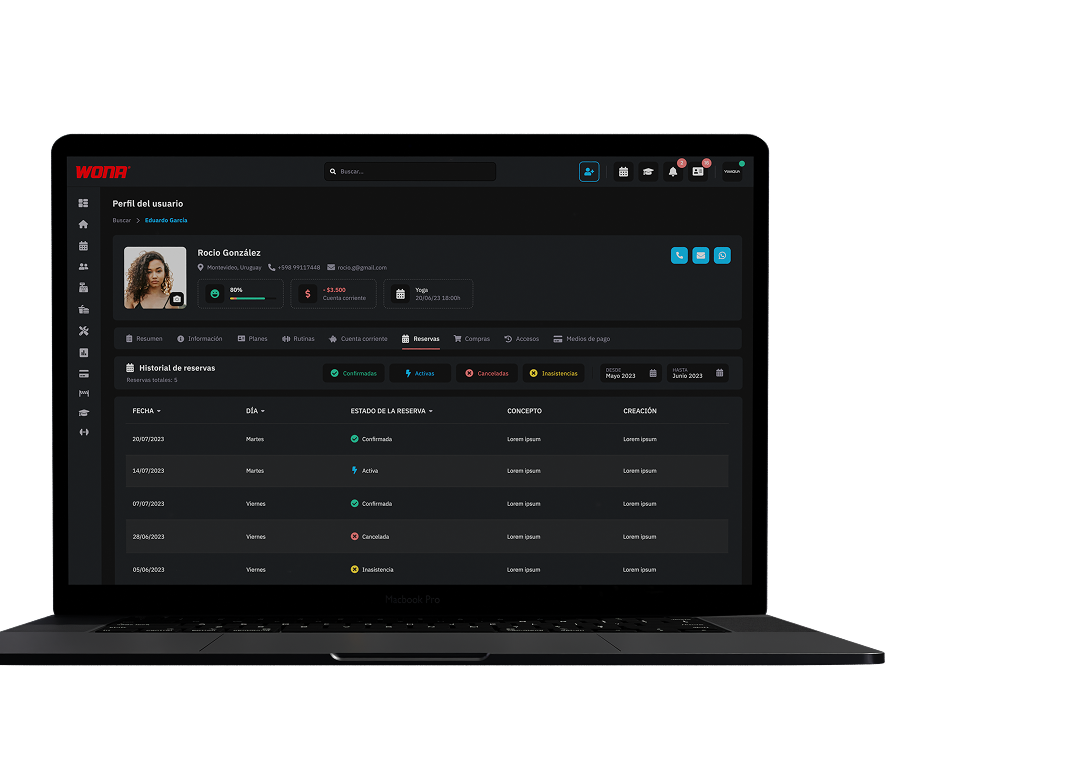
Check every booking made by the client, both past and upcoming.
Keep a complete and detailed record of their activity at the club.
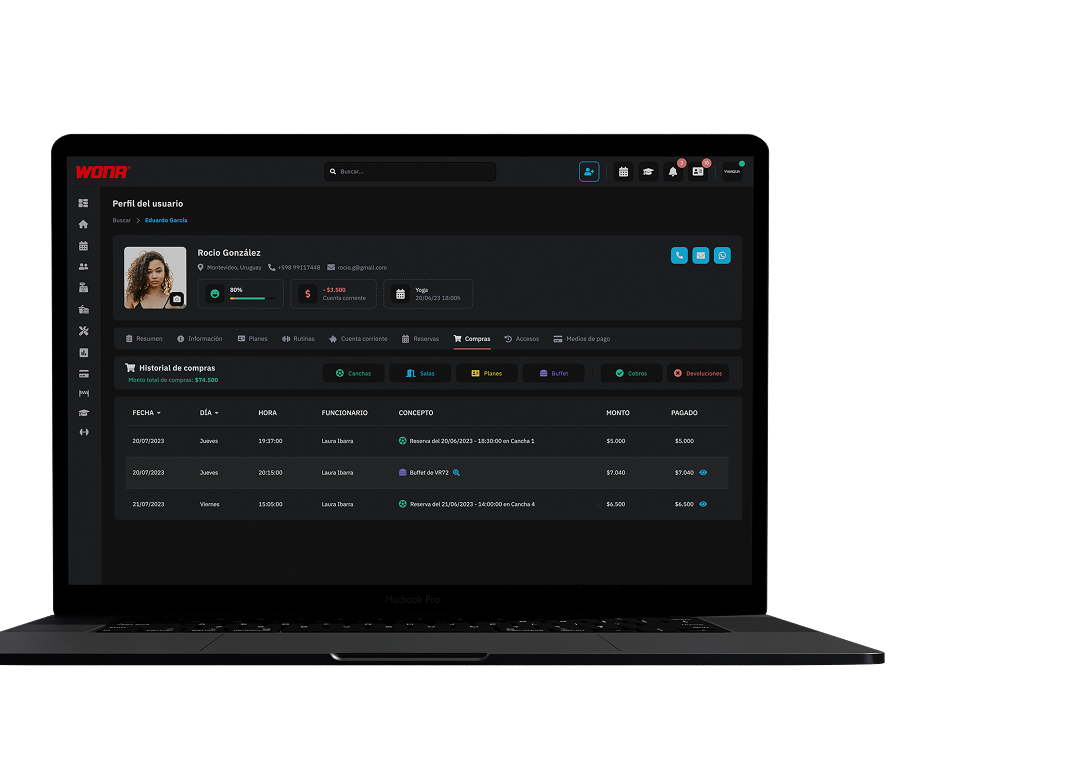
Access the client's purchase record within the club, including the products and services acquired.
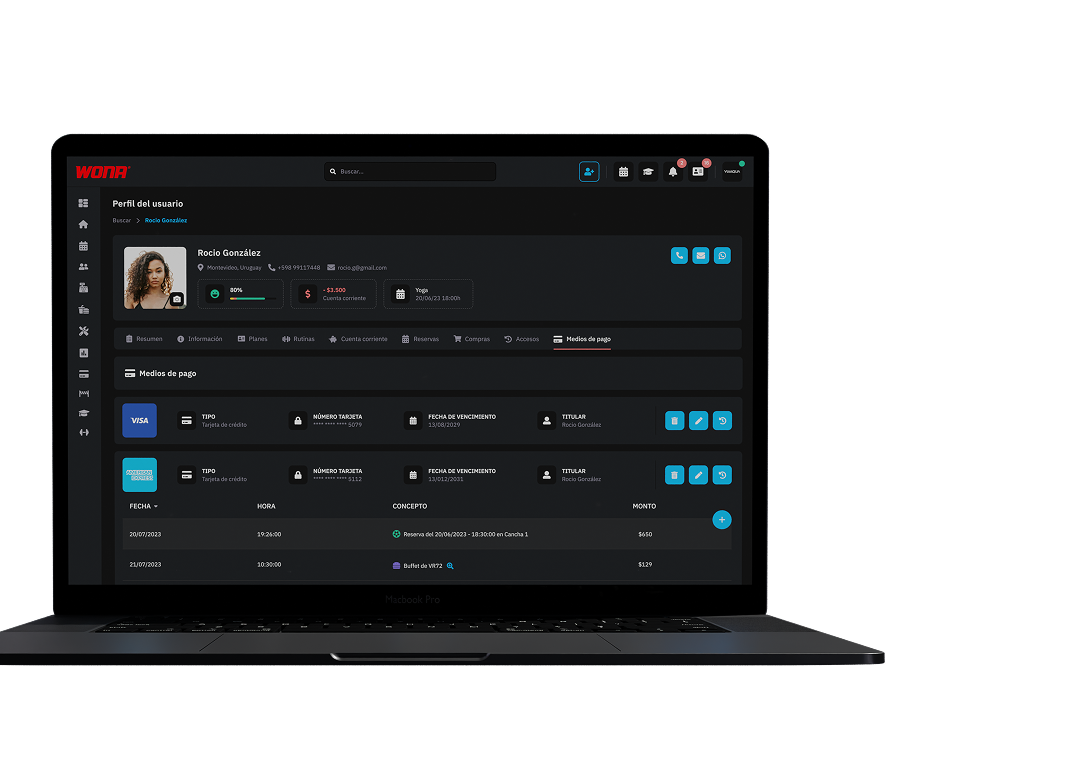
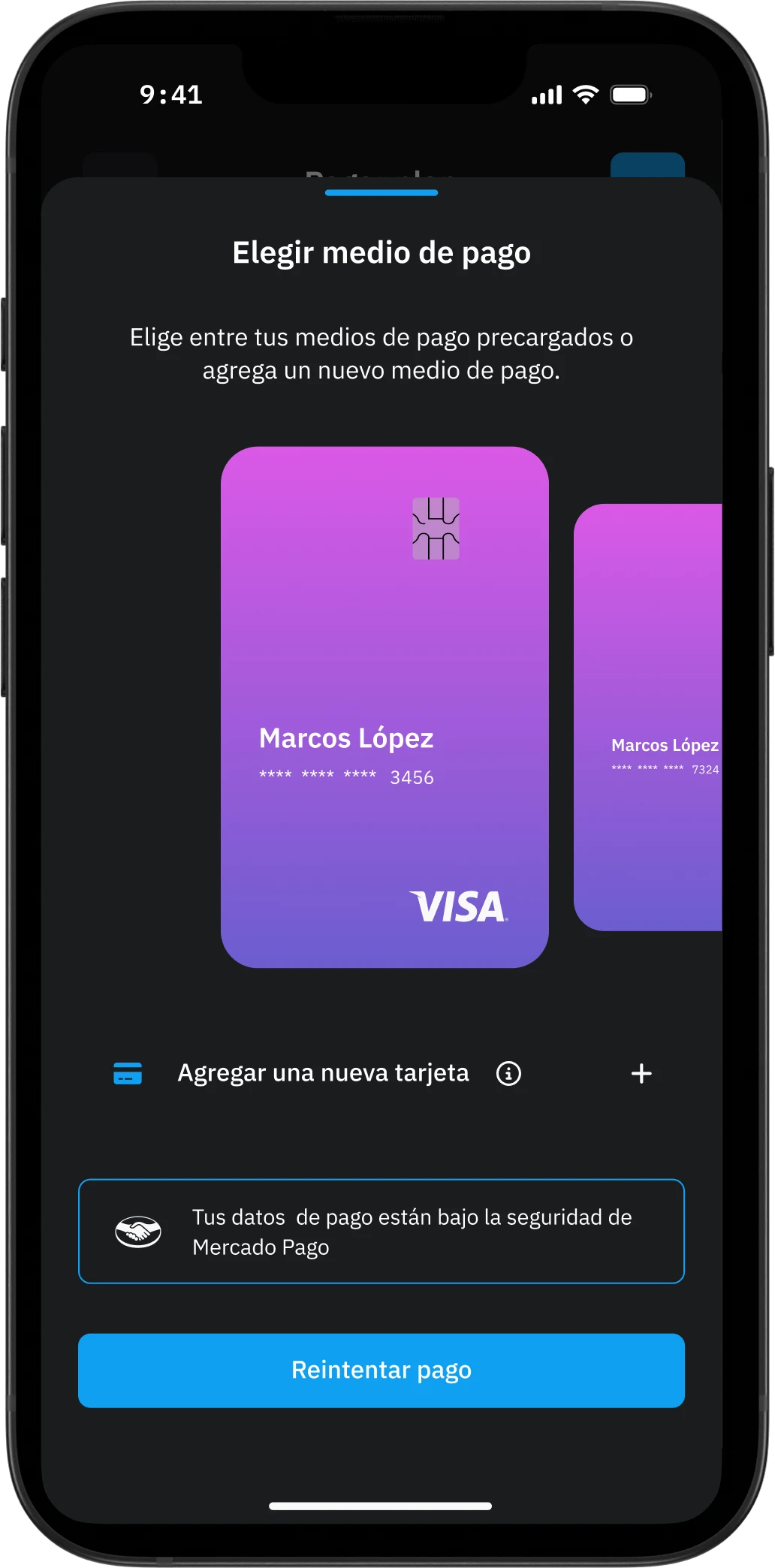
Check and manage the payment methods registered by the member.
You can also see the payments made with each card within the club.
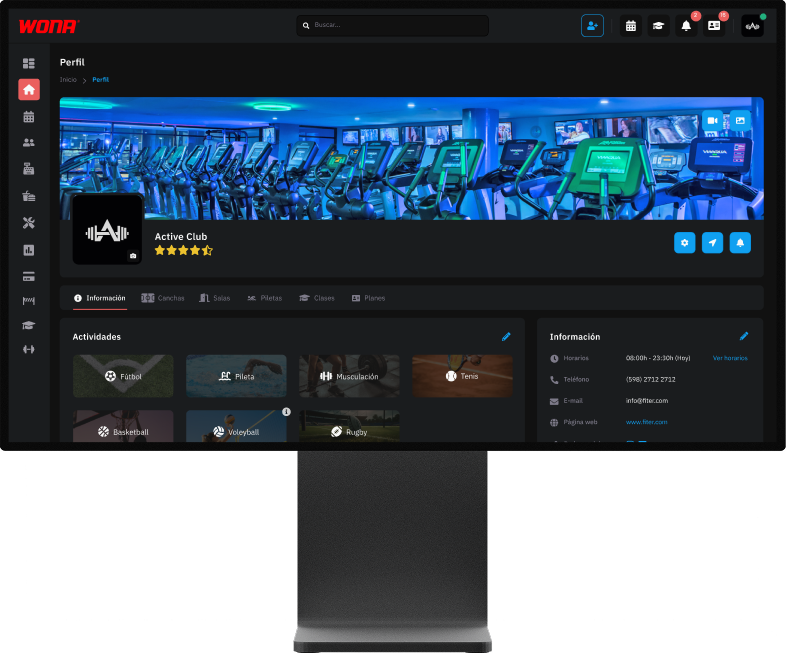
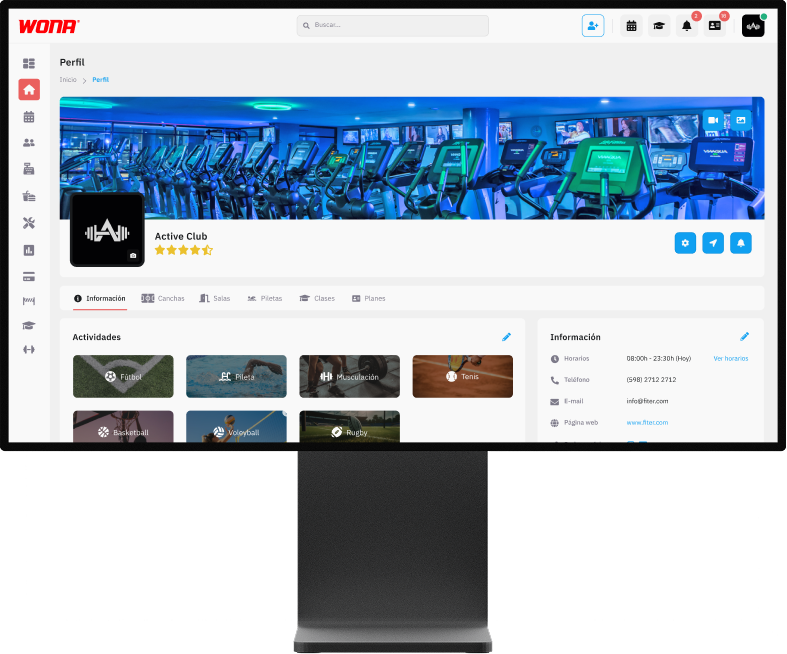
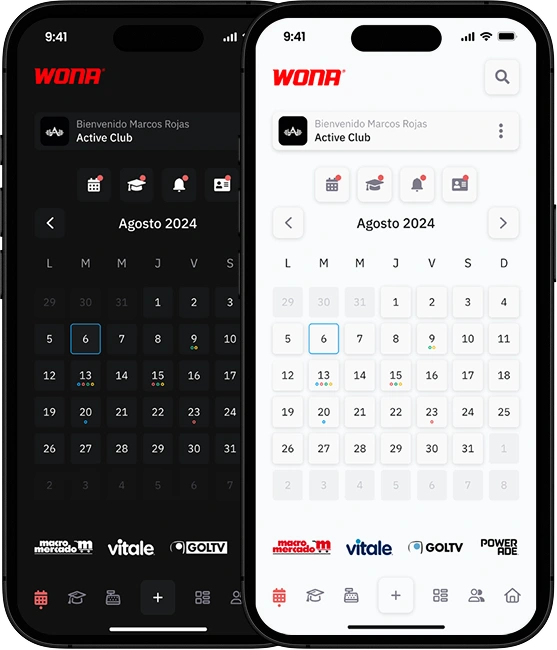
Choose between light or dark mode to adapt the software to your style and improve visual comfort.
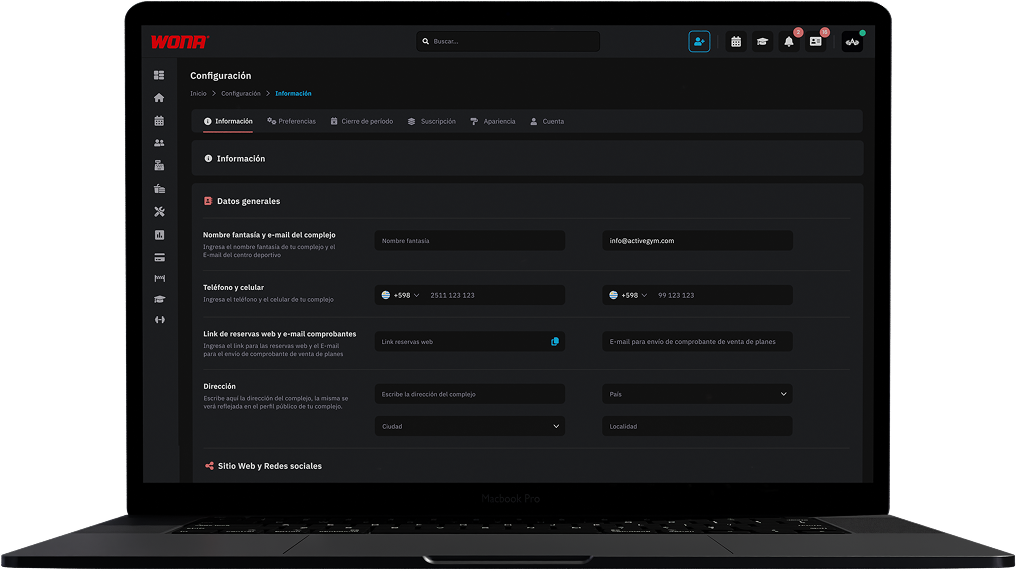
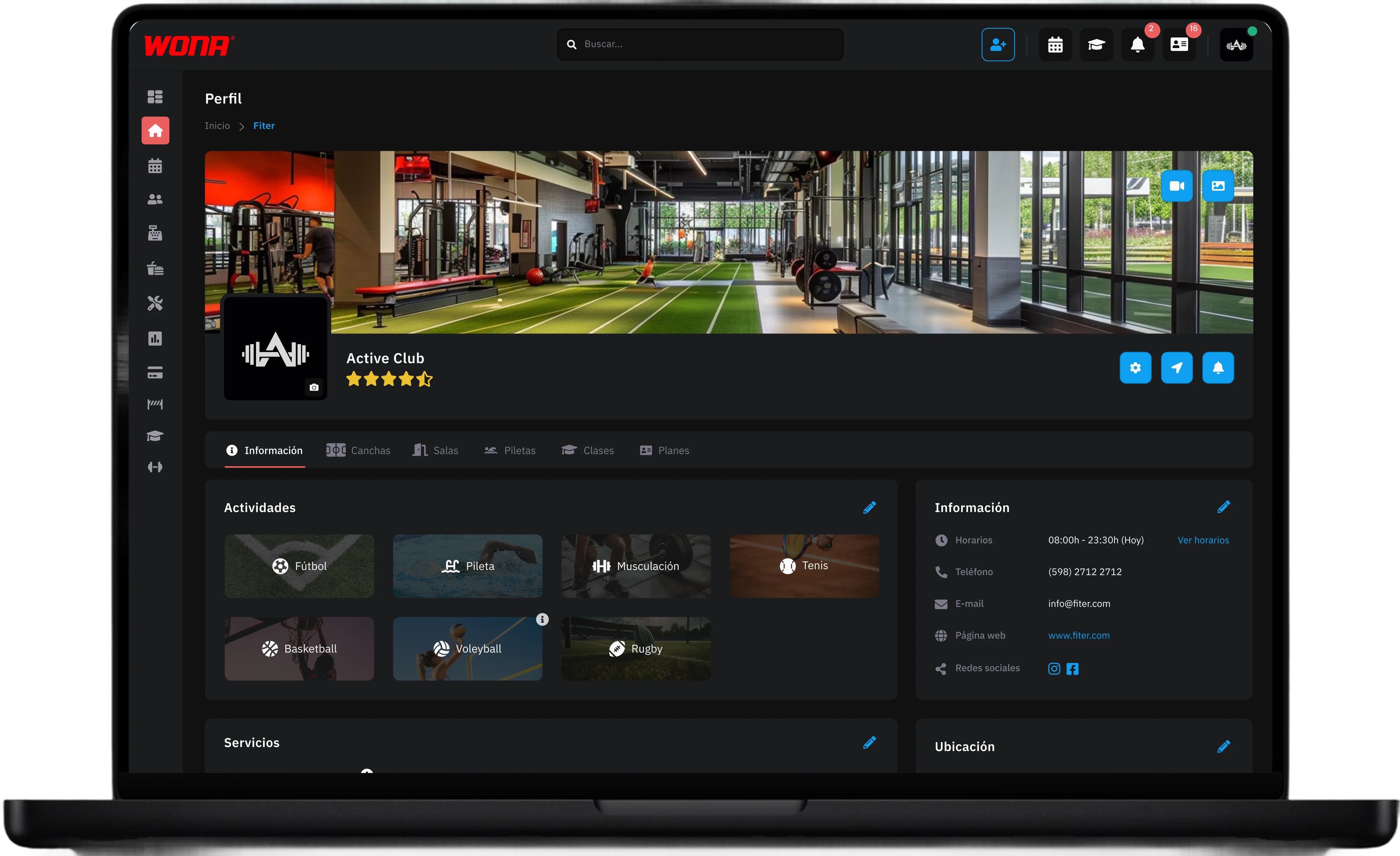
Easily update and manage the club's data, such as email, phone, address, website, social media, services and activities, making sure that all the information users see in the app is always up to date.
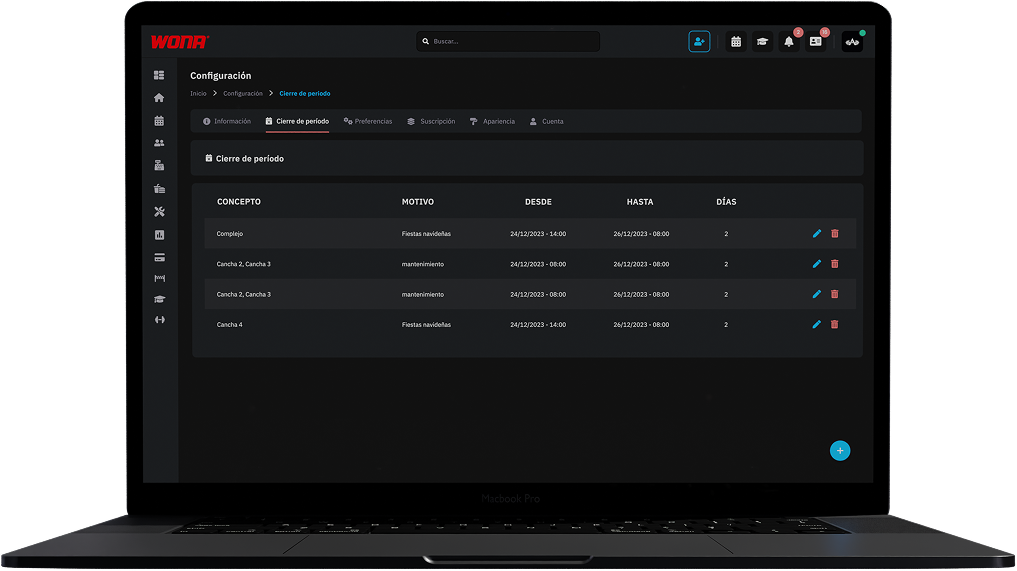
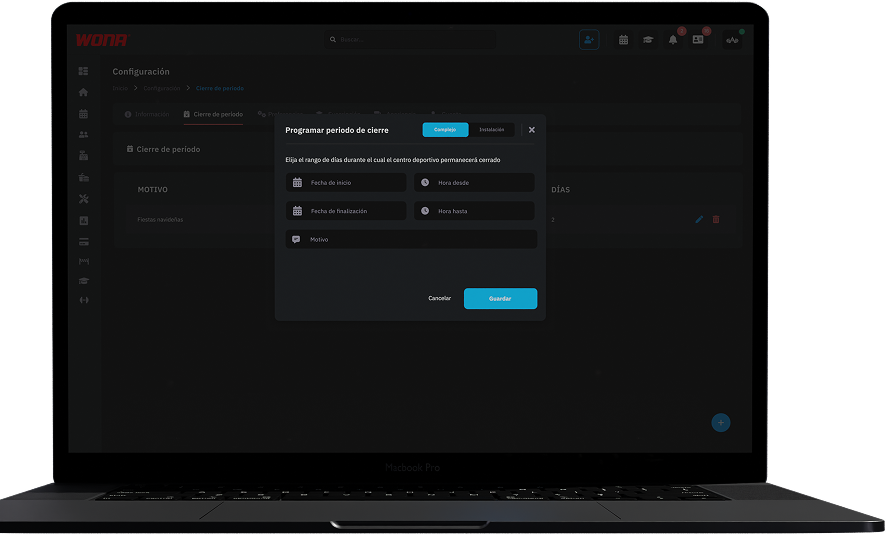
Schedule temporary club closings by setting dates, times and reason (holidays, maintenance, public holiday, etc.). During that period, users will see the club closed in the Wona app and a notice with the closing information will appear when they enter.
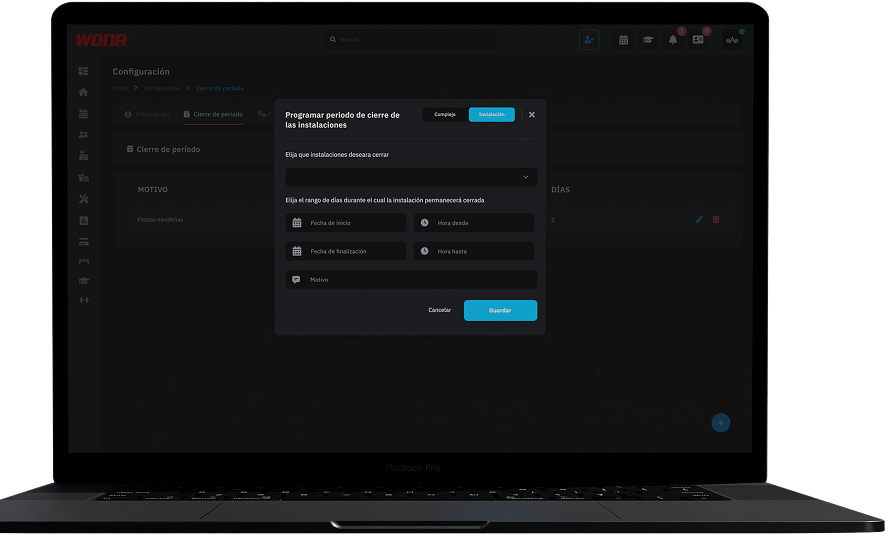
Set up closings for specific facilities, such as courts or rooms, defining dates, times and reason. Bookings will not be available in the app and users will see a notice with the closing information when they enter.
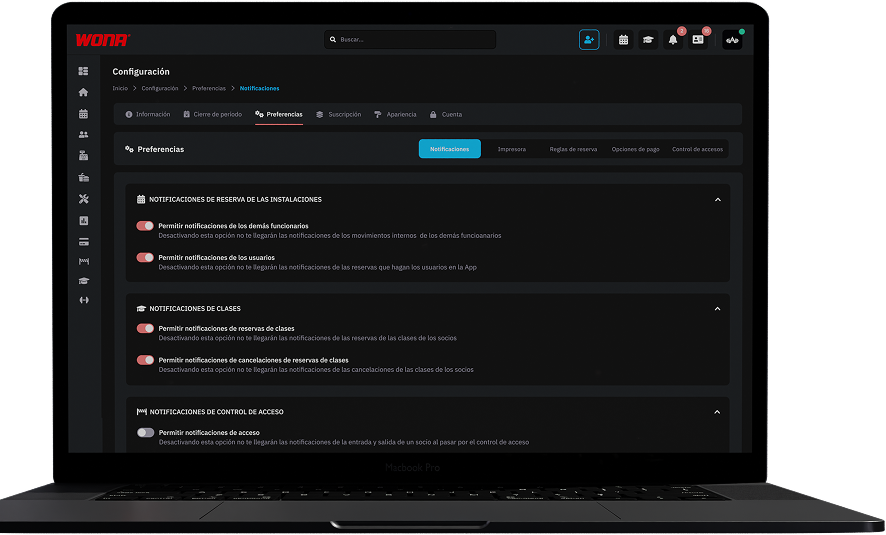
Turn the club's notifications on or off, including court and class bookings, plan sales and internal calendar movements.
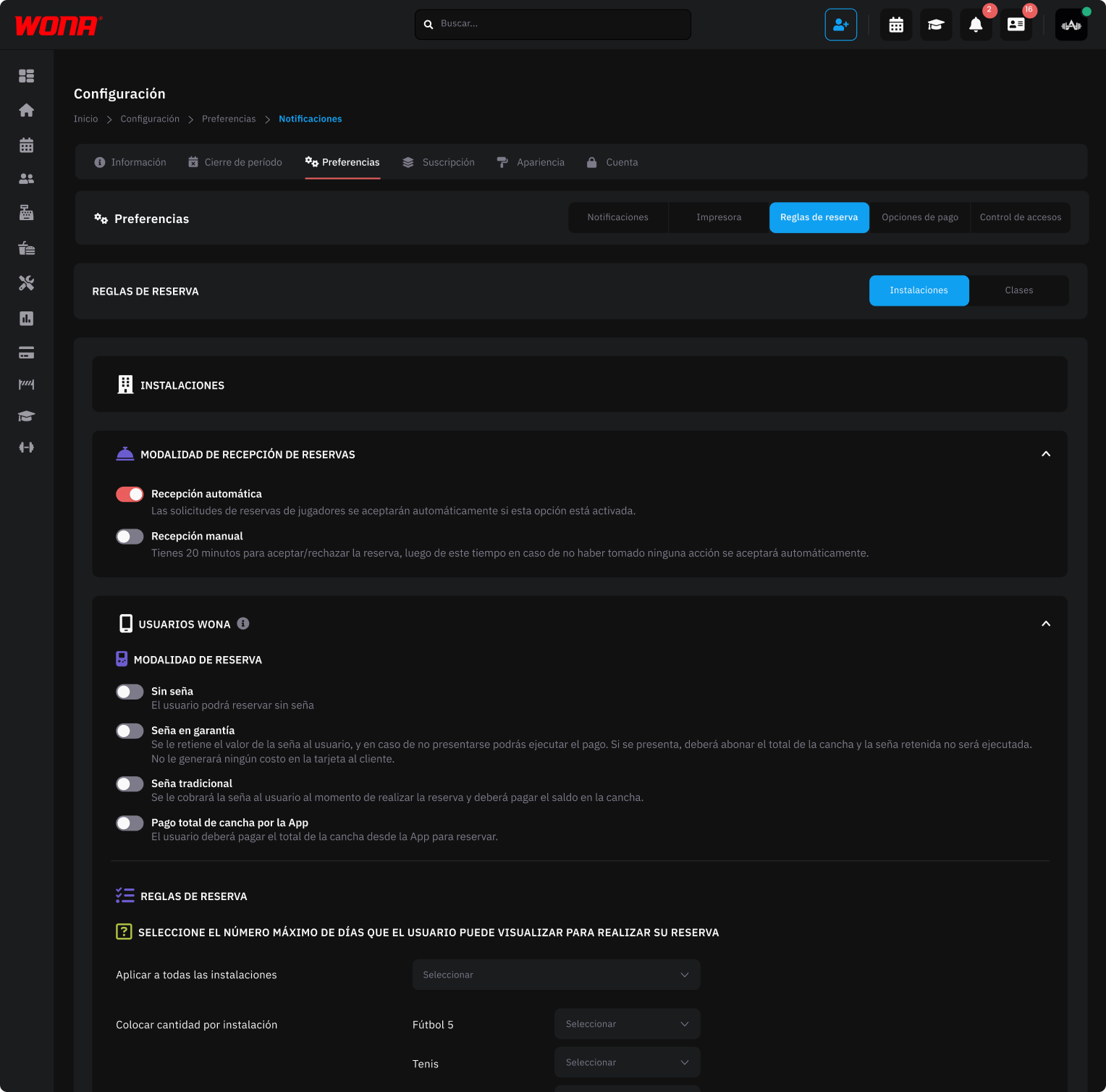
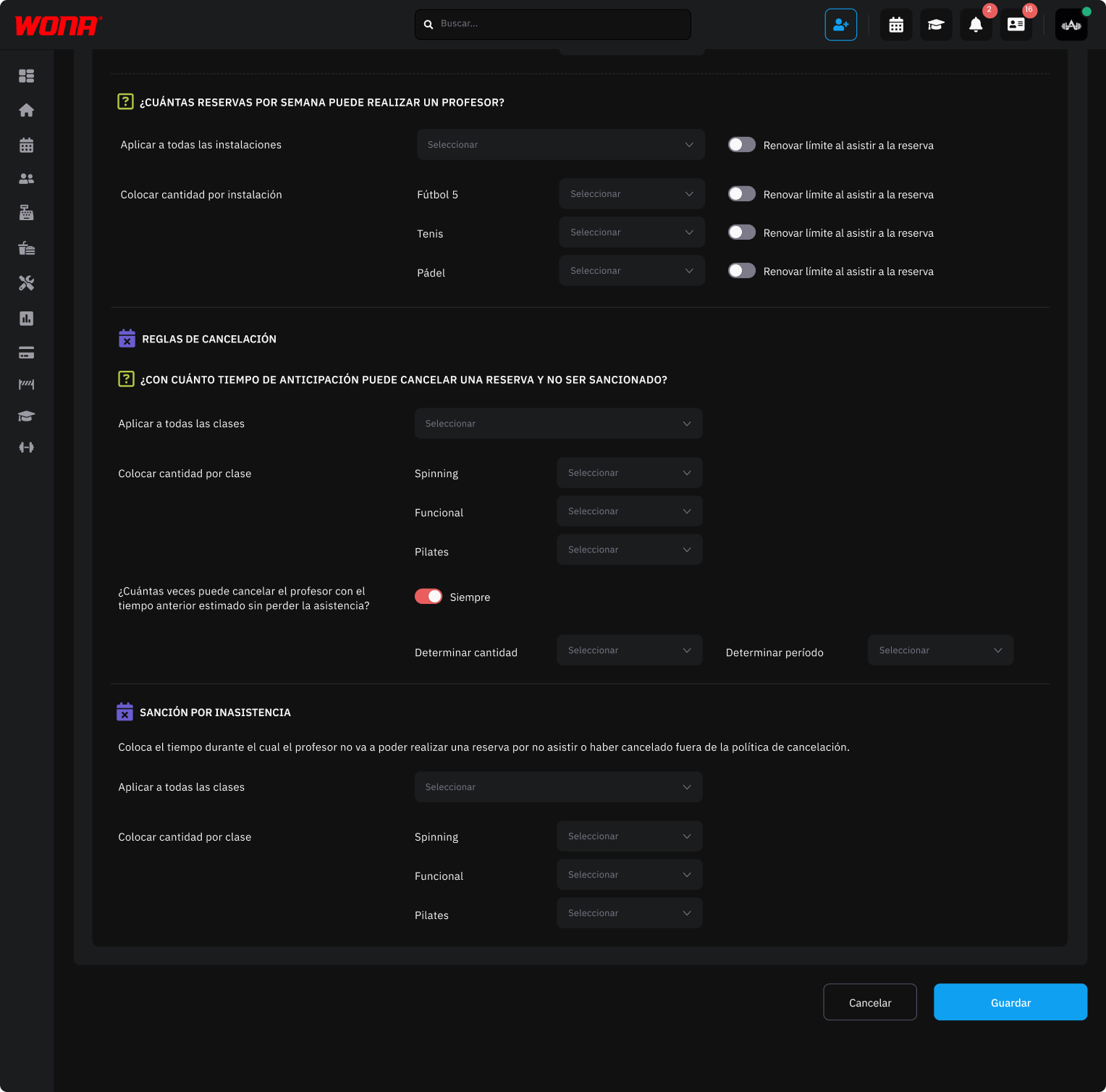
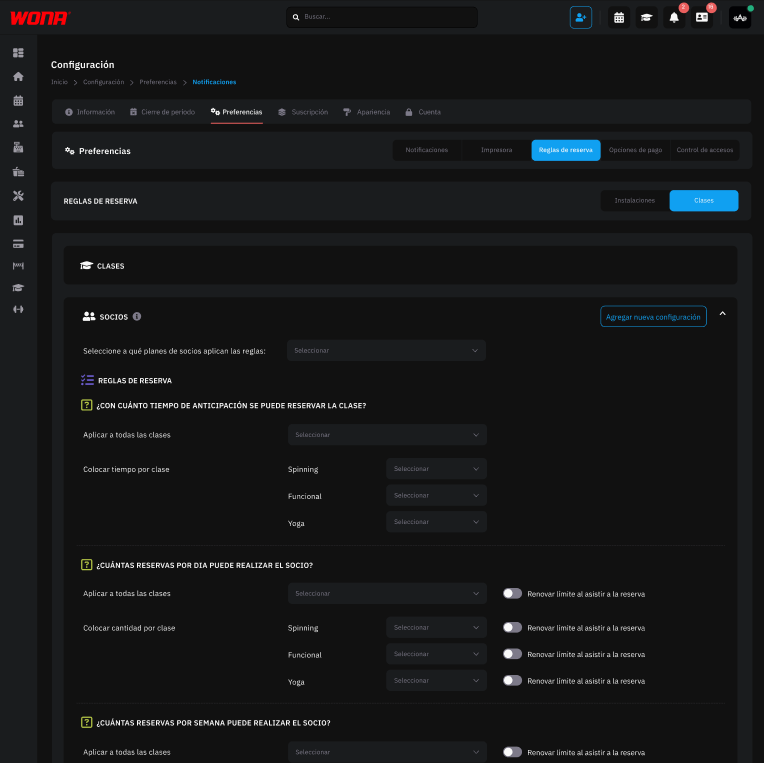
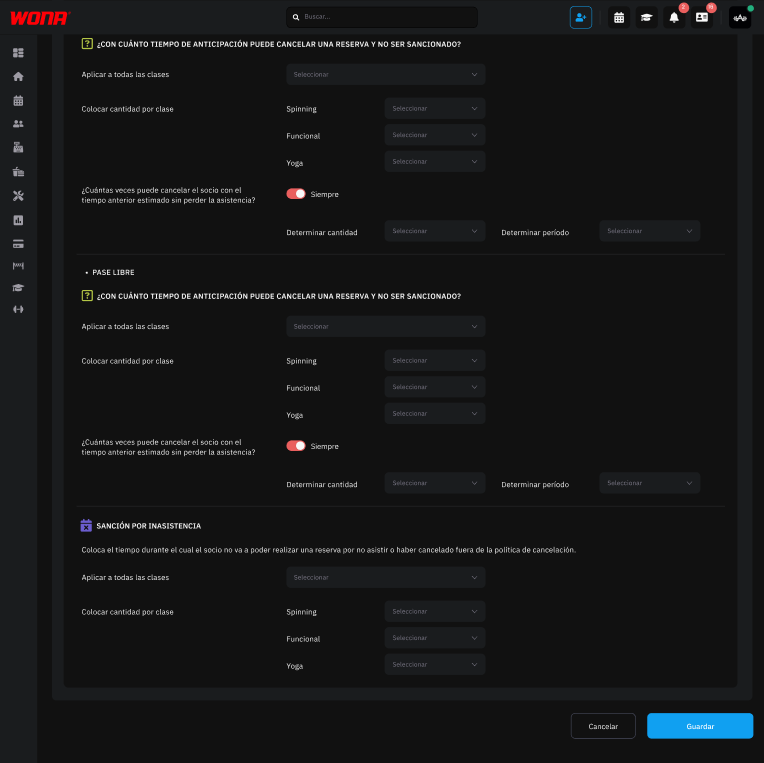
Set the booking rules for facilities and classes according to your club's policies and membership type.
Define deposits, cancellations and restrictions so that every member gets the conditions that match their plan.
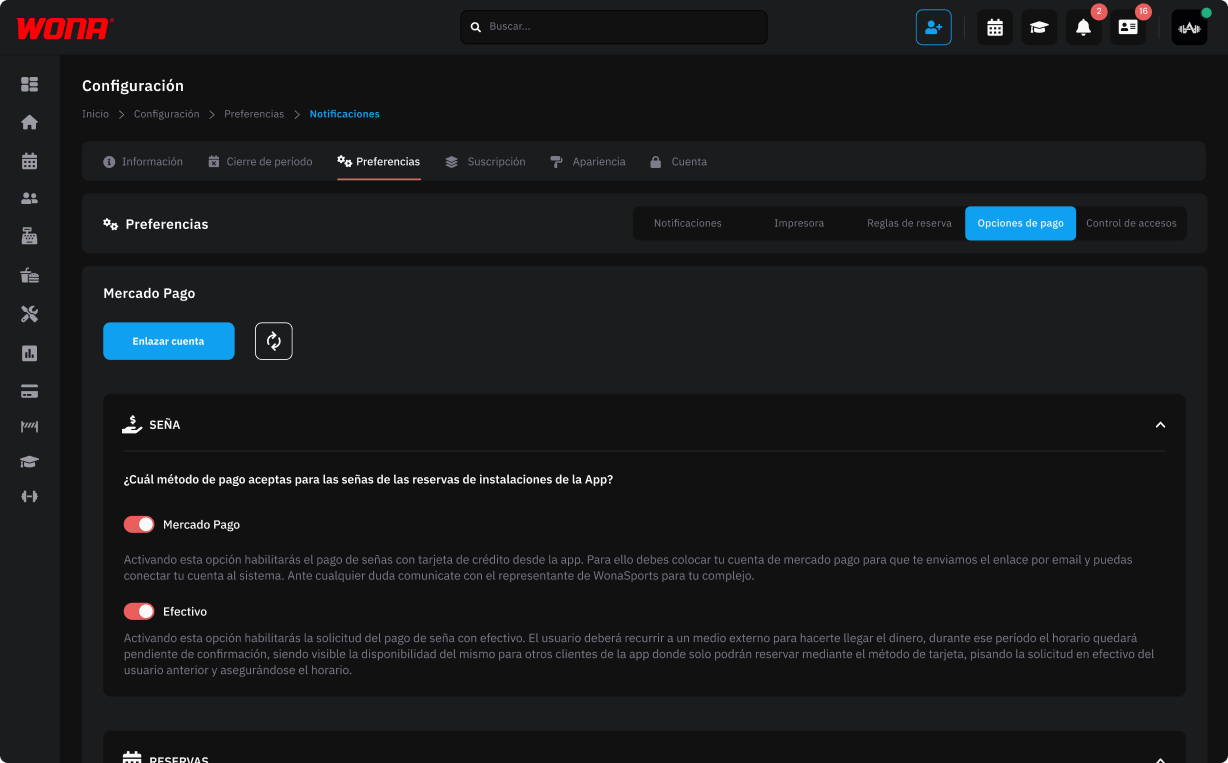
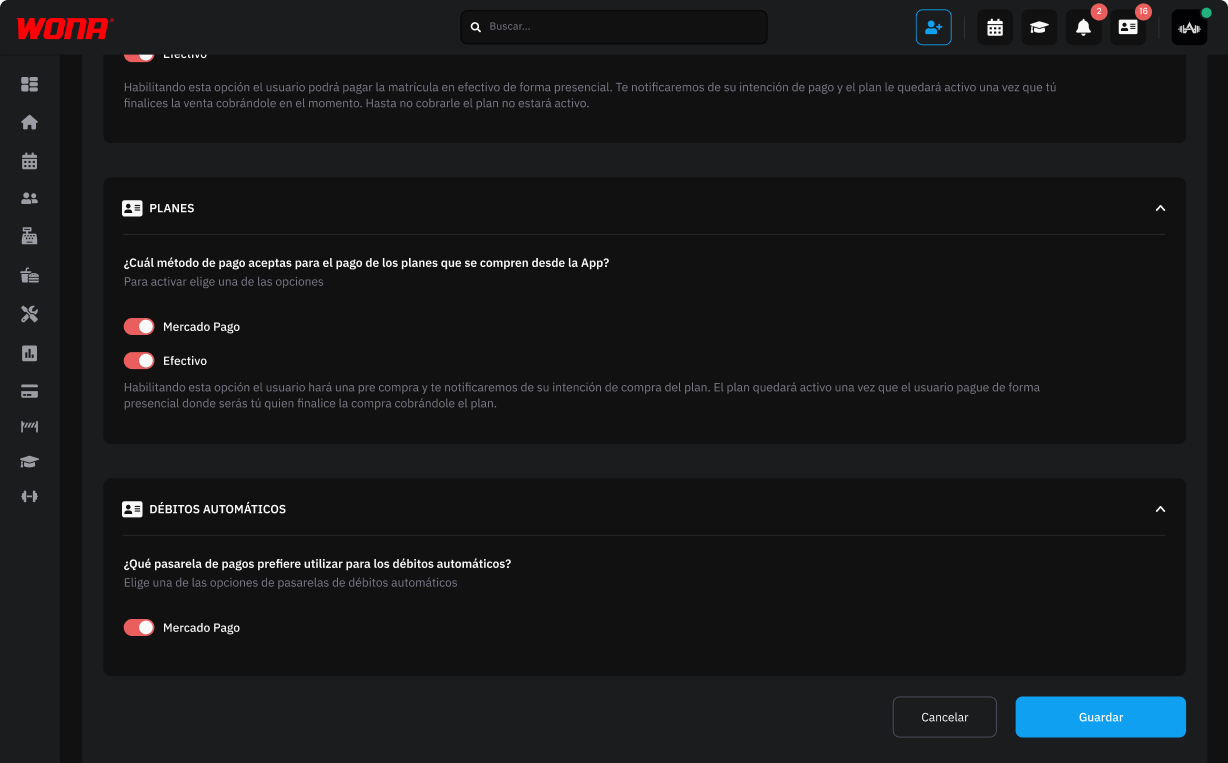
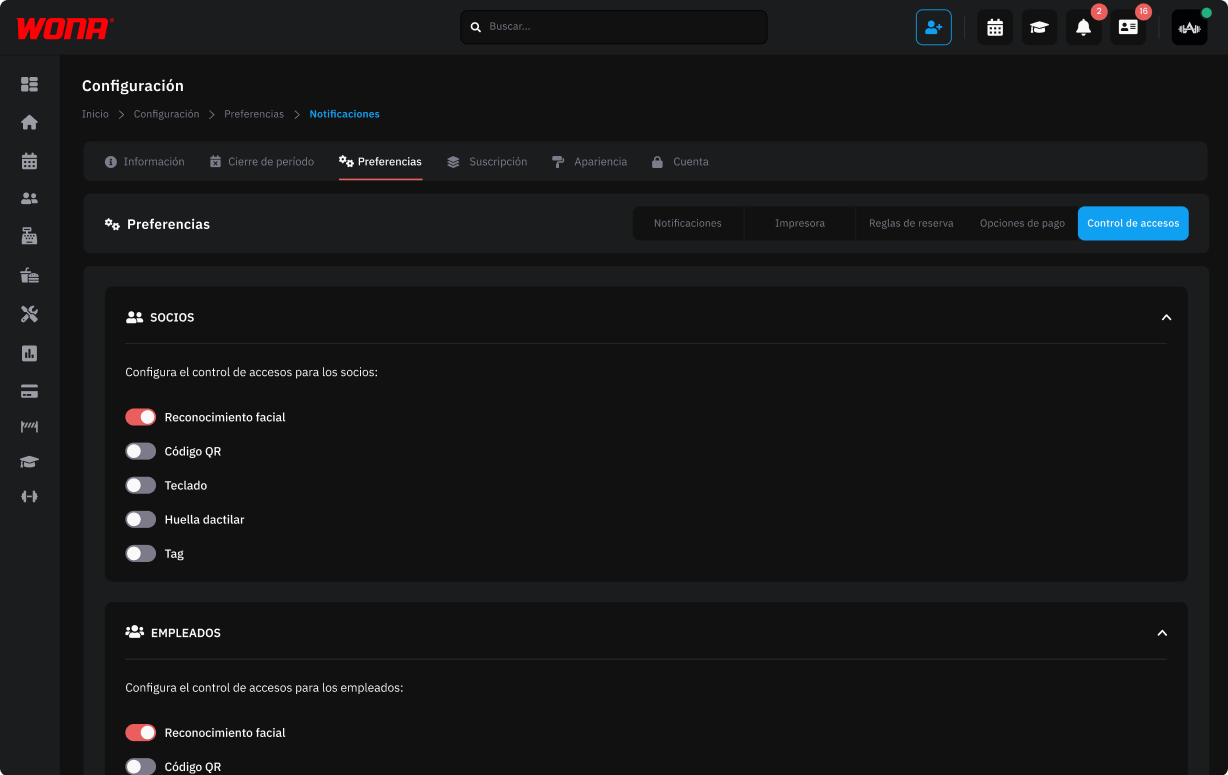
Set up how members and employees enter the club, choosing between facial recognition, fingerprint, QR, keypad or tag.
It allows safe and customized control of access to the club.
Web version
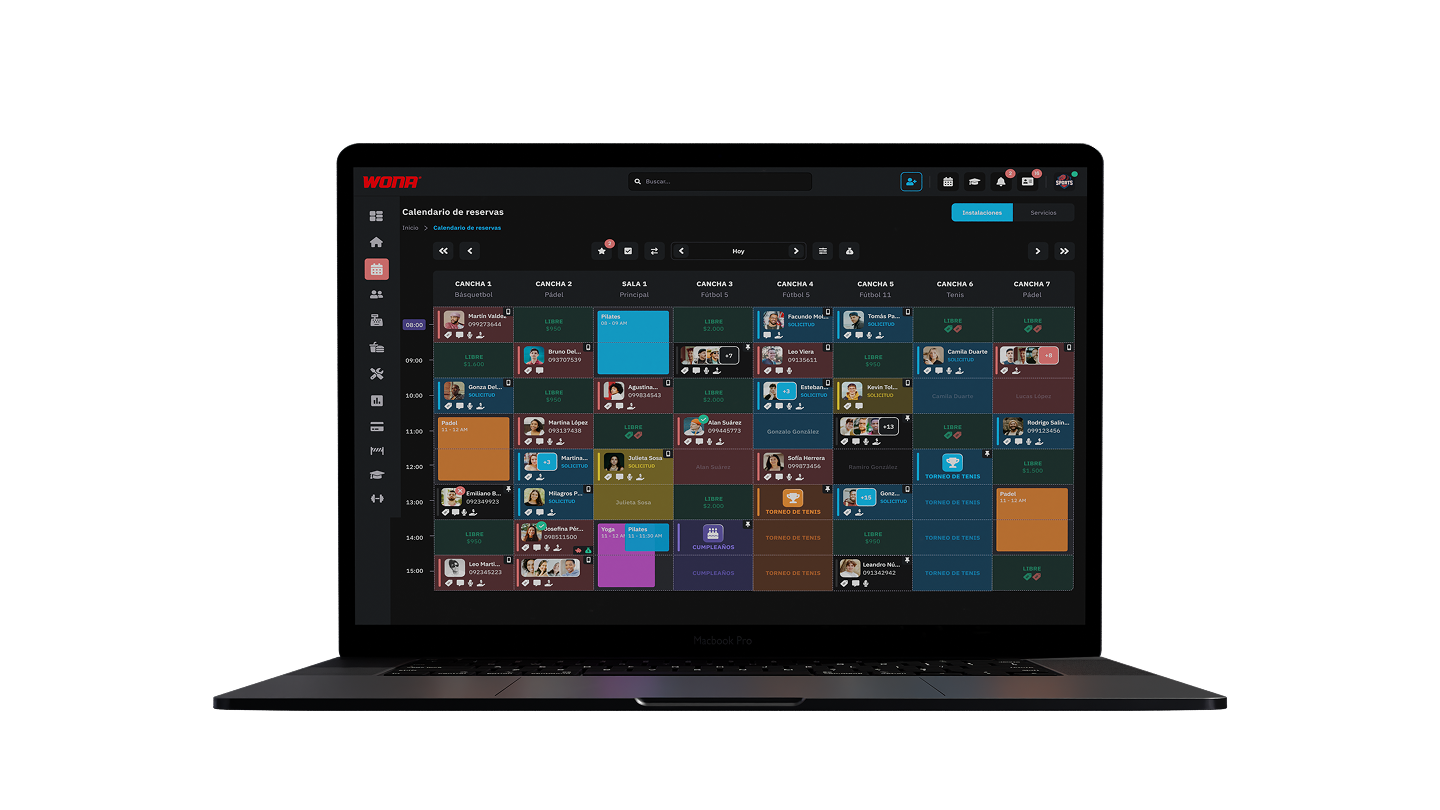
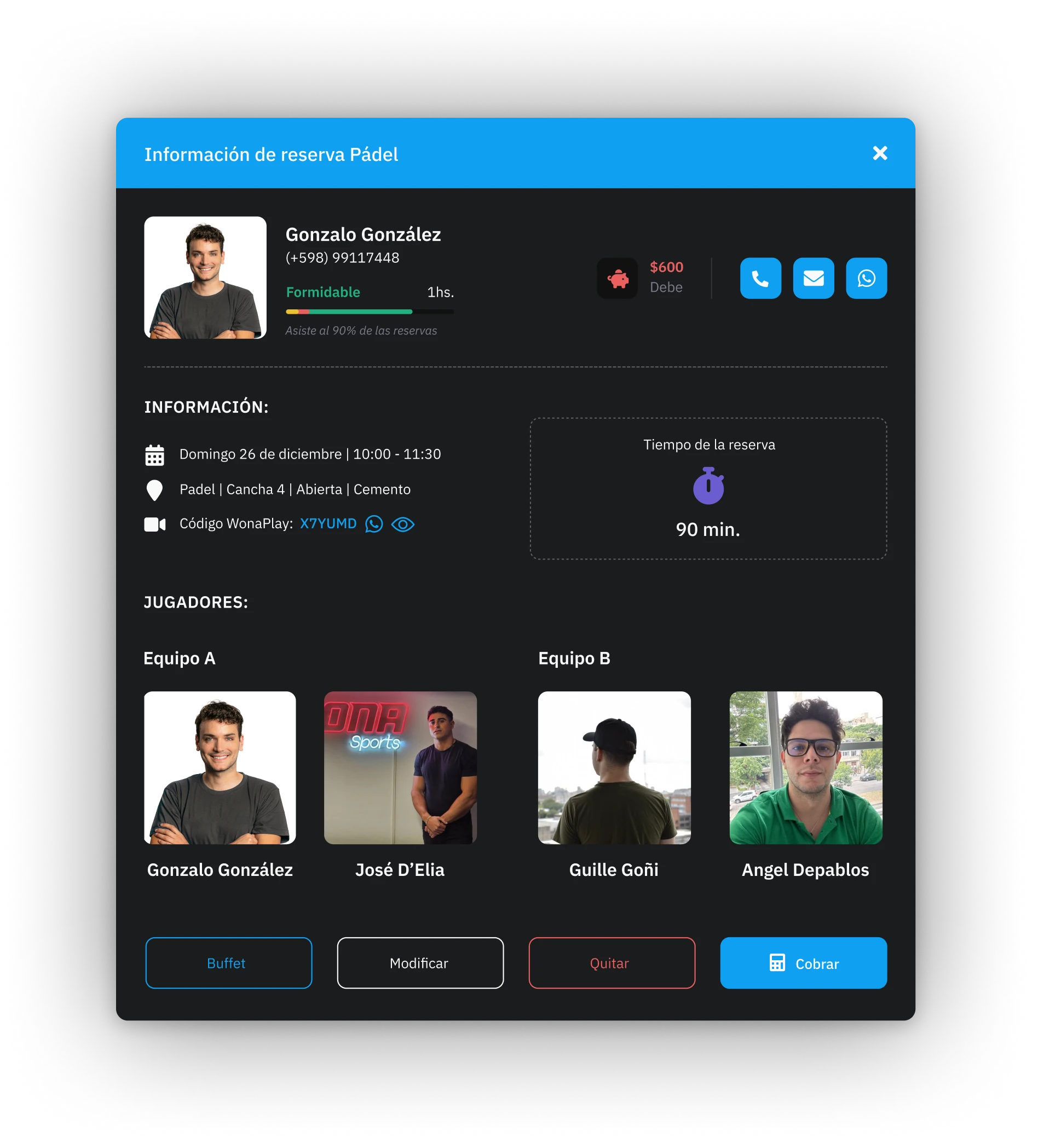
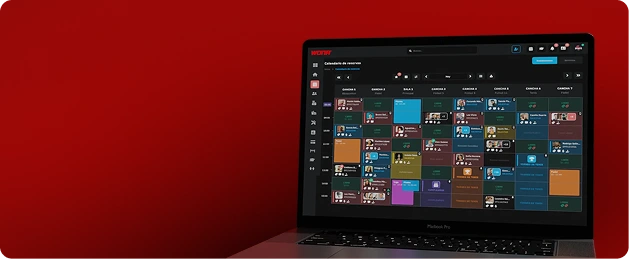
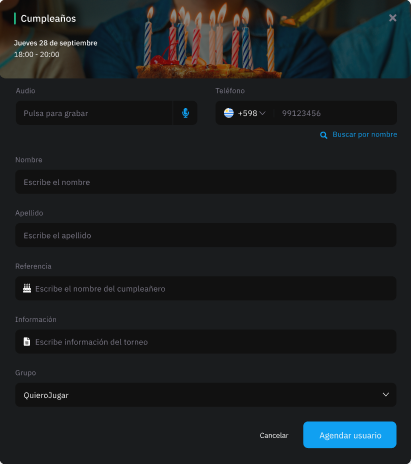
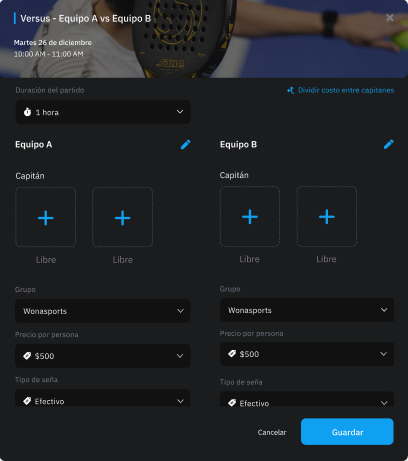
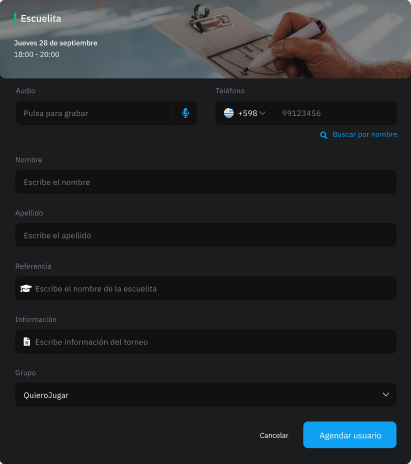
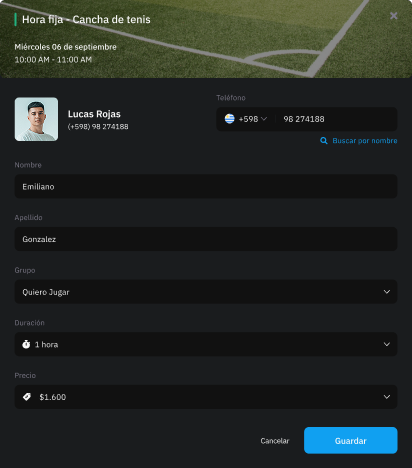
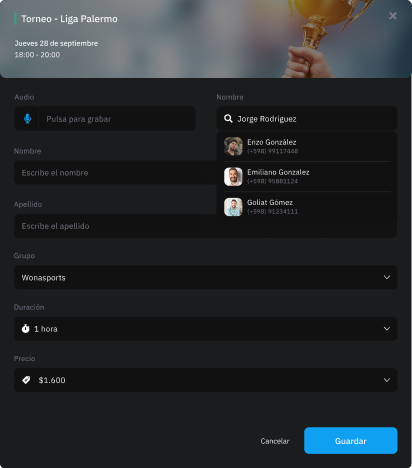
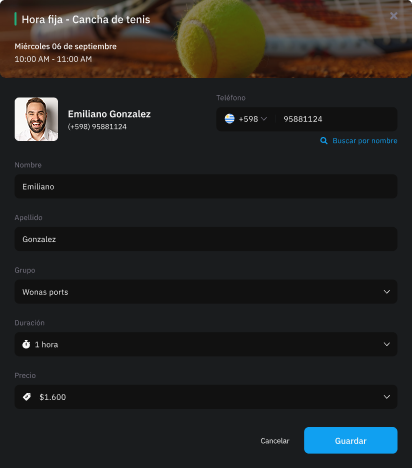
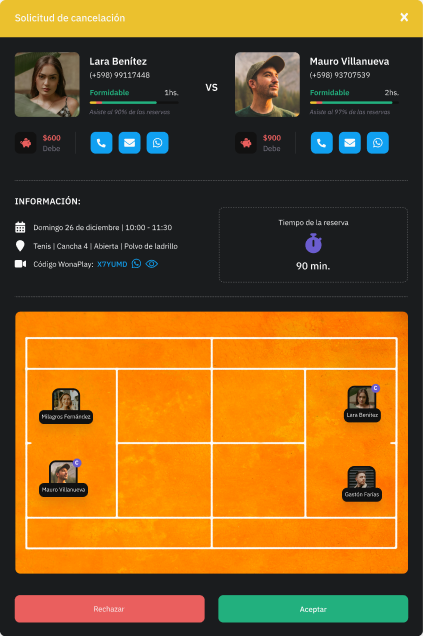
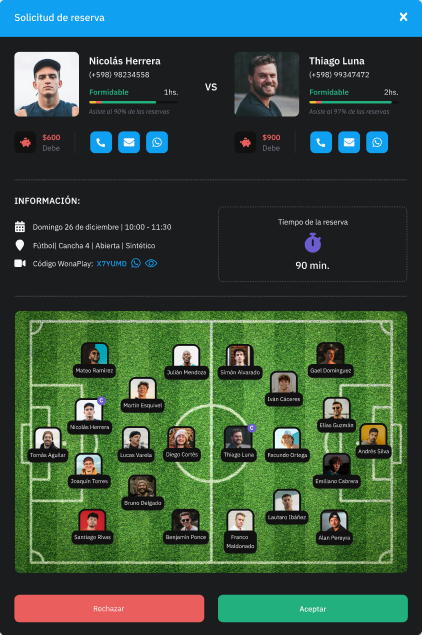
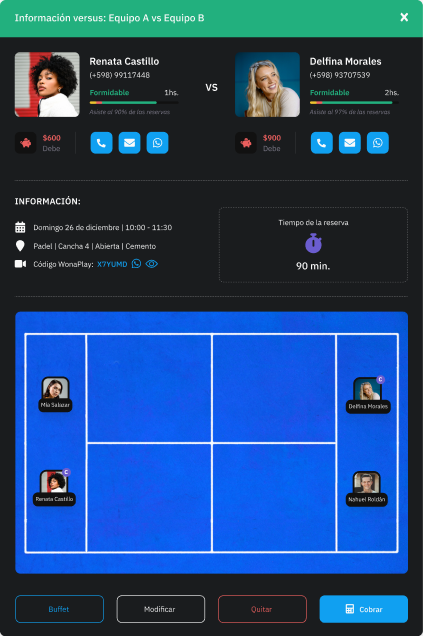
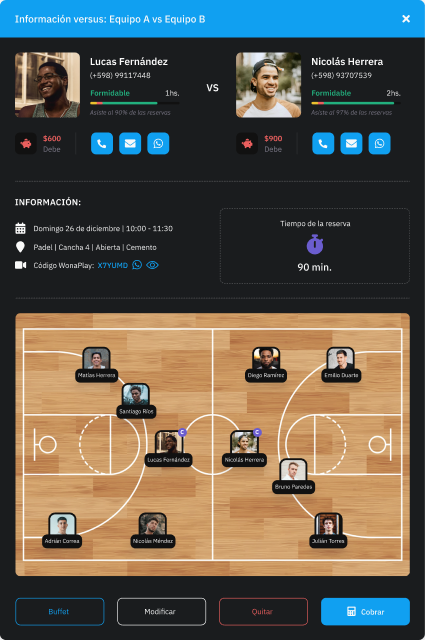
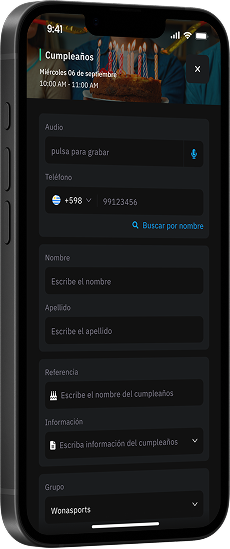
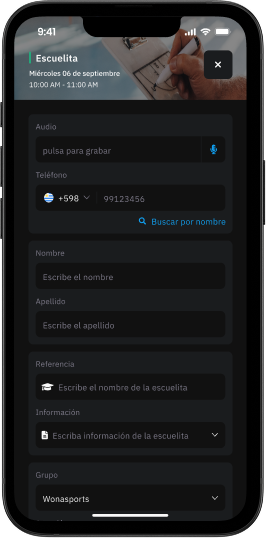
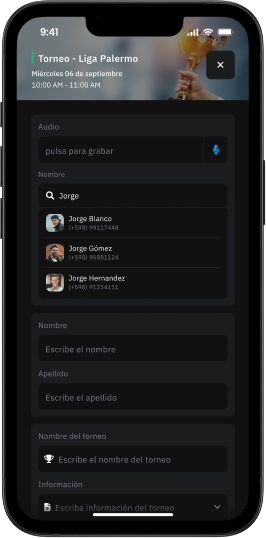
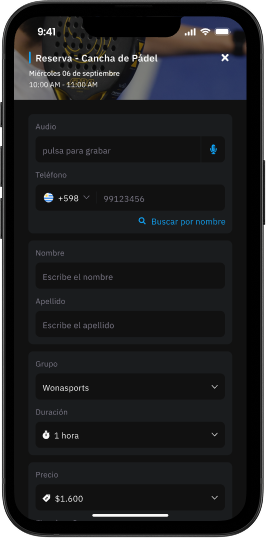
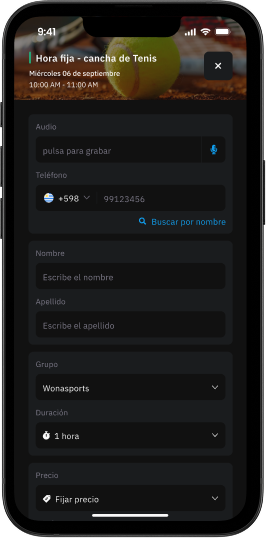
Schedule fixed hours, one-off bookings, sports academies, tournaments, birthdays and matches from a single place.
One shared calendar: multiple administrators can manage and update bookings in real time from any device, avoiding overlaps and mistakes.
Automatic push notifications to alert about internal (administrators) and external (customers) changes.
Mobile version
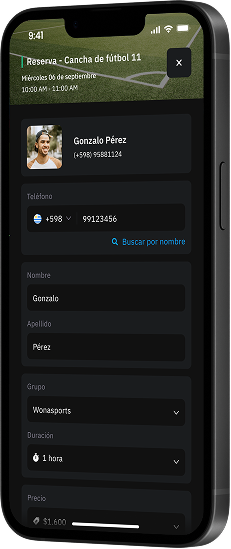
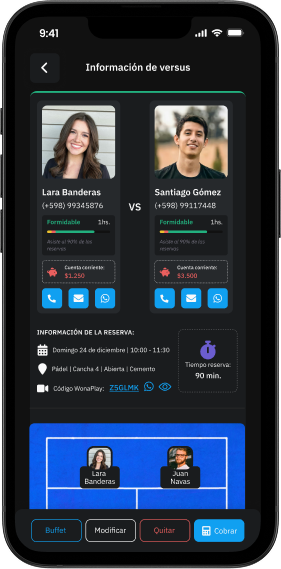
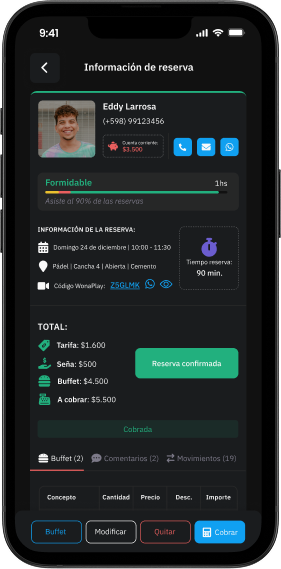
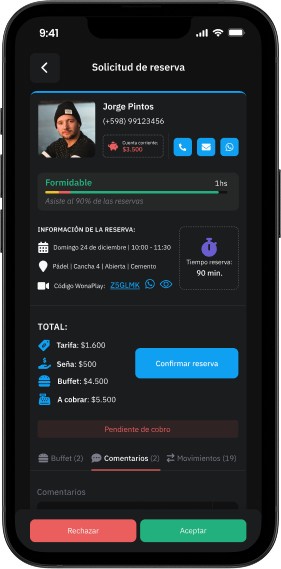
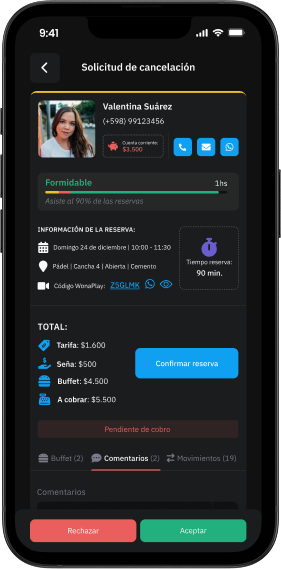
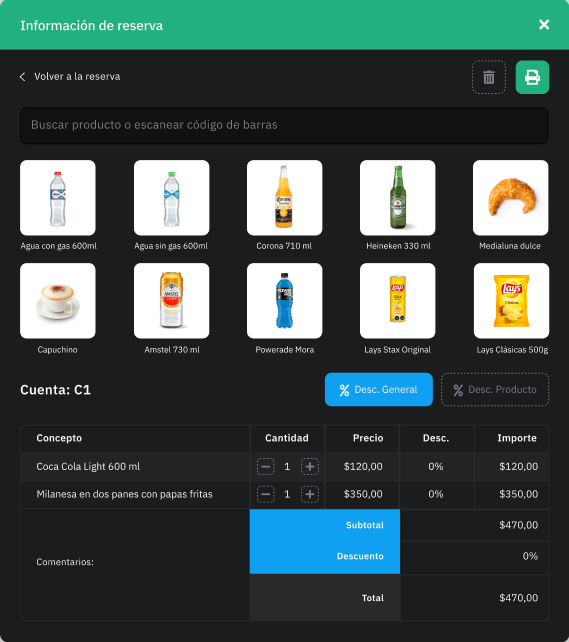
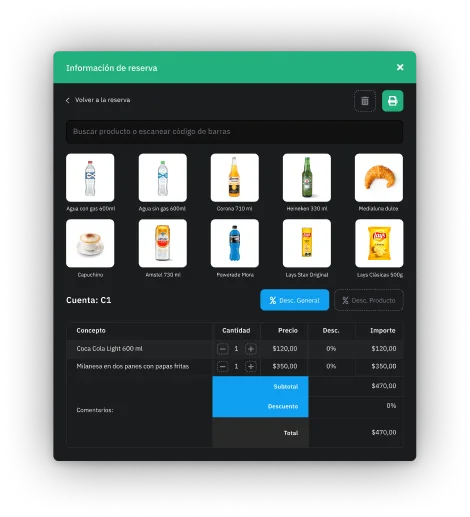
Our software includes a complete module for managing and selling food and products, ideal for running the club's cafeteria or buffet with all the features of a professional restaurant.
It's also integrated with the booking system, so food, drinks or any product can be added directly to a court booking, without needing to open a separate account in the sales module.
This speeds up operations, improves the member experience and increases sales opportunities.
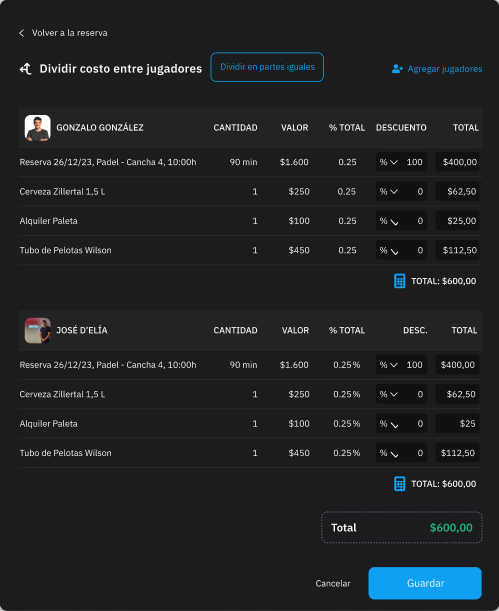
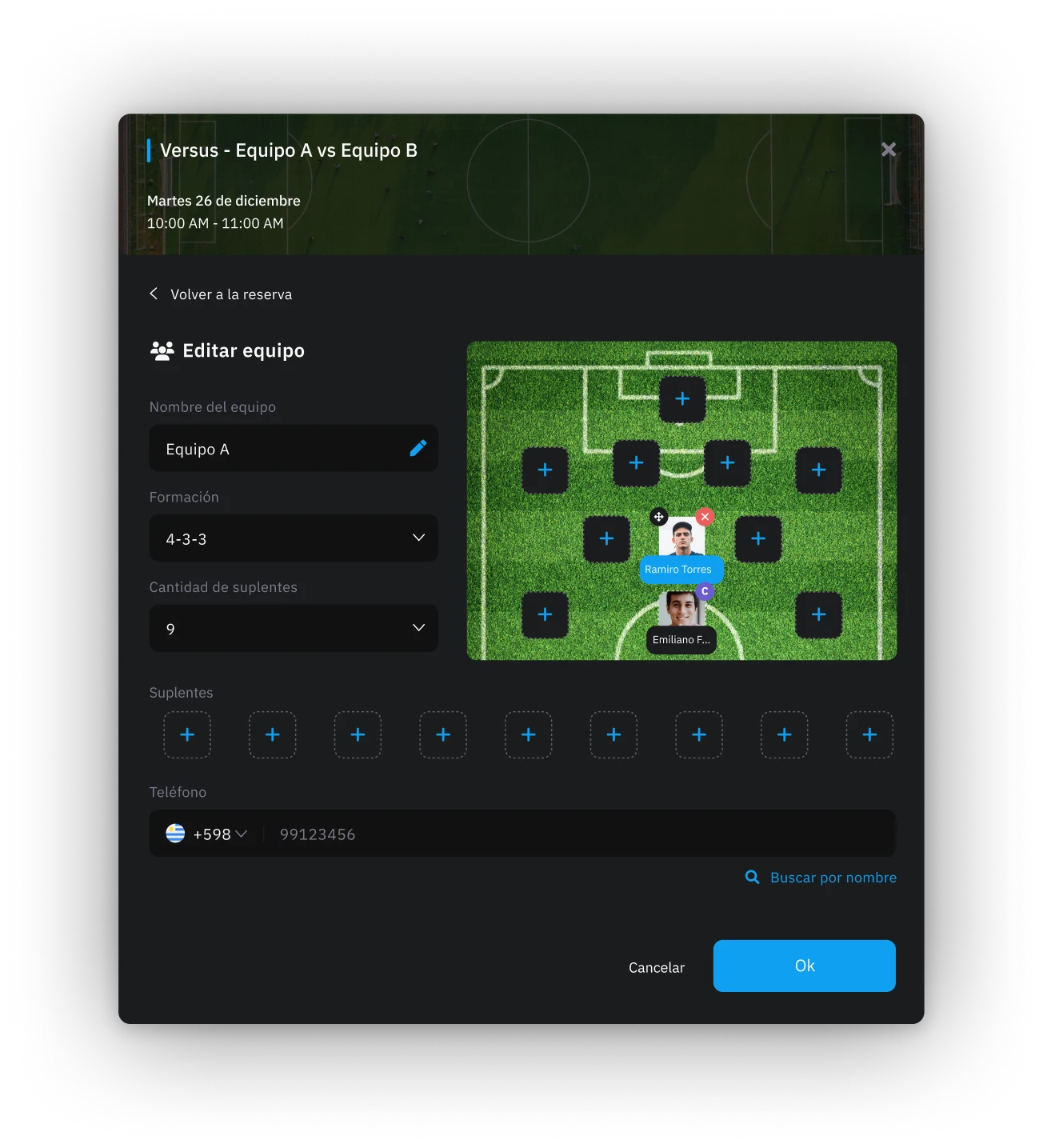
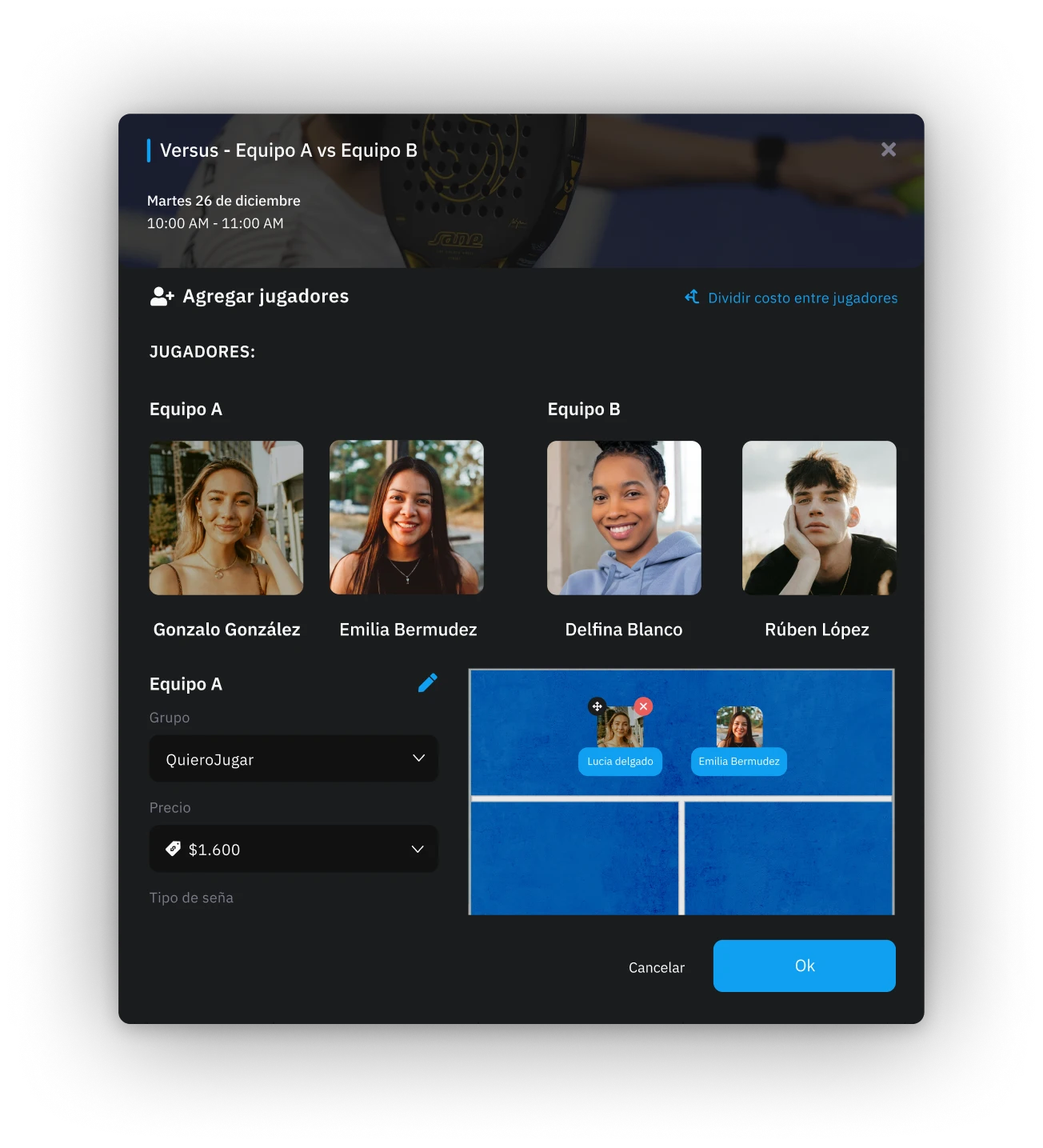
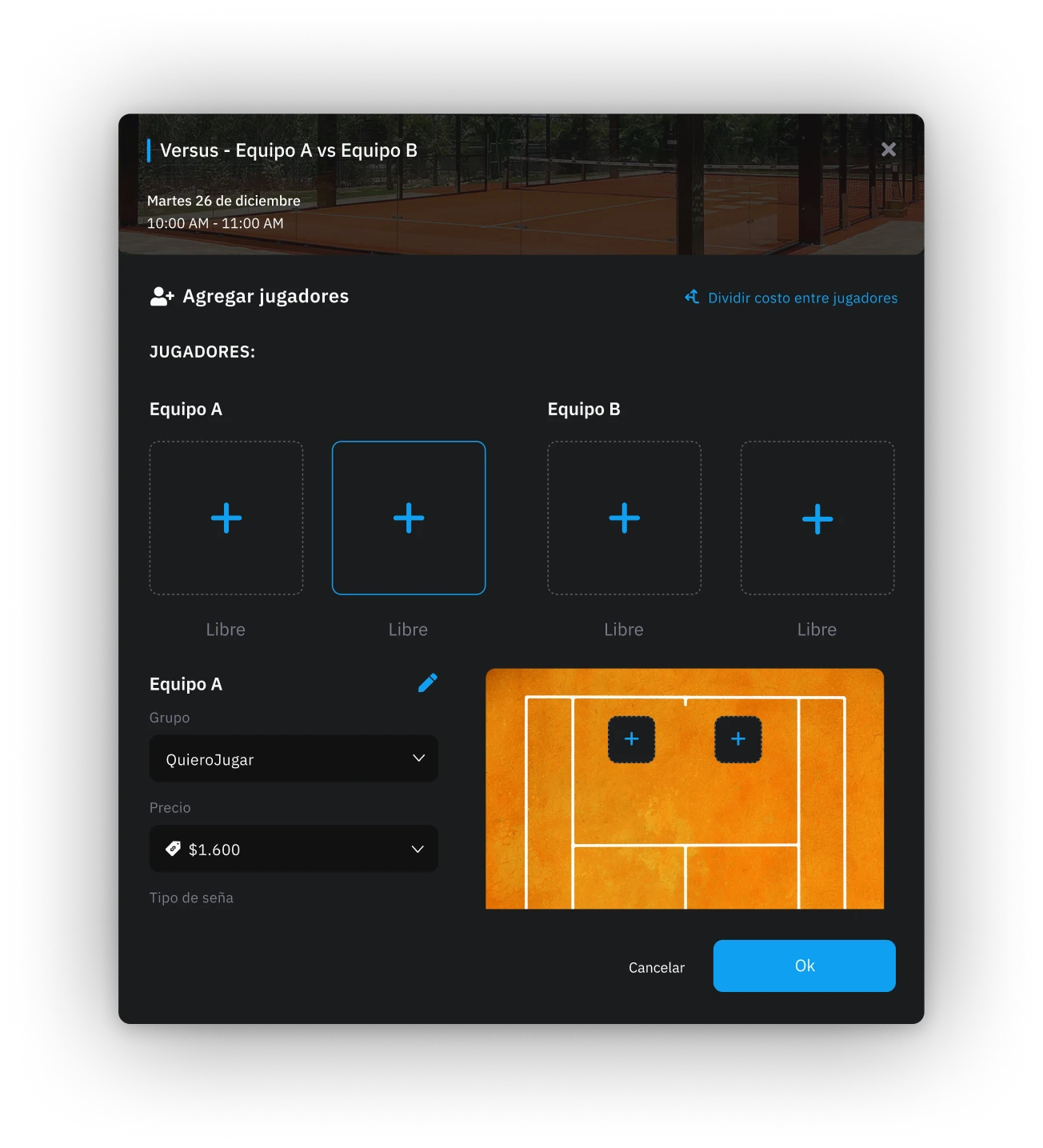
The club can split the total cost of the booking (including the court, food and products) between the players, recording exactly what each one consumed.
This information is kept in each player's individual history and, thanks to the running-account system, if a player underpays or doesn't pay at the time, the debt or credit is recorded under their name, so it doesn't all fall on the person who made the booking.
This makes it easier to control and track what each player consumes.
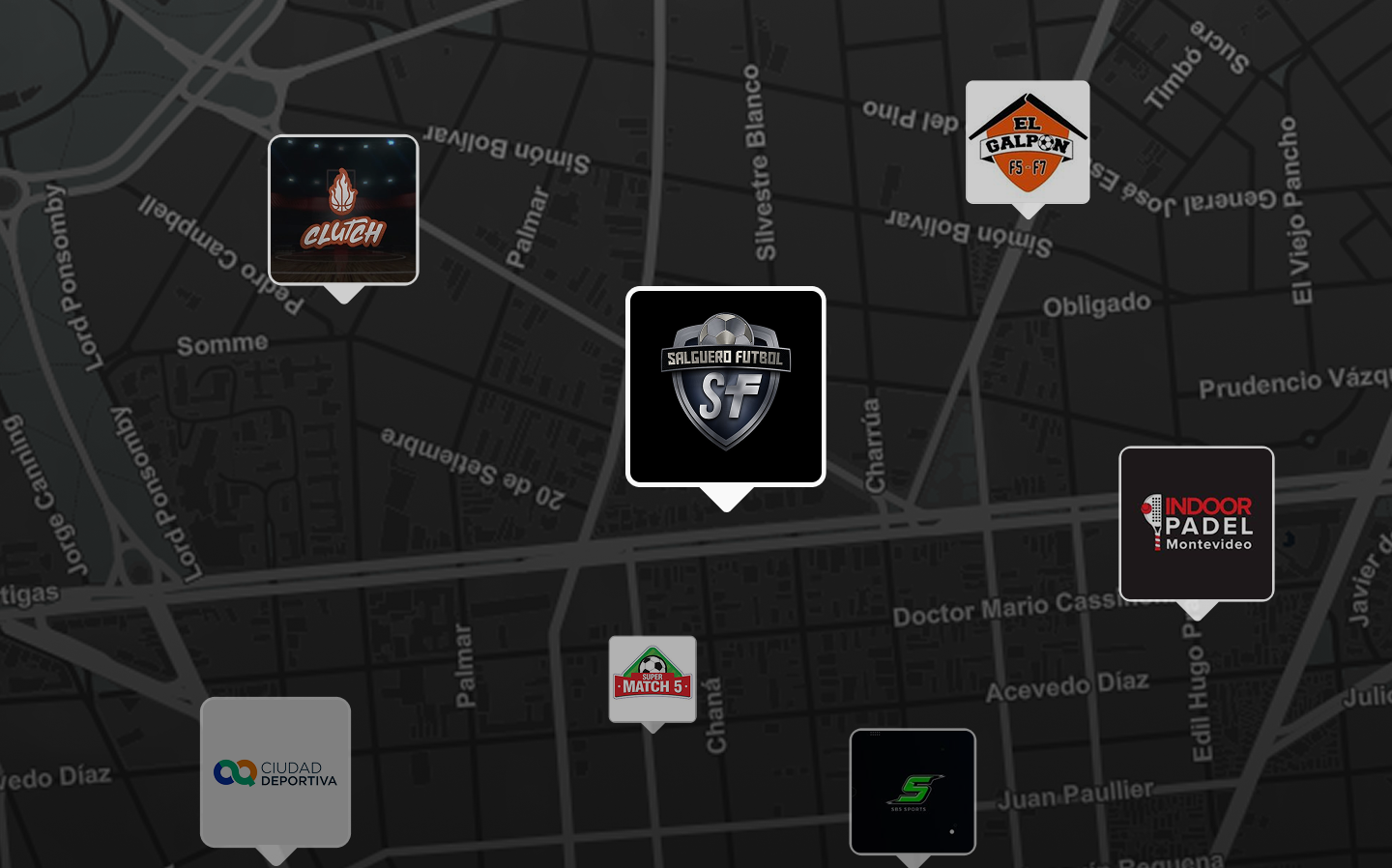
Exposure, cross-over audience and a multiplier effect on bookings.
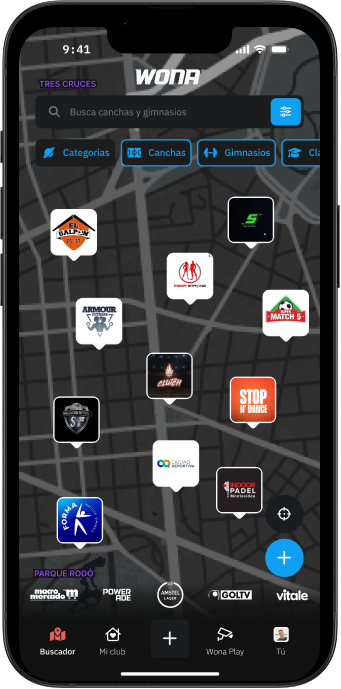
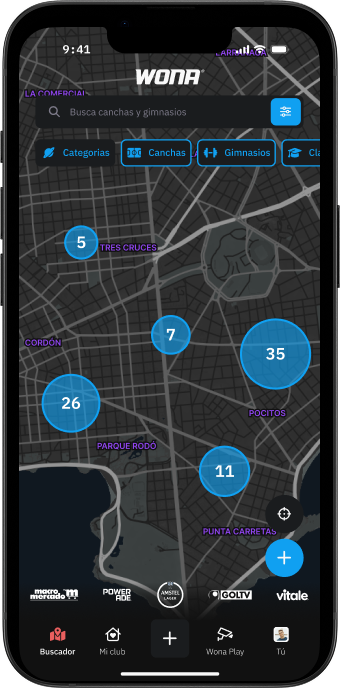
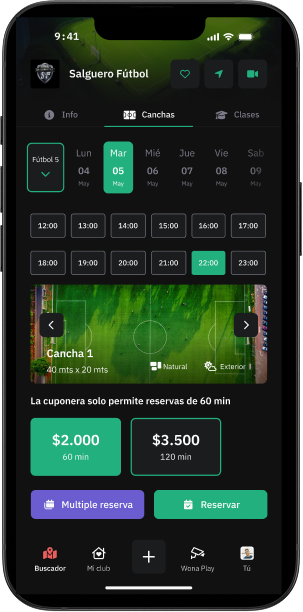
Direct integration with the electronic calendar: available slots are shown in real time so users can book instantly.
A wider audience than other court marketplaces: as well as players, we have fitness centres whose members use the app to book classes and renew memberships.
That steady flow of fitness users can also book courts, multiplying the sales opportunities for your club.
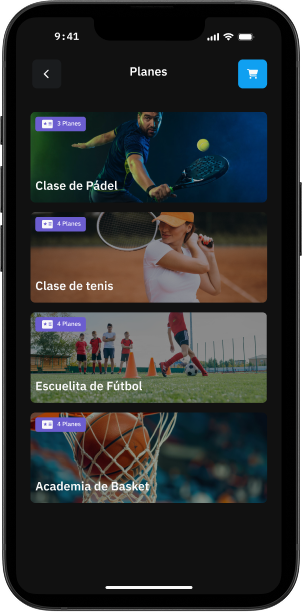
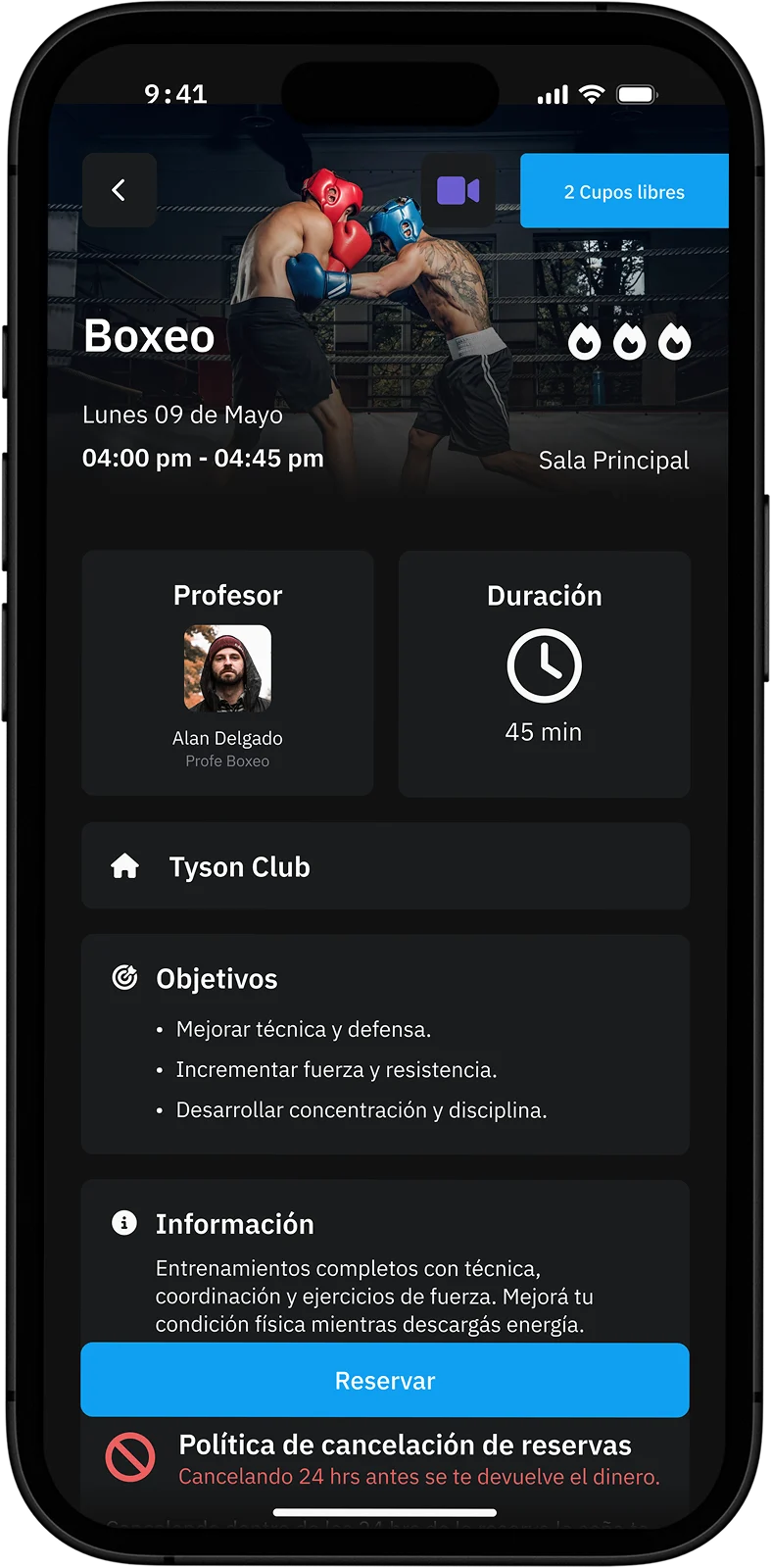
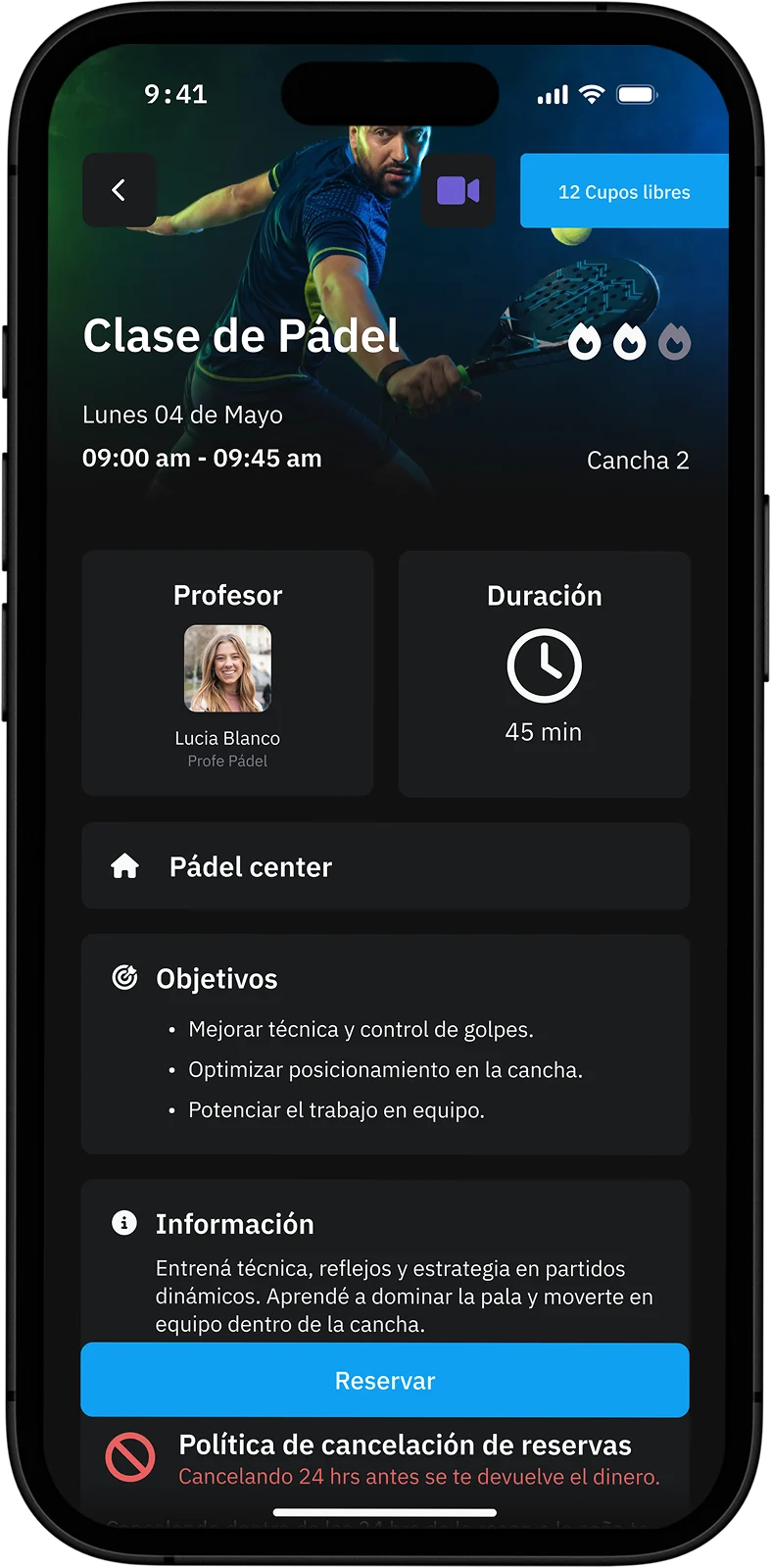
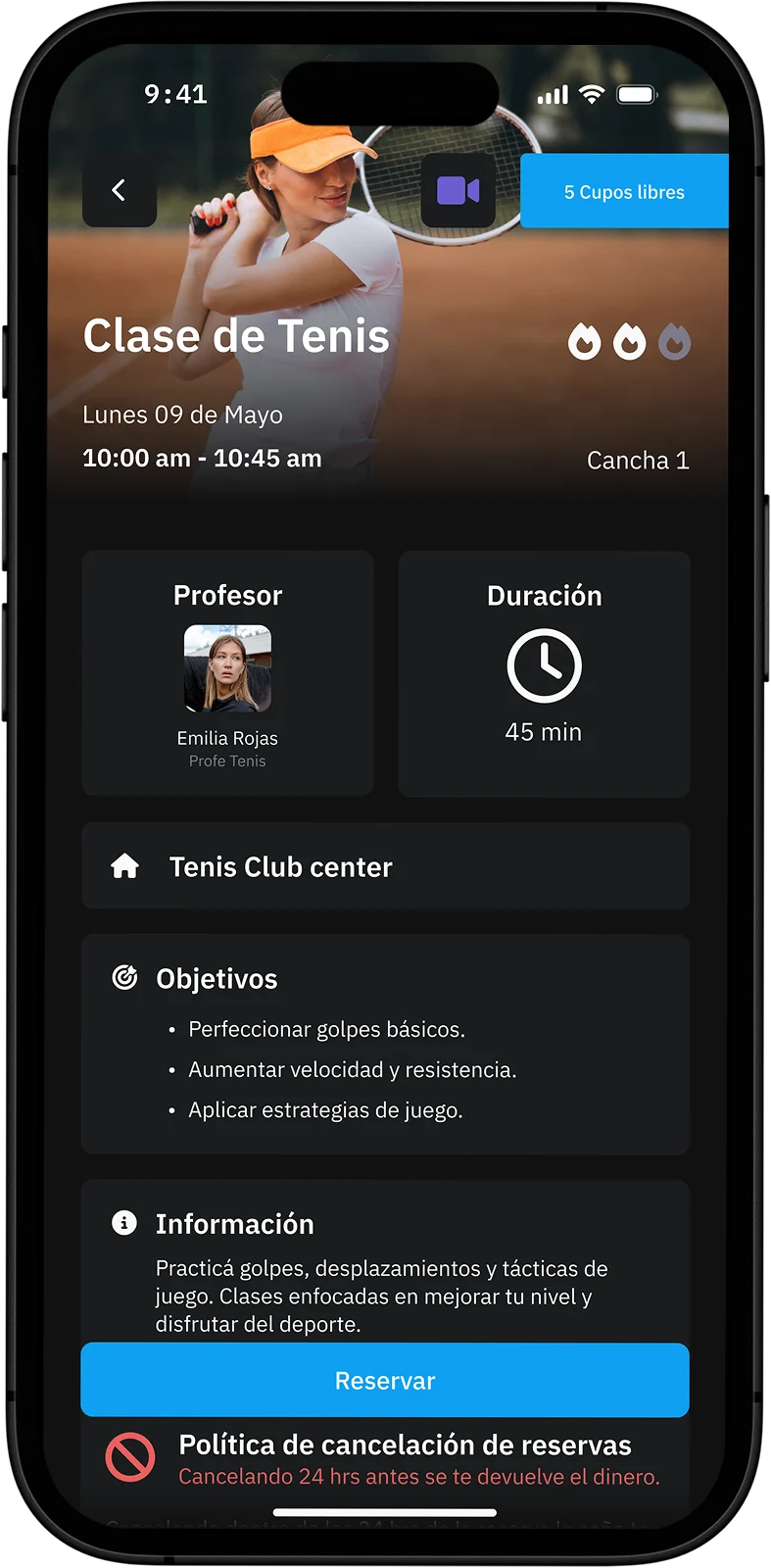
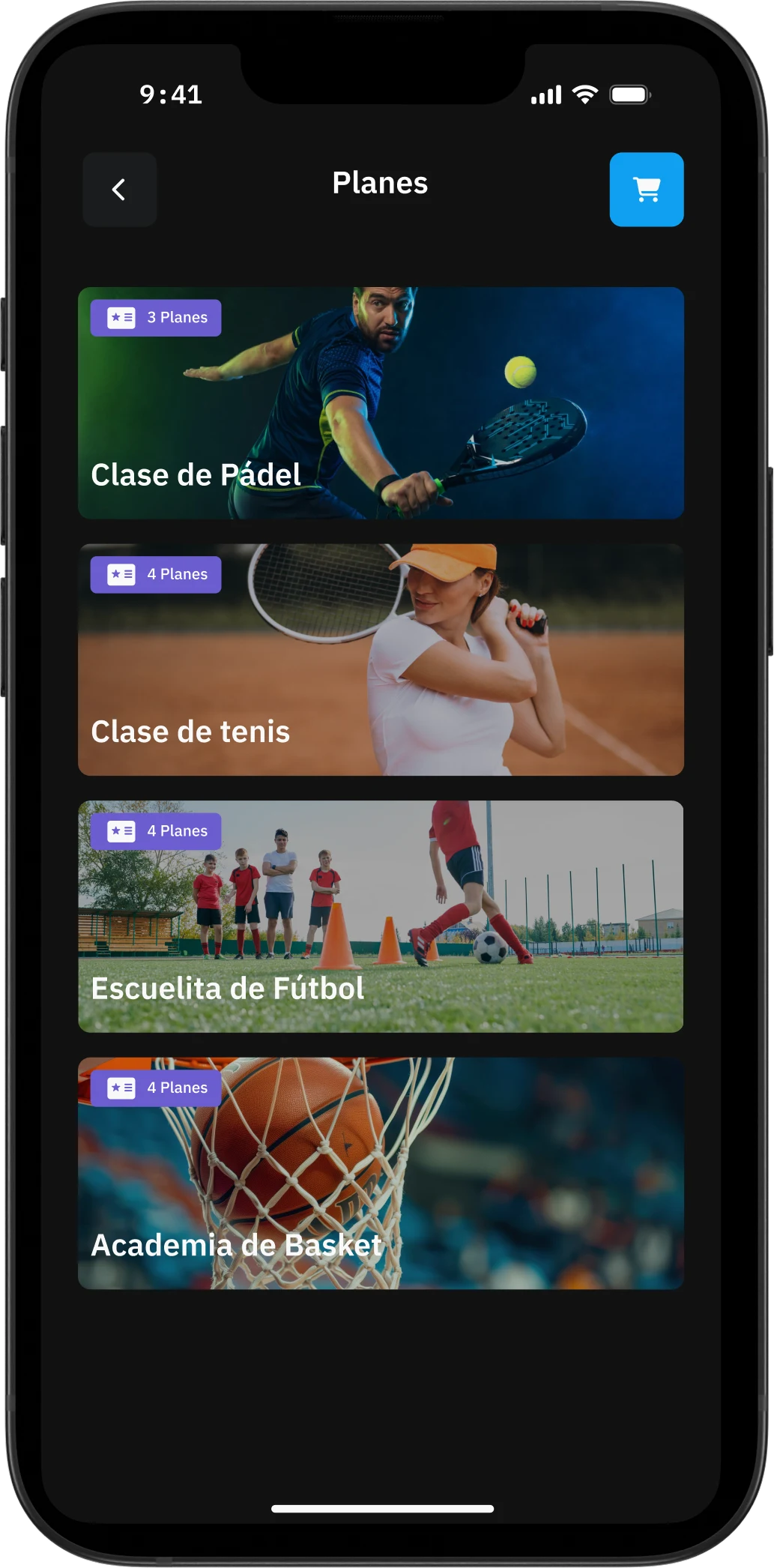
With Wona you can create and manage classes for every kind of discipline: from court sports such as Padel, Tennis, Basketball or football academies, to fitness activities such as Crossfit, Pilates, Spinning or Yoga, and even contact sports such as Boxing, Jiu-jitsu or MMA.
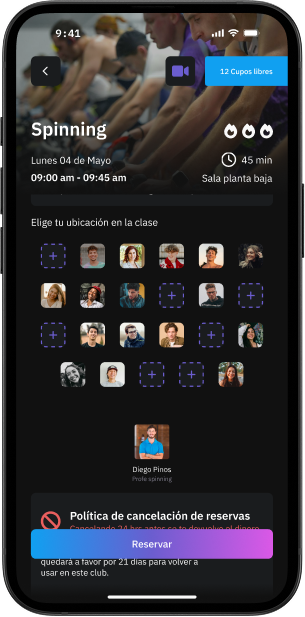
Set schedules, capacity and specific locations, and let your students book straight from the app.
The system also generates attendance statistics and reports that help you optimise schedules, adjust your class offering and improve how you run your club with data-driven decisions.
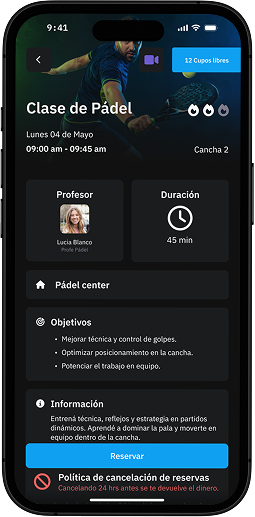
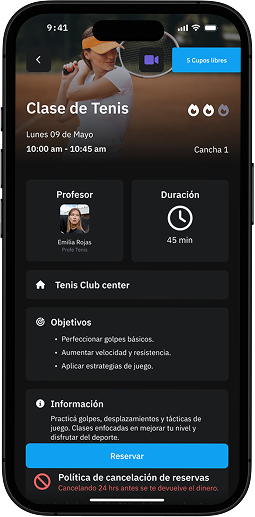
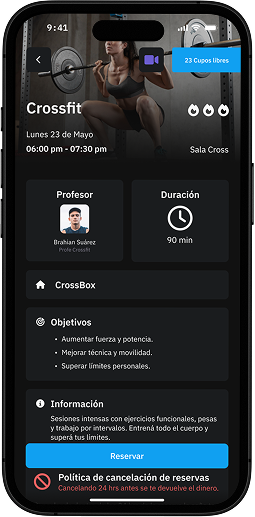
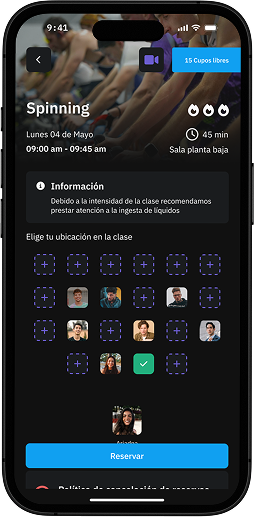
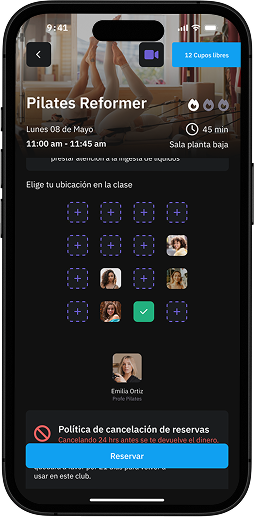
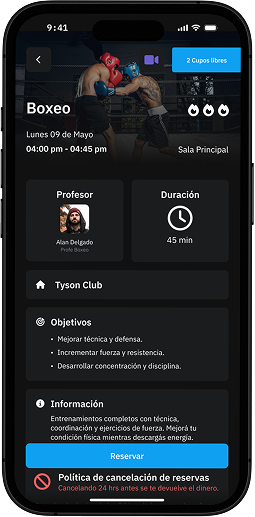
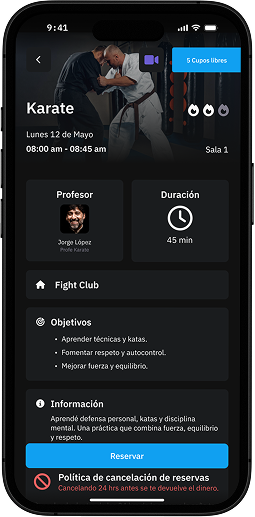
Class calendar
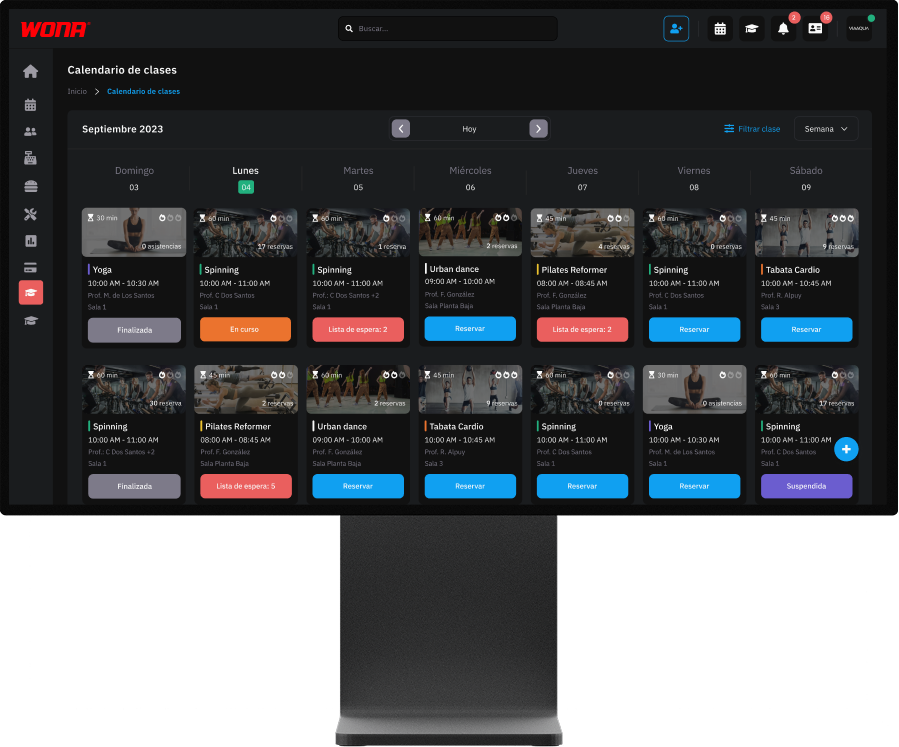
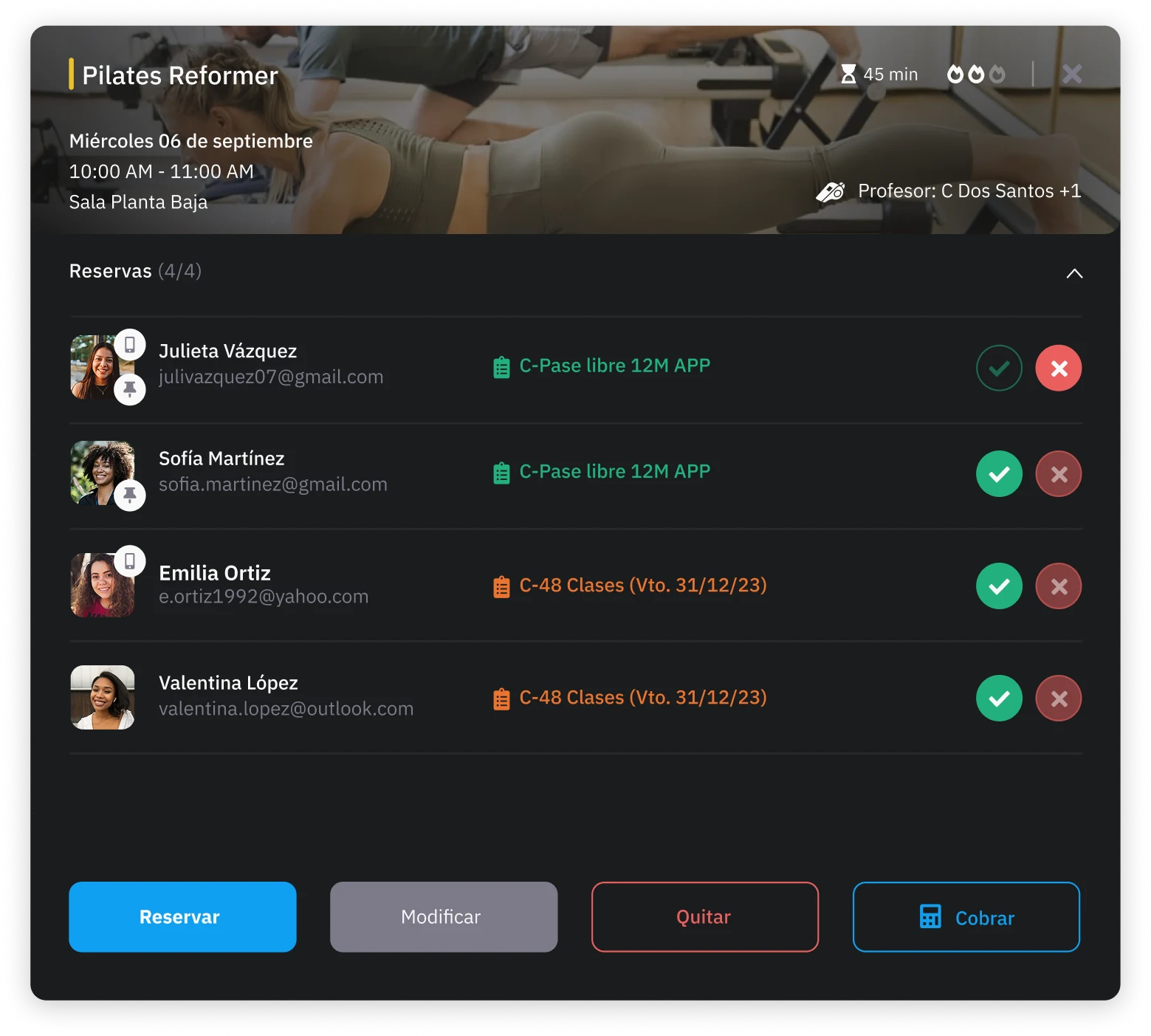
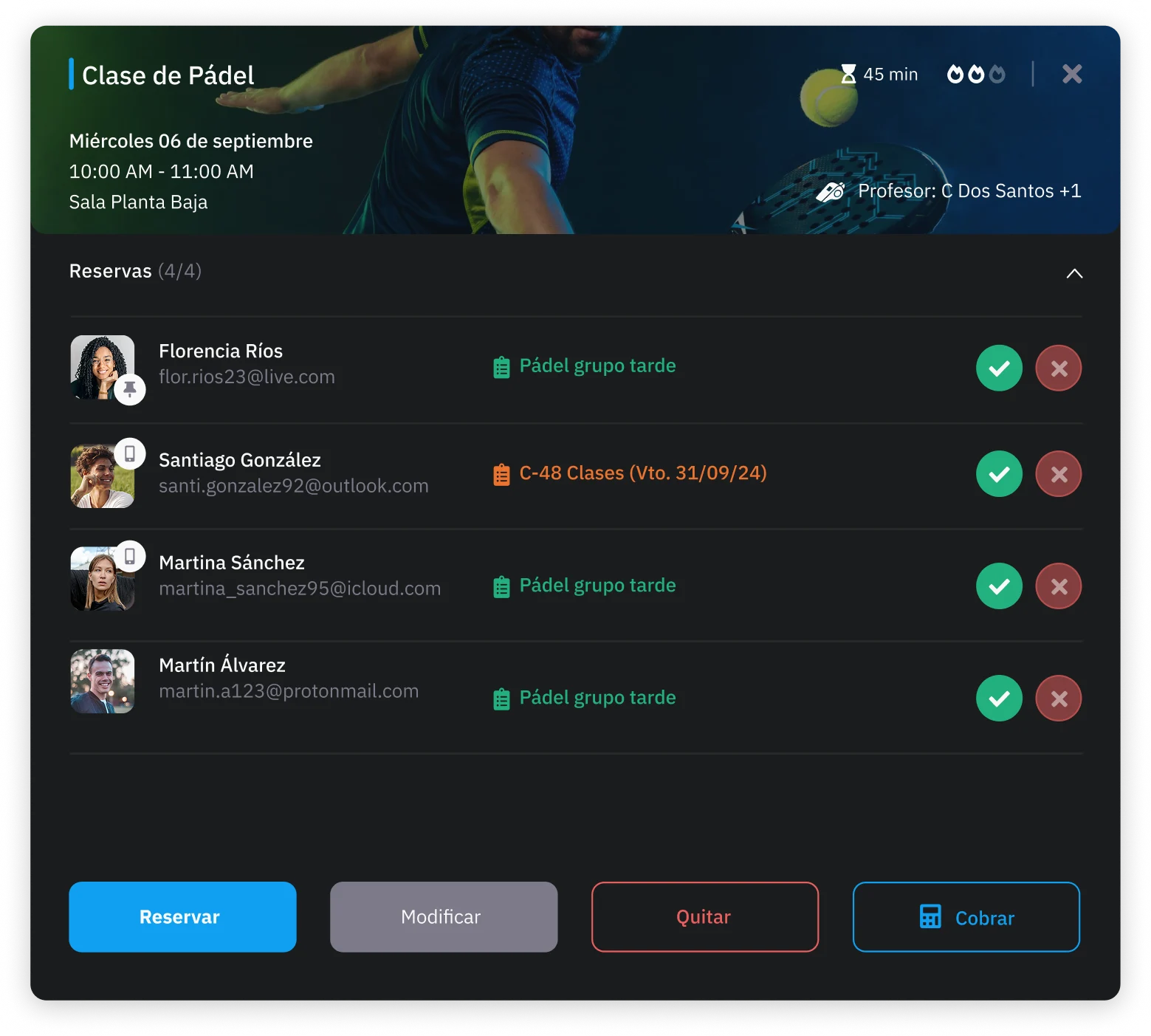
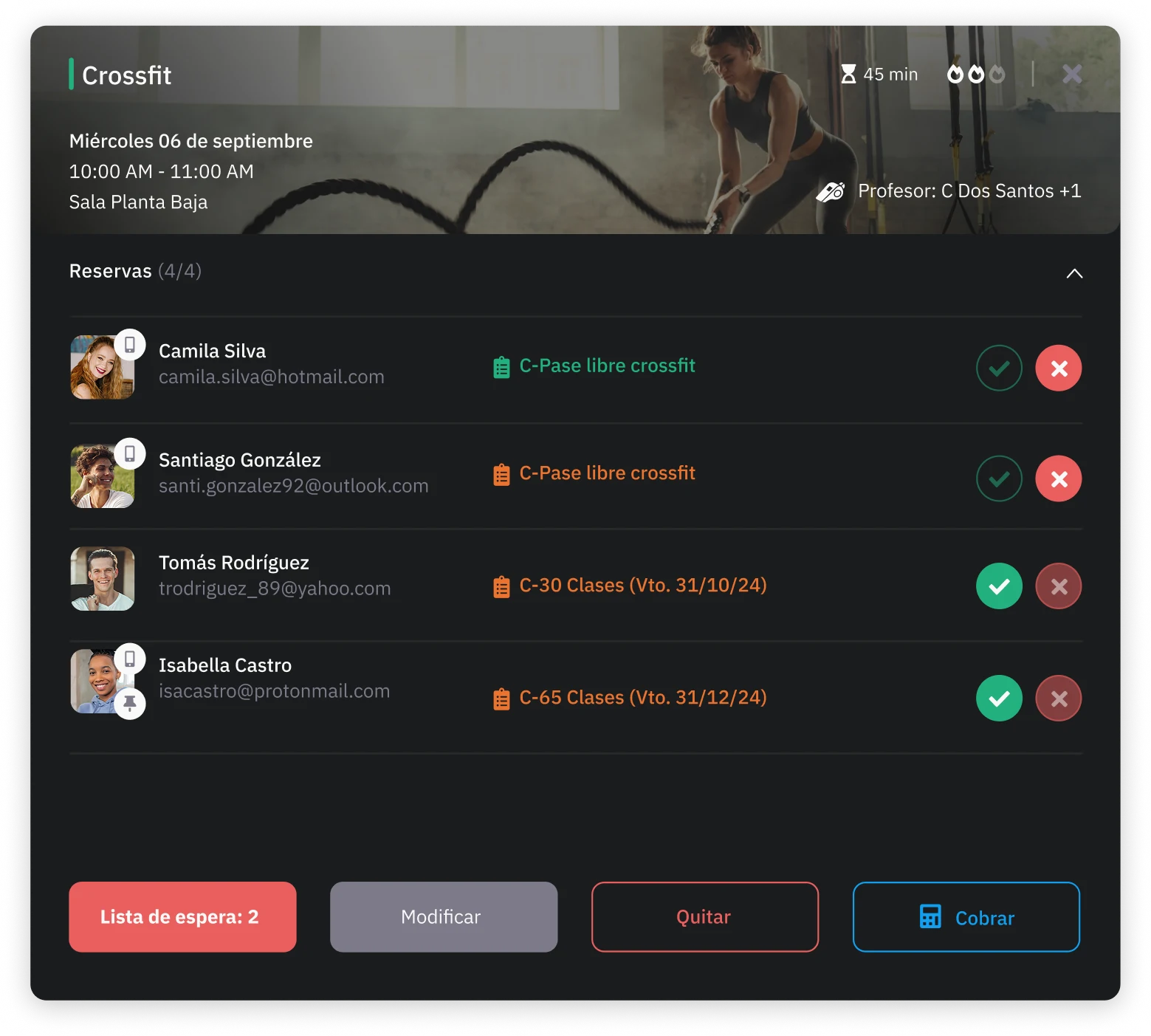
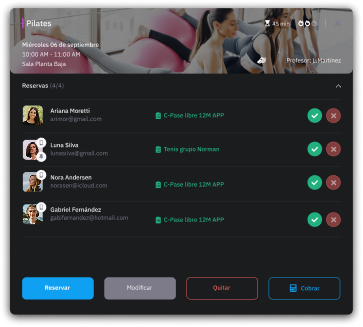
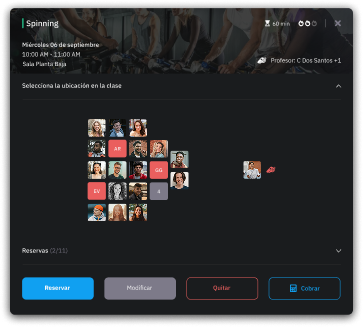
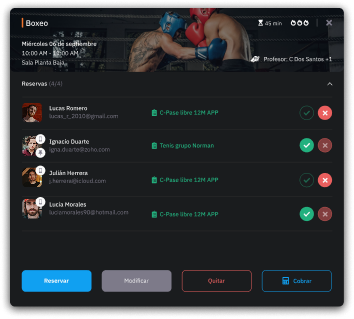
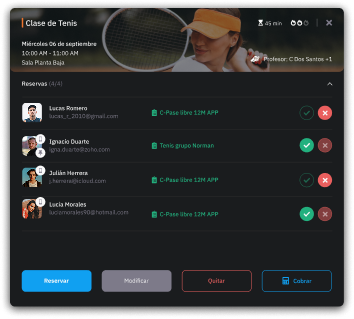
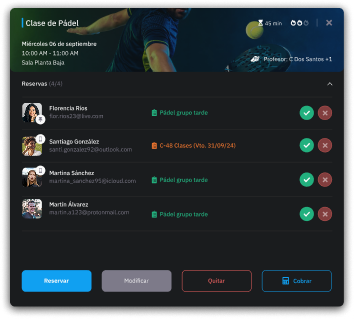
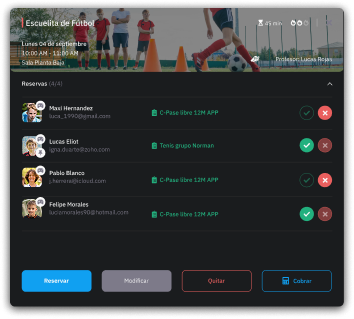
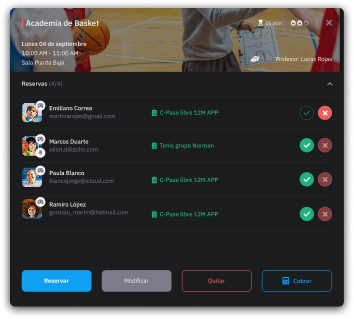
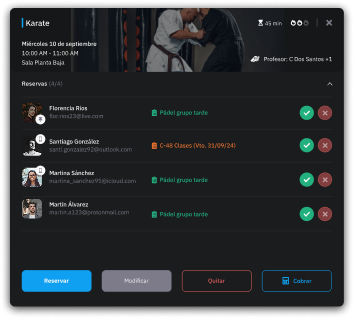
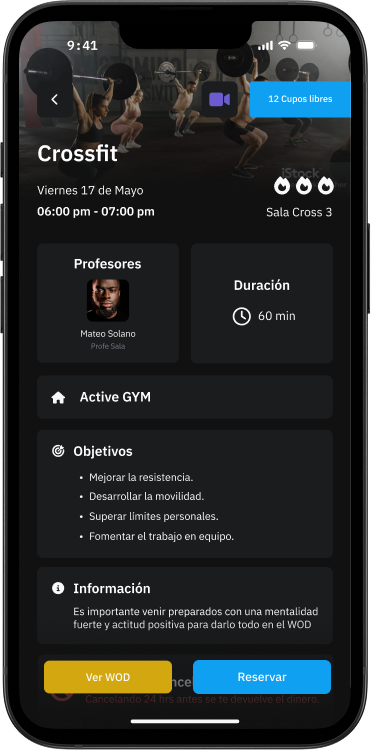
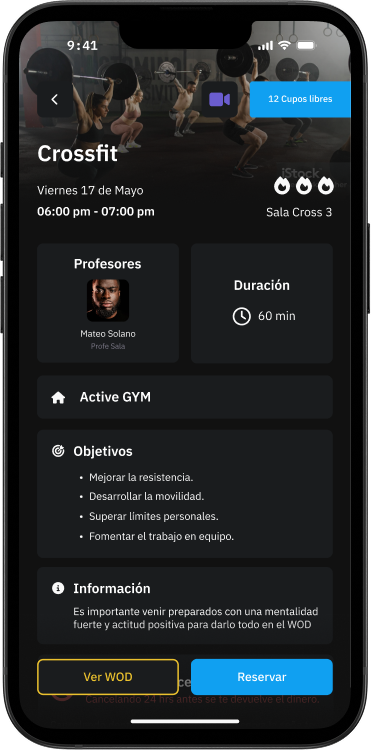
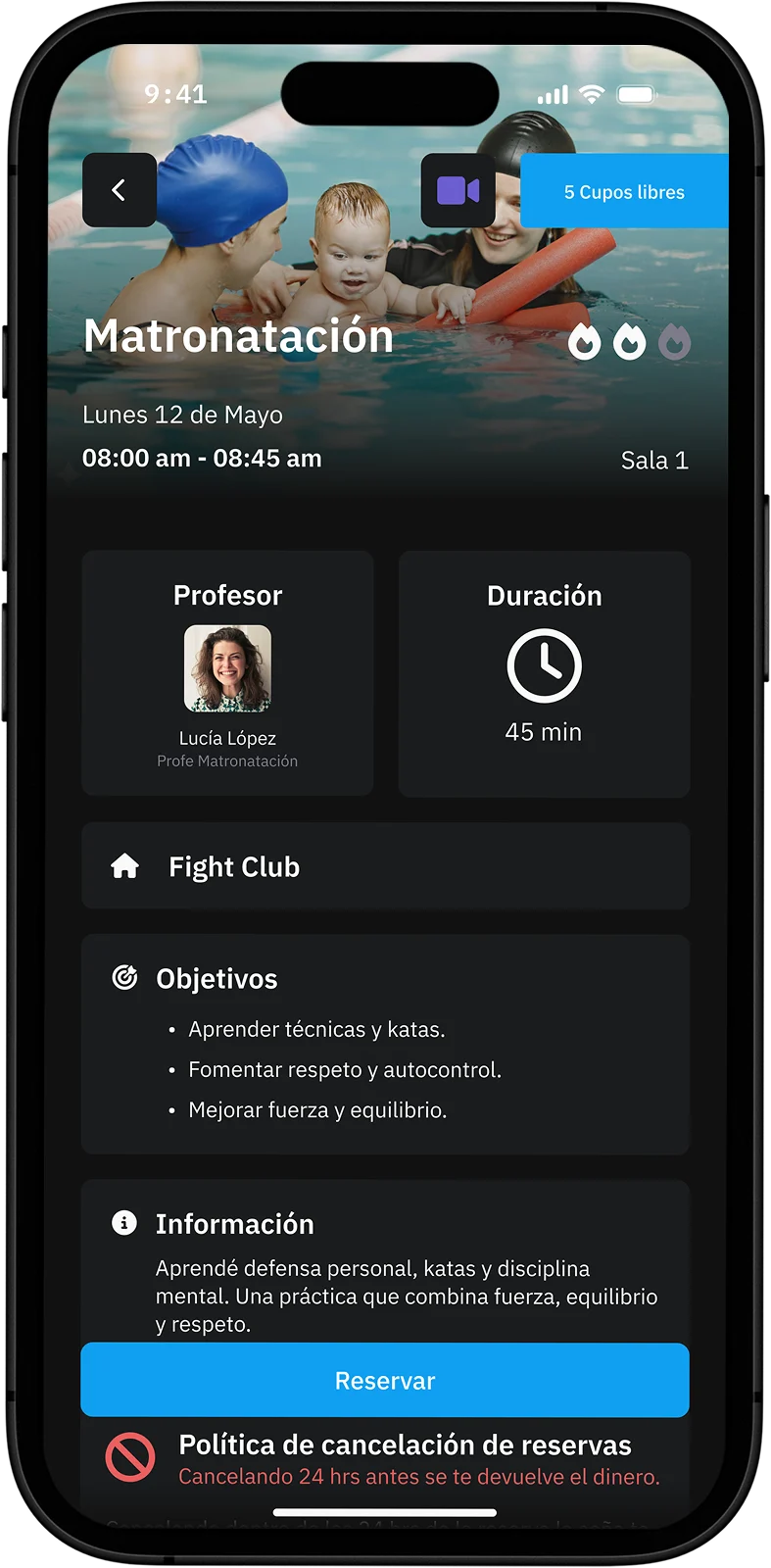
Wona's calendar shows in real time the days, times, duration, assigned instructors and enrolled students, plus the spots still available in each class.
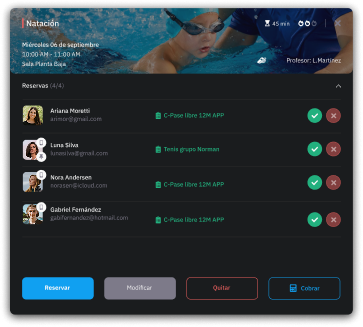
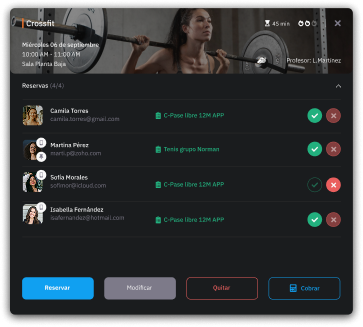
From this view you can book students manually, manage attendance and track turnout with precision.
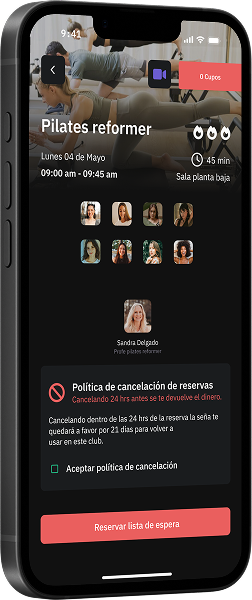
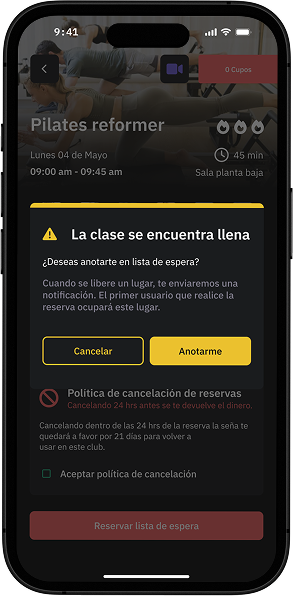
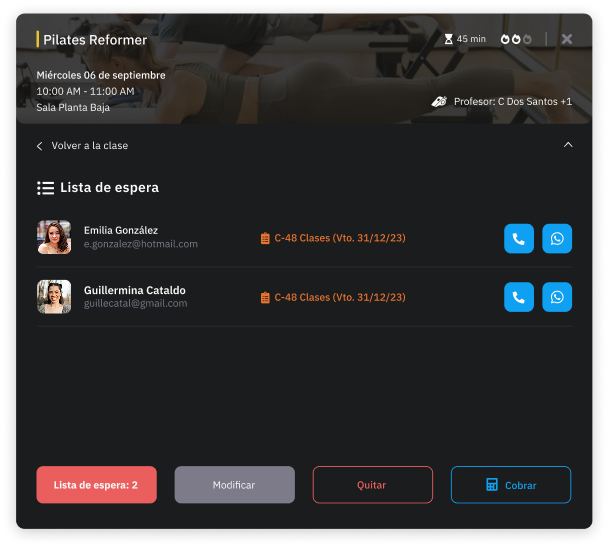
Classes change status automatically (from “book” to “in progress”) to reflect what is happening right now, while notifications keep you up to date on new bookings or changes. It even includes a waiting list to make the most of every class.
Booking and cancellation
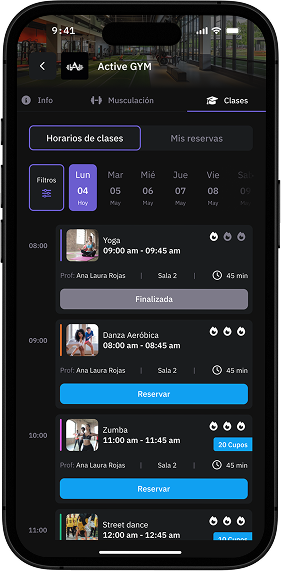
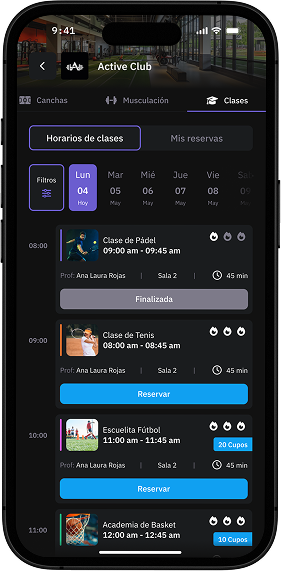
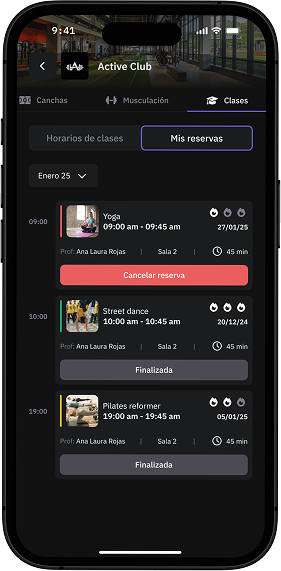
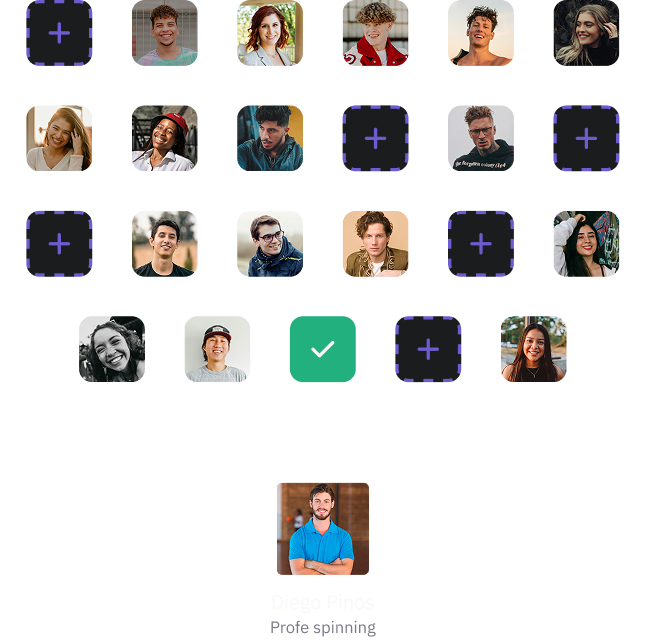
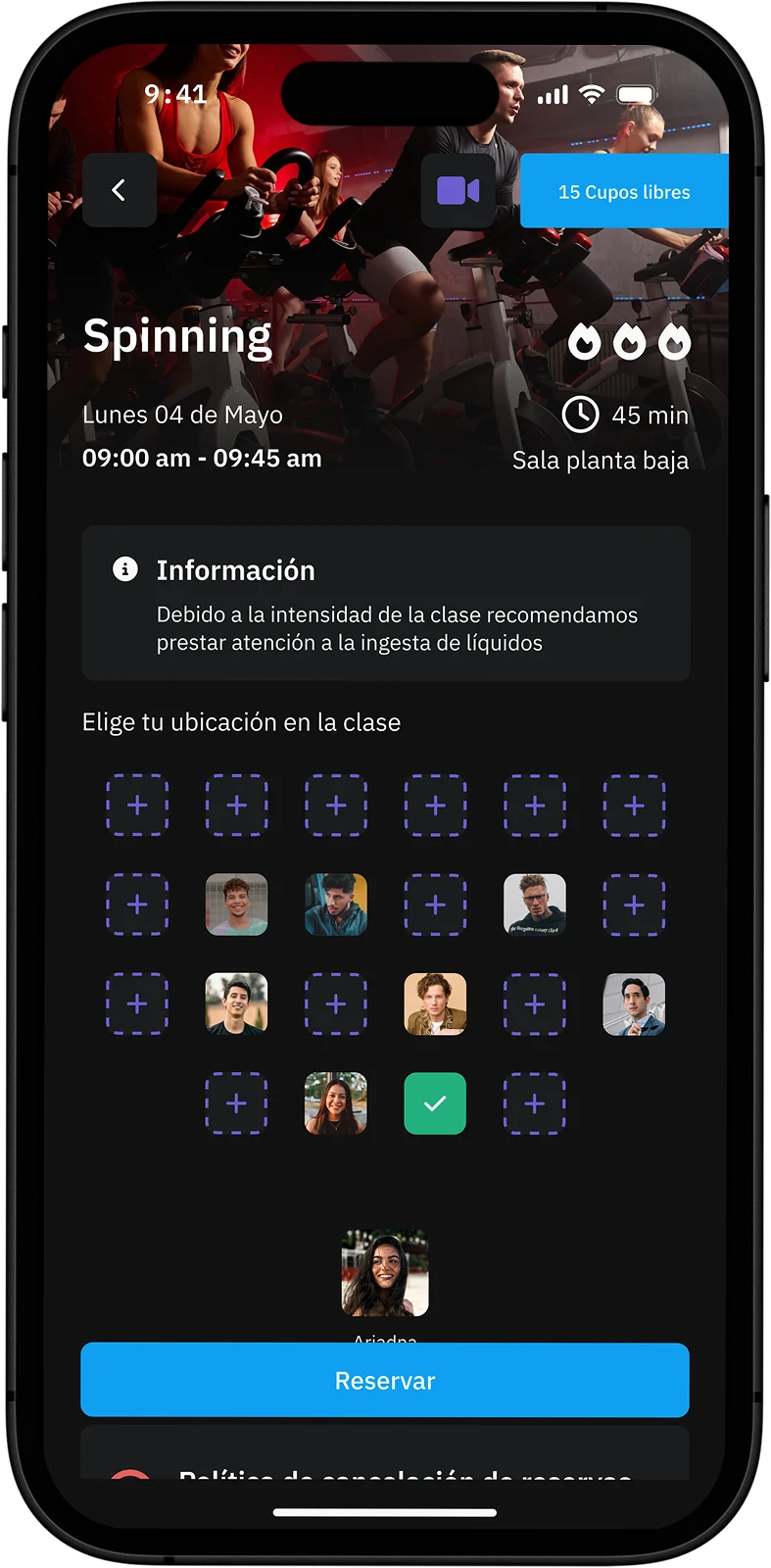
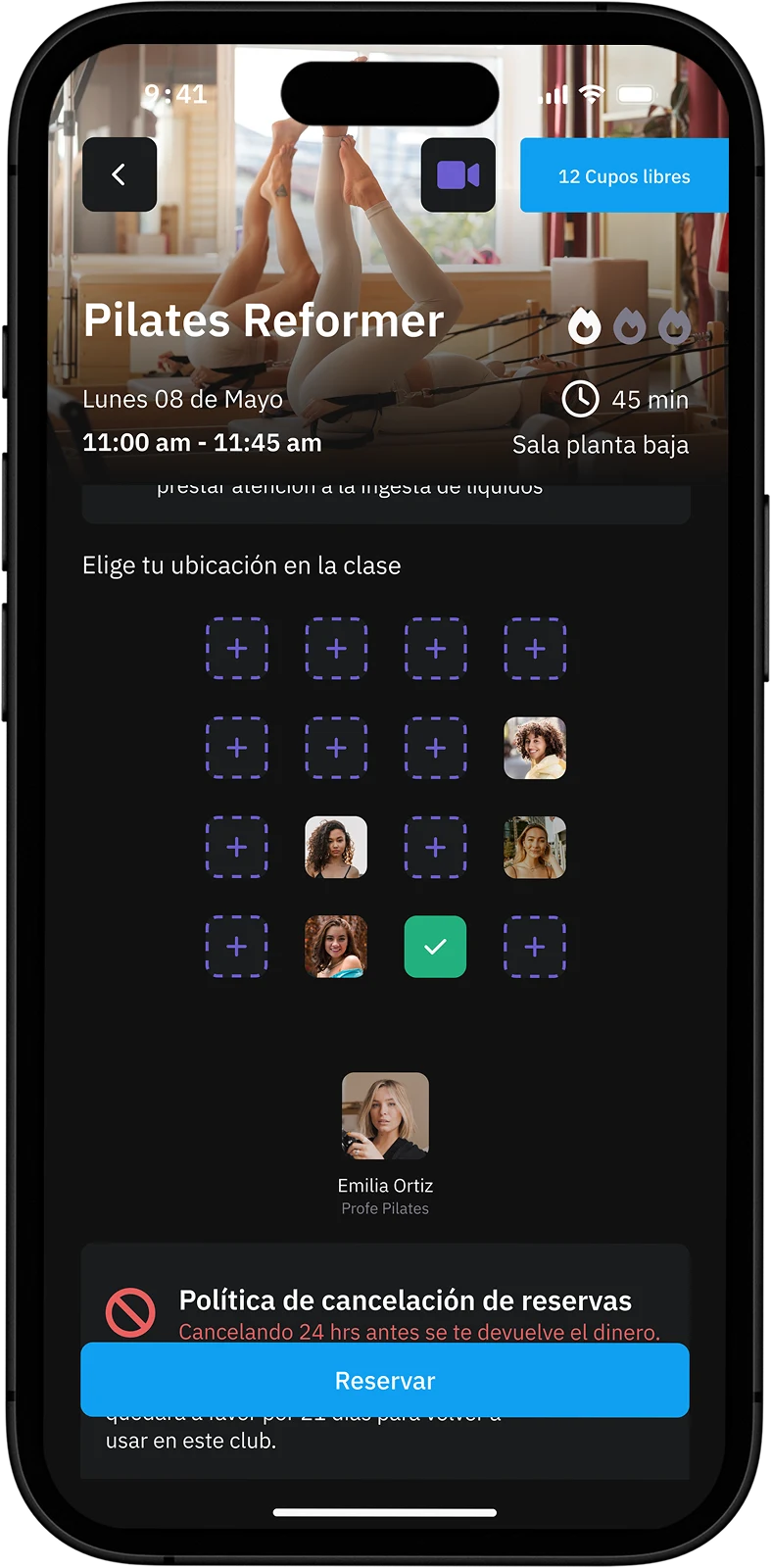
Choosing your spot
Joining the waiting list
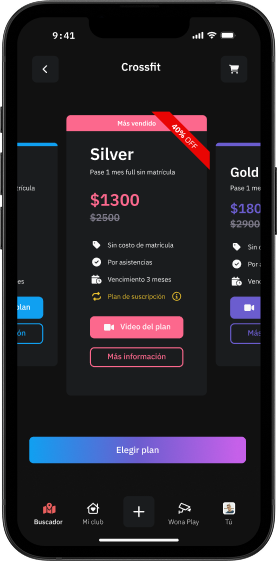
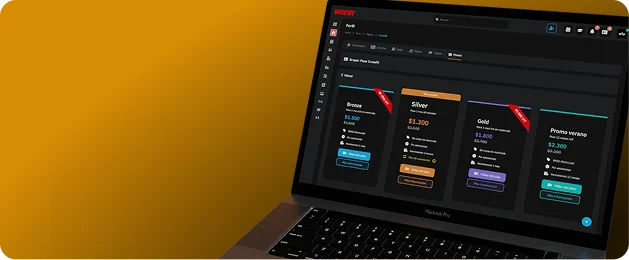
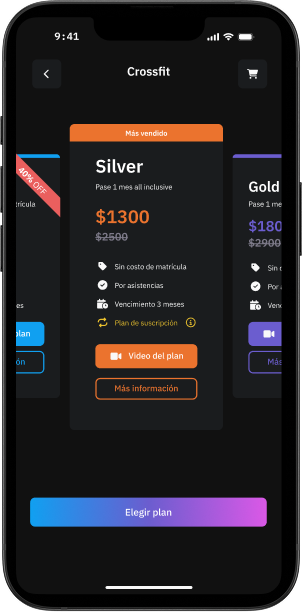
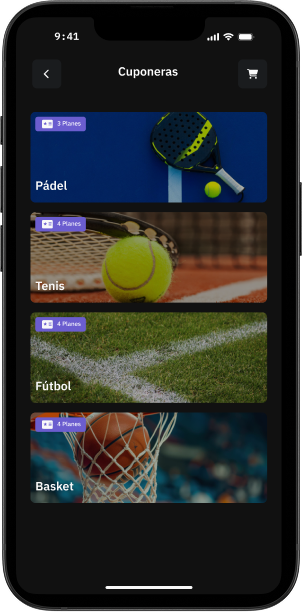
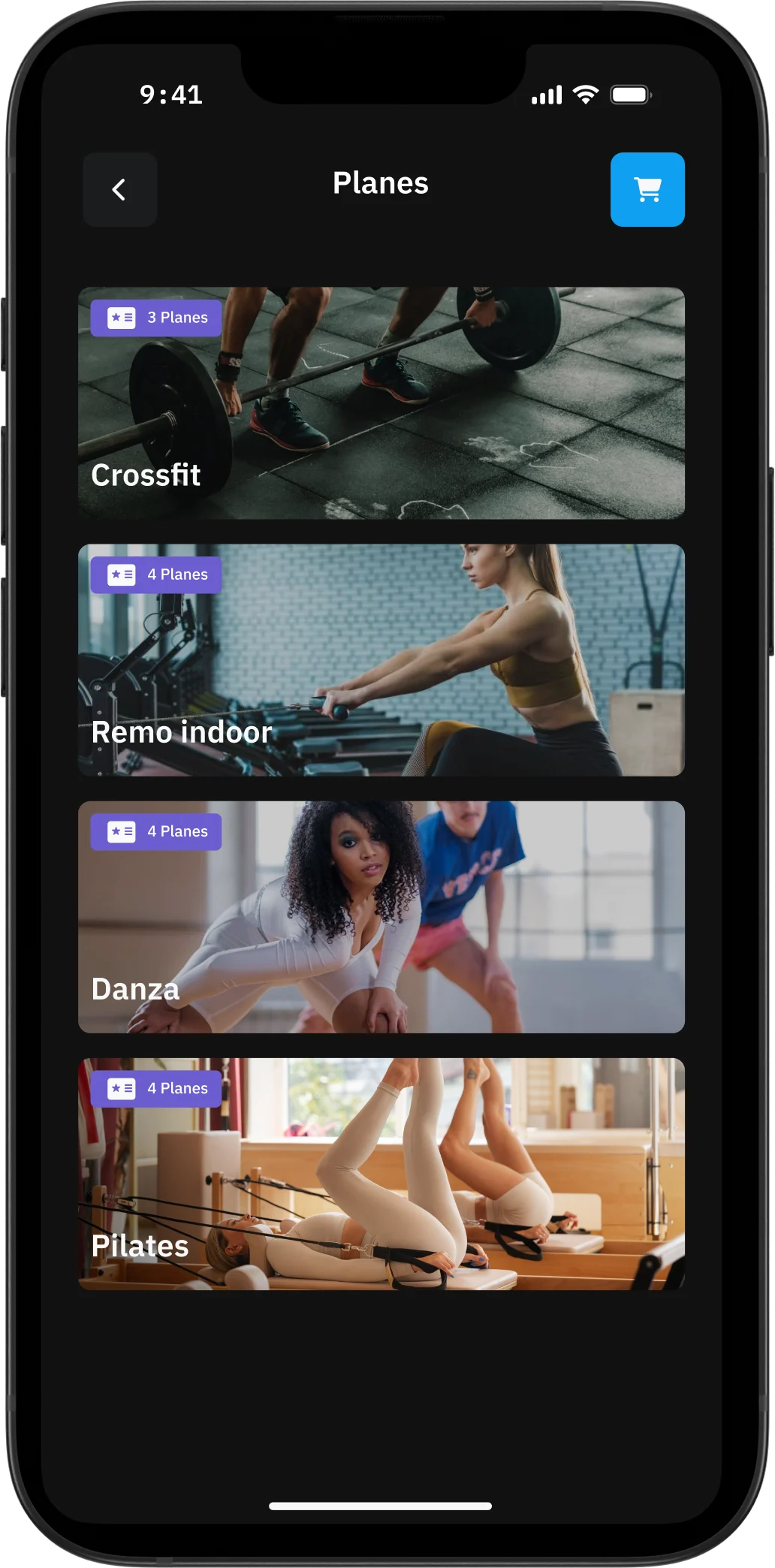
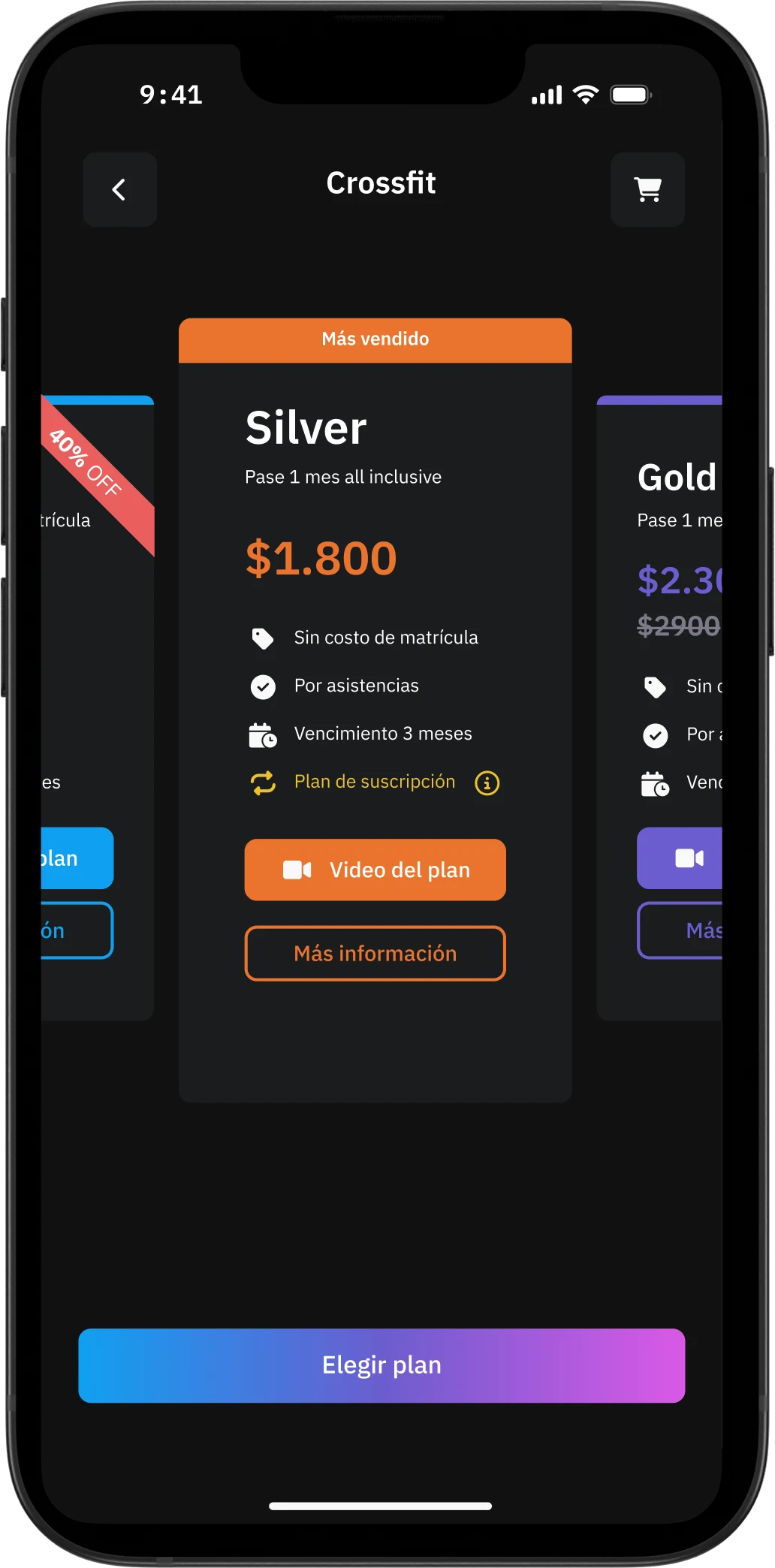
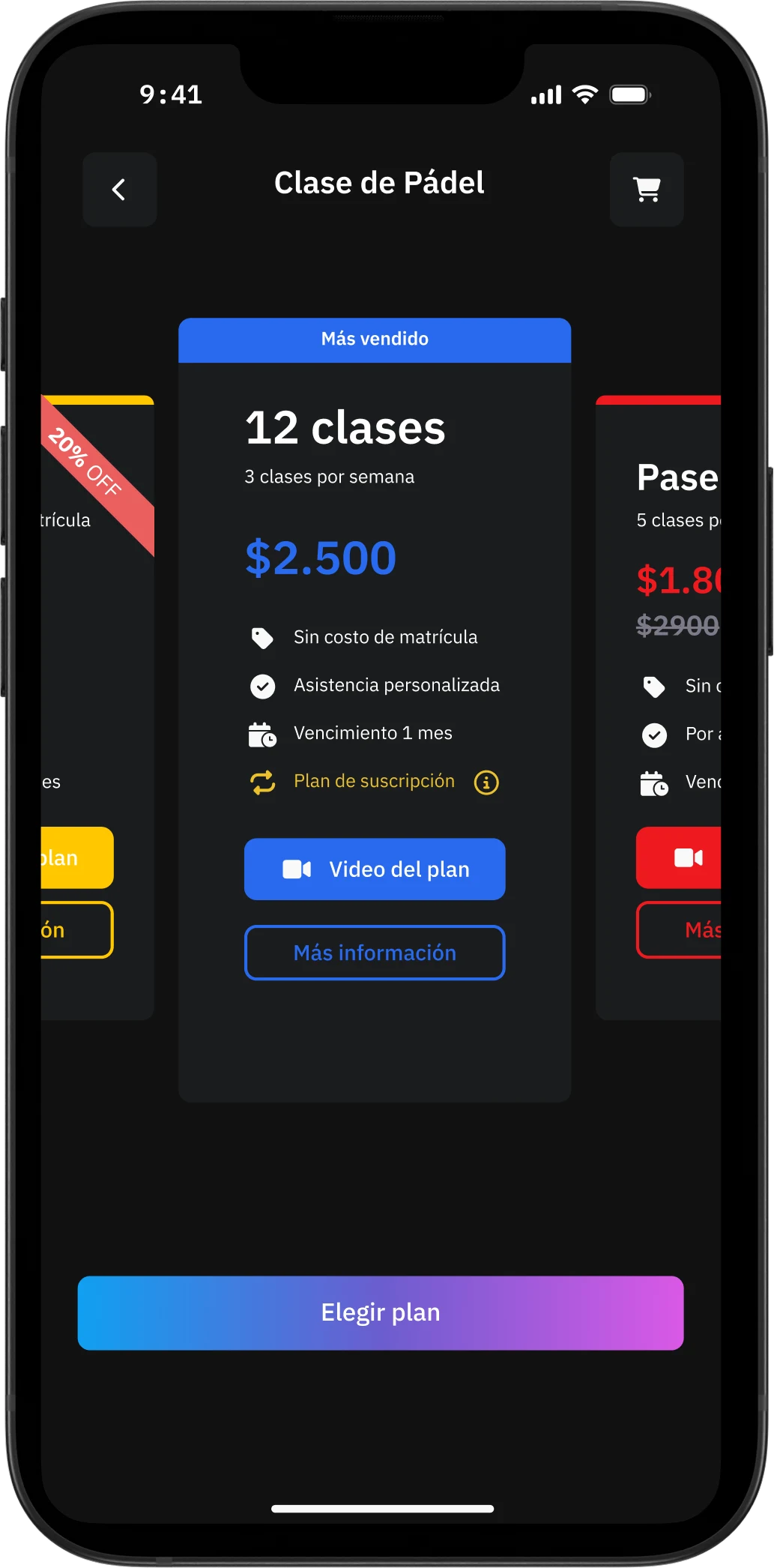
Buy plans from the app
Gyms
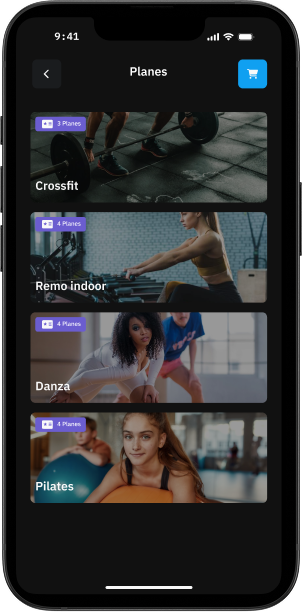
Sports classes
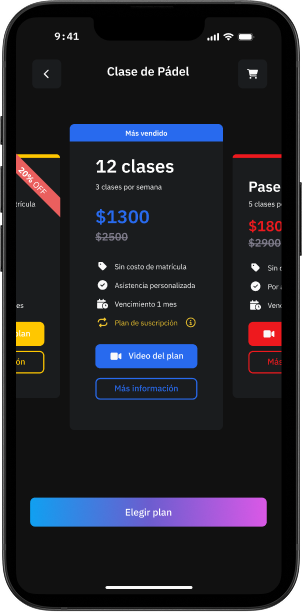
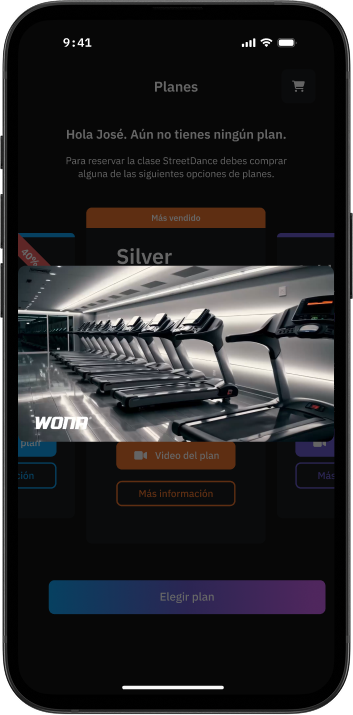
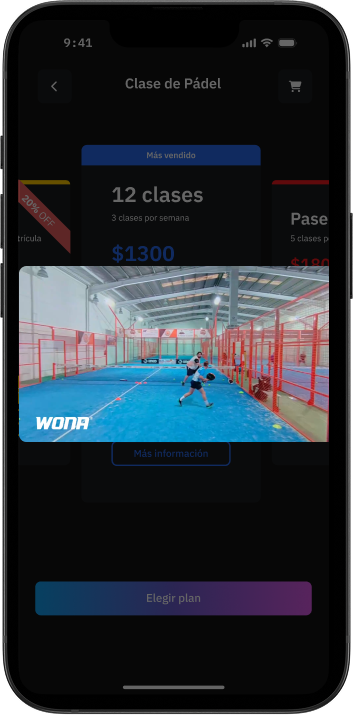
Informational video
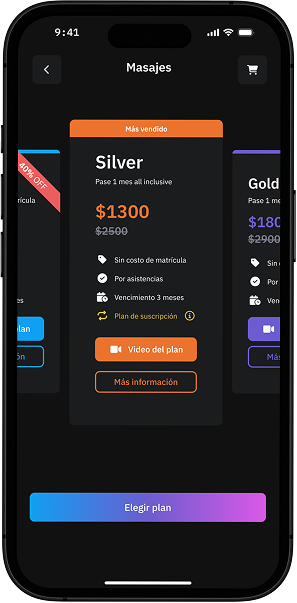
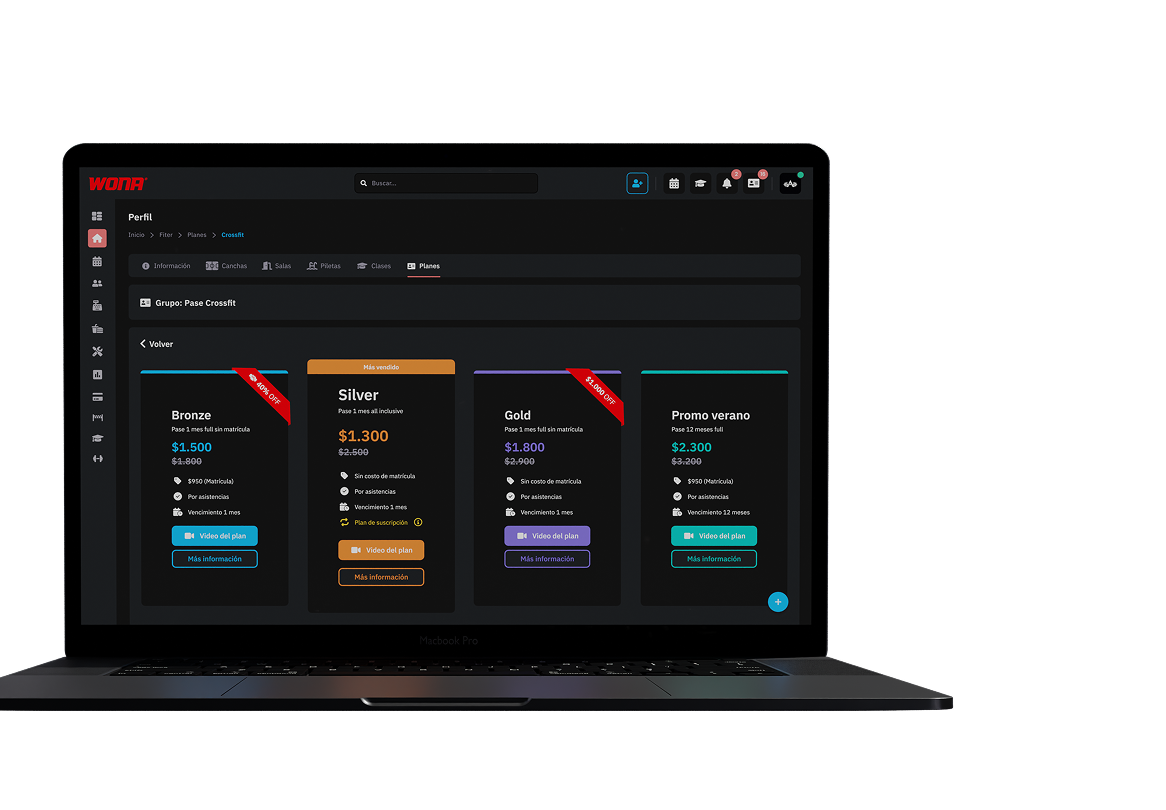
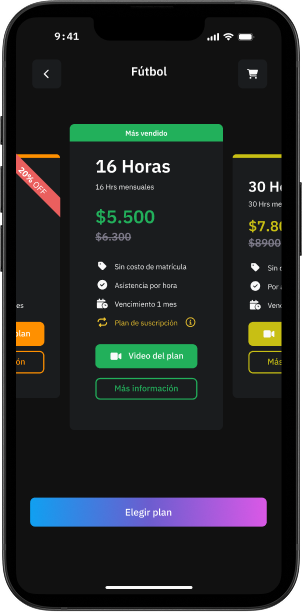
You can add a video to each plan so your customers see in an interactive and engaging way what the plan is about.
This makes it easier for customers to get informed without reading every detail of the plan, increasing the chances of a direct sale from the app.
Court hours
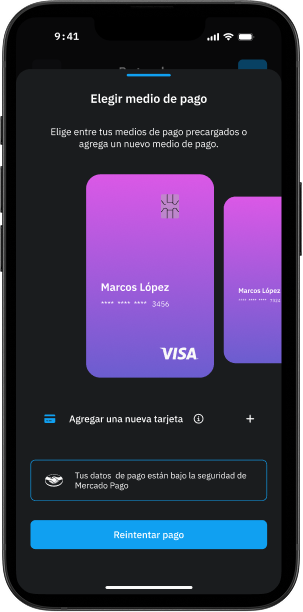
Financing and automatic debits
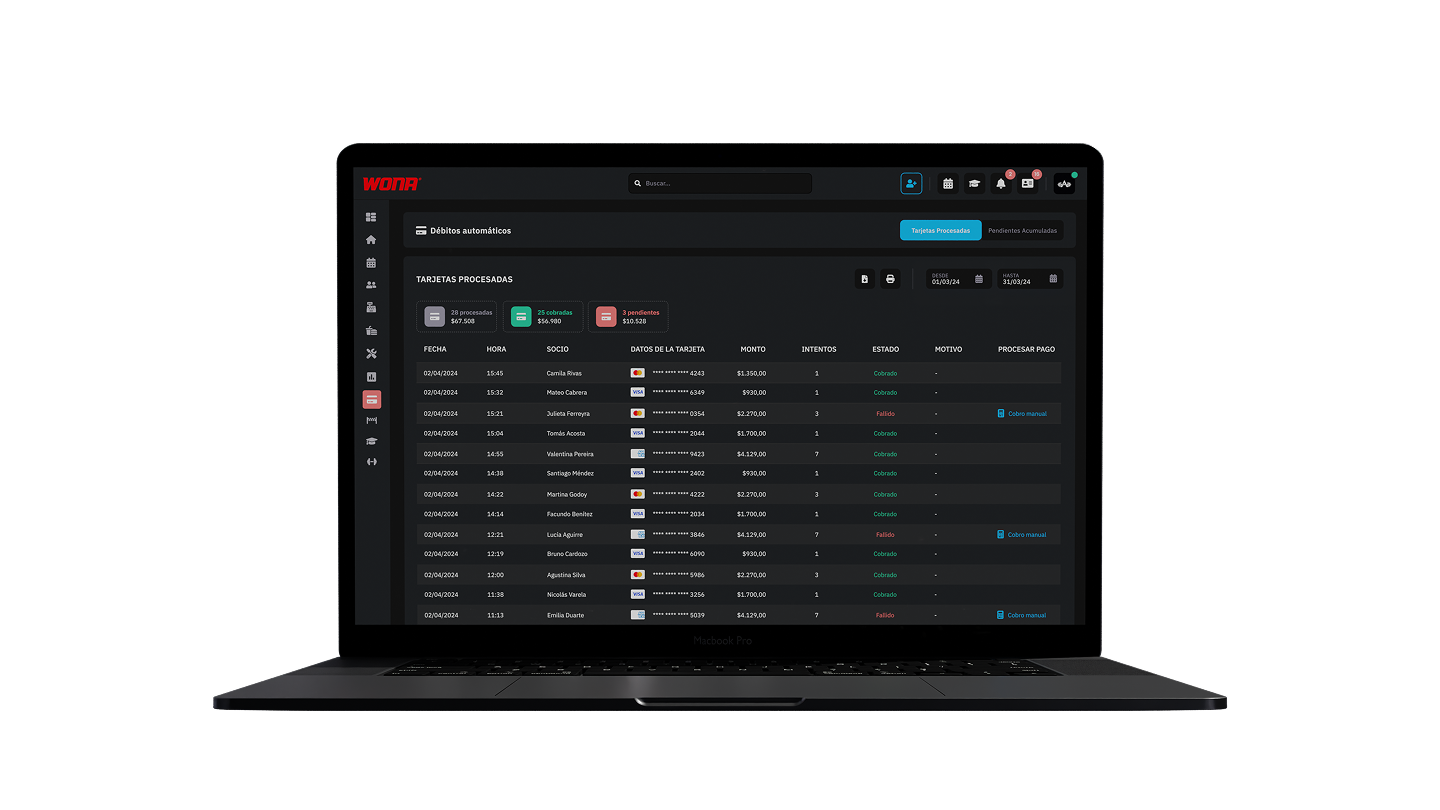
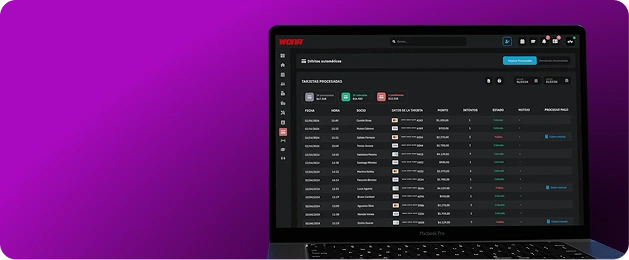
See every recurring member payment in one place.
On this screen the club can check the processed cards day by day, as well as the approved or declined payments, for full and up-to-date control of its collections.
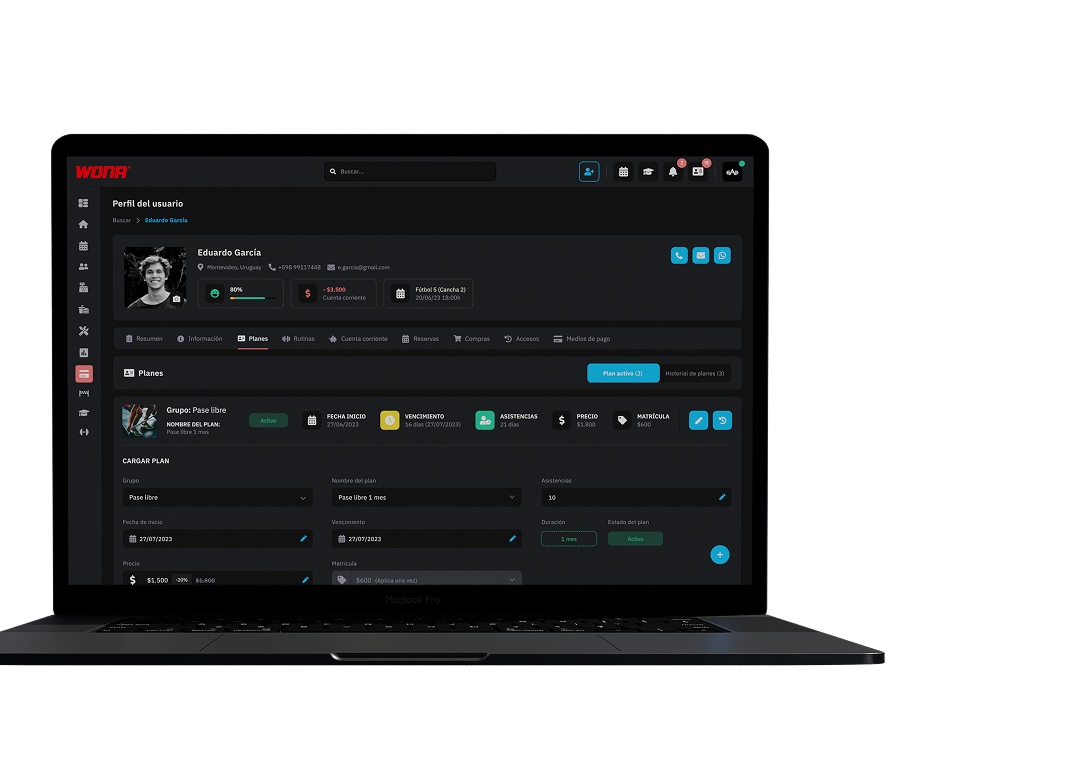
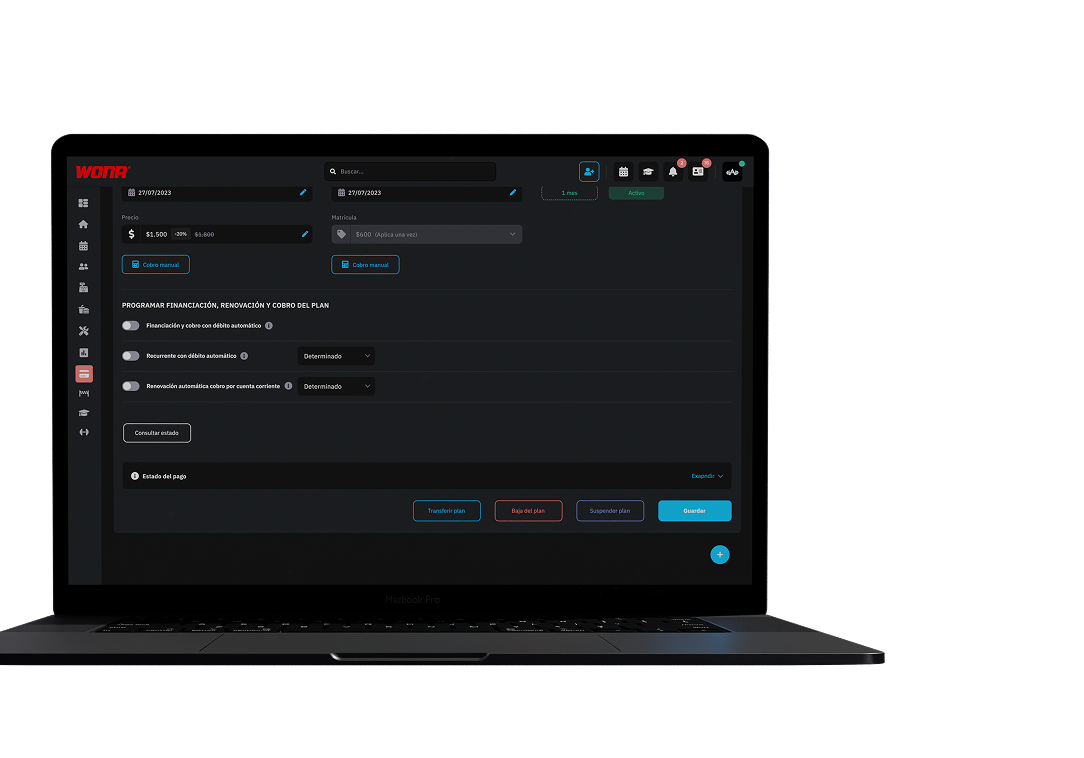
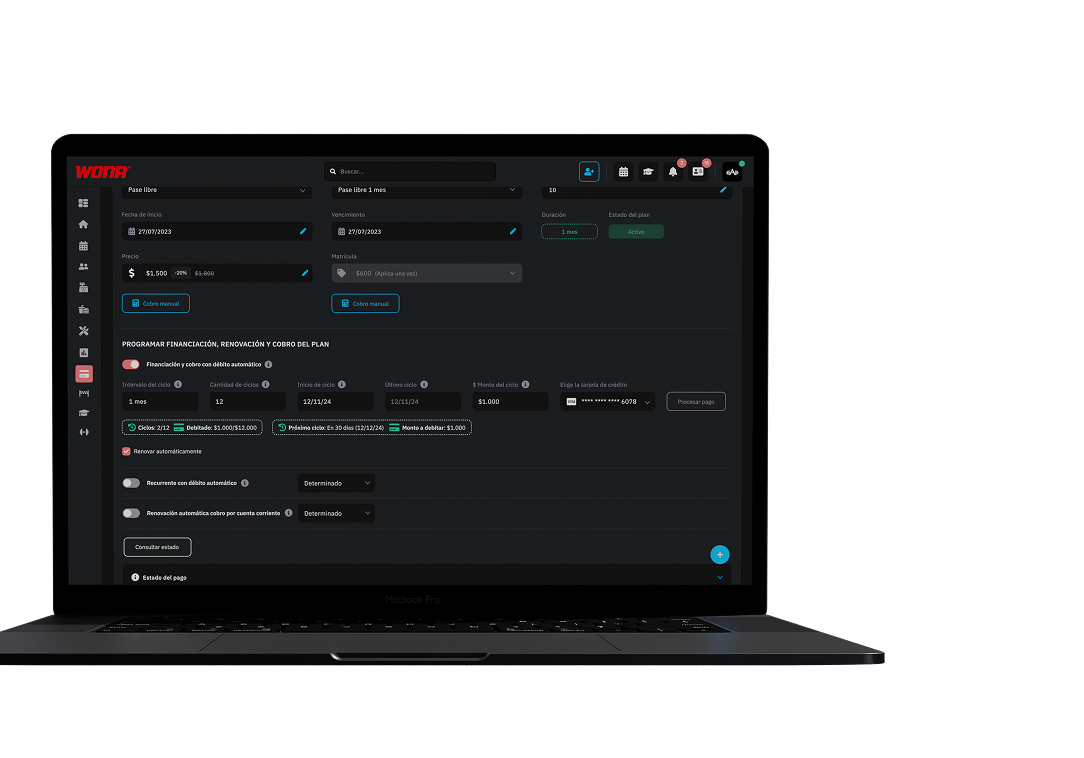
The plan can be split into instalments without holding the full amount on the card: each instalment is charged automatically and the customer keeps their credit limit available.
This feature also allows paying in instalments with a debit card.
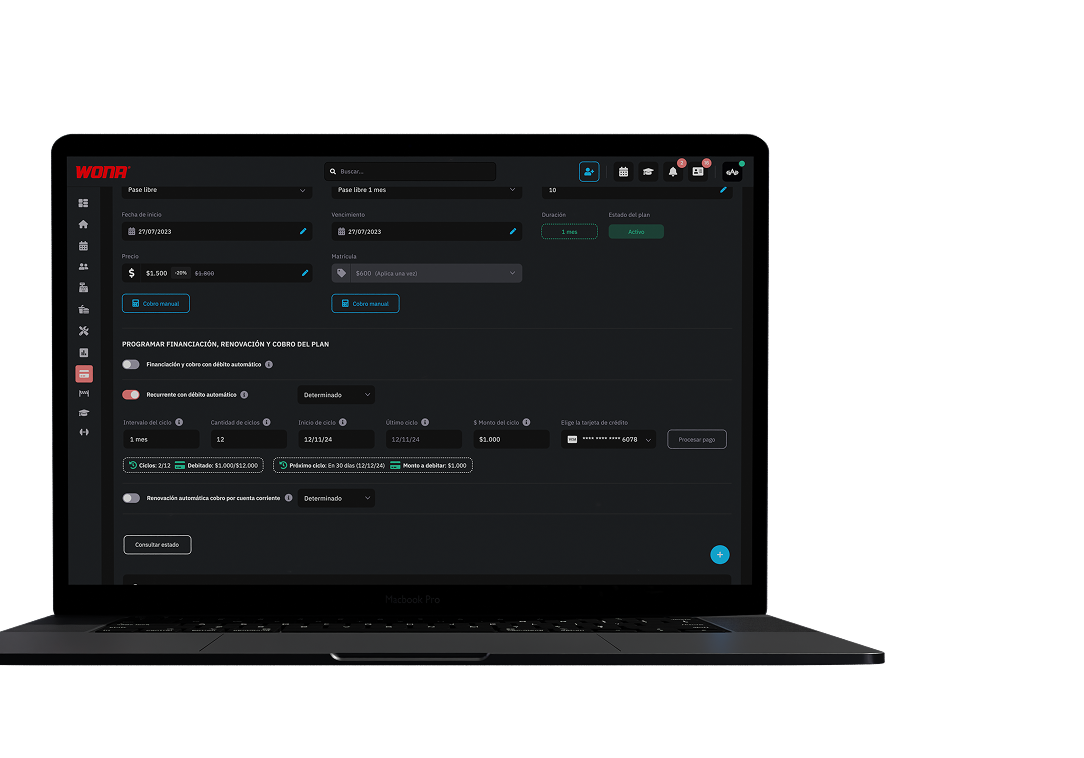
The plan renews automatically when it expires and is charged directly to the card linked to the member.
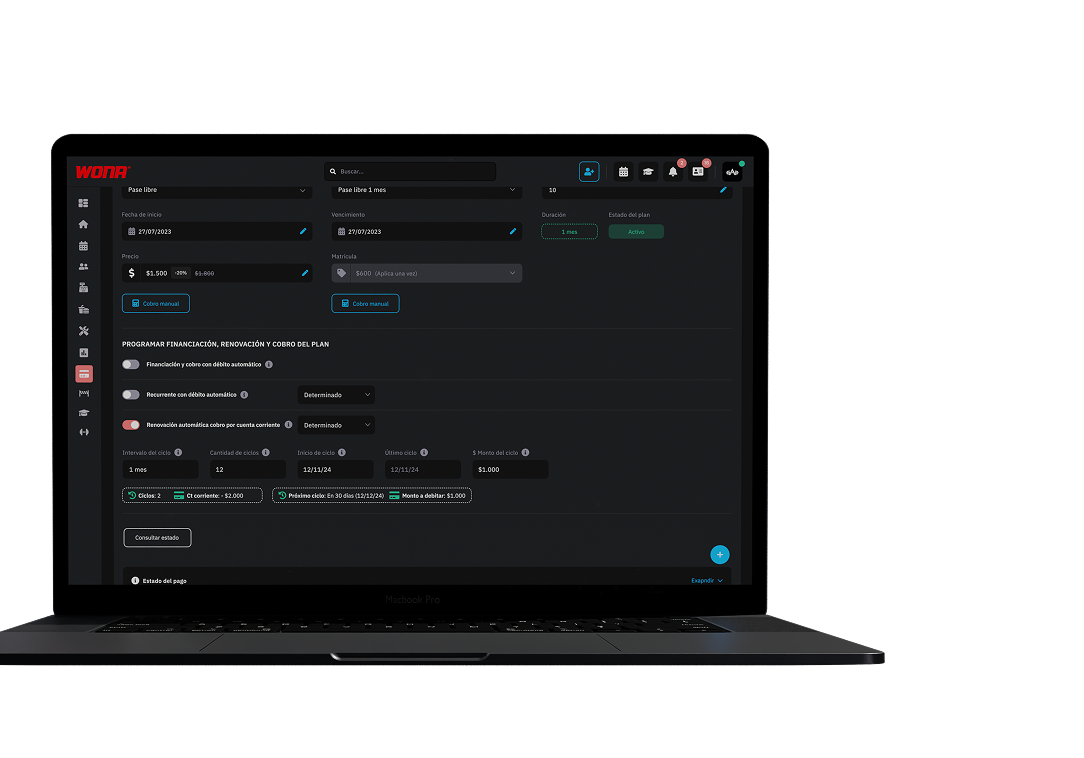
The plan renews automatically, but a debt is created in the member's current account so the payment is made in person.
Web version
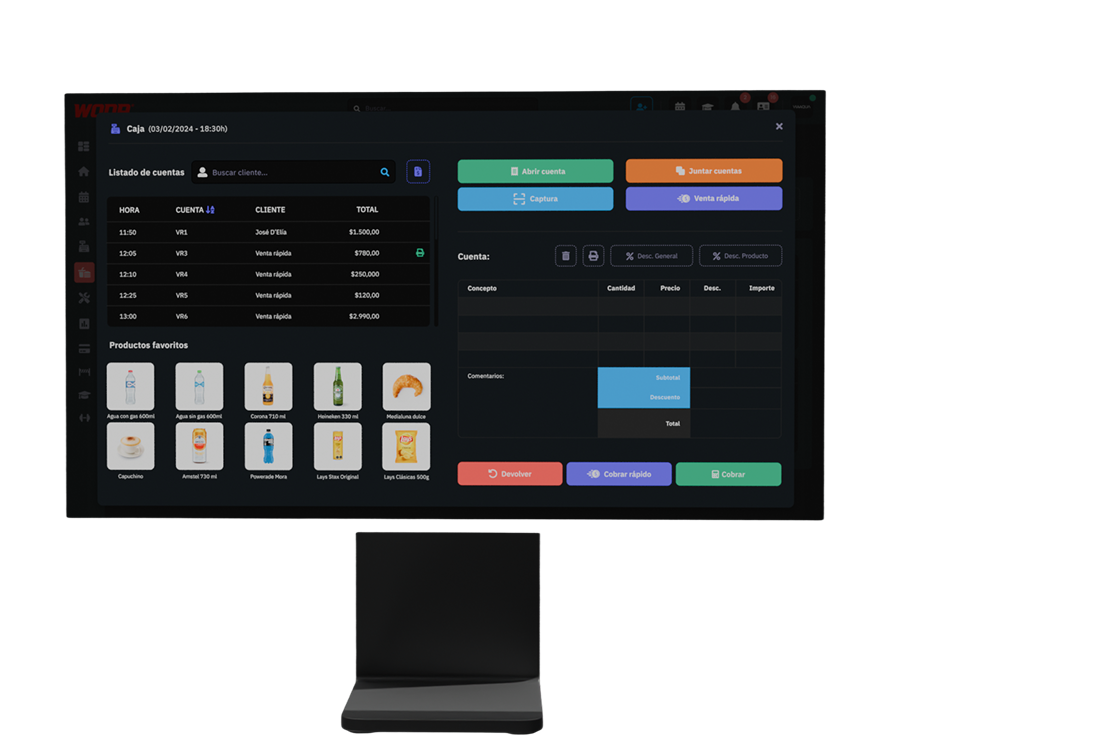
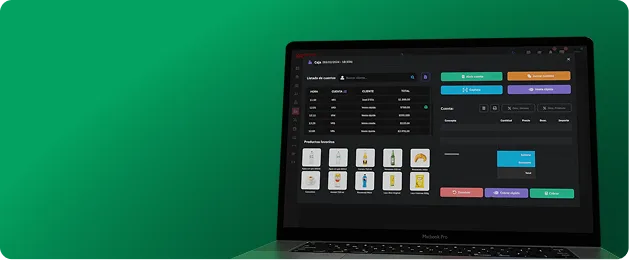
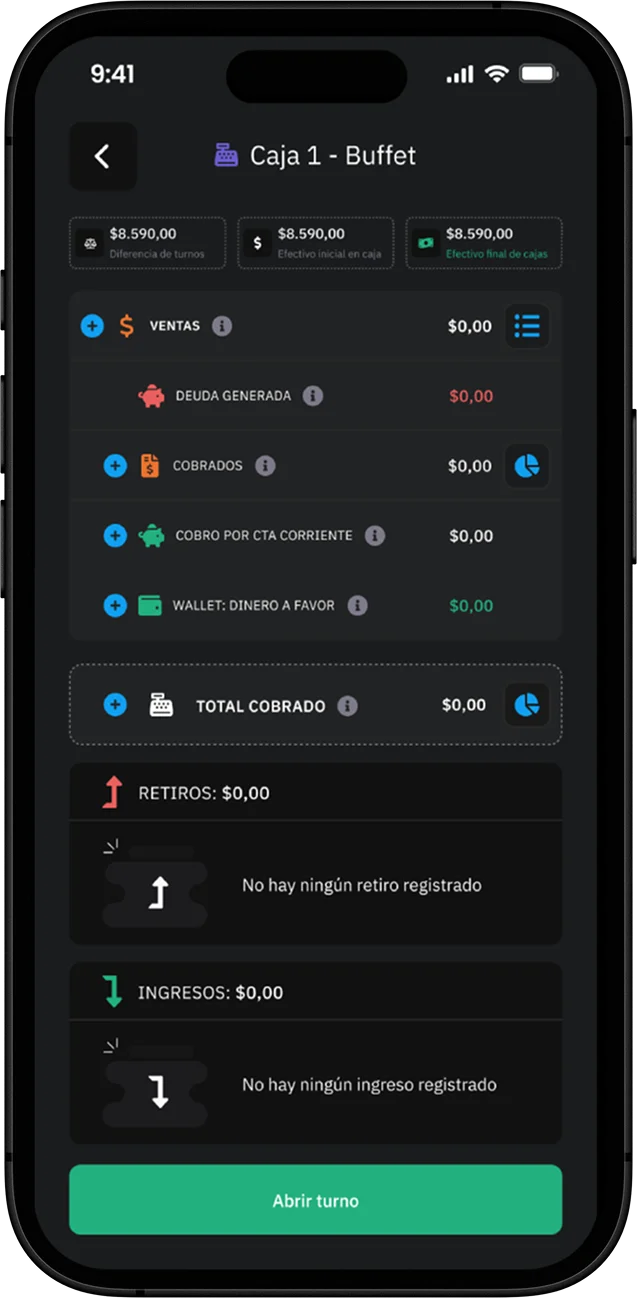
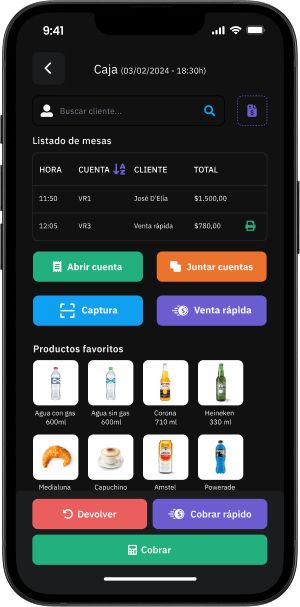
This module lets you fully manage the sale of food, drinks and products inside the club. You can open tabs, add products, apply discounts, remove items and issue tickets quickly and neatly.
It also includes every register feature: openings and closings, withdrawals and deposits, ensuring full control over cash movements and sales.
Ideal for cafés, restaurants or any point of sale in the club.
Mobile version

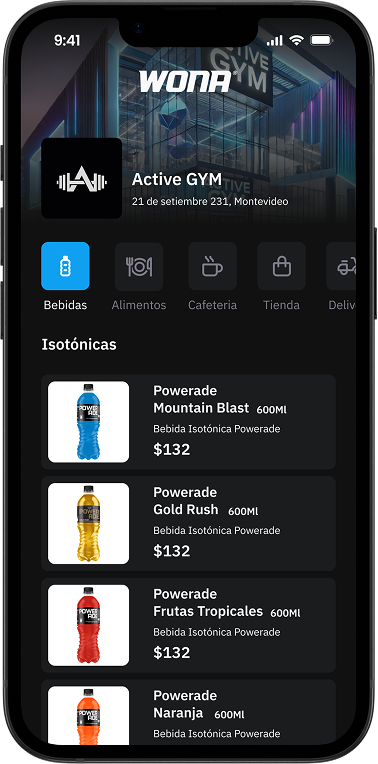
With this feature, customers can access a complete digital menu simply by scanning a QR code.
The menu shows every product in the club (food, drinks, prices and photo), offering a modern and interactive experience.
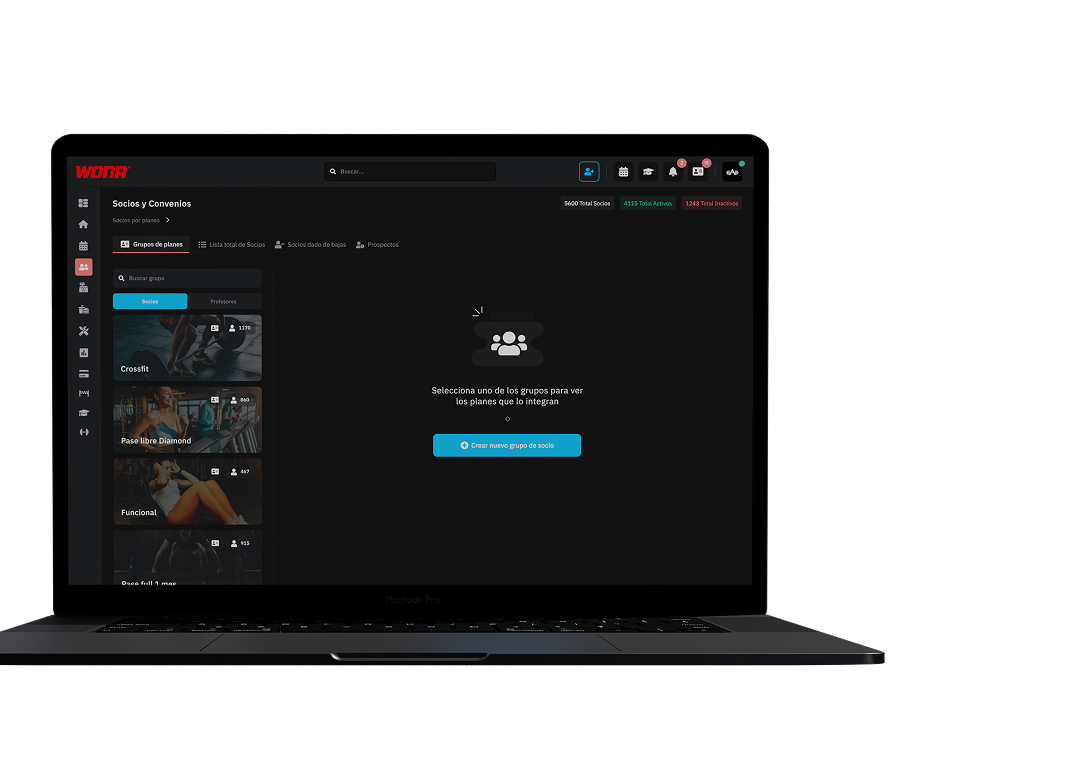
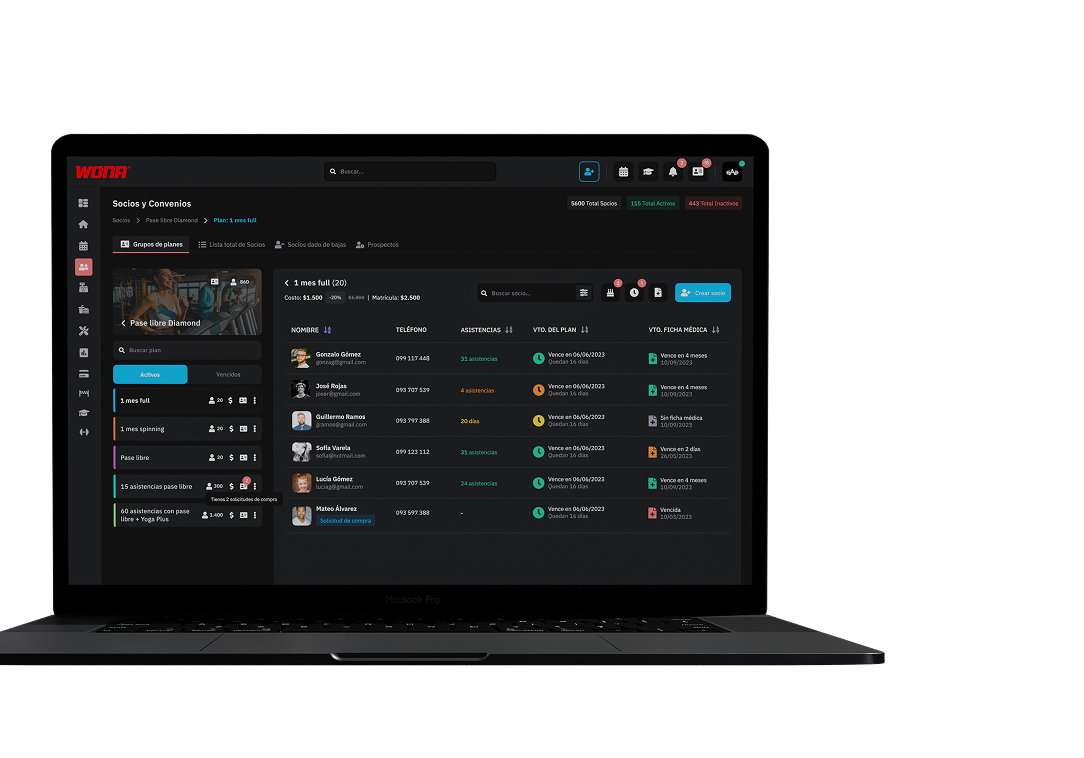
In this section you can see the plans organised inside each activity group.
Every group holds its available plans, and every plan the members who belong to it. Active and inactive members are clearly told apart, which makes control and follow-up easier.
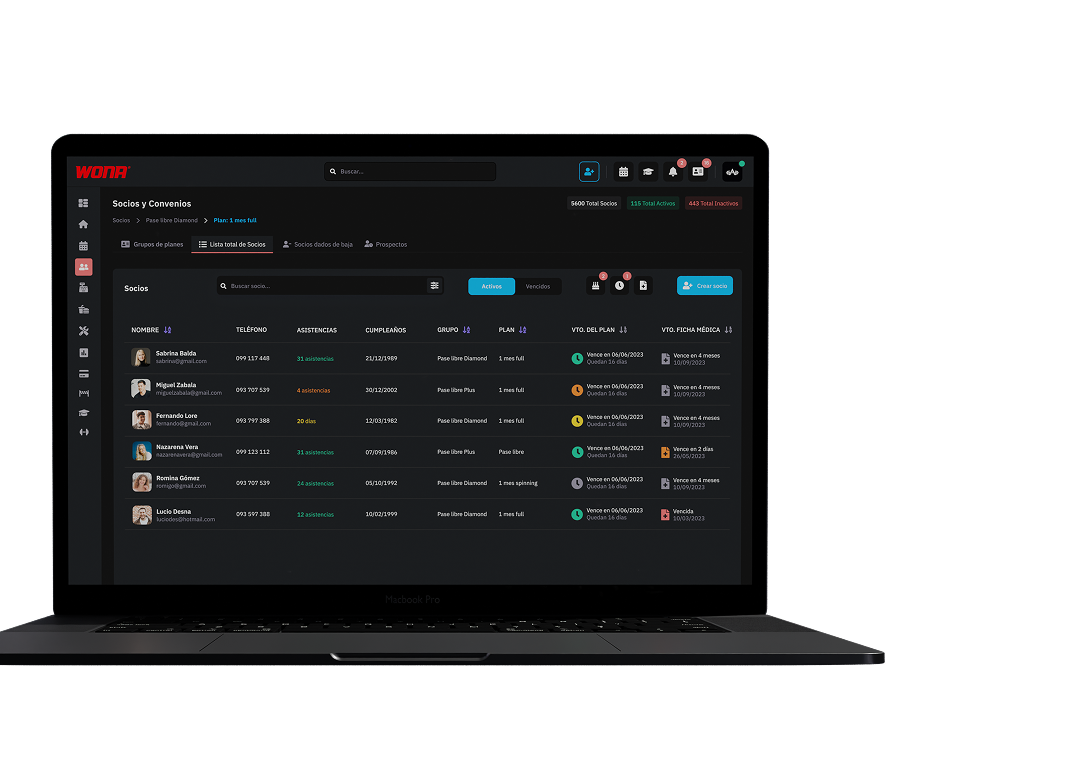
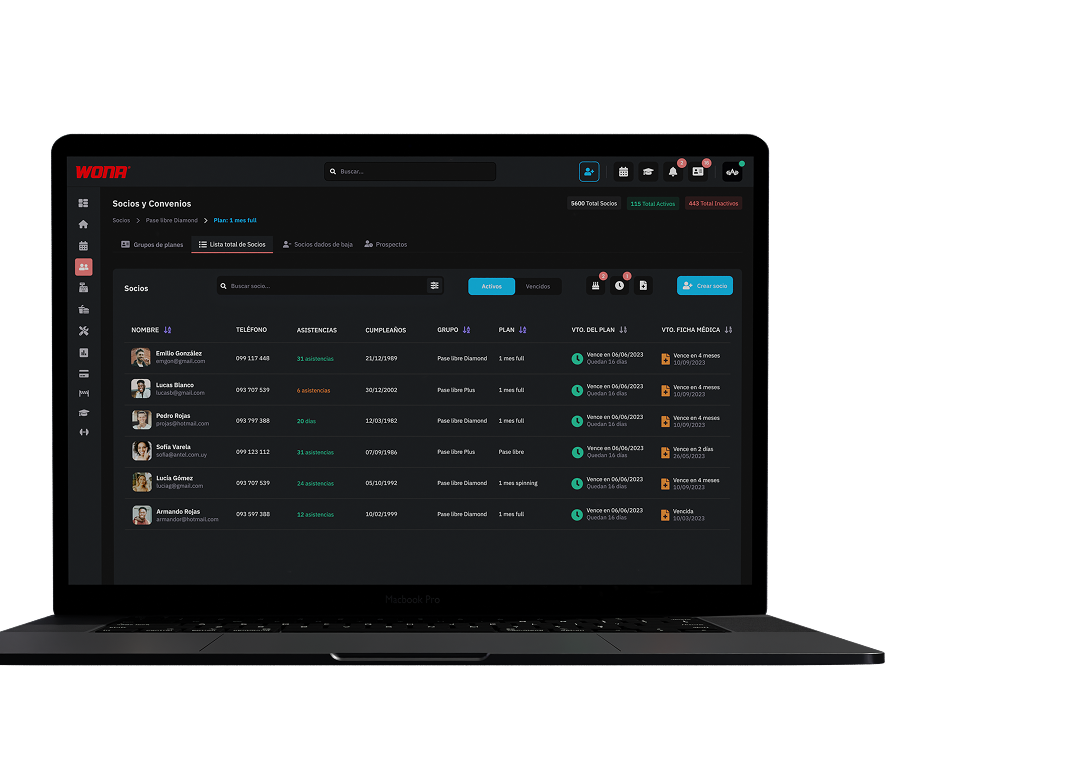
Reach every member in a single view, with filters by plan.
The fastest and most traditional way to manage the information.
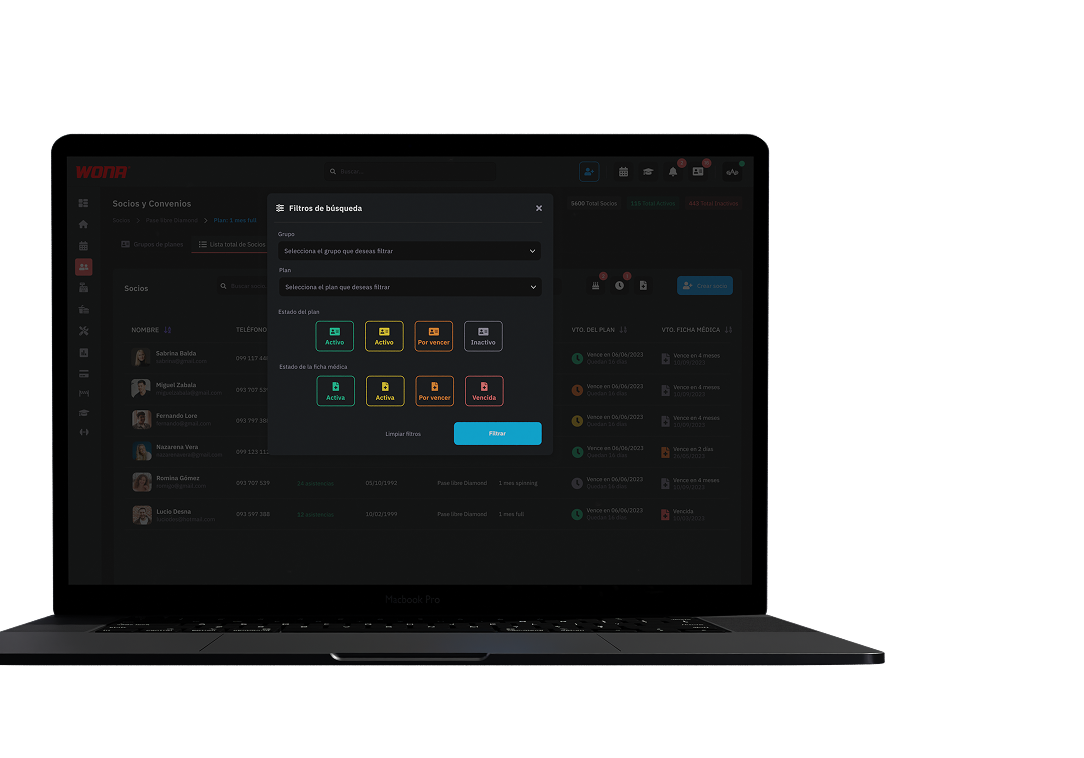
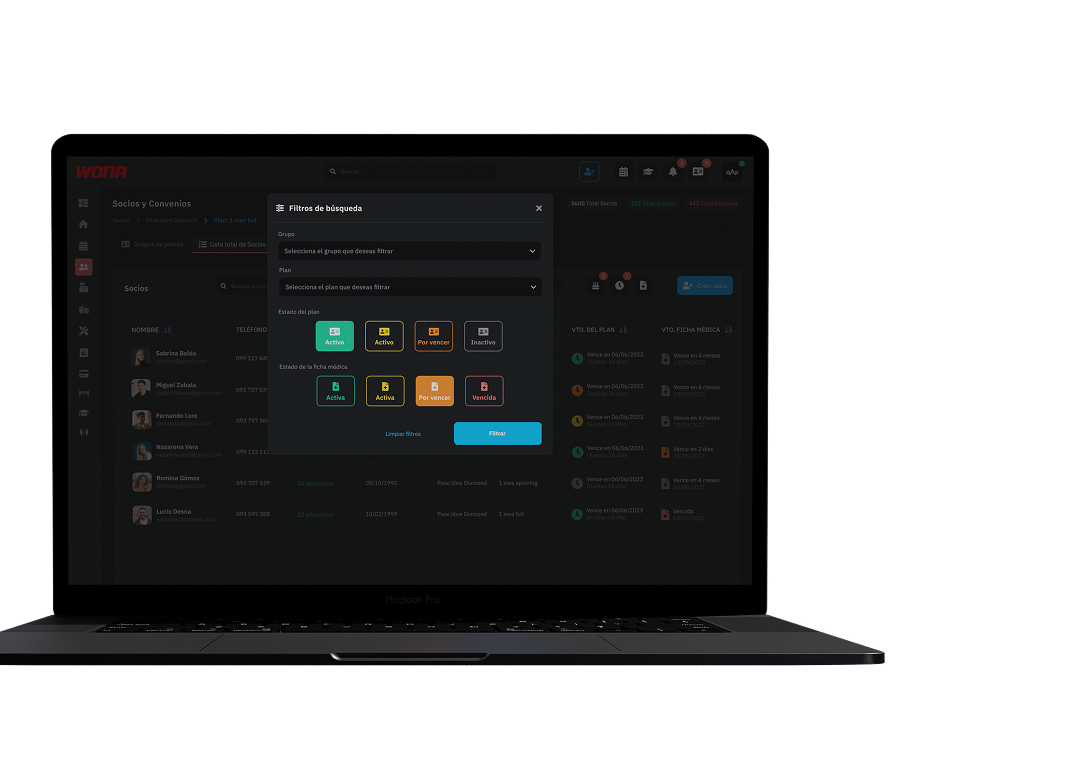
You can filter your members by activity group, plans, plan status and medical record status.
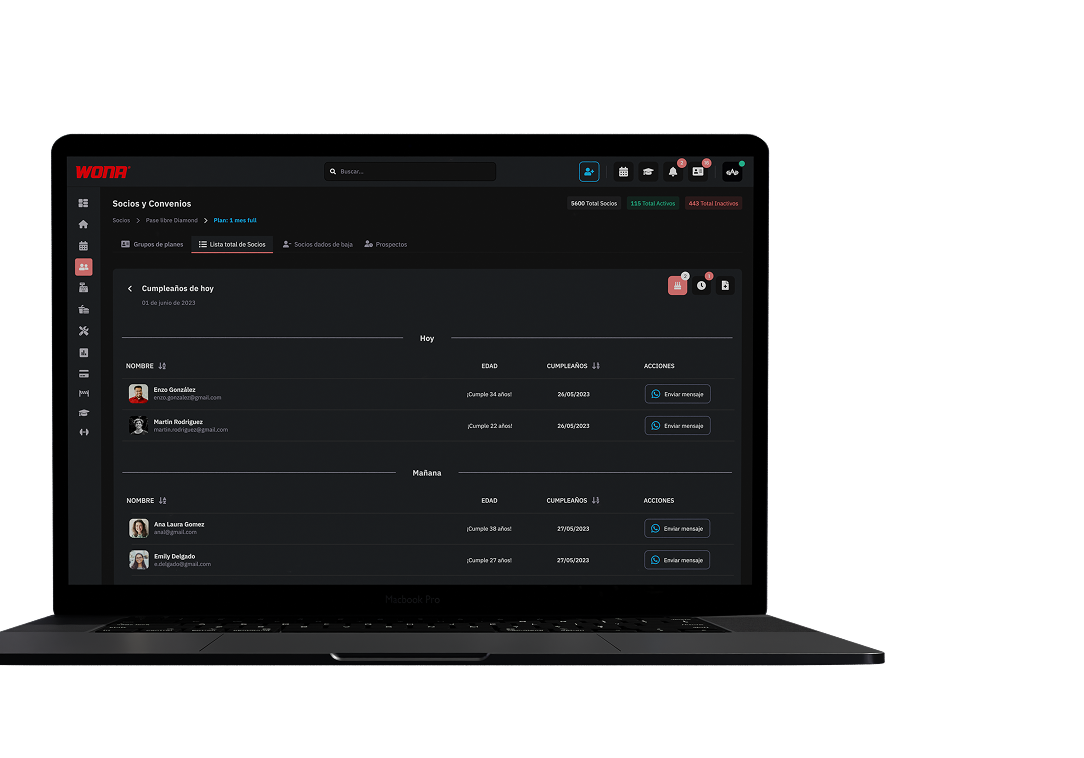
See your members' birthdays at a glance.
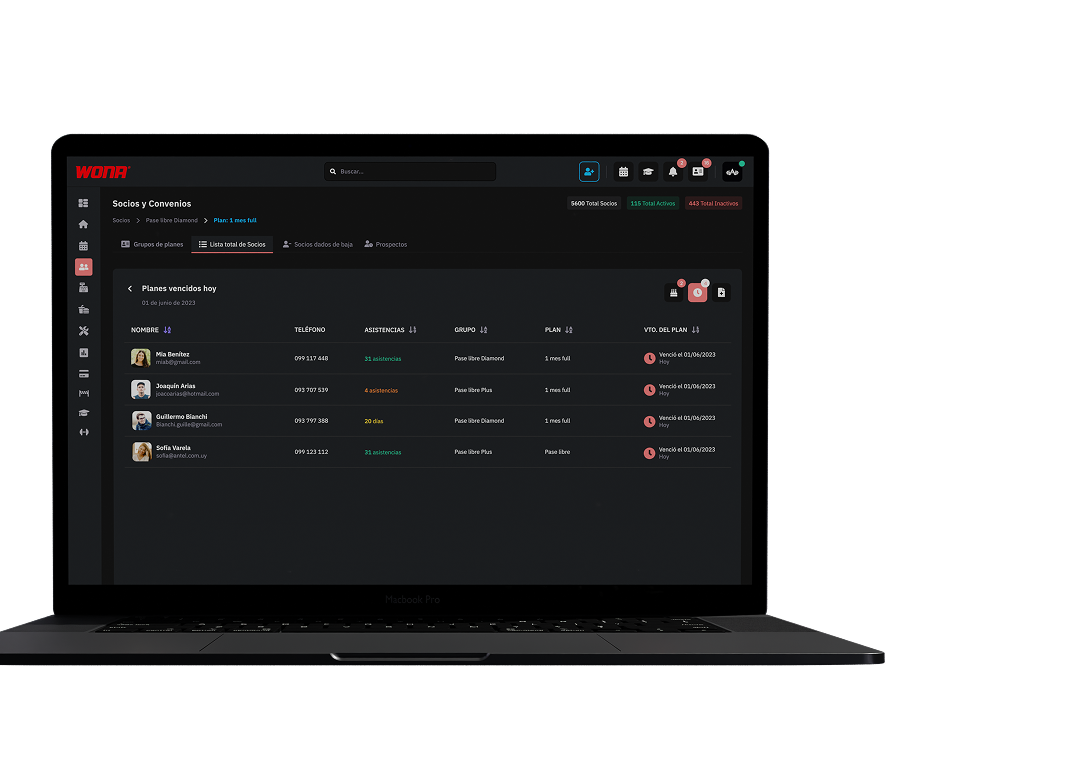
A practical way to see the memberships that expire today.
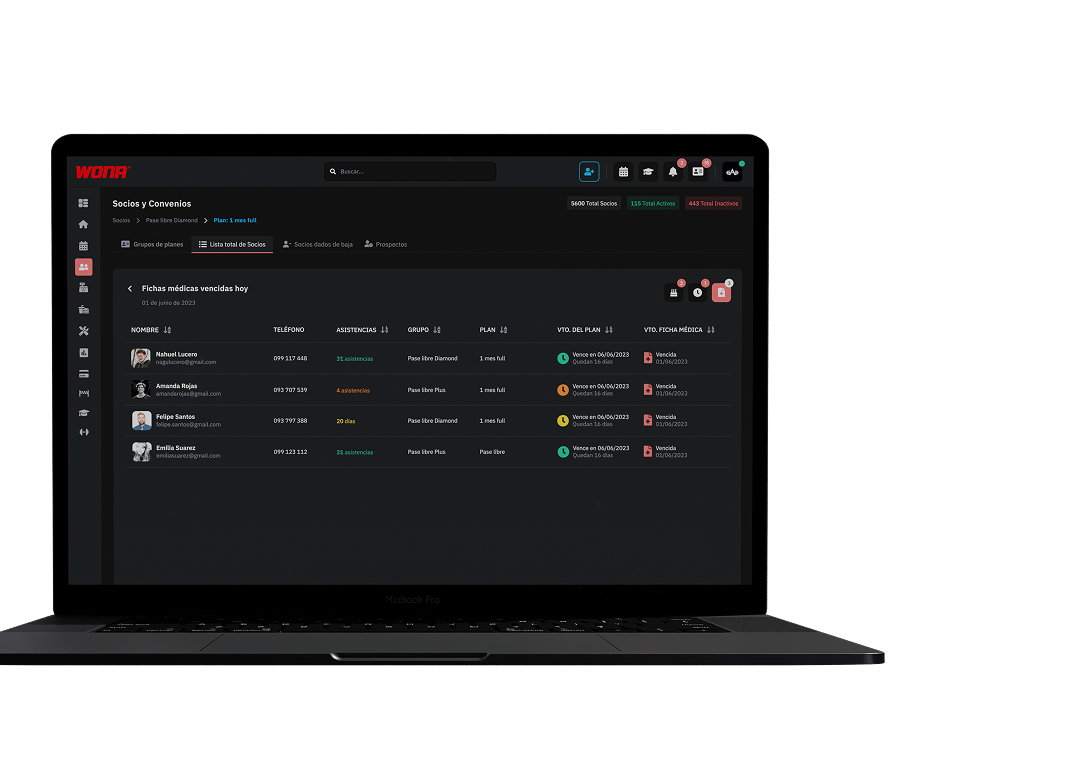
Keep track of the medical records that expire today.
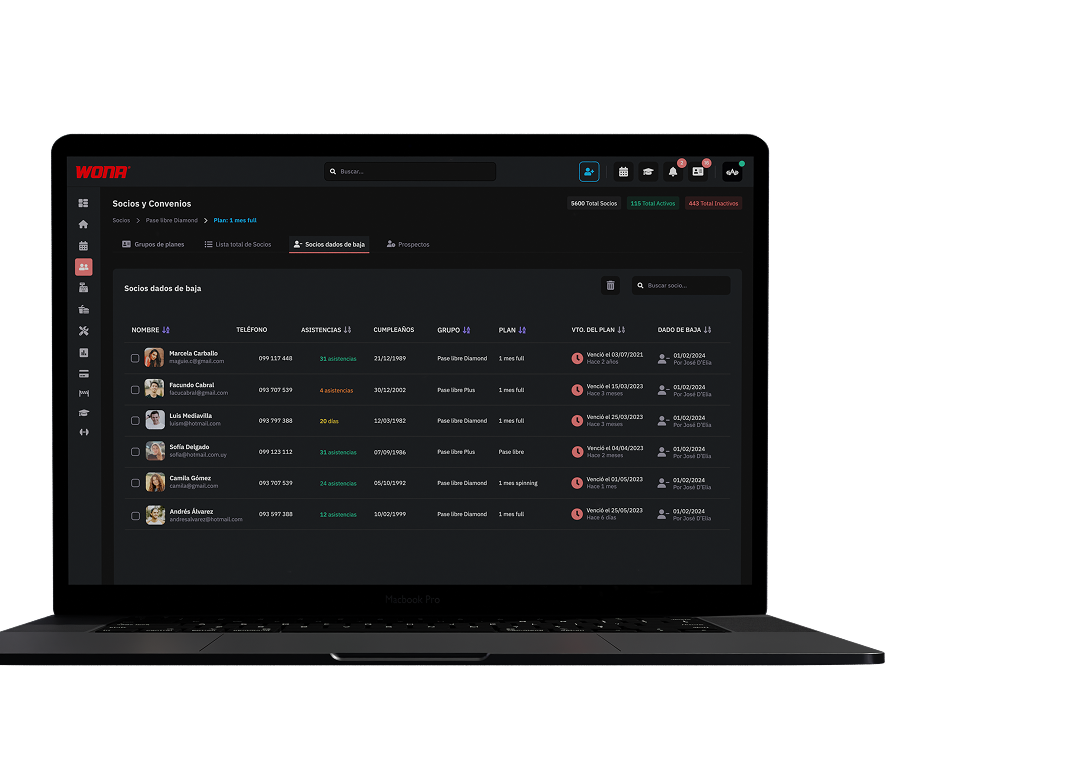
This section shows the members who did not renew their plan and were cancelled.
That keeps the inactive list cleaner and better organised, without losing each customer's history or information.
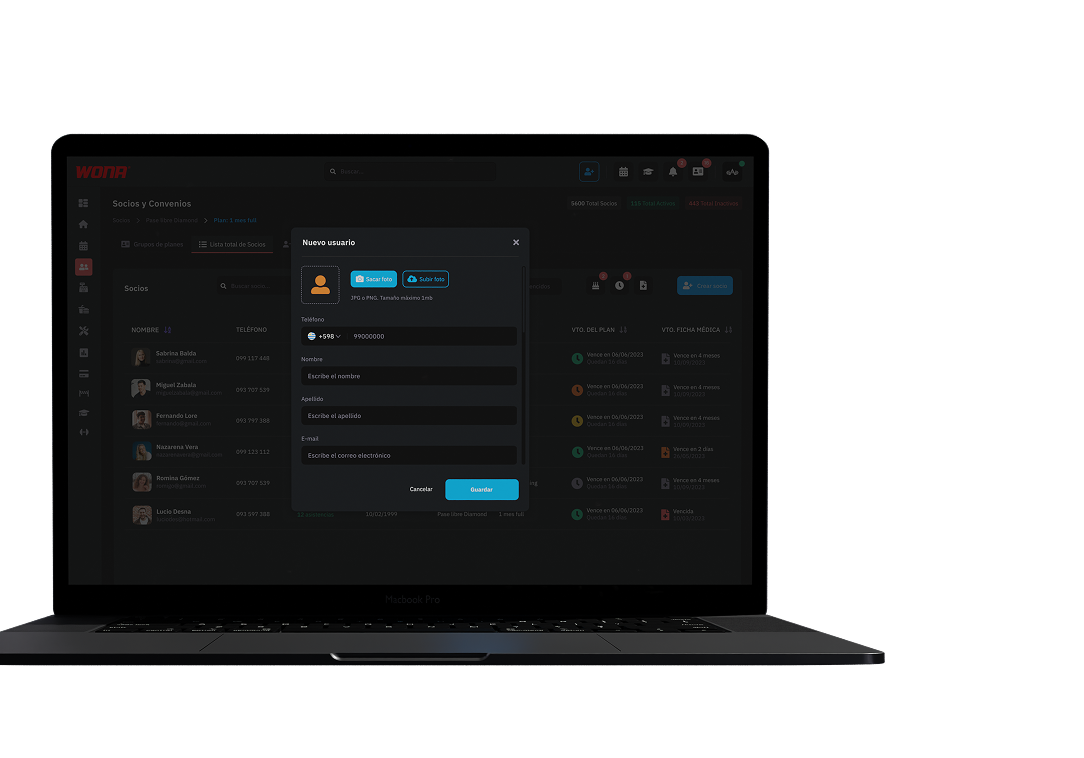
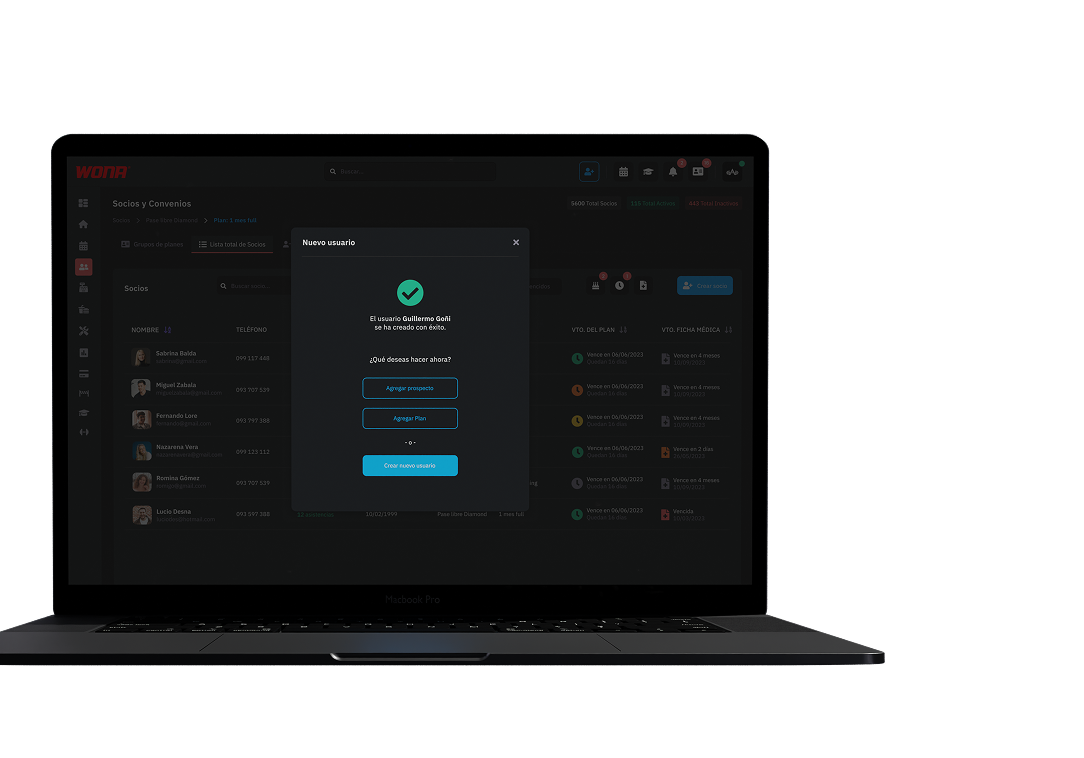
This section records the customers interested in the gym who have not bought a plan yet.
Your database stays up to date with potential members, ready to follow up at the right moment.
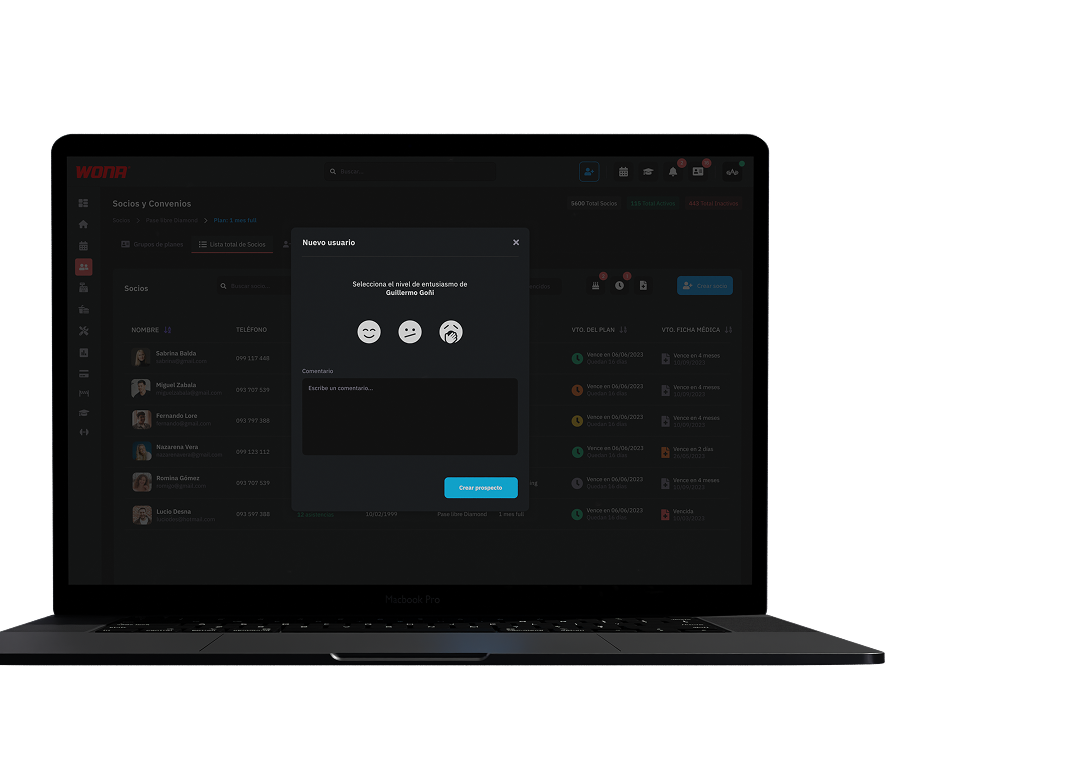
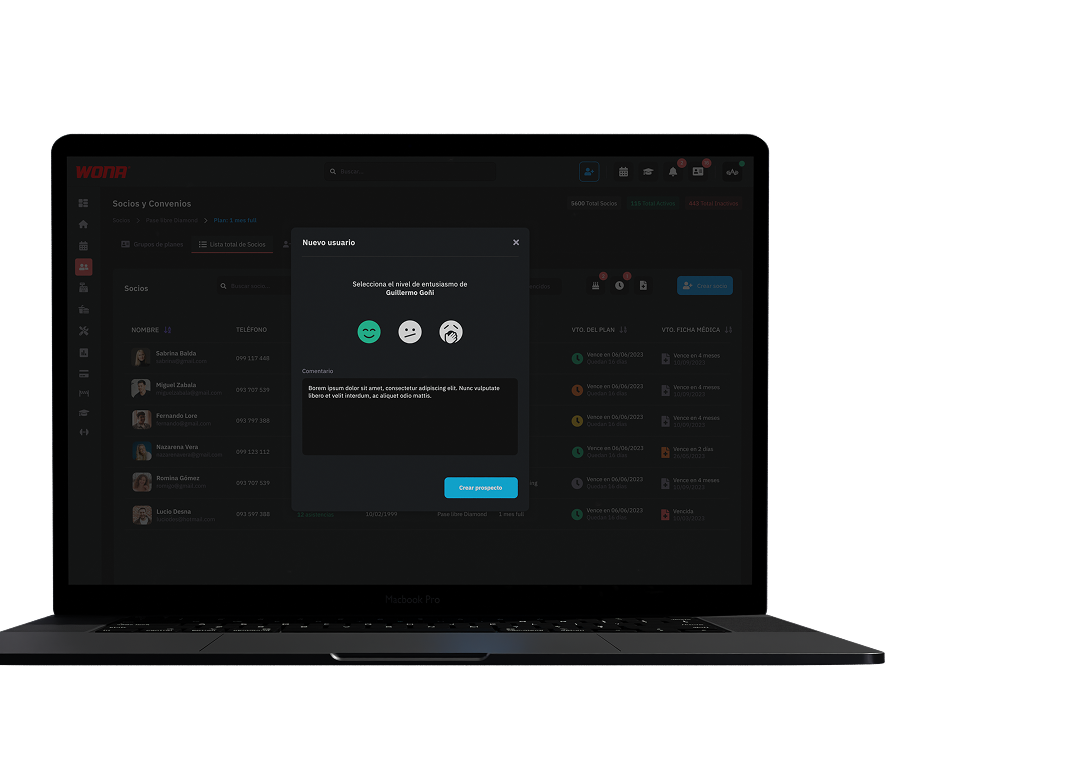
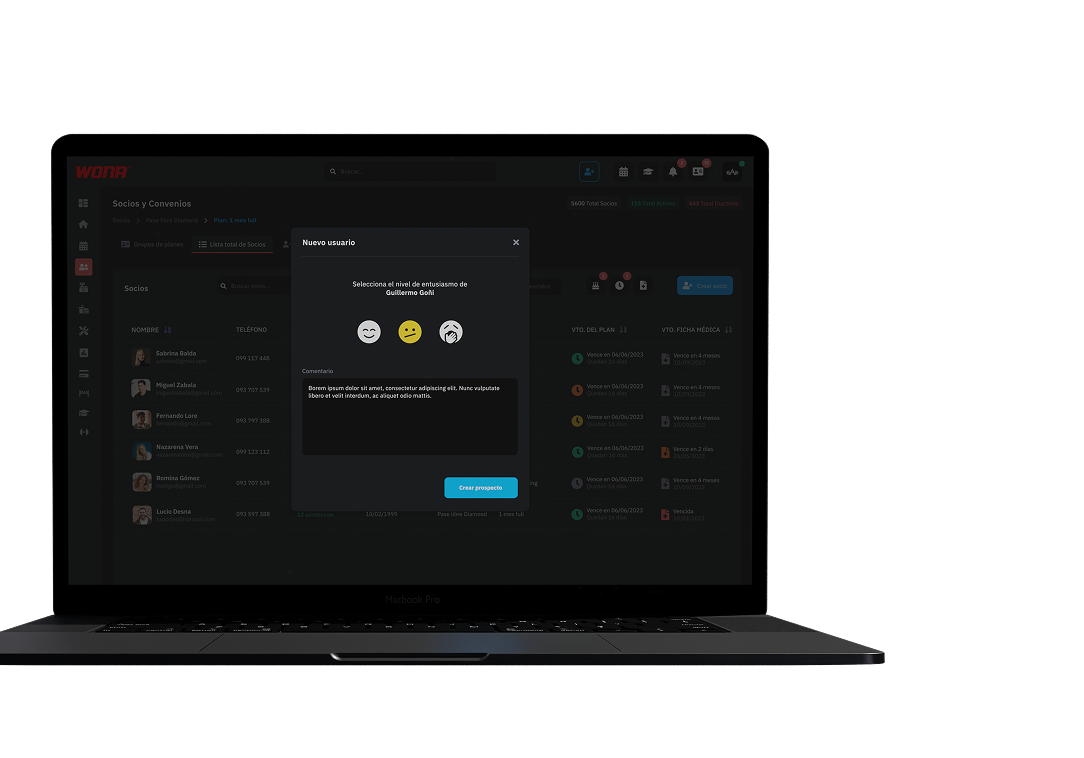
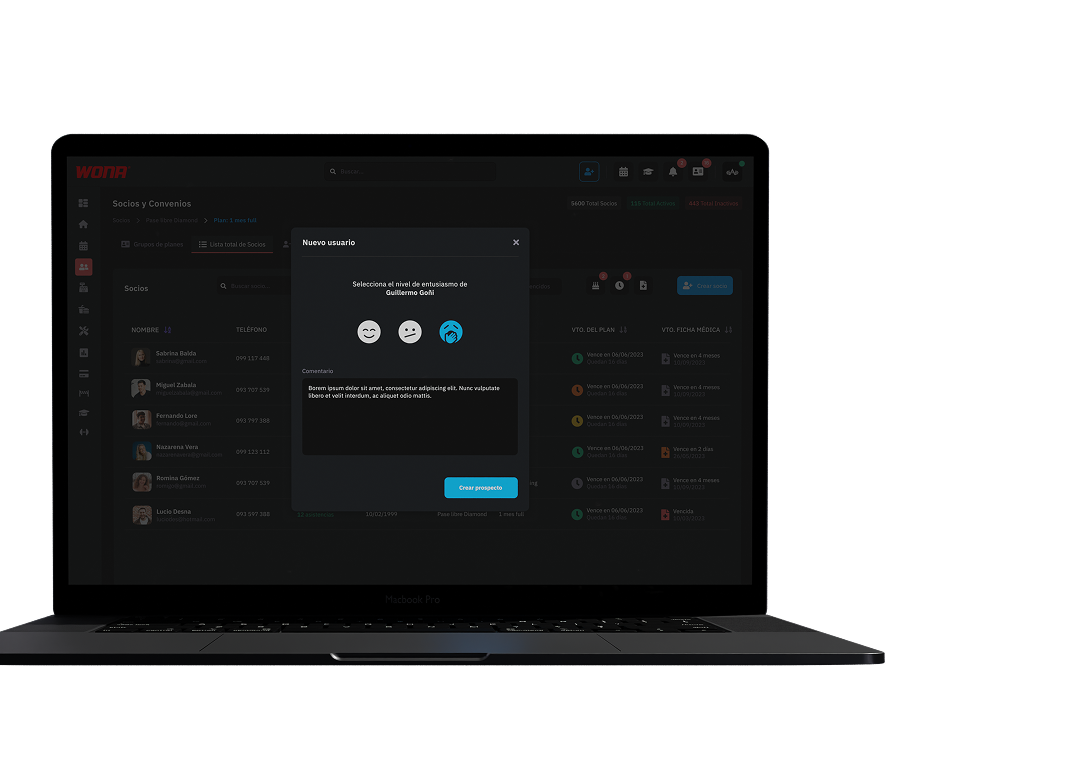
Every prospect can be given an enthusiasm level that reflects how likely they are to become a member.
That makes it possible to sort and prioritise the interested ones, easing the sales follow-up and improving the chances of closing the sign-up.
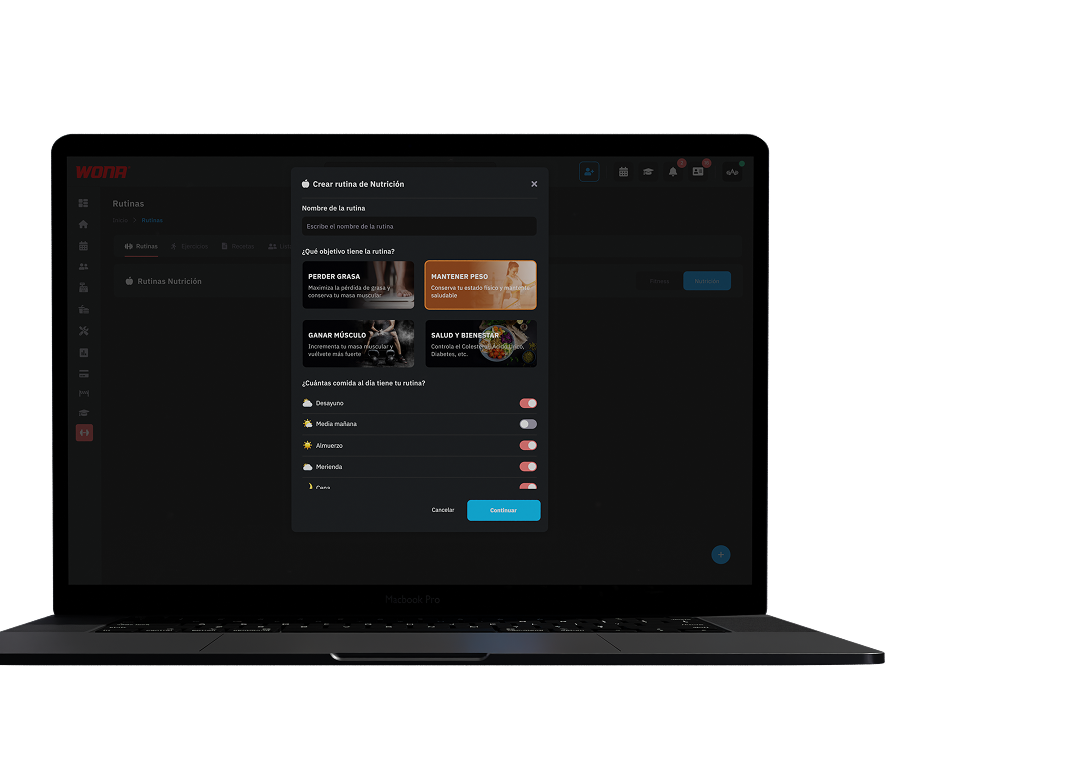
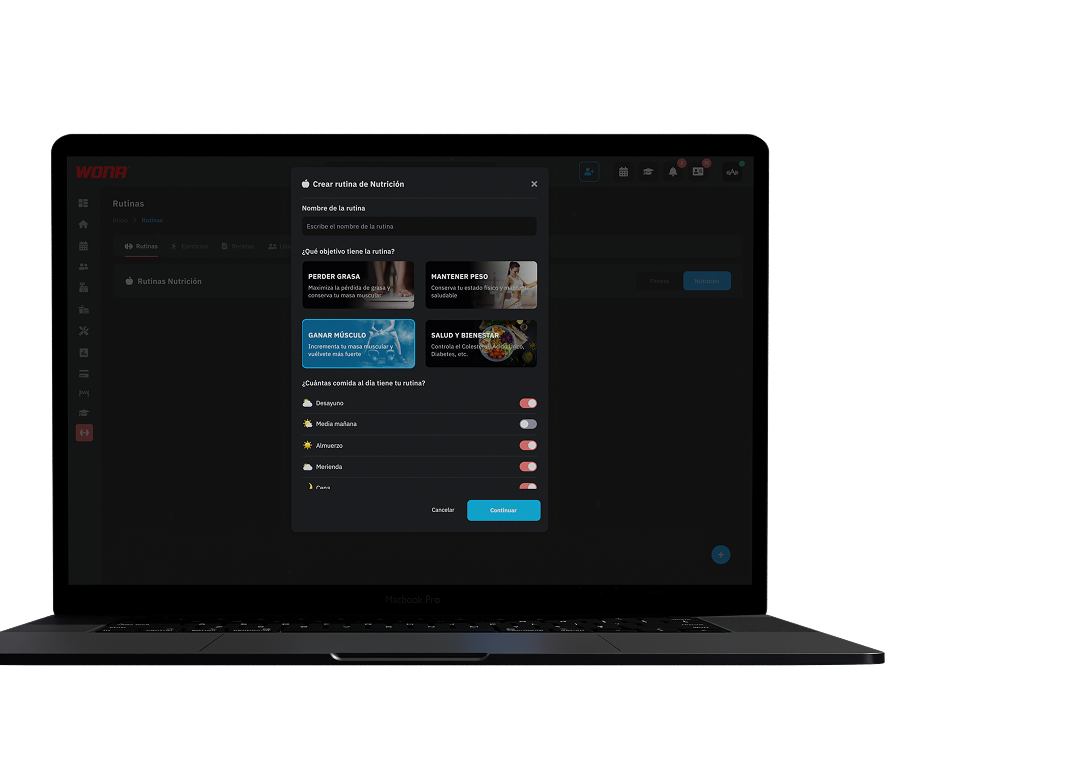
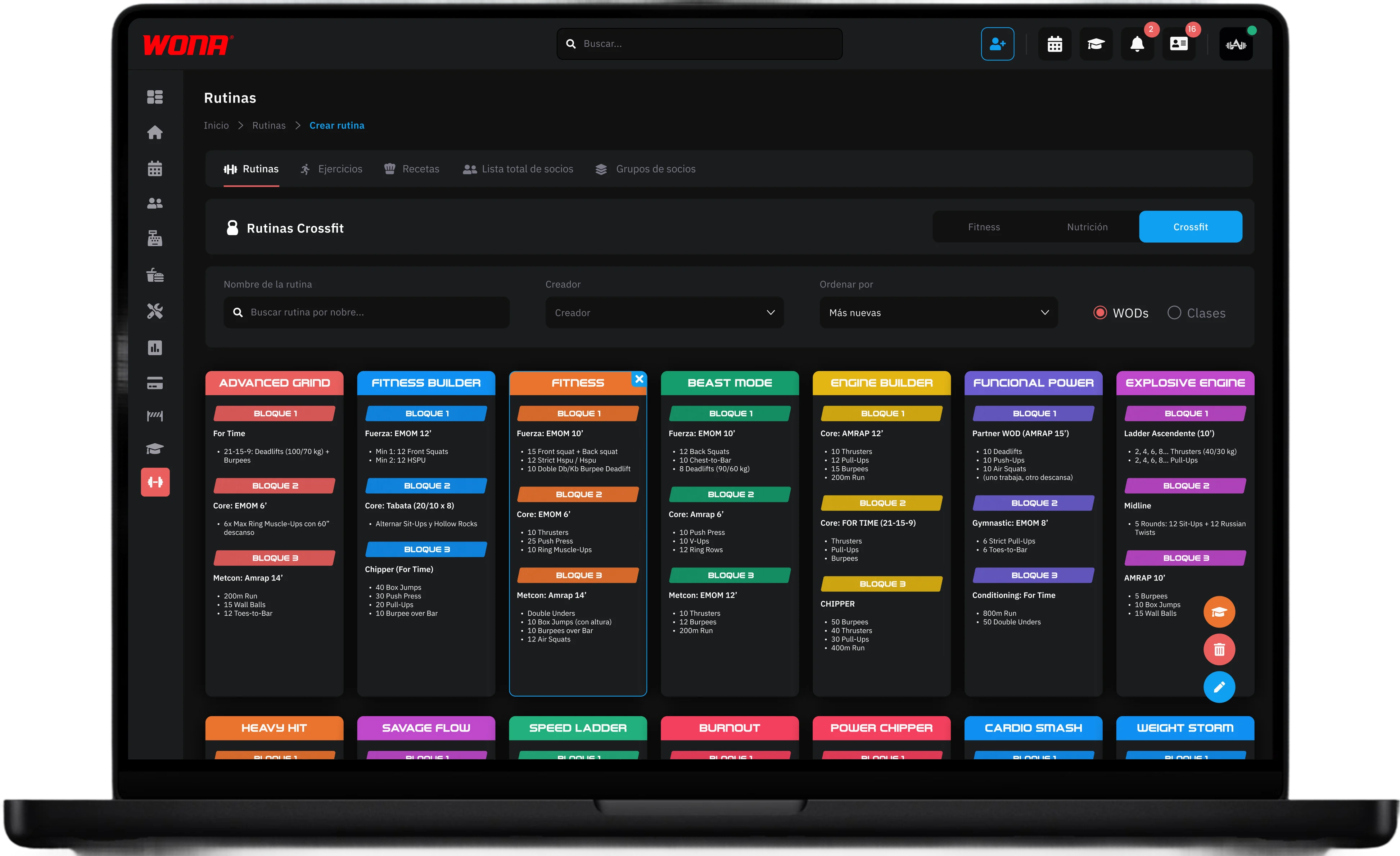
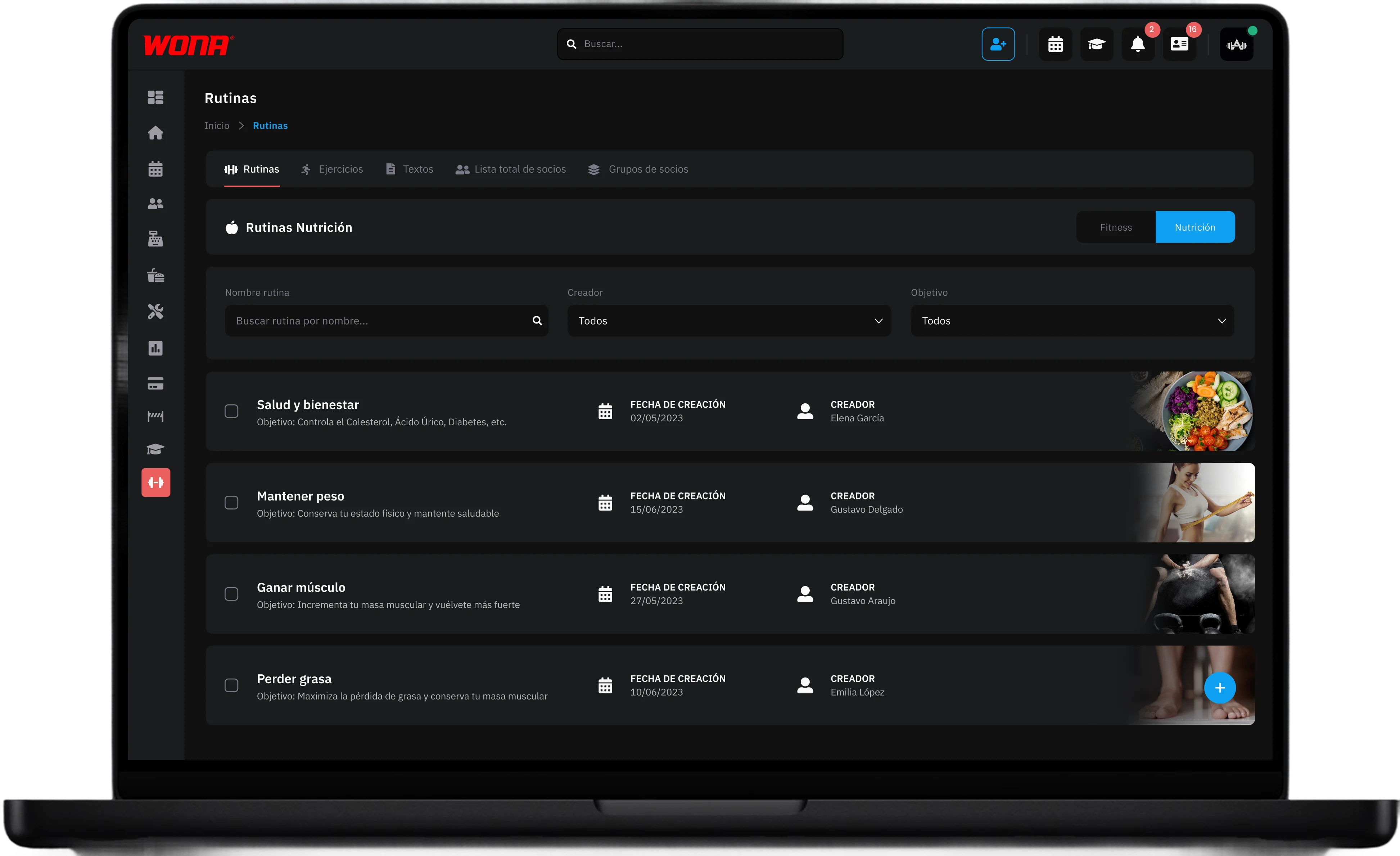
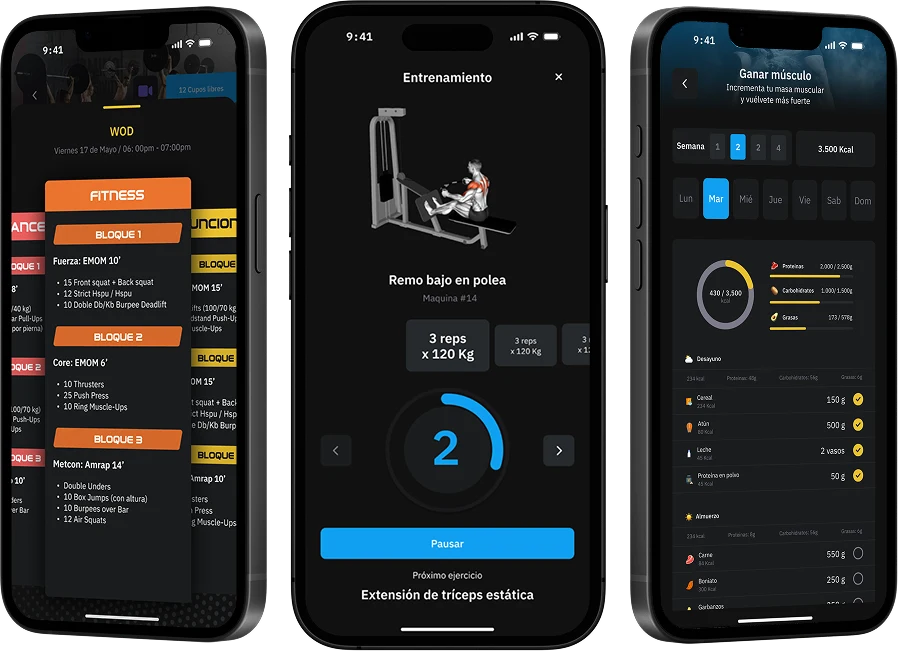 Create personalized fitness routines with over 7,300 exercise videos, design complete nutritional plans with recipes, calories and hydration control, and plan digital workouts that members follow easily from the app. In addition, the WODs module is designed for CrossFit boxes, allowing you to create, schedule and project each workout in classes.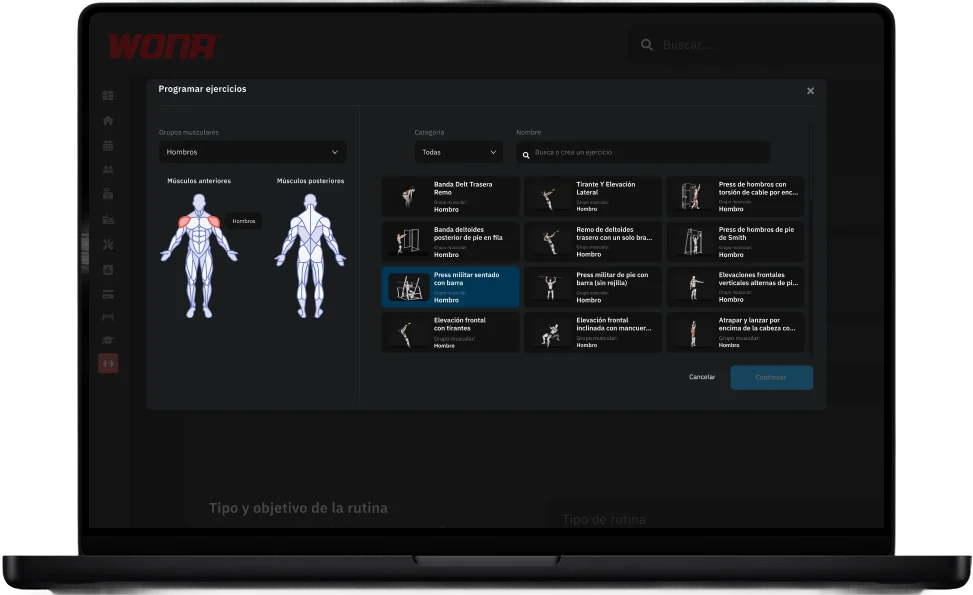
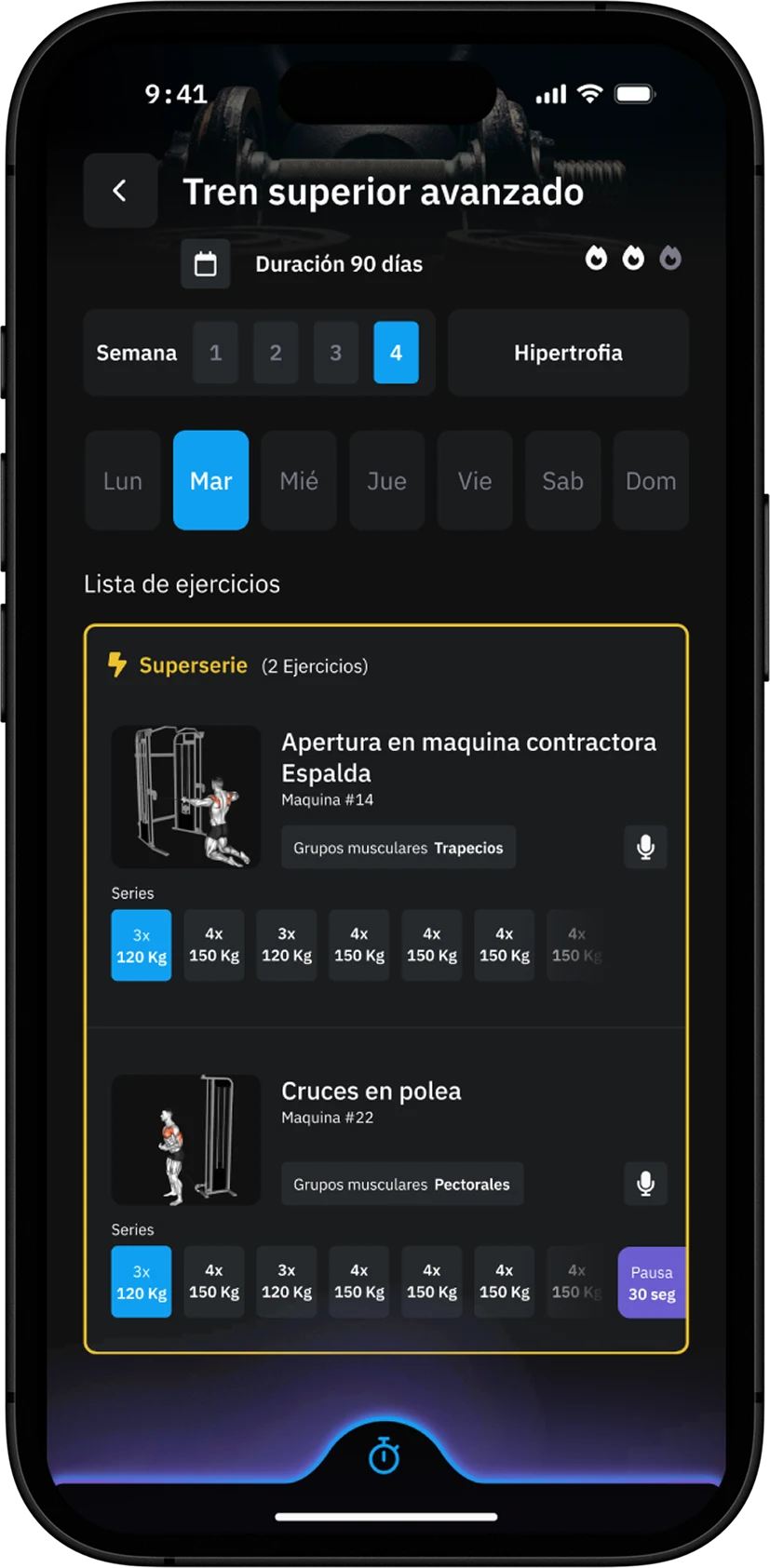
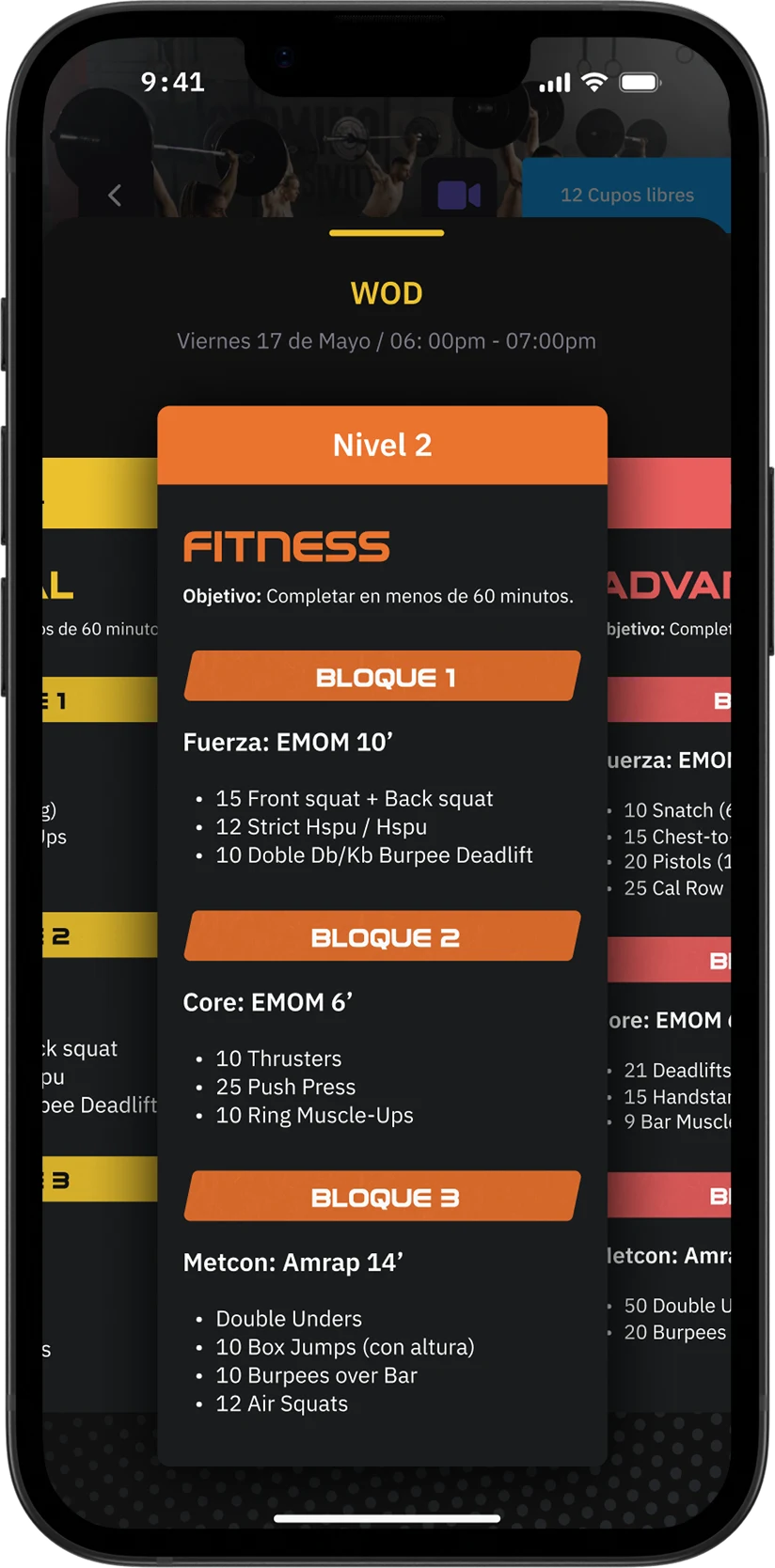
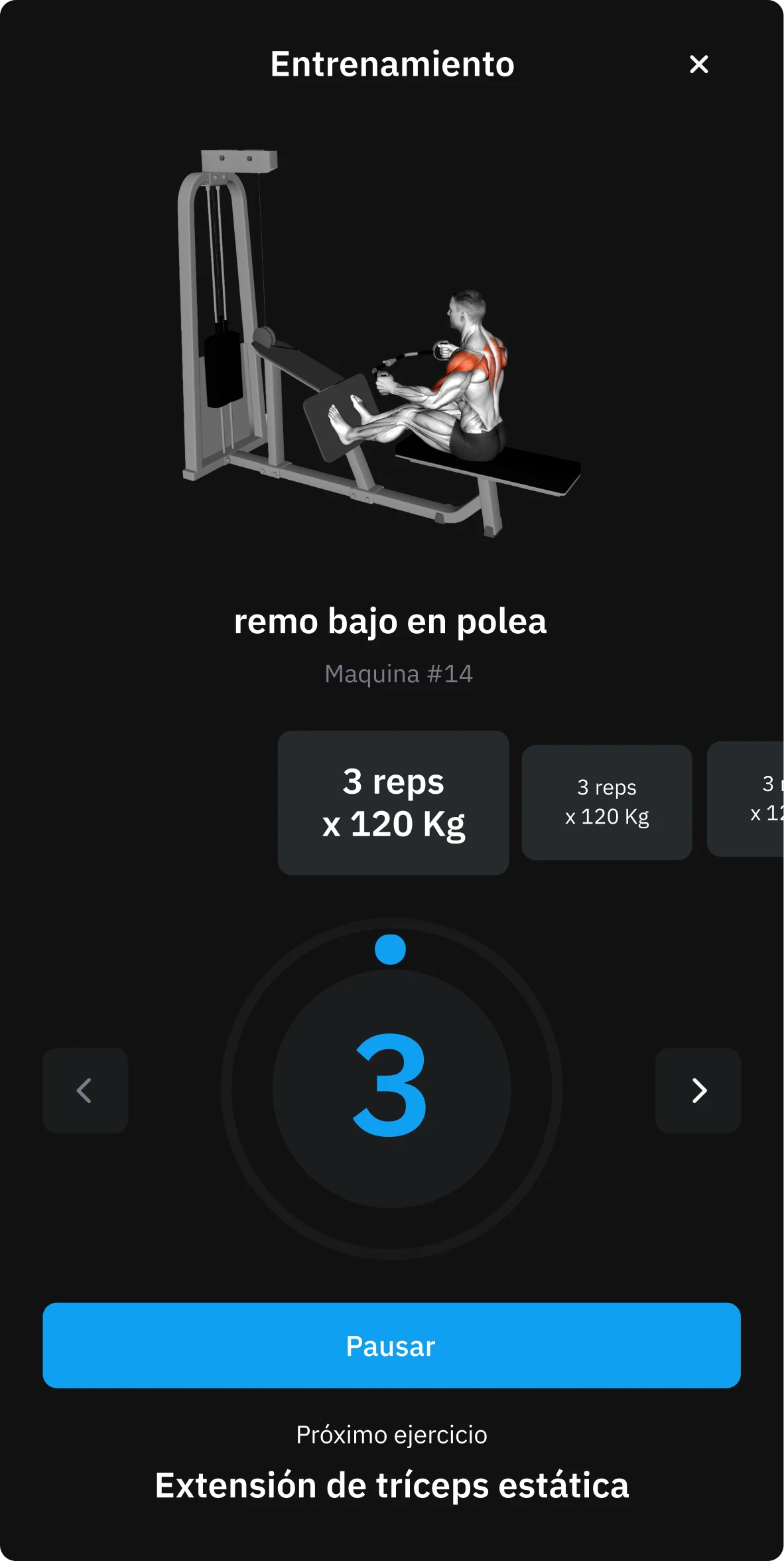
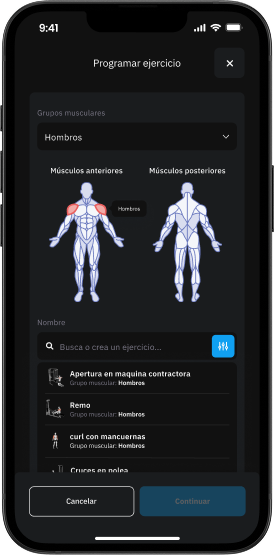
The fitness routines module allows you to create complete workout plans simply and professionally. With a database of over 7,300 videos classified by muscle group, administrators can design personalized routines or standard templates, adjusting weights, repetitions and intensity for each member. In addition, teachers can leave audio comments on each exercise, providing closer and more motivating accompaniment.
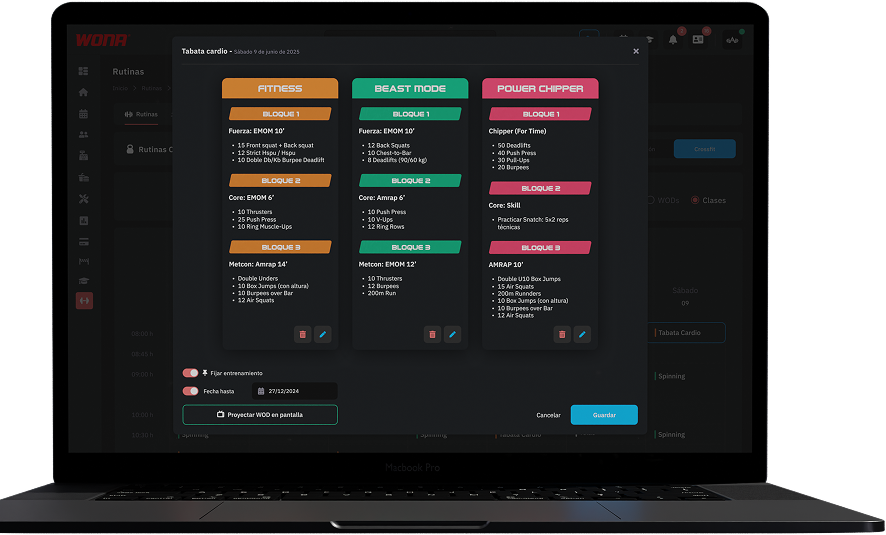
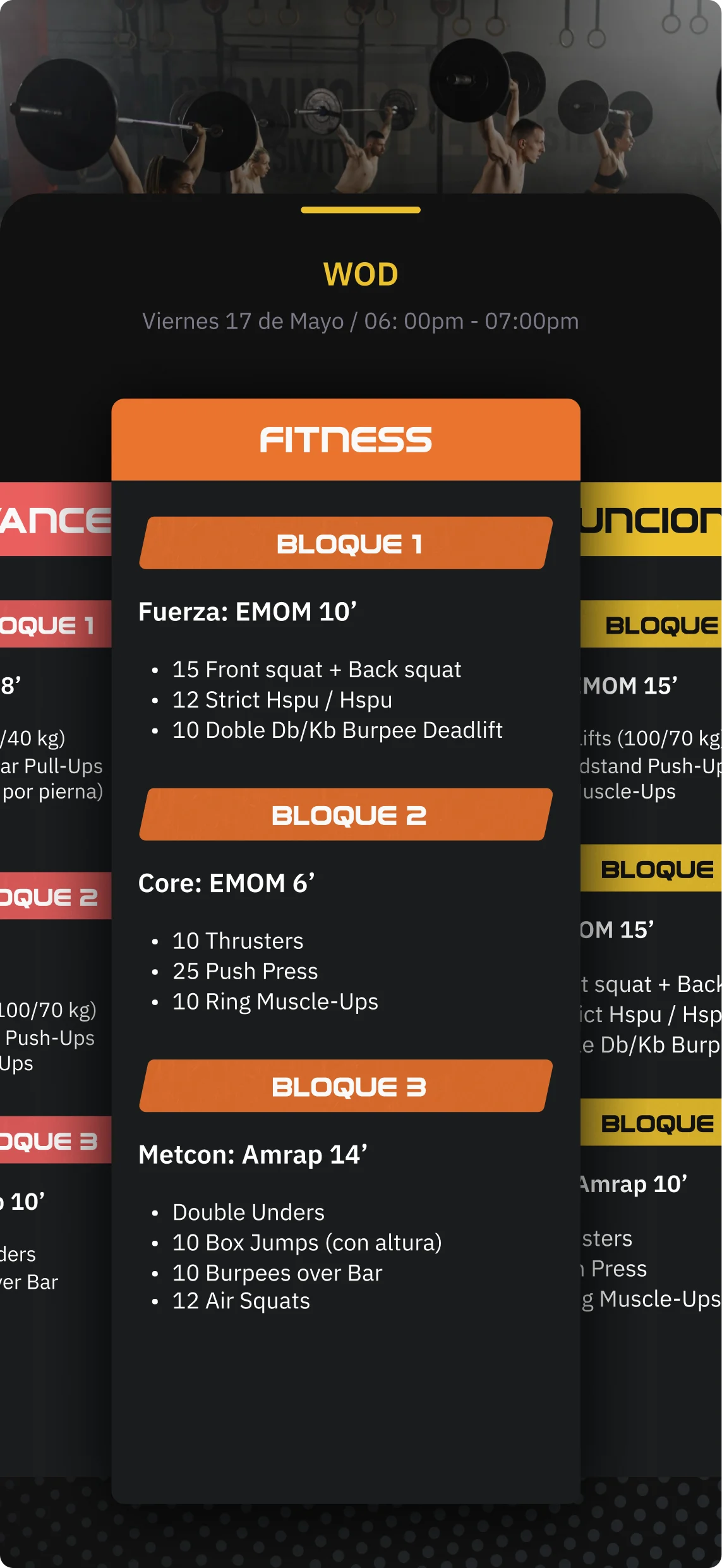
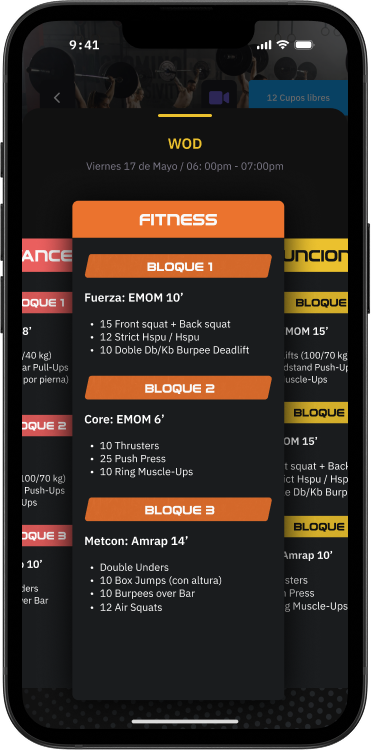
The WOD creation module is specifically designed for CrossFit boxes, allowing you to generate an organized base of daily workouts. Each WOD can be scheduled within the class calendar, so students view it directly from the app when signing up. In addition, the system allows WODs to be projected on screens inside the box, facilitating class dynamics and ensuring everyone follows the workout at the same time. A complete tool to plan, schedule and execute each session with greater efficiency and professionalism.
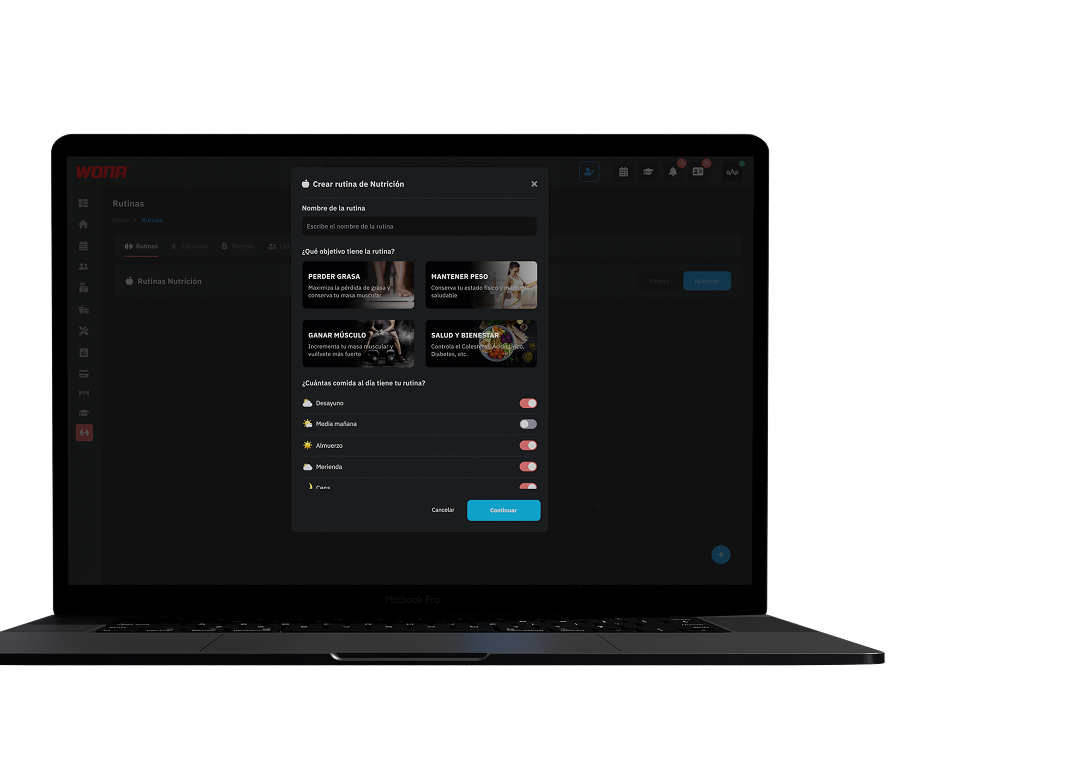
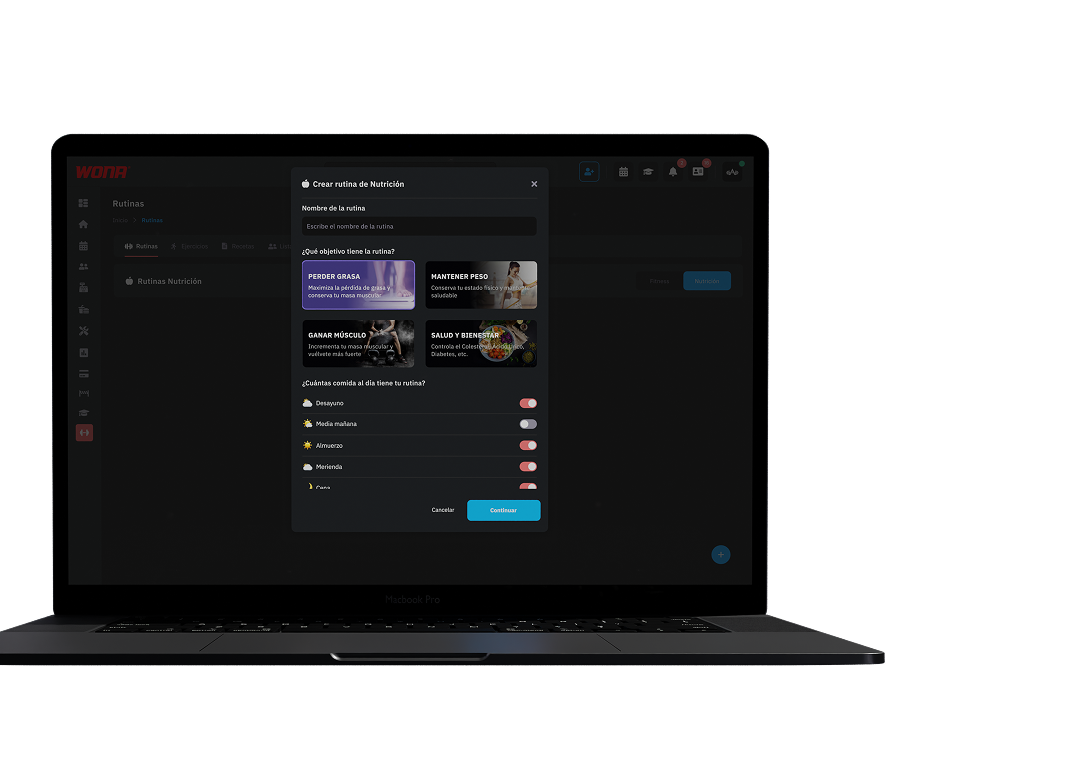
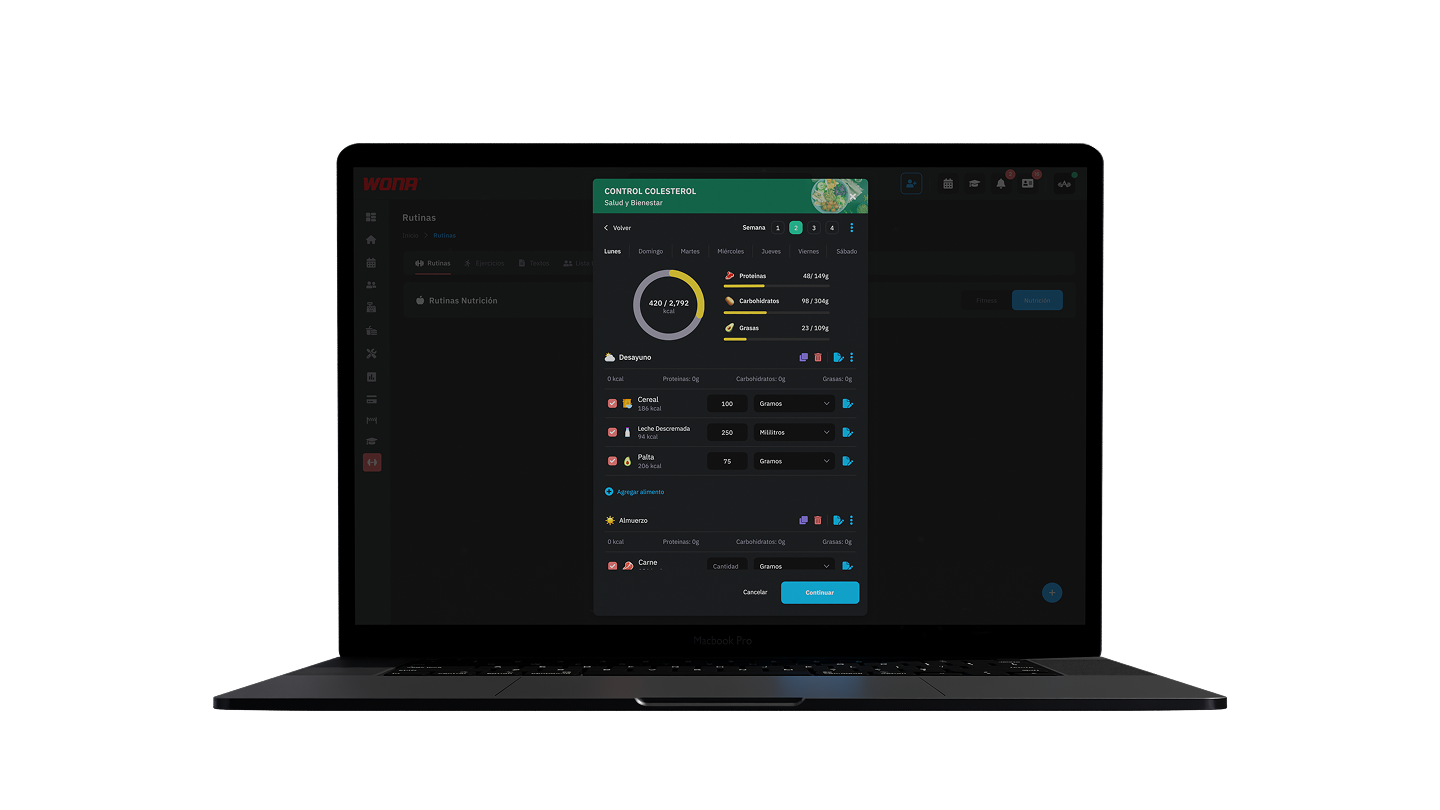
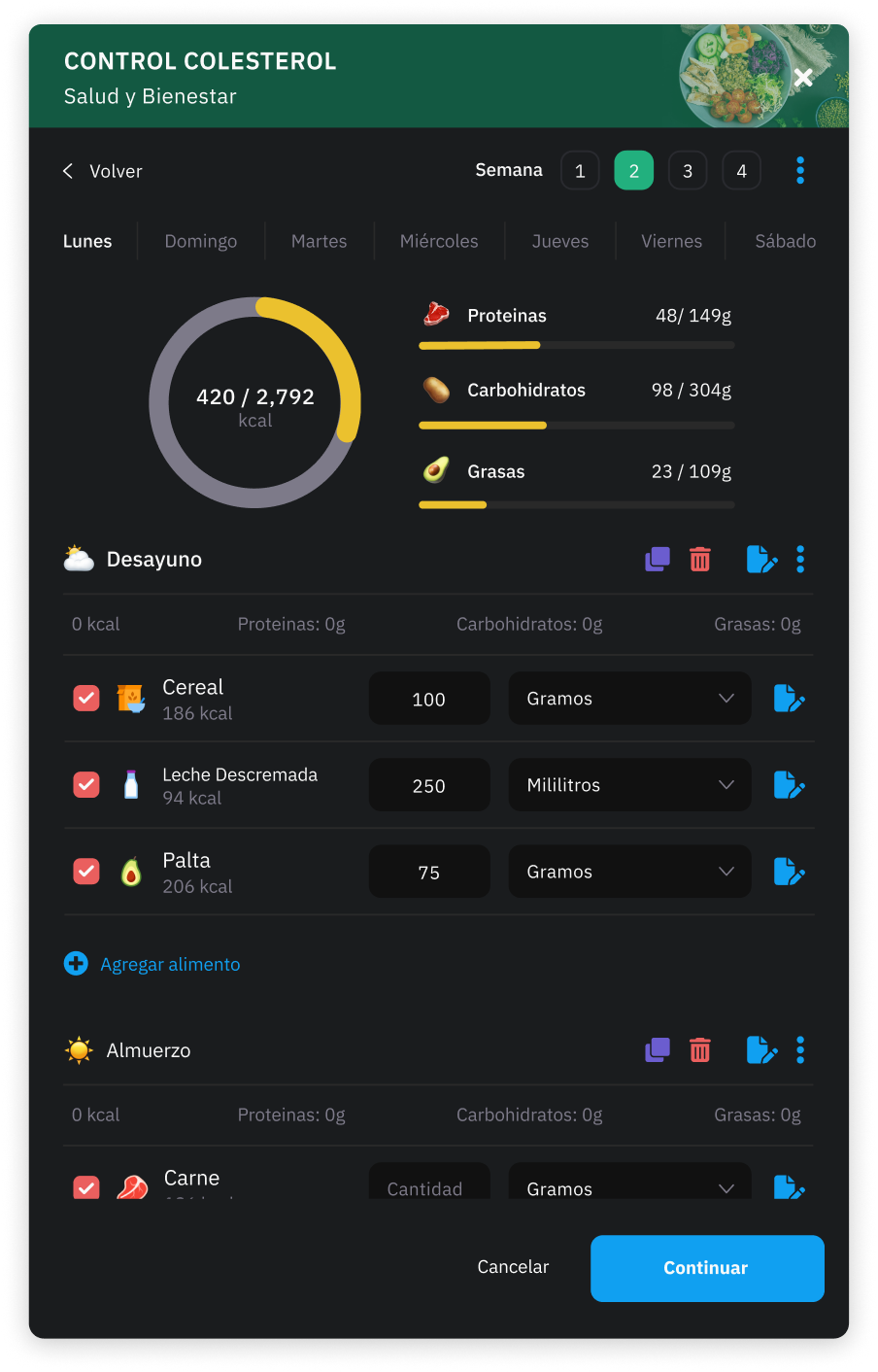
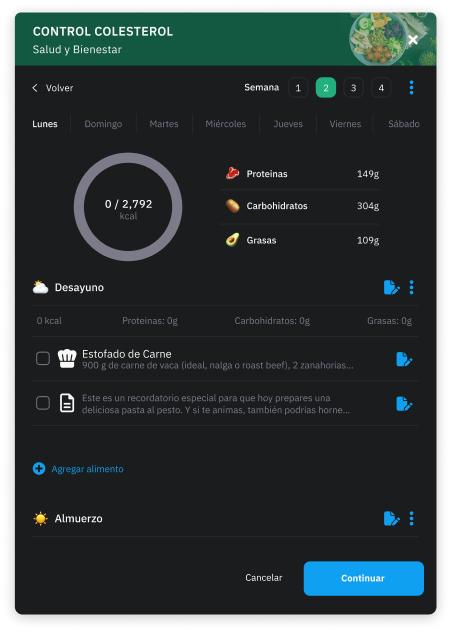
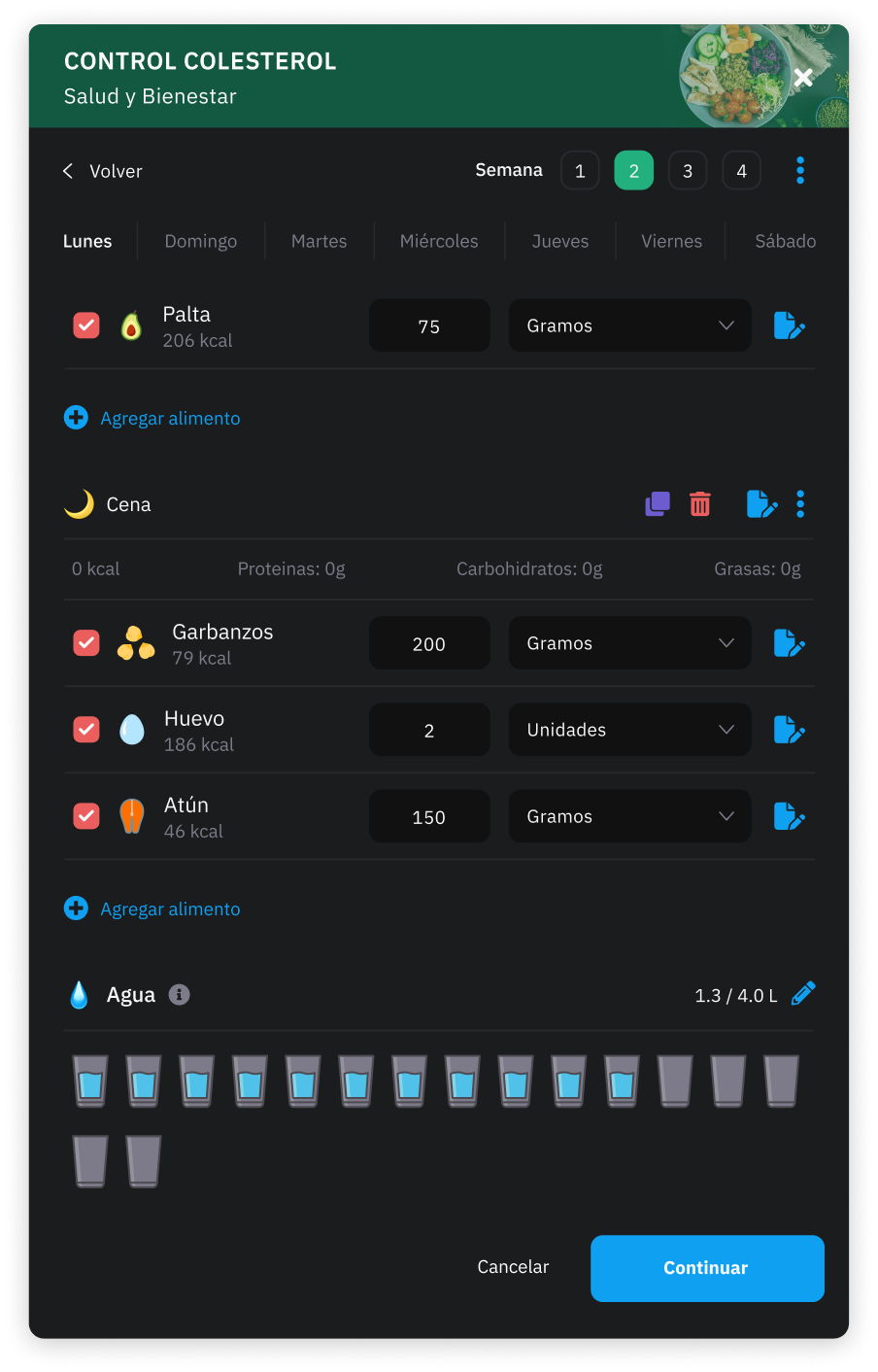
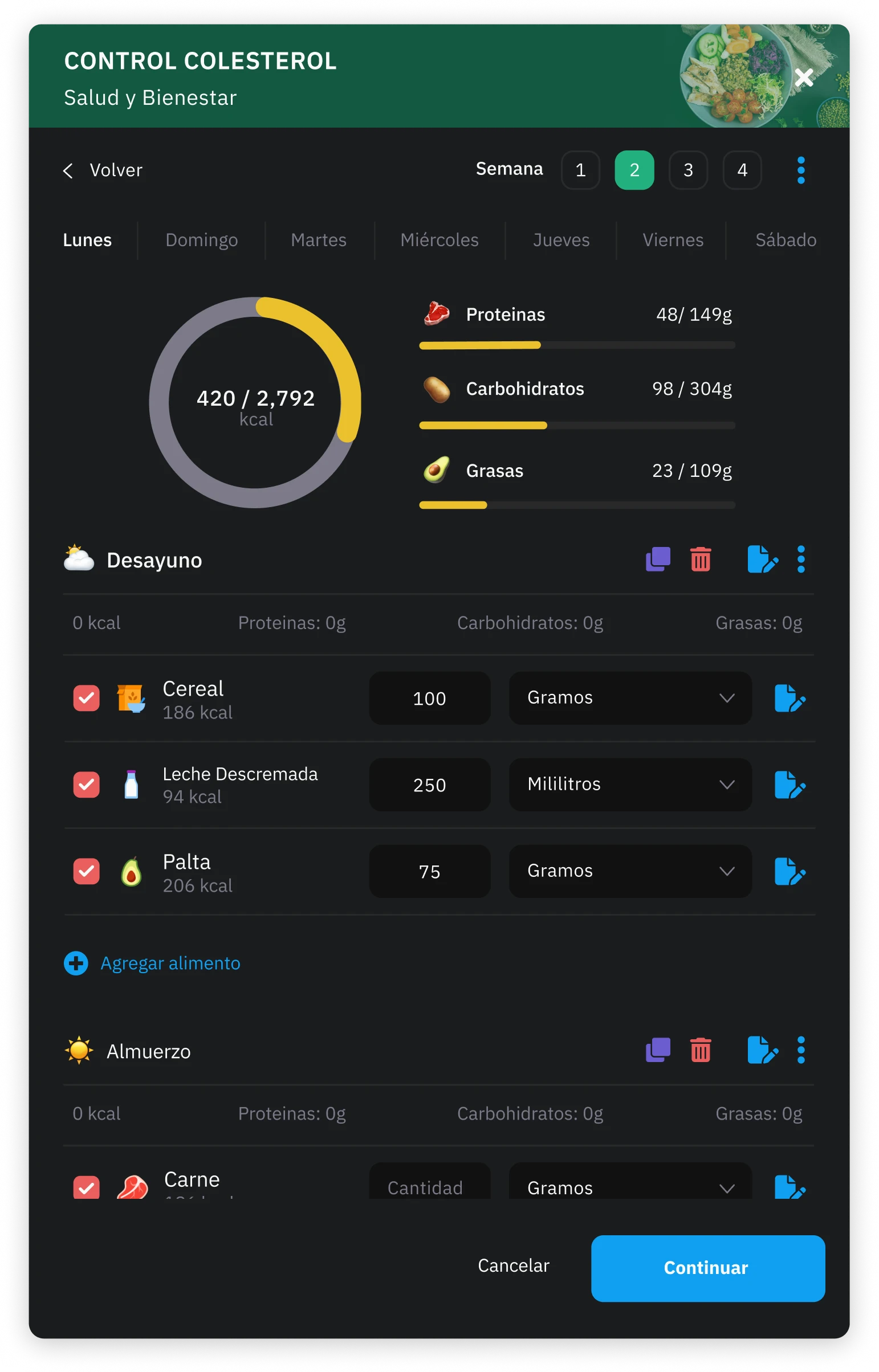
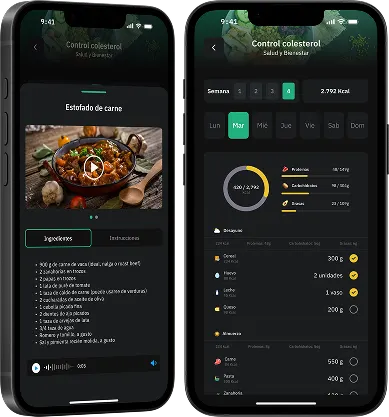
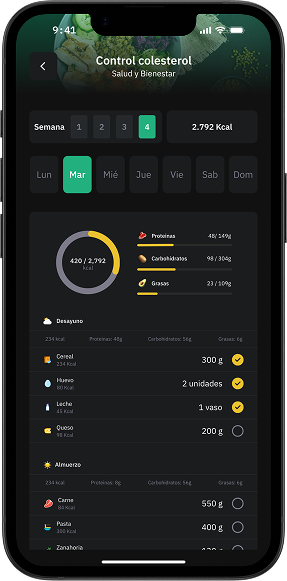
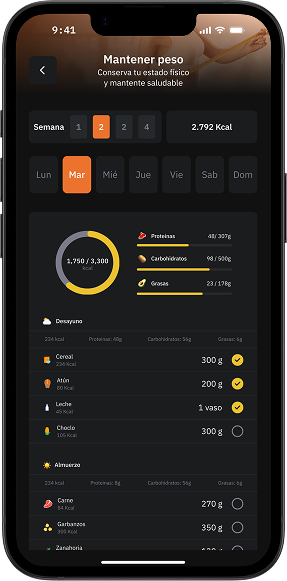
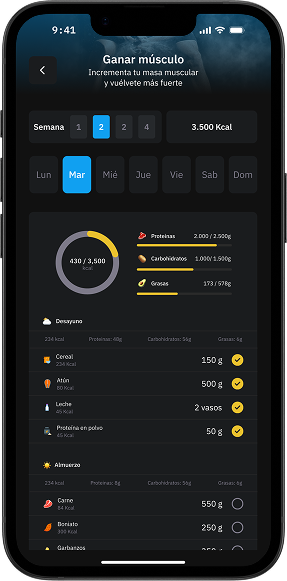
The nutritional plan module allows you to create complete and personalized programs that members consult easily from the app. Each plan can include foods, recipes with videos and nutritional breakdown of proteins, carbohydrates, fats and calories. It also incorporates a hydration functionality, where the member records their water consumption and reaches daily goals. Thus, nutrition is integrated into training, offering a practical, organized and motivating digital experience.
Creation and scheduling
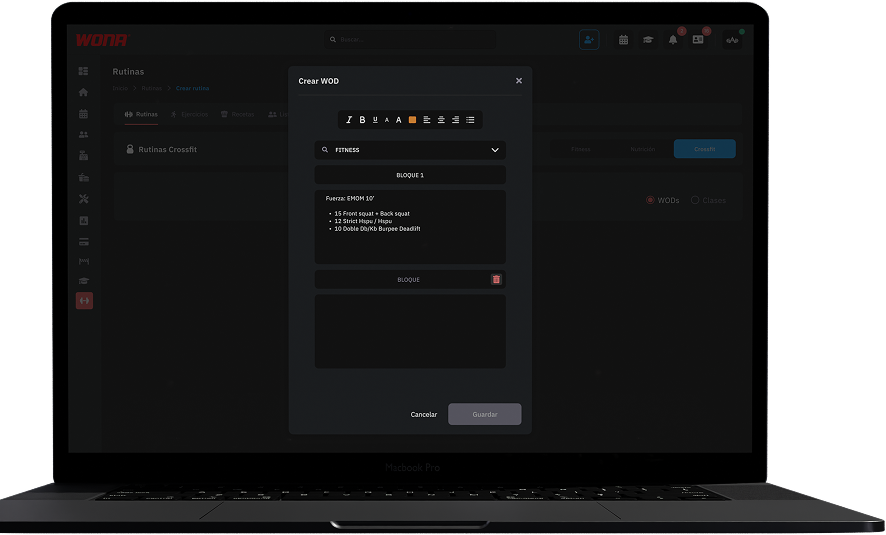
The WOD creation module is specifically designed for CrossFit boxes.
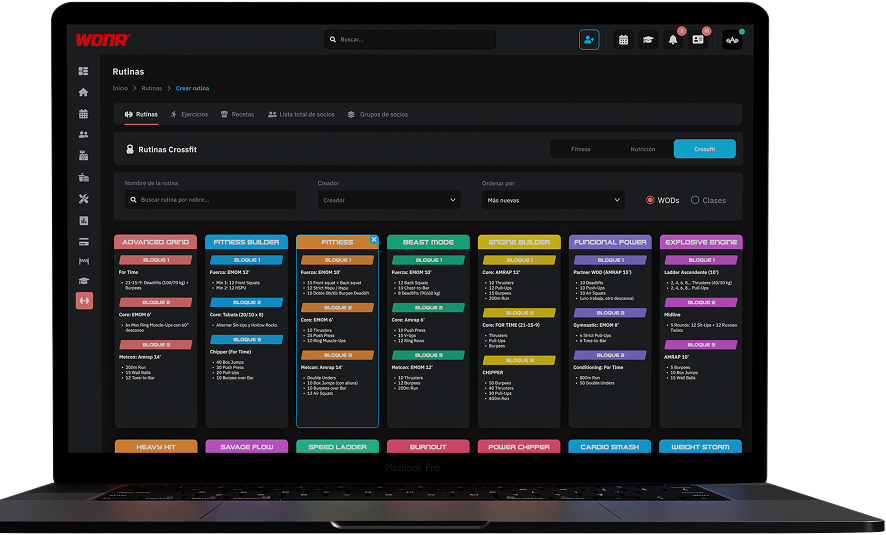
Allowing you to generate an organized base of daily workouts.
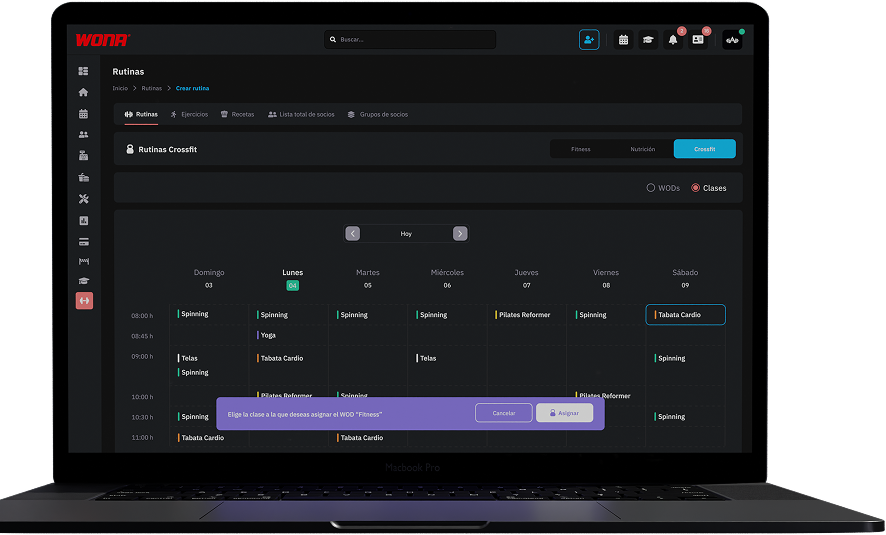
Each WOD can be scheduled within the class calendar, so students view it directly from the app when signing up.
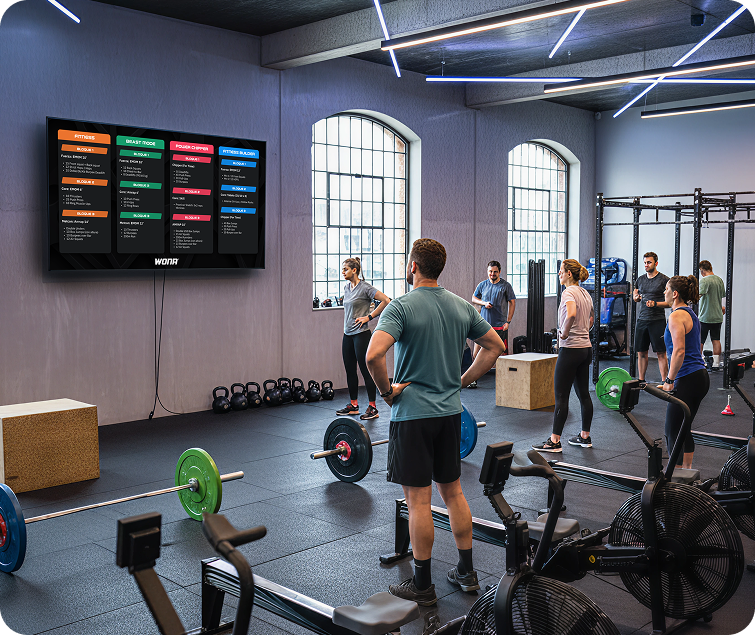
In addition, the system allows WODs to be projected on screens inside the box, facilitating class dynamics and ensuring everyone follows the workout at the same time. A complete tool to plan, schedule and execute each session with greater efficiency and professionalism.
Web version
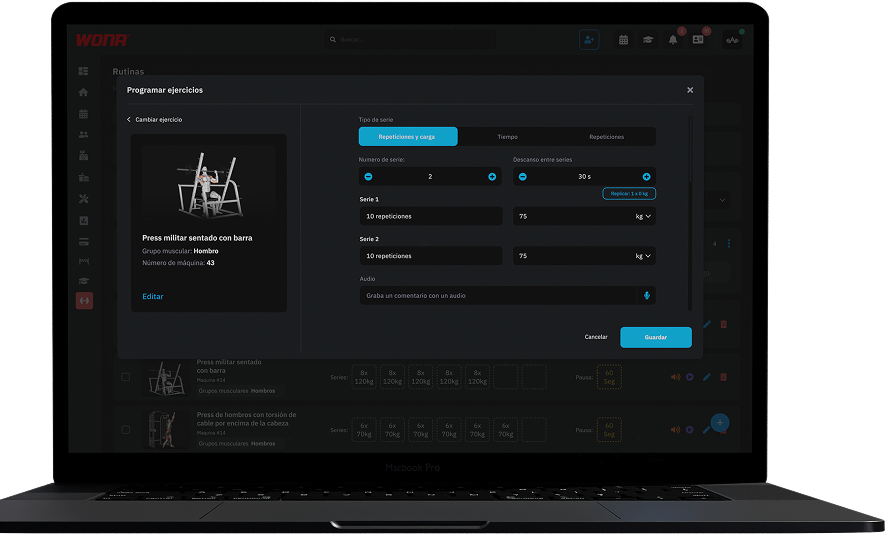
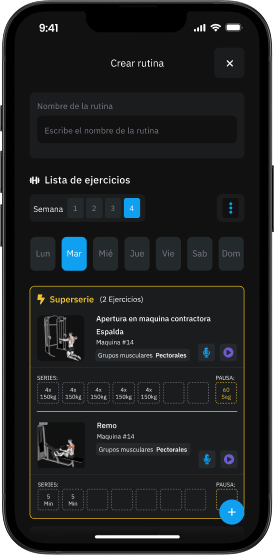
Our platform lets you configure each exercise professionally. Once you select the movement, you can schedule it in different formats according to the training methodology: supersets, time-based sets, rep-based sets, or weighted sets (in kilograms or as a percentage of the max).
This way, each routine adapts to the training strategy and the athlete's level, offering the same flexibility as a personally designed plan.
Mobile version
User app
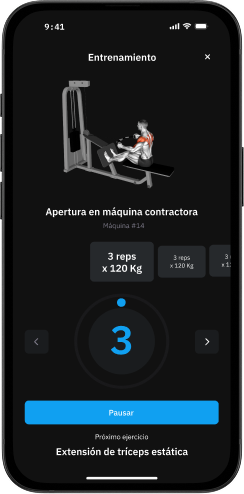
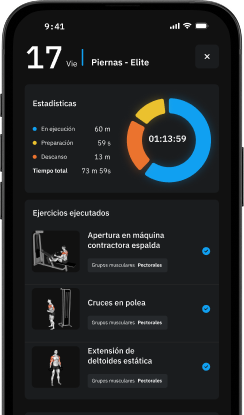
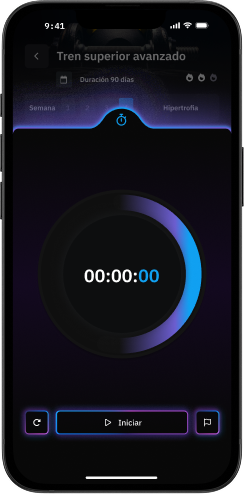
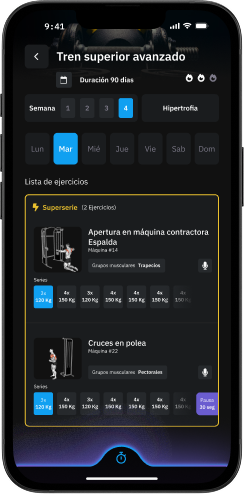
From the app, members can access their routine 100% digitally and choose how to train:
Sheet Mode: The member sees the full list of exercises with sets and reps, can manually mark off what they've completed, use the timer, and watch each exercise's videos whenever needed.
Training Mode: the app automatically guides the session. It times preparation, execution and rest, while logging training stats. The member just has to start, and the app handles the rest.
Admin management
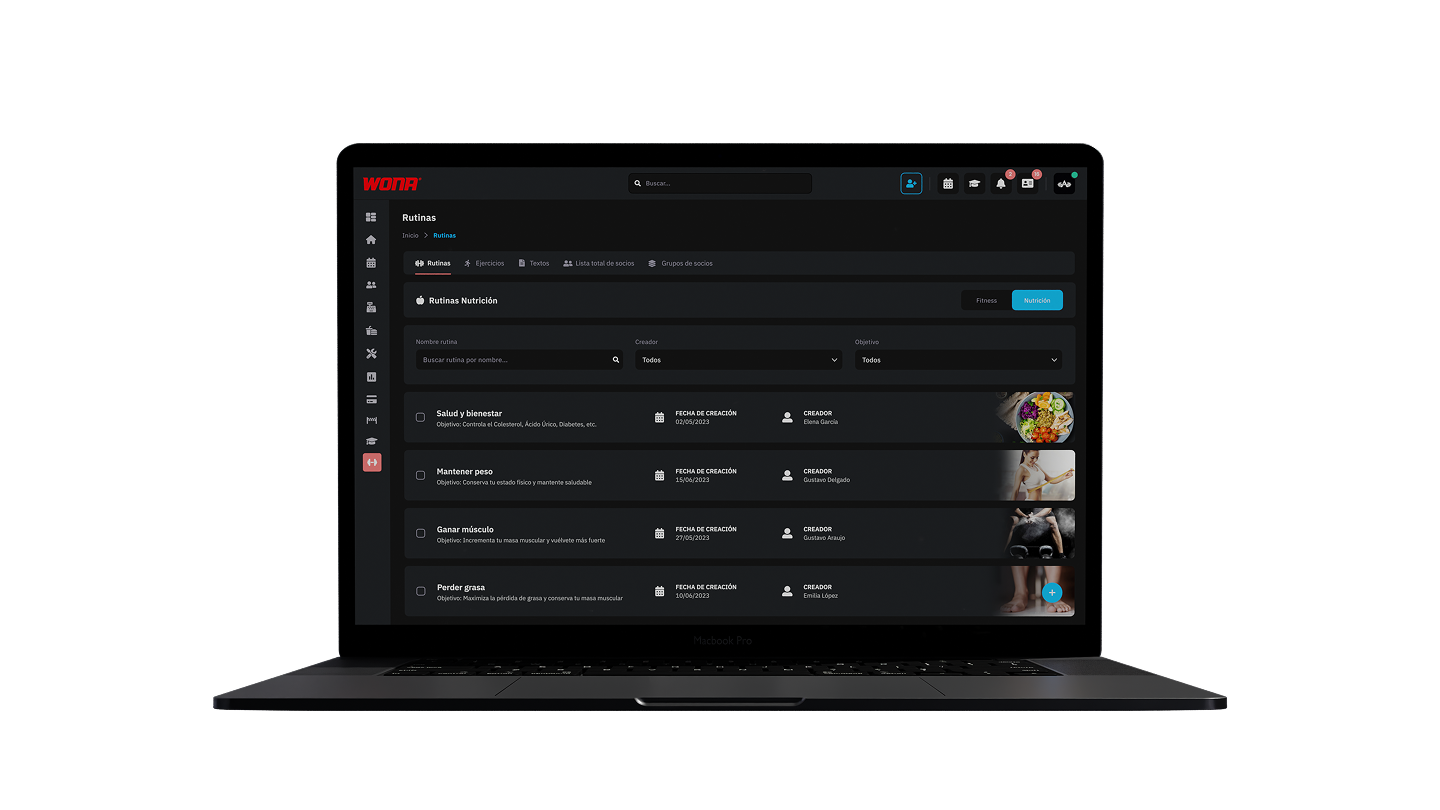
Design complete, personalized nutrition plans that members can check from the app. Each plan can include foods, recipes with videos, and the breakdown of protein, carbohydrates, fats and calories.
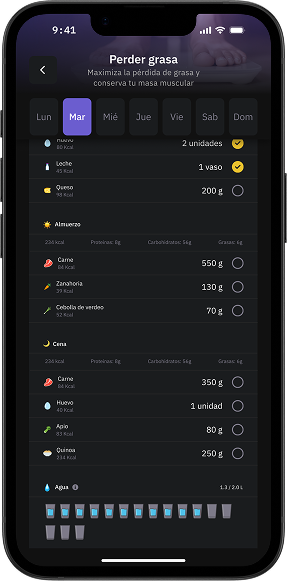
It also includes a hydration feature: set a daily water intake goal and the member can log the glasses they drink for simple, motivating tracking.
This way, nutrition becomes part of training, delivering a digital experience that is practical, organized and easy to follow.
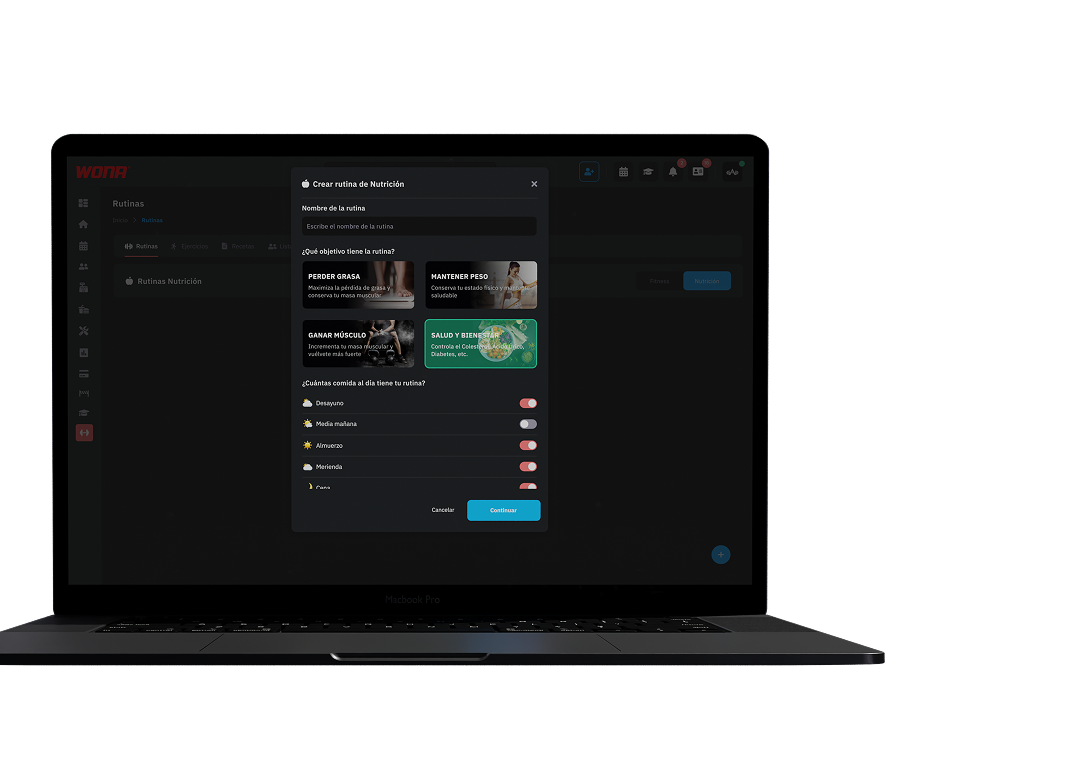
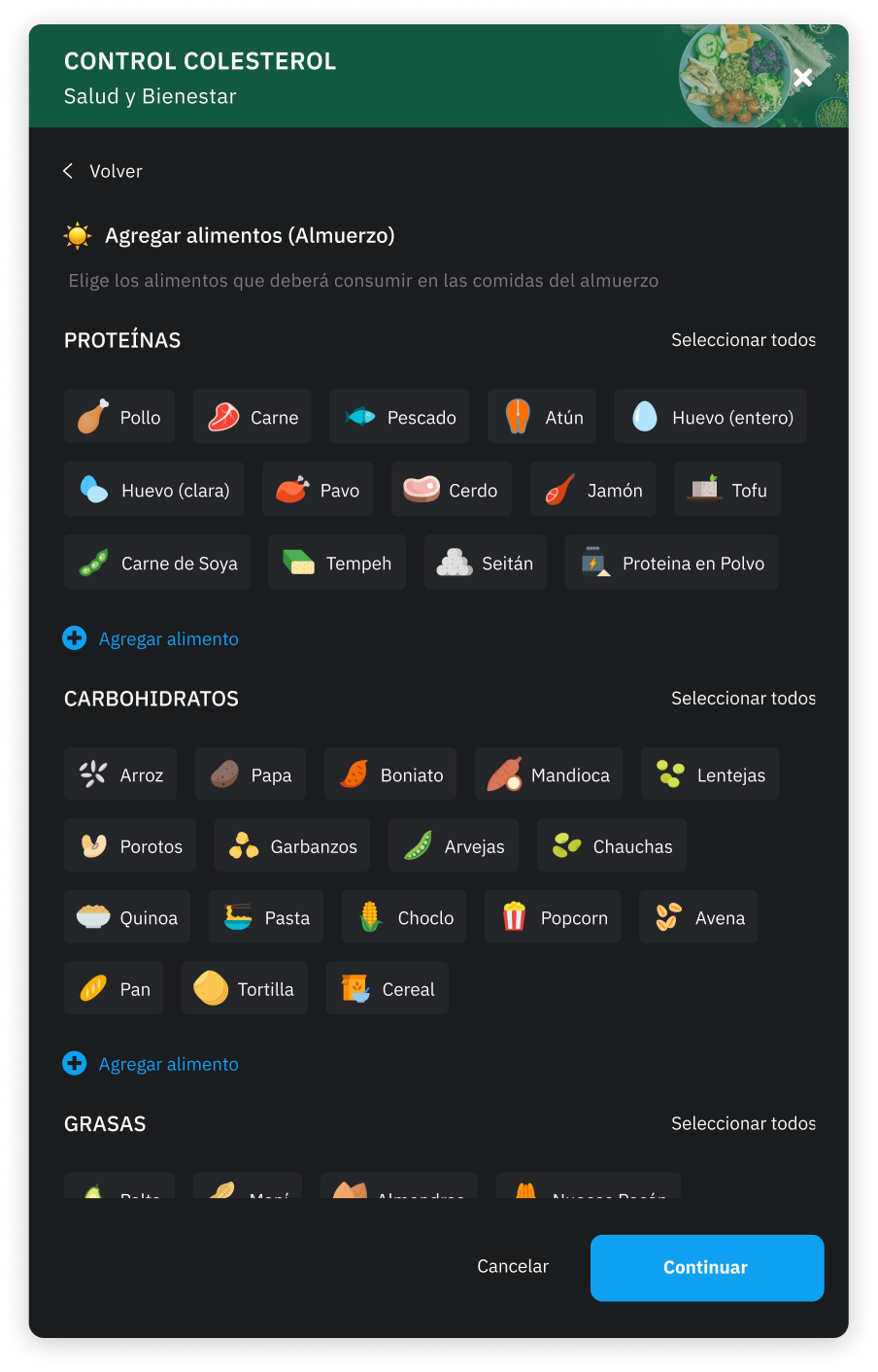
Nutrition planning is organized by moments of the day such as breakfast, lunch, afternoon snack and dinner.
When you select “Add food”, a list opens classified into main groups: proteins, carbohydrates, fats, drinks and dairy, fruits and vegetables.
Each group contains multiple options, which makes it possible to design a balanced plan adapted to each client's needs.
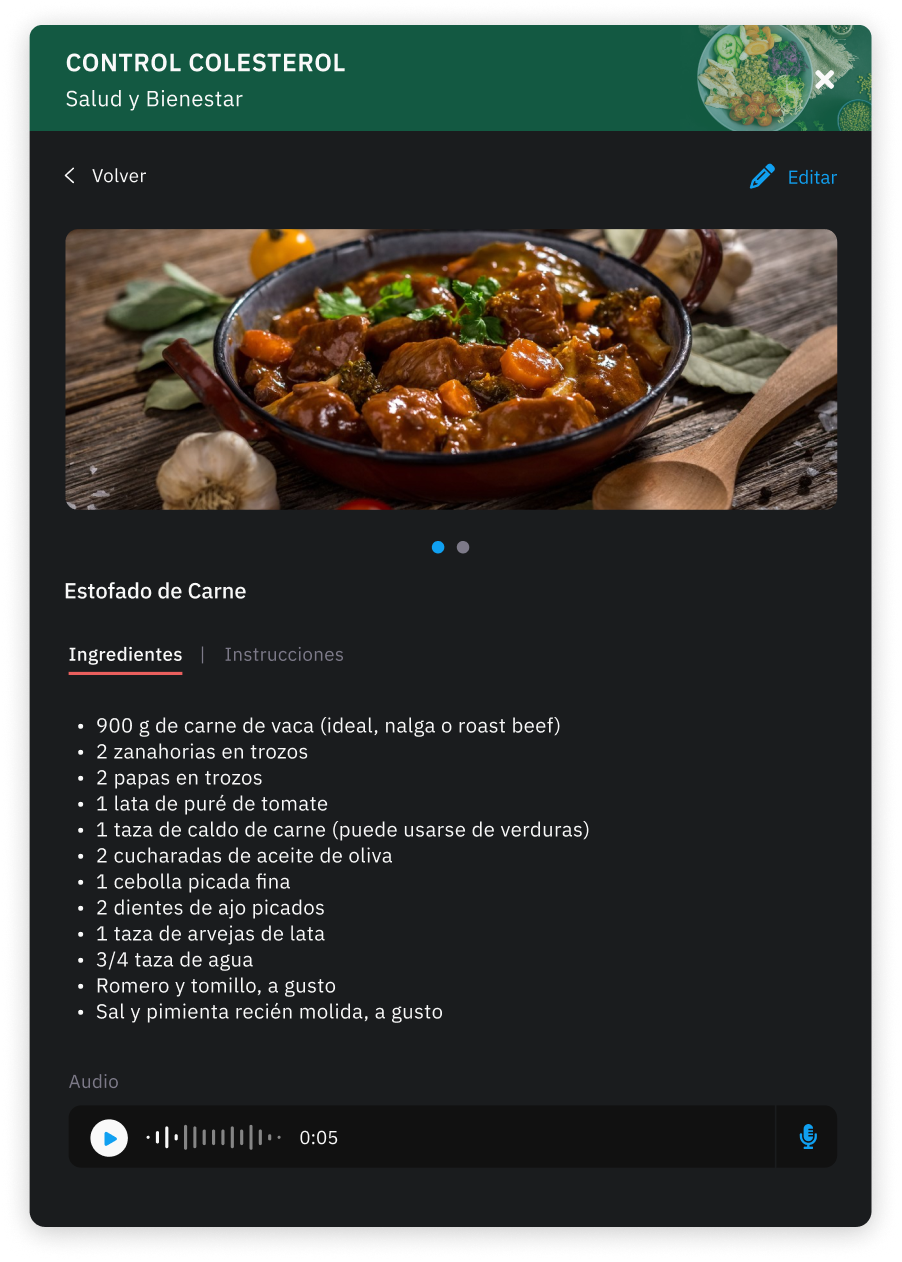
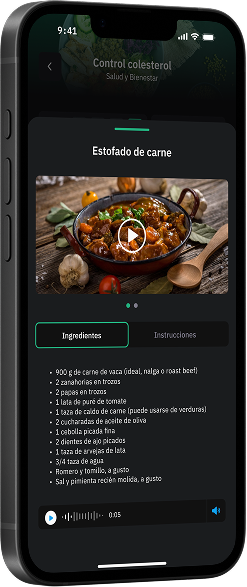
The system lets you create and manage recipes in detail. When registering a recipe, you can specify the ingredients with their quantities, as well as step-by-step preparation instructions.
You can also complement each recipe with audiovisual material, either an image or a video, making the cooking process and the final presentation of the dish easier to understand.
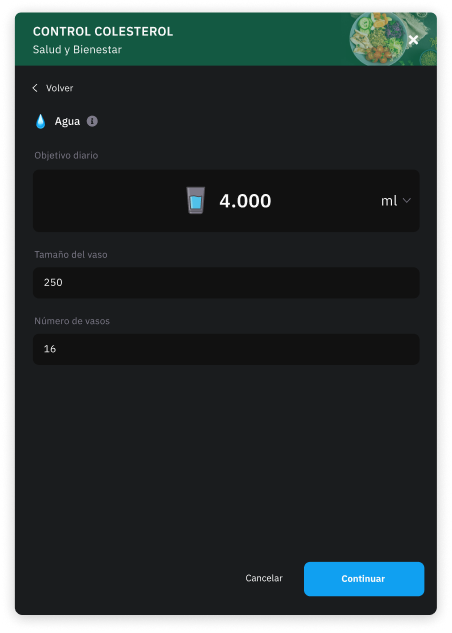
Set a daily water intake goal and the client can log the glasses they drink for simple, motivating tracking.
User app
From the app, users can check their nutrition plan in a fully digital way.
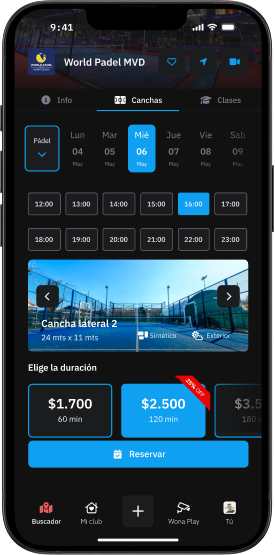
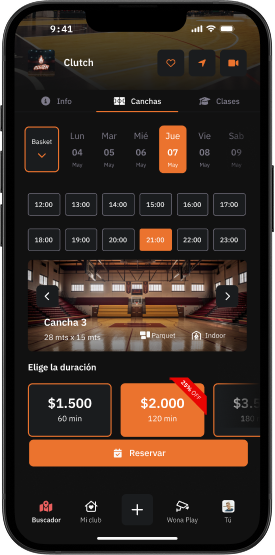
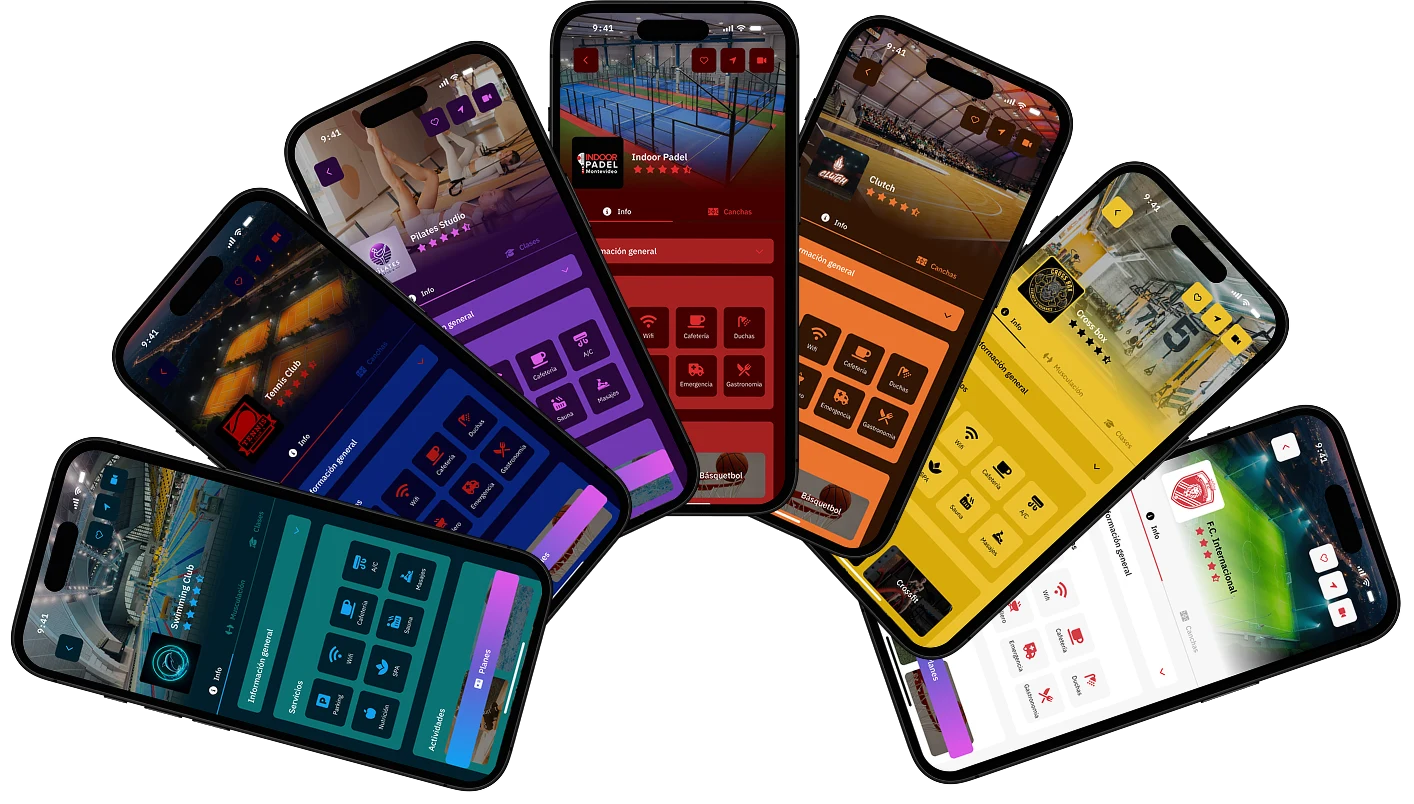
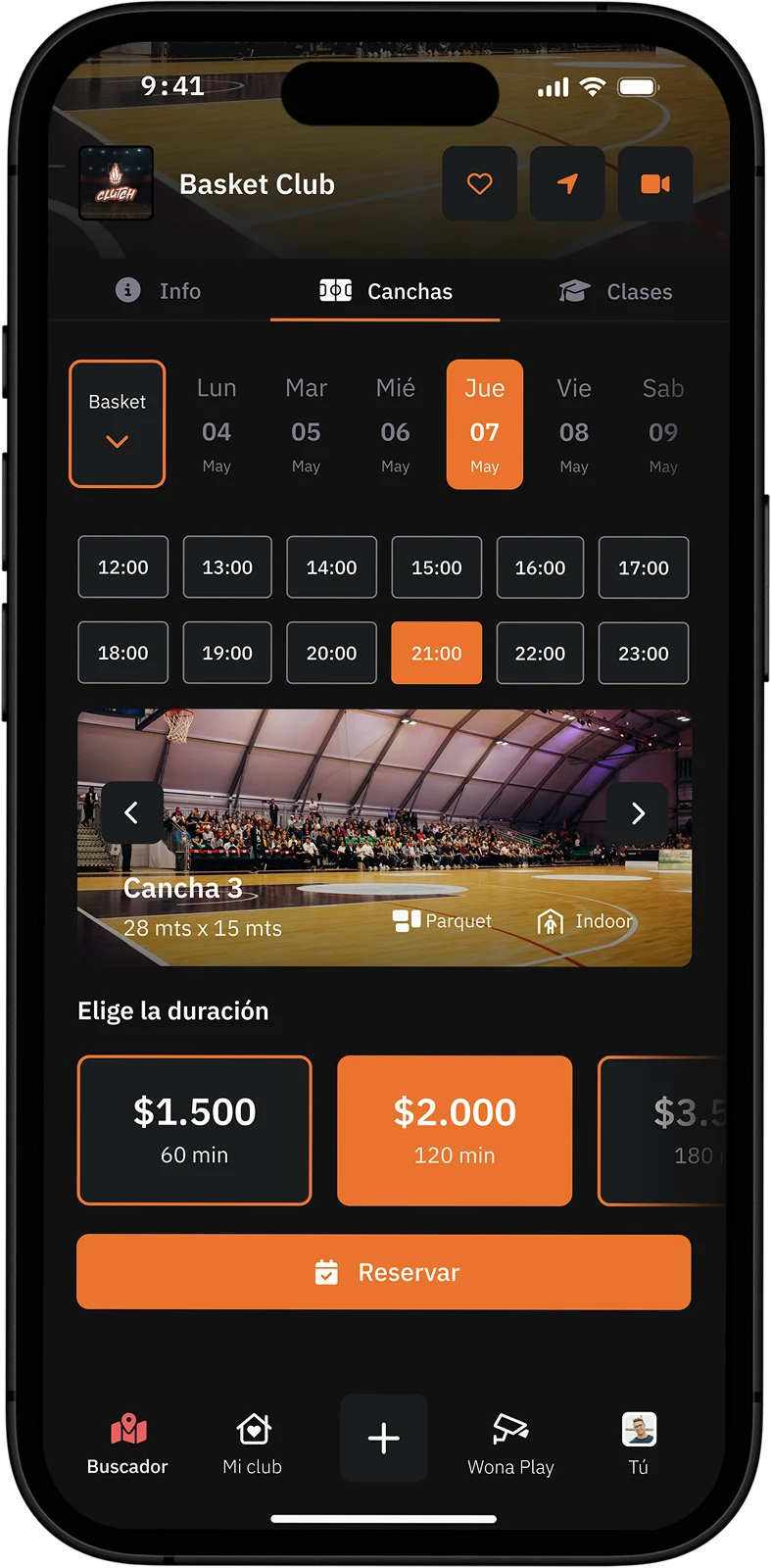
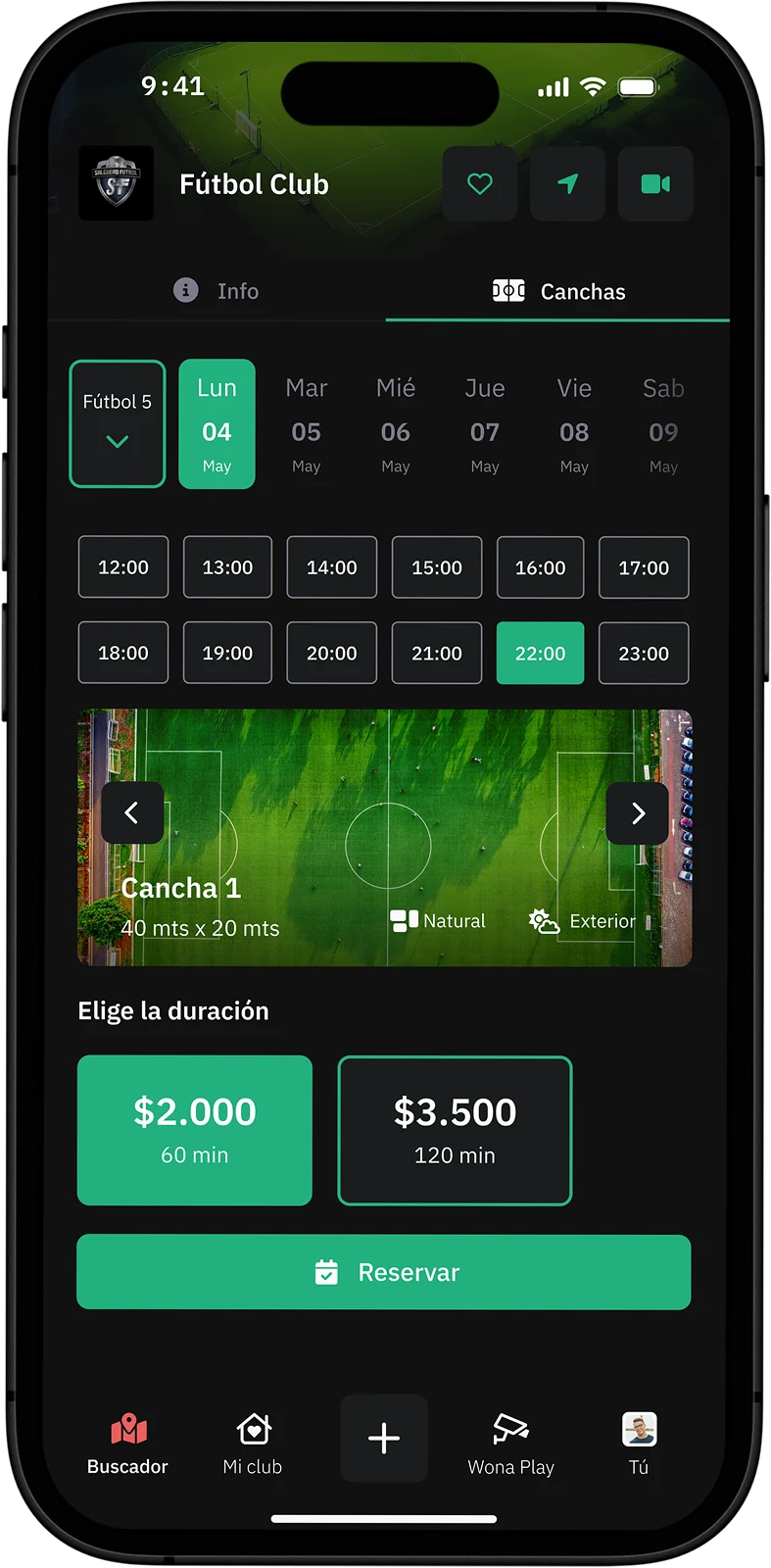
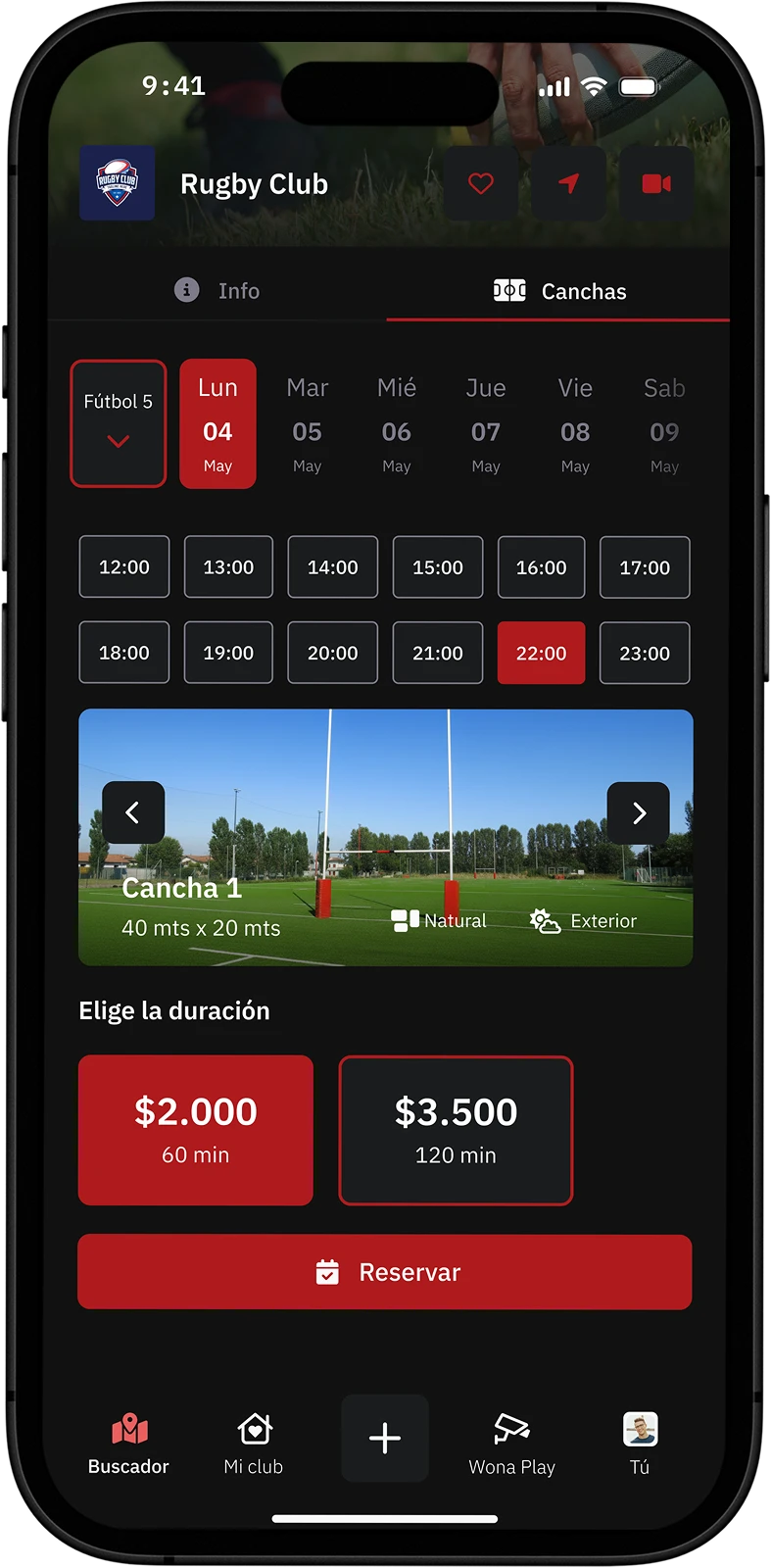
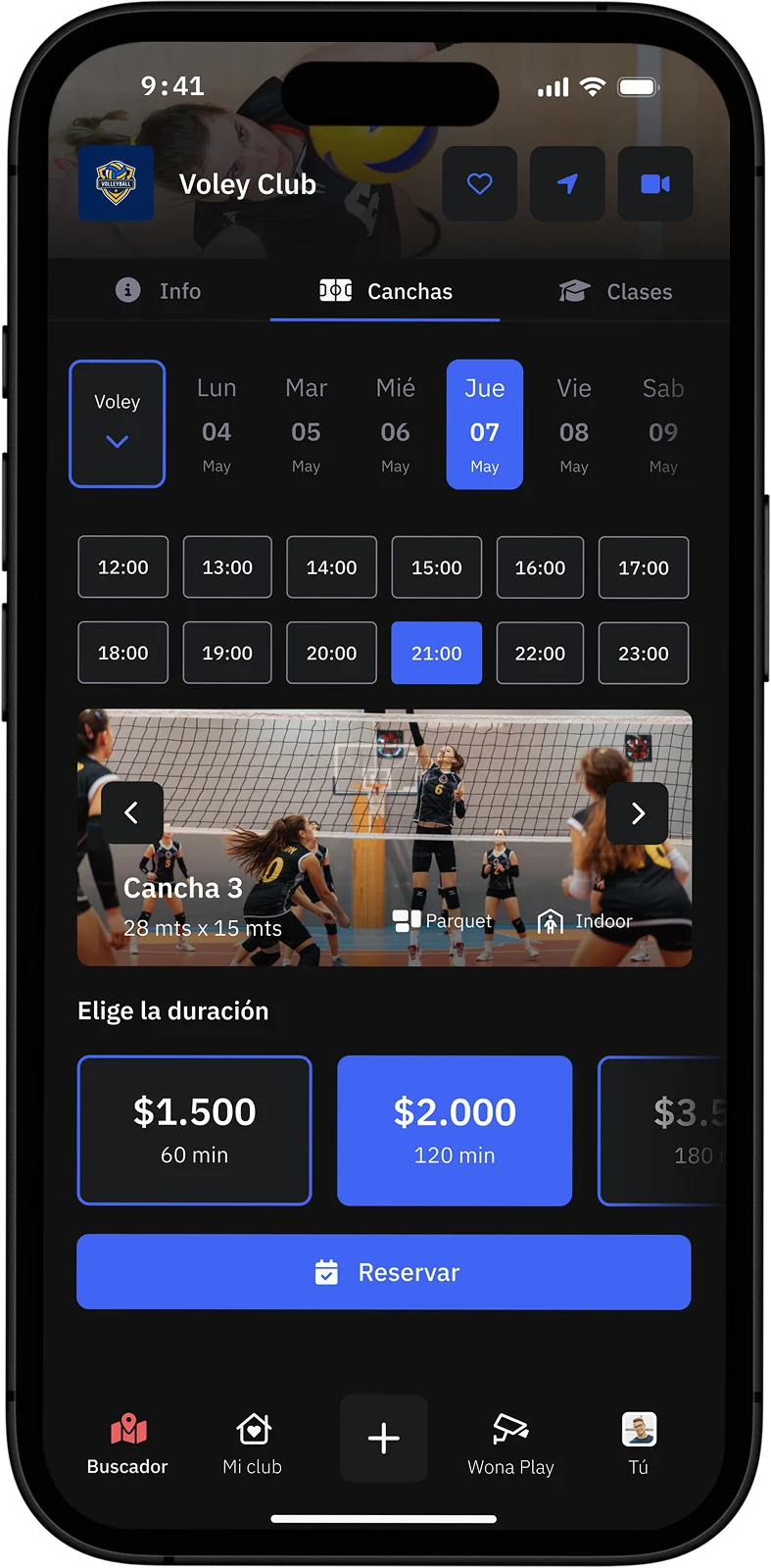
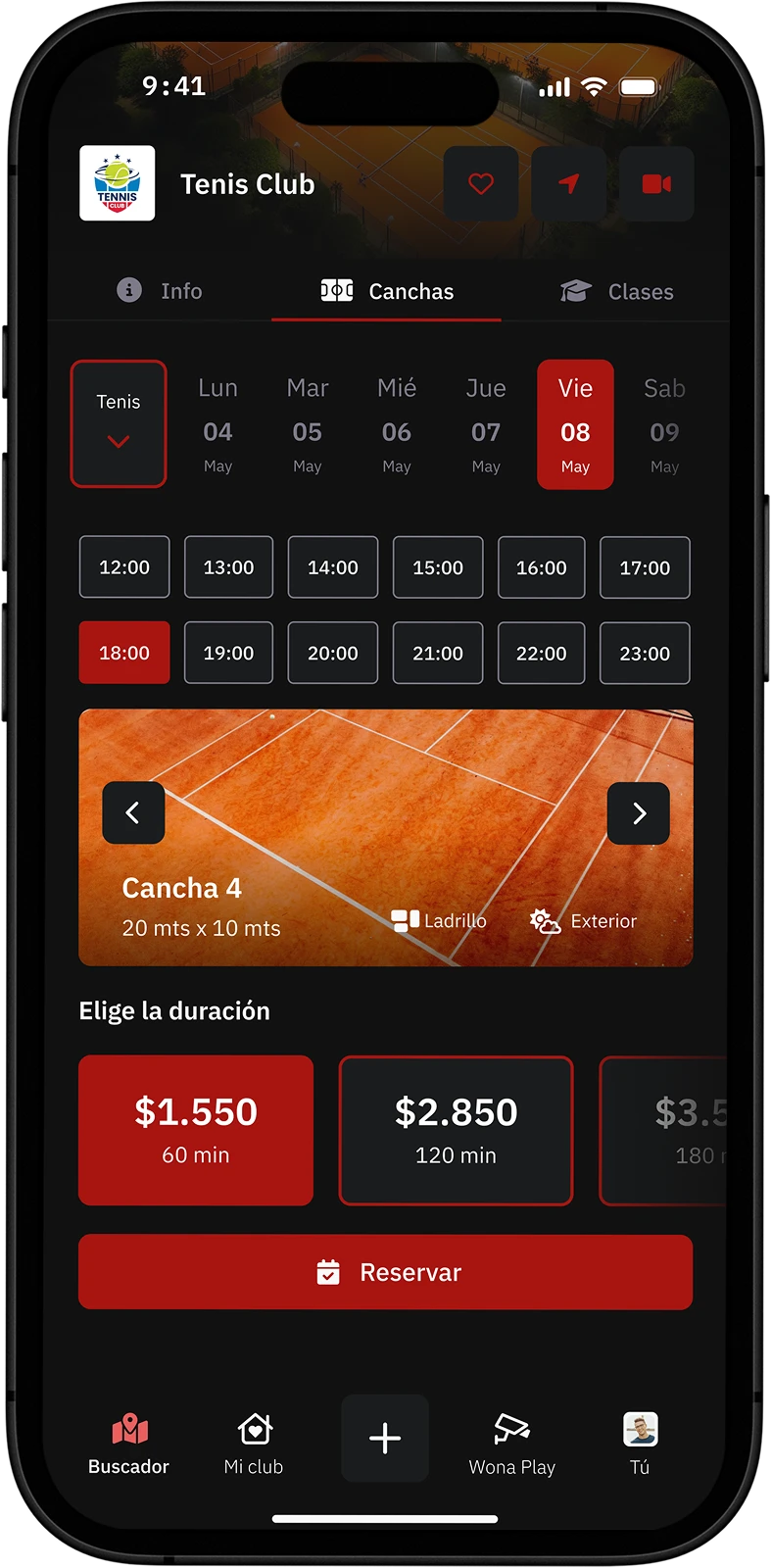
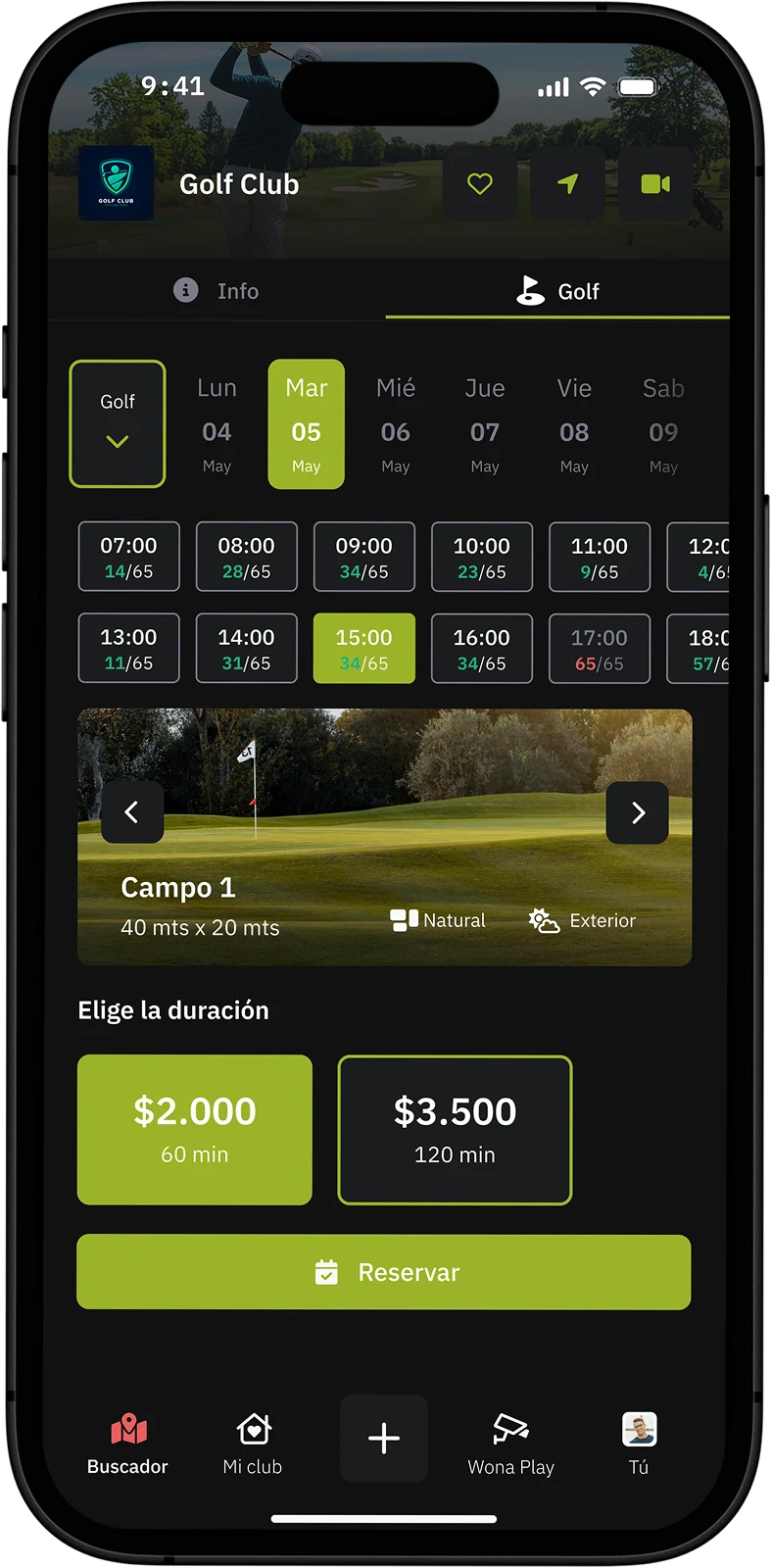
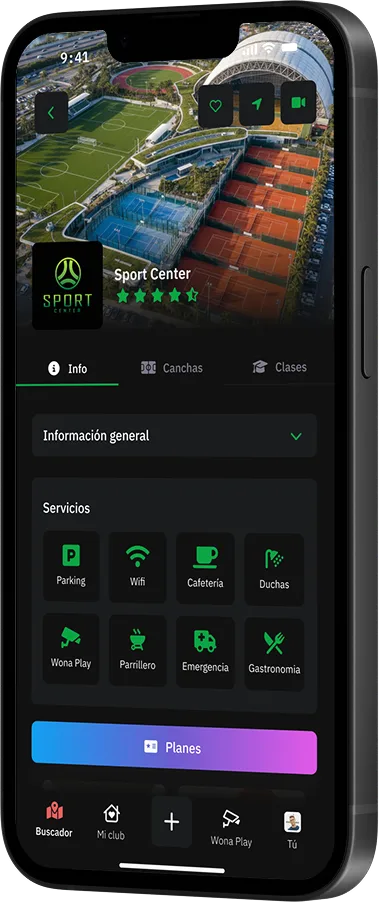
 In the Wona marketplace, court clubs have a profile designed to maximize the booking of spaces and classes. Users can view general club information, know what sports it offers, check schedules in real time and book courts directly from the app. They can also discover classes like tennis, padel, basketball or other sports, with their schedules, availability and membership plans to sign up and learn. All in an attractive visual environment adapted to the club's institutional colors.
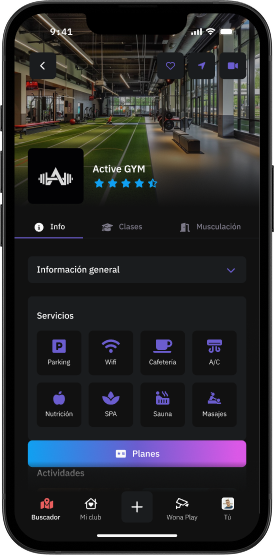
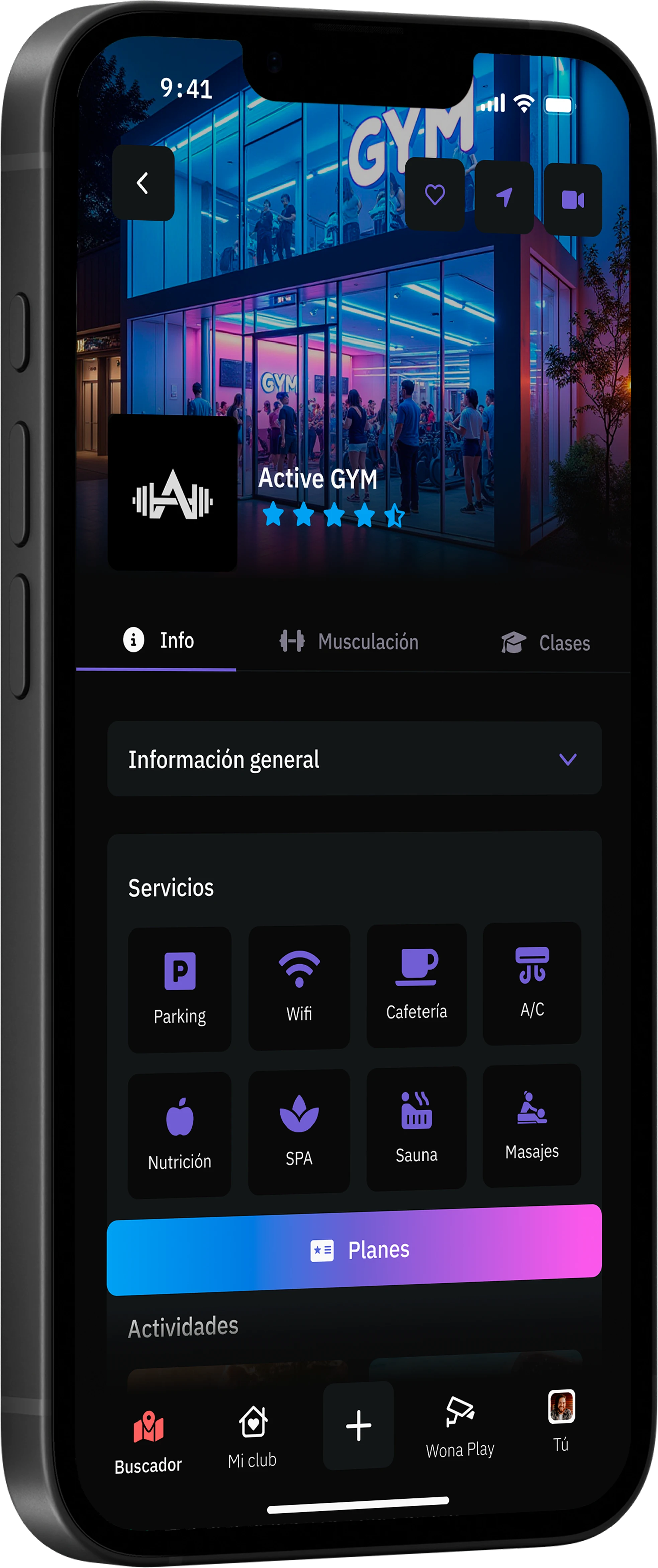
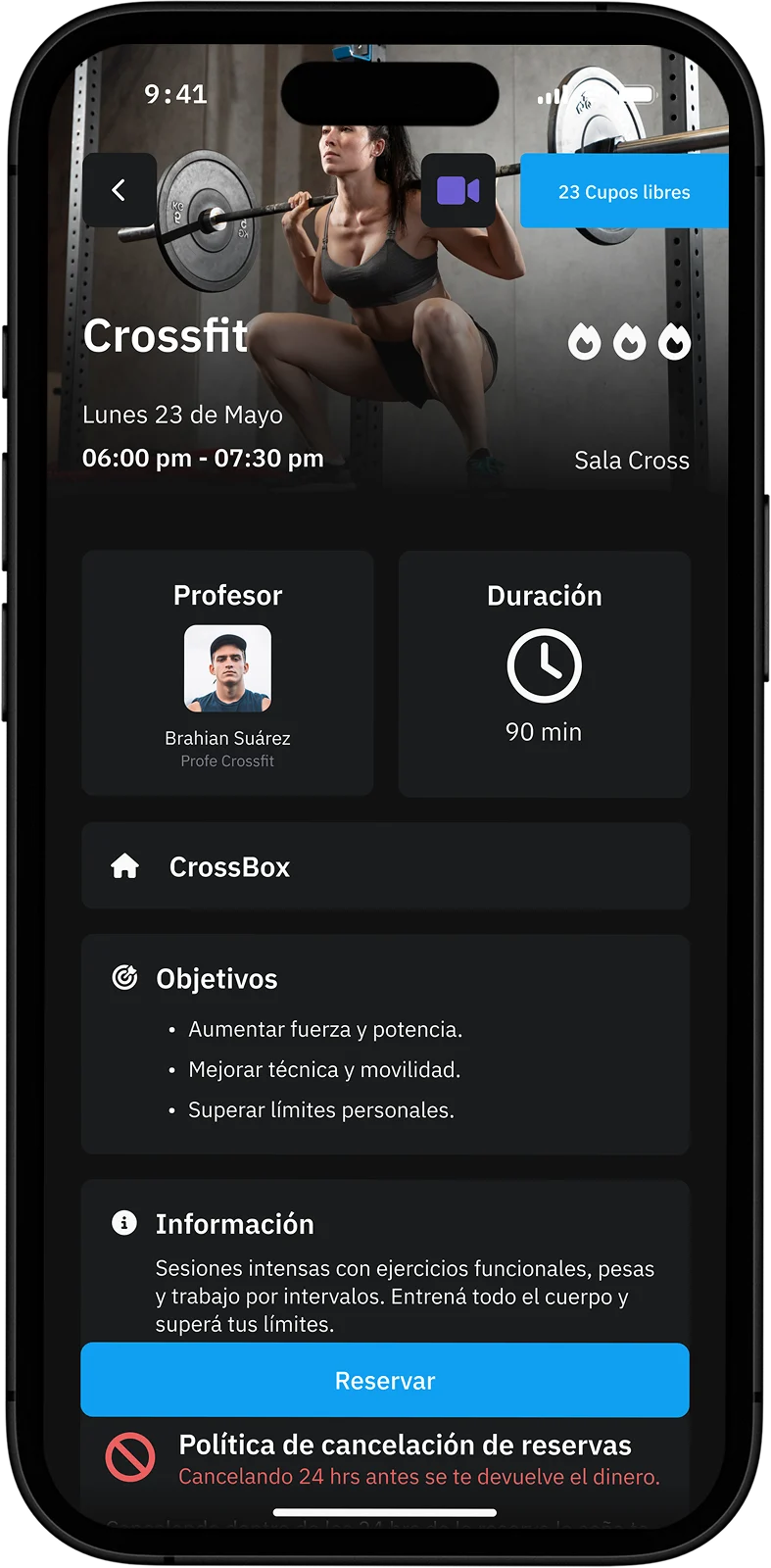
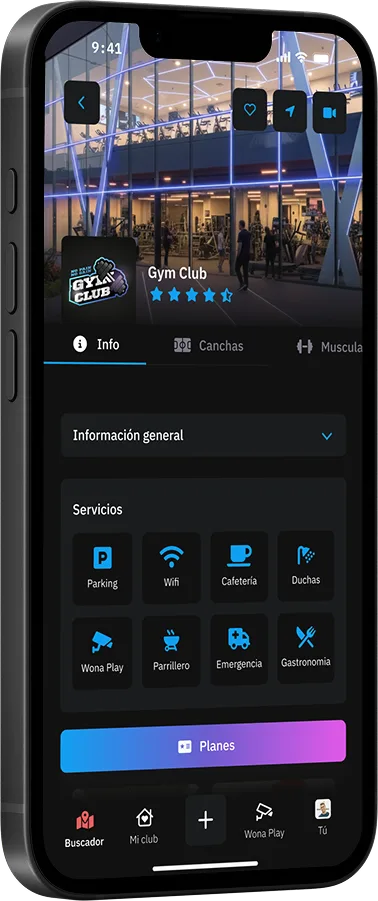
 Fitness clubs in Wona have a profile designed to highlight everything they offer and facilitate the acquisition of new members. Users can access photos, videos and general club information, view the class schedule with images and videos of each activity, and register easily from the app. In addition, they can buy membership plans and book their classes in real time, enjoying an agile and modern experience. All with the possibility of customizing the profile with the club's colors to maintain its identity and differentiate itself in the marketplace.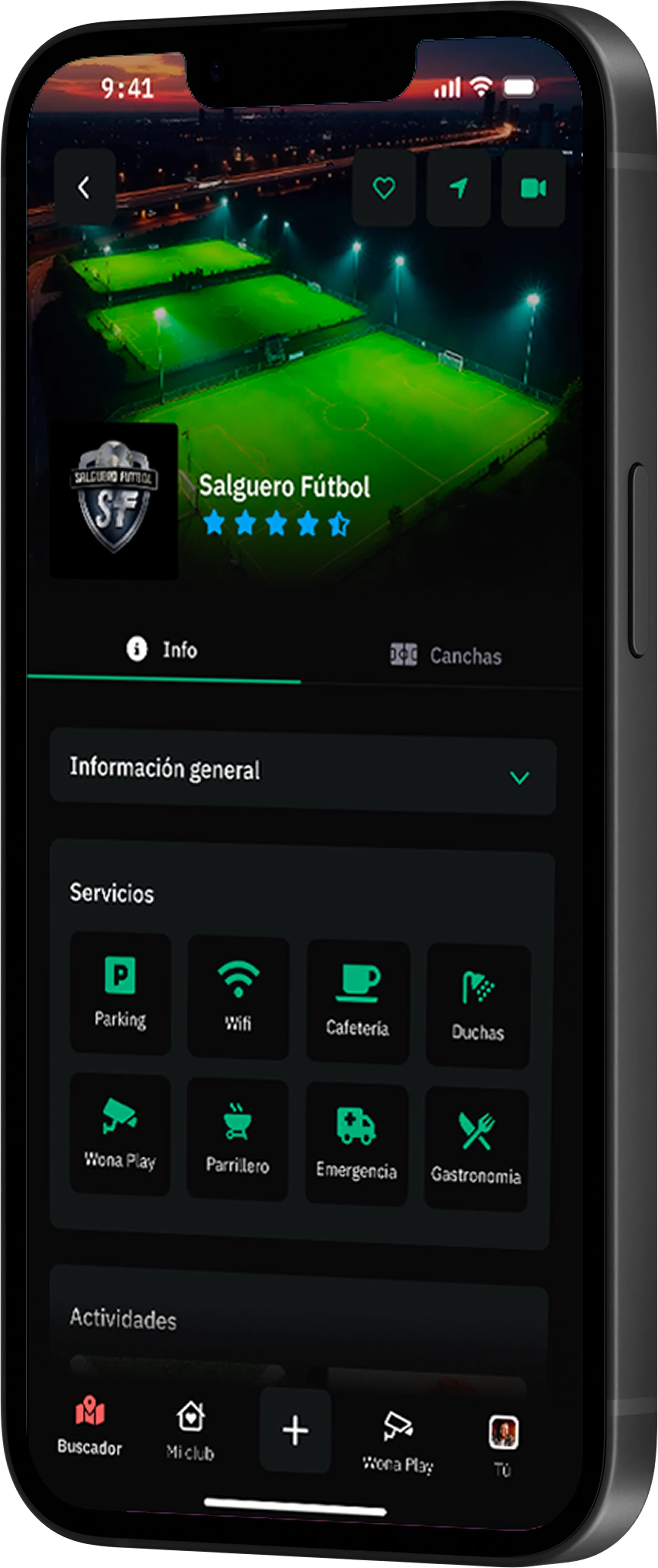
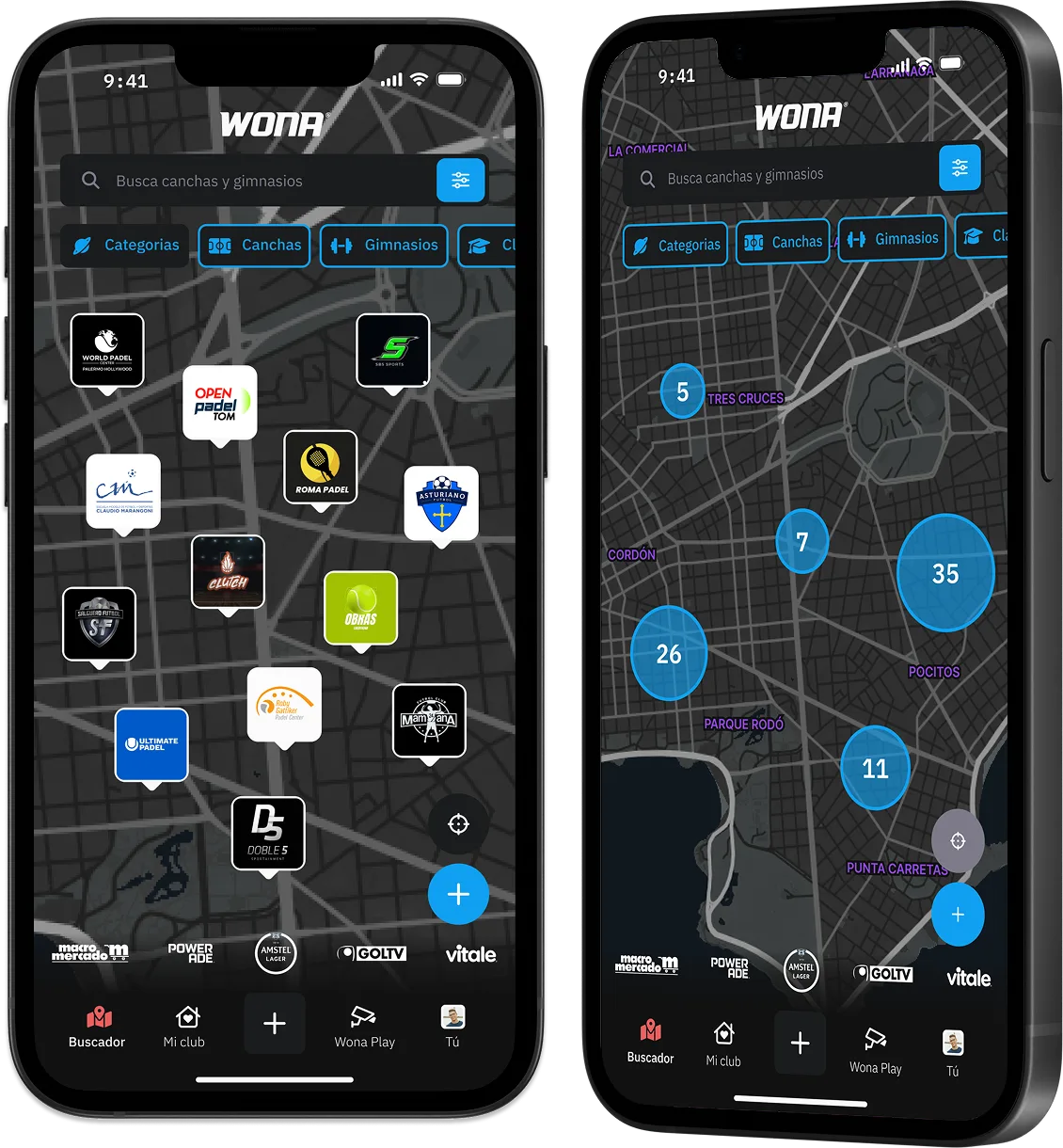

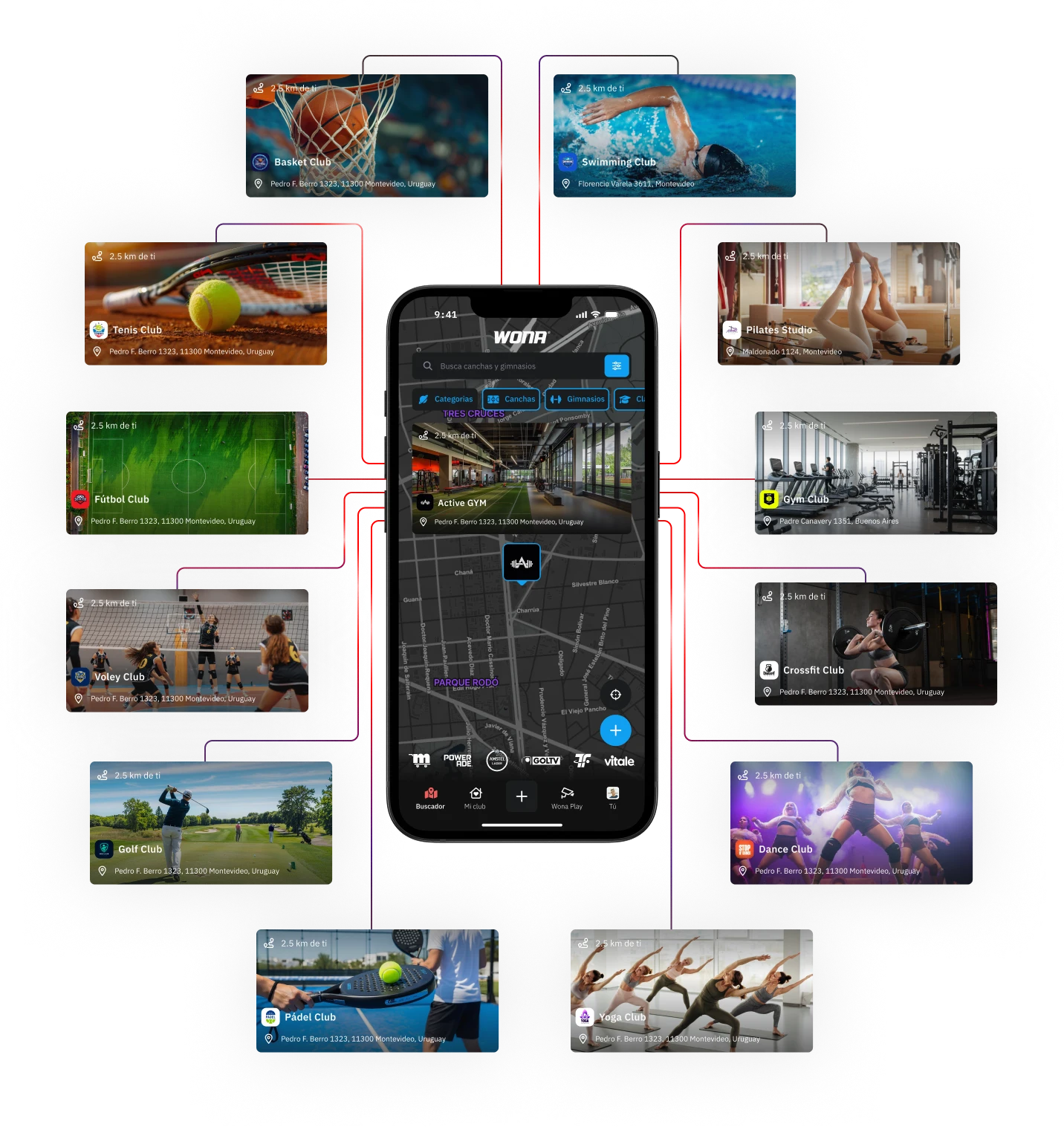
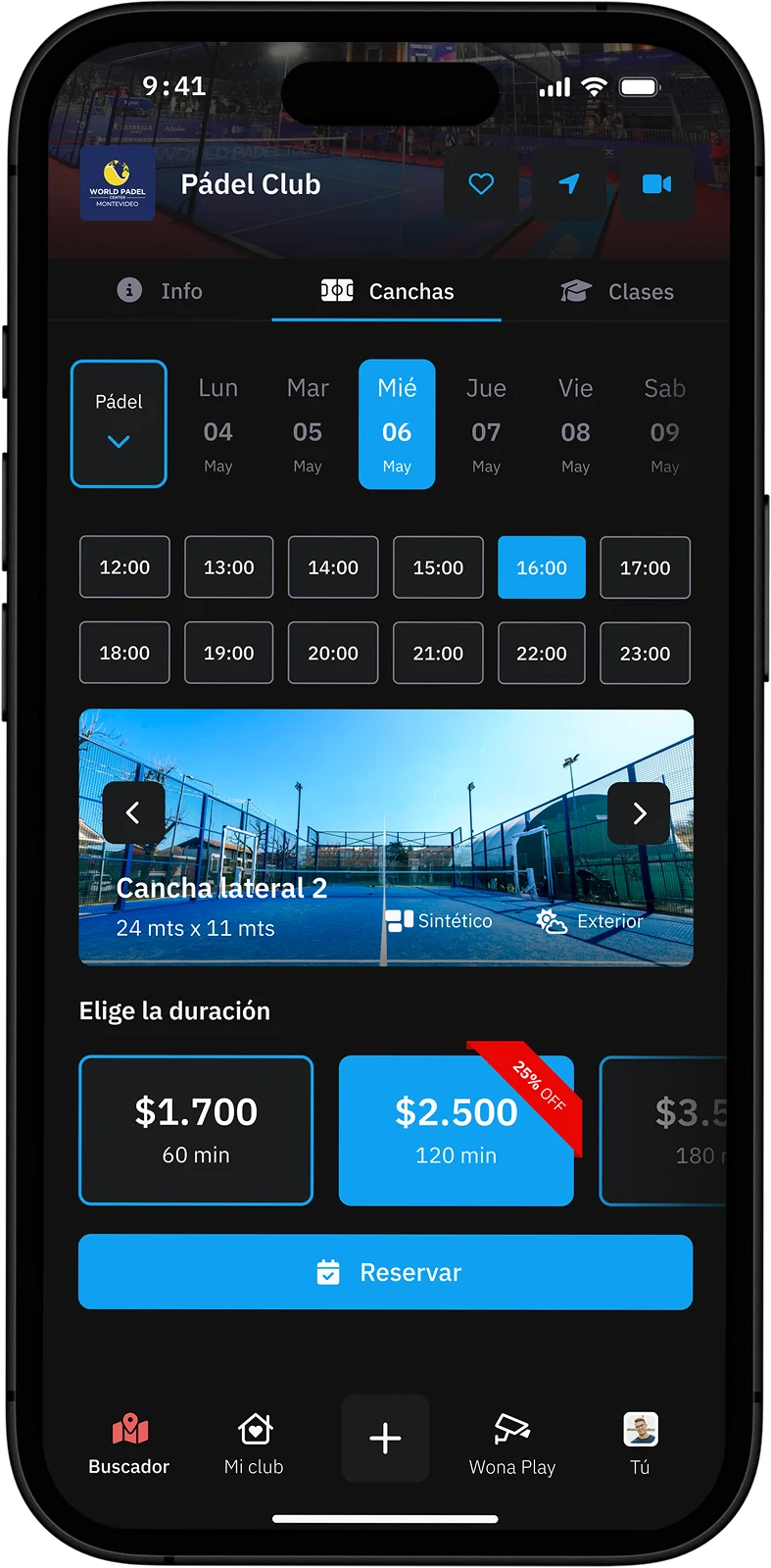
Forget about calls, messages and waiting. With Wona, finding and booking your next court or class is fast and hassle-free. Check real-time availability, choose the time you prefer and confirm your reservation with just a few clicks. Everything from the app, simply, autonomously and instantly.



From WonaSports comes WonaPlay, the first streaming transmission channel for amateur sports. Recording a large number of amateur sports matches in various sports centers, we offer and make them available to our users so they can watch them again.
Complete the data so the Wona team will contact you or write to us directly on Whatsapp.
 Whatsapp